Most established DAWs can make many styles of music. A program associated with electronic performance can record a singer, and a program associated with recording studios can sequence a beat. The meaningful differences are workflow, included tools, platform support, collaboration needs, and edition limits.
Write a short production brief for yourself
Answer these questions before comparing products:
- Will you mainly draw notes, perform instruments, record microphones, or combine them?
- How many sources must you record simultaneously?
- Do you need to perform with clips live, or mainly finish linear songs?
- What computer and operating system will you use?
- Do collaborators require editable sessions in a particular application?
- Which external plugins or hardware must work?
- What is the full budget, including required content and future licensing commitments?
A songwriter recording guitar and voice may prioritize quick input setup and take editing. A beatmaker may care more about note entry and drum sequencing. A performer may want flexible clip launching. These priorities can overlap, but ranking them prevents every attractive feature from becoming a requirement.
TRY IT HERE
Make it your session
Turn the steps into a plan you can save.
Ready when you are. Audio starts only when you press Play.
Keep experimenting in the beat maker LabUnderstand workflow differences without turning them into rules
Ableton Live offers both a linear Arrangement View and a clip oriented Session View. If you like trying combinations before committing to a timeline, test that interaction. Its official manual explains the two views. Start with the Live first loop tutorial to see whether the model makes sense to you.
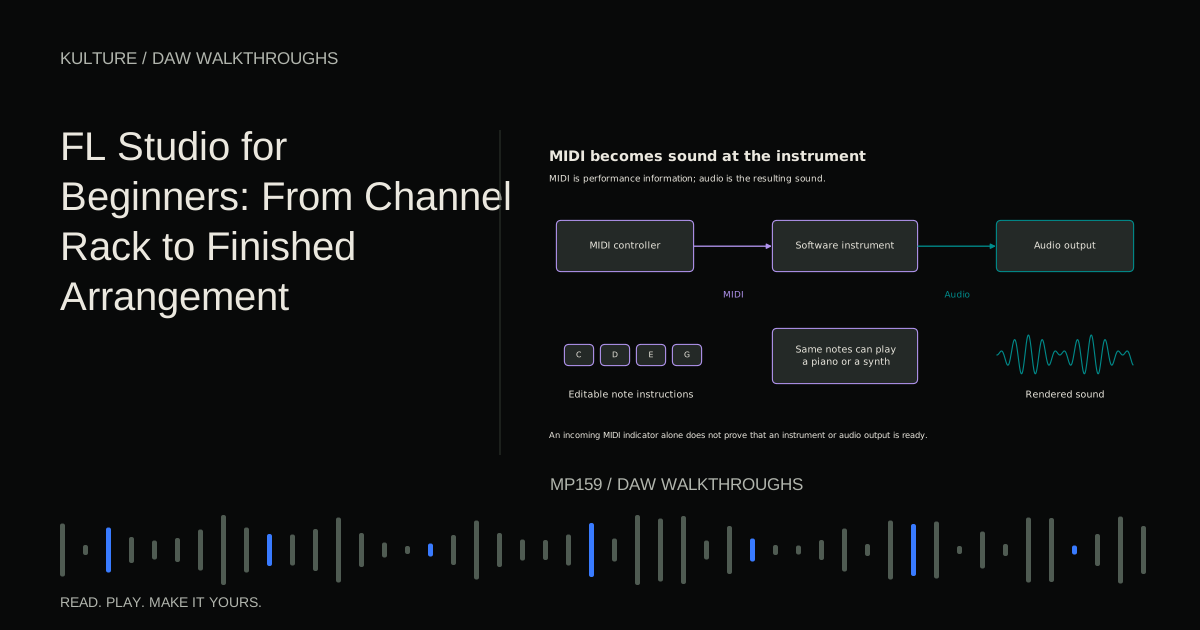
FL Studio organizes much of its creative workflow around the Channel Rack, patterns, Piano roll, Playlist, and Mixer. These objects are related but not automatically identical lanes. Producers who enjoy building patterns may find this flexible; others need time to understand the separation. Image Line's Playlist documentation explains those relationships.
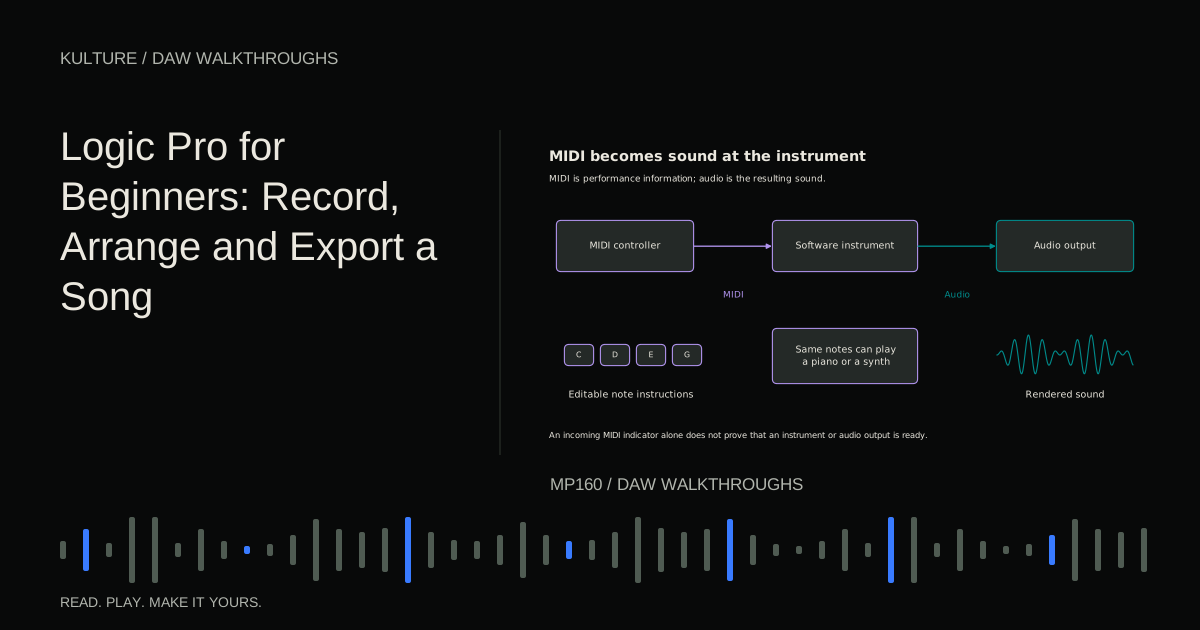
Logic Pro and GarageBand on Mac combine instrument creation, recording, and a linear arrangement environment. GarageBand can provide a simpler starting surface, while Logic exposes a broader set of tools. Use Apple's current requirements and feature descriptions for the specific platform: Logic Pro for Mac and Logic Pro for iPad are not interchangeable instructions.
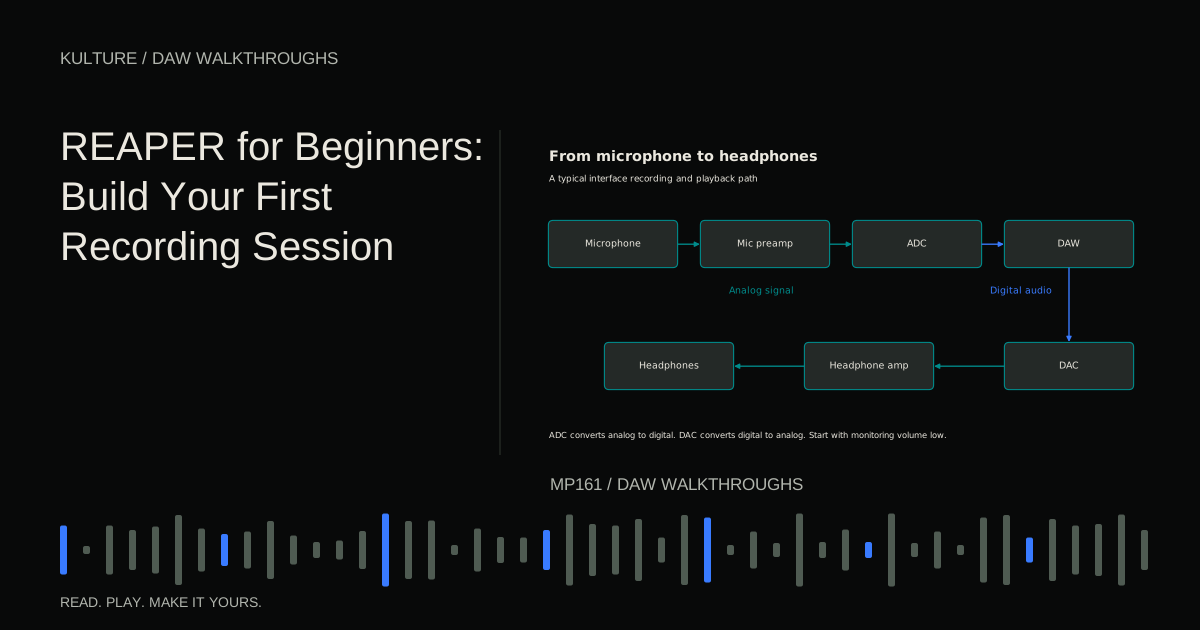
REAPER emphasizes a flexible track and routing system with extensive editing and configuration. Its included effects are useful, but do not assume it supplies the same large acoustic instrument library as another DAW. Test your actual sound source needs alongside its recording workflow. The official user guide page provides current documentation.
Cubase, Fender Studio Pro, and Pro Tools offer substantial recording, editing, MIDI, and mixing environments, with capabilities varying by edition. Rather than treating them as a single category, compare the exact tasks you perform most often: comping takes, changing MIDI notes, managing routing, and delivering files.
A naming note matters here: PreSonus Studio One Pro became Fender Studio Pro in 2026, with version 8 introduced under the Fender name. Fender's announcement confirms the change. The separate Fender Studio app is not simply another name for the full Studio Pro DAW.
BandLab Studio runs in a browser or mobile app and can reduce installation barriers. Its browser workflow is distinct from desktop products associated with the broader BandLab company. Read BandLab's Studio introduction and test browser permissions, recording response, saving, and export on your machine.
Compare editions, not just product names
Before paying, verify the exact edition's track limits, audio recording capability, plugin support, included instruments, export formats, and upgrade policy. A feature demonstrated in a video may belong to a higher edition or a separately licensed instrument.
Trials can also have restrictions. Check whether they reopen saved projects, allow export, or mute particular plugins. A trial is useful only when you know which limitations belong to the trial rather than the workflow itself.
Avoid choosing based on a temporary price alone. Consider the licensing arrangement you are accepting: perpetual license, subscription, upgrade entitlement, or bundled introductory edition. Terms change, so inspect the current official purchase page before committing.
A free or included DAW that meets your needs can be a sensible long term tool. Equally, a paid application may save enough time to justify its cost. The question is whether a specific capability matters to your work, not whether expensive software sounds automatically better.
Run the same thirty minute test in each candidate
Use a small original exercise rather than browsing every menu:
- Set the project to 100 BPM and 4/4.
- Create a drum pattern with kick on beats 1 and 3 and snare on 2 and 4.
- Add four one bar chords: A, C, E, F, A, C, C, E, G, and G, B, D.
- Add bass roots A, F, C, and G.
- Record a short voice or instrument phrase if recording matters to you.
- Duplicate the material into sixteen bars with a quieter introduction.
- Export a stereo audio file and reopen the editable project.
This test touches navigation, instruments, editing, recording, arrangement, saving, and export. It also reveals whether missing content or an edition limit interrupts you.
Do not judge solely by the first ten minutes. Every unfamiliar DAW has vocabulary to learn. Use its official beginner guide for one attempt, then repeat the same task without the guide. The improvement between attempts is more informative than initial confusion.
Score friction, not prestige
After each test, write short observations under five headings: recording, note entry, arrangement, mixing, and file management. Add one for live performance or collaboration if relevant.
Use specific comments: “I could not tell which mixer channel held the bass,” “changing chord notes was quick,” or “exporting selected the wrong time range until I understood the locators.” Avoid vague scores such as “professional” or “sounds warm” when you are comparing different presets at different levels.
If comparing sound, use the same audio files and equivalent processing, with level matched playback. Different default instruments and mastering chains can create the impression that one DAW is inherently better when you are actually hearing different content and settings.
Consider the next year without buying for an imaginary career
Useful growth questions include whether you can add the inputs you expect to need, collaborate with your current partners, and archive projects reliably. Less useful questions concern elaborate features you have no plan to use.
If collaborators use another DAW, common start audio files and MIDI can often bridge the gap, though they do not preserve every plugin and routing decision. Read the cross DAW collaboration guide before assuming you must switch software immediately.
Your decision exercise is to choose two realistic candidates, complete the same sketch in both, and name the three differences that affected finishing it. Pick the one that best fits your priorities, then commit to completing several tracks before reconsidering. Familiarity gained through finished work is usually more valuable than repeatedly starting over in a new interface.
TAKE IT INTO YOUR OWN MUSIC
Your next session.
Useful growth questions include whether you can add the inputs you expect to need, collaborate with your current partners, and archive projects reliably. Less useful questions concern elaborate features you have no plan to use.
Notes and progress stay in this browser.

![Ableton Live for Beginners: Make and Export Your First Loop: Kick, snare and closed hat triggers on a sixteen step grid: [[1, 9], [5, 13], [1, 3, 5, 7, 9, 11, 13, 15]].](/assets/guide-art/ableton-live-for-beginners-make-and-export-your-first-loop-7eb7fd8bcc.svg)