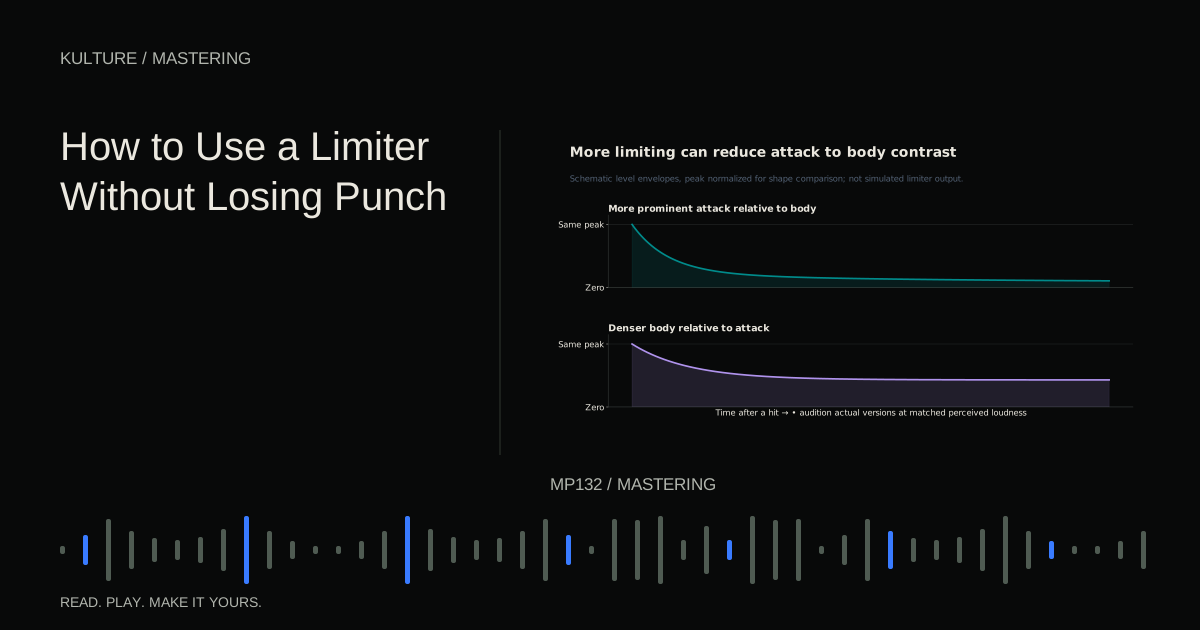
A limiter reduces gain to keep output near a chosen ceiling. It can control occasional peaks or create a deliberately dense sound. It cannot provide unlimited loudness without changing dynamics or introducing artifacts.
Find out what is triggering it
Before adjusting timing, watch the gain reduction display while listening. Gain reduction is how much the limiter turns the signal down. Does it move mainly on the kick? Does a sustained bass note keep it active? Does one loud vocal consonant cause a sudden dip?
If one instrument dominates the detector, fix that source when possible. Lowering an unusually loud kick hit or controlling a resonant bass note in the mix may preserve the rest of the song better than asking the final limiter to solve everything.
Do not assume bass is always the problem. A bright percussion transient, vocal peak, or stacked snare can also determine the available headroom. Listen and inspect before making changes.
TRY IT HERE
Explore the transfer curve
See how threshold and ratio change a steady input level.
Ready when you are. Audio starts only when you press Play.
Keep experimenting in the stem splitter LabEstablish a clean comparison
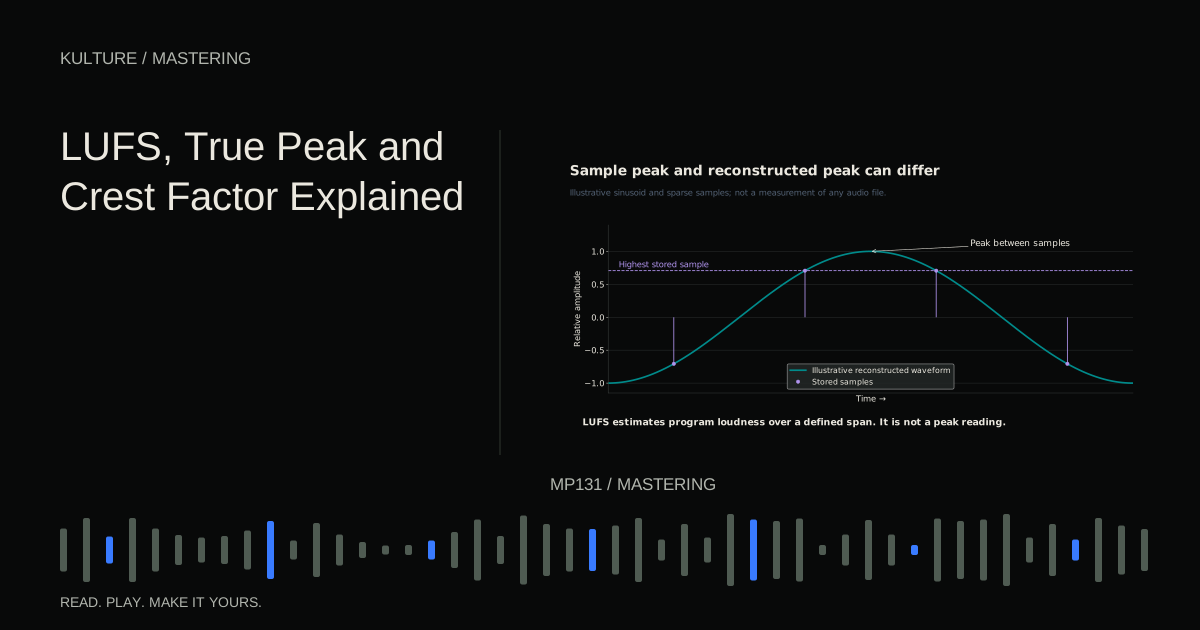
Place the limiter near the end of the intended processing chain, with an appropriate meter afterward. Set its output ceiling to suit the delivery requirement. A true peak ceiling and a sample peak ceiling are not identical; use the intended mode and verify the rendered file.
Start with little or no gain reduction. Increase input gain slowly. Keep a way to compare with the unprocessed mix at similar perceived loudness, either through compensated bypass or a separate gain control.
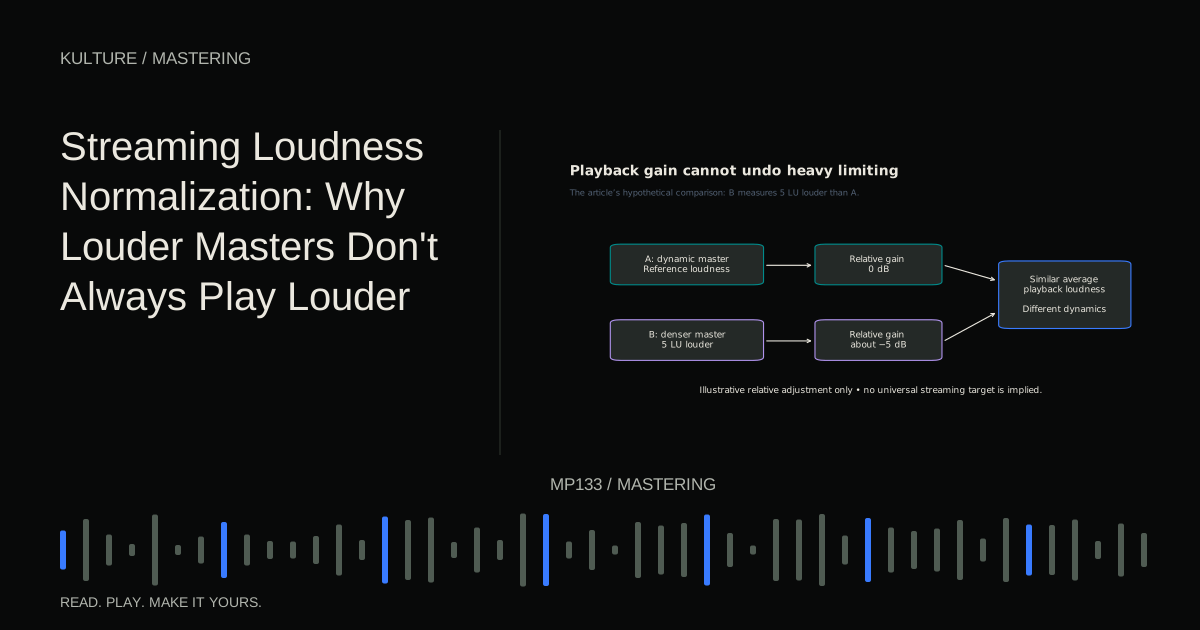
If bypassing makes the sound quieter, the louder processed signal will often win automatically. The level matched reference method applies equally well to before and after processing tests.
Understand lookahead without chasing a magic value
Lookahead lets a processor examine incoming audio slightly before producing its output. That gives it time to react to a peak. The cost includes latency and potentially a different transient shape.
Short lookahead can retain a more immediate impression in some designs but may increase distortion. Longer lookahead can produce smoother control while softening attacks. The exact trade off depends on the algorithm.
FabFilter's Pro L 2 advanced settings documentation explains its transient and release stages. Other limiters may label or implement controls differently, so “use 1 ms” is not portable advice.
Change one timing control at a time while looping a demanding passage. If the difference is unclear, return to the default rather than inventing a reason to prefer a number.
Listen to release as movement
Release describes how gain reduction recovers, though many modern limiters use adaptive or multi stage behaviour. A recovery that is too fast for the material can create roughness or modulation. A recovery that is too slow can keep the following beat suppressed.
Try a passage with kick hits separated by audible spaces. Listen to the bass and ambience between hits. If they seem to swell unnaturally, the limiter may be pumping. If the entire groove remains pinned down after each hit, recovery may be too slow or the input may simply be too high.
Tempo can inform what you hear, but limiter timing does not have to equal a musical note value. Waveform shape, low frequency content, and algorithm design matter too.
Use oversampling for the right reason
Oversampling processes audio at a higher internal rate and can reduce some artifacts produced by nonlinear processing. It can also increase CPU use and latency. It is not a guarantee that aggressive limiting becomes transparent.
FabFilter's oversampling explanation connects it to aliasing and fast limiting behaviour. Read your limiter's manual and compare the actual result. If an offline export uses different oversampling from playback, verify the final file rather than assuming both versions match.
True peak limiting and oversampling are related implementation topics but not interchangeable switches. One estimates or controls reconstructed peaks; the other changes internal processing rate. Know what your specific plugin does.
Work through an example
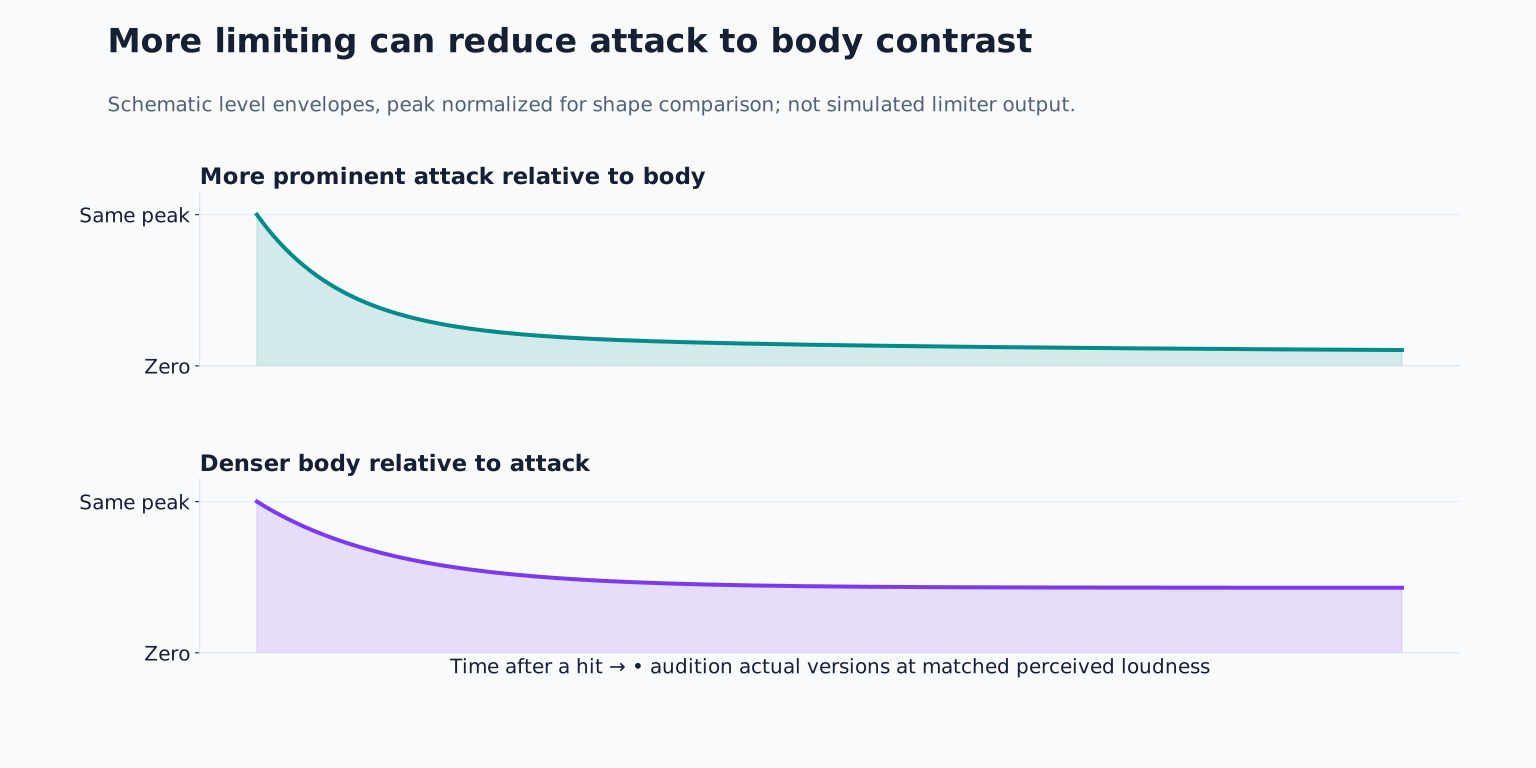
Suppose a house track has a short kick, a sustained bass, and bright hats. At a modest input boost, the limiter catches occasional peaks and the groove remains intact. Another 3 dB makes the waveform denser, but the kick loses its leading edge.
First match playback loudness between the moderate and heavy versions. If the moderate version now feels punchier, keep it as the benchmark. Try reducing the bass's excessive sustain in the mix or lowering one resonant note. Return to the limiter and see whether the same desired loudness requires less gain reduction.
If the kick still loses impact, test another suitable limiter style or reduce the loudness ambition. Do not automatically add a transient enhancer after the limiter; that can recreate peaks you just controlled and complicate the ceiling.
The successful result may be slightly quieter and substantially more energetic when normalized for playback.
Know when clipping is a separate decision
A clipper limits waveform amplitude through a different transfer behaviour and can intentionally create distortion. Some producers use clipping on selected sources before the final limiter. That can be effective, but it is not a mandatory mastering stage or a free way to preserve punch.
If you experiment, begin on a copy, use small amounts, and compare at equal level. Check bright percussion and low bass carefully. Avoid stacking several loudness processors without understanding which one causes the audible change.
Check the entire arrangement
The loudest chorus is not the only stress test. An exposed bass intro may reveal distortion hidden by a full arrangement. A final reverb tail may pump. A quiet vocal verse may become too forward after the density changes elsewhere.
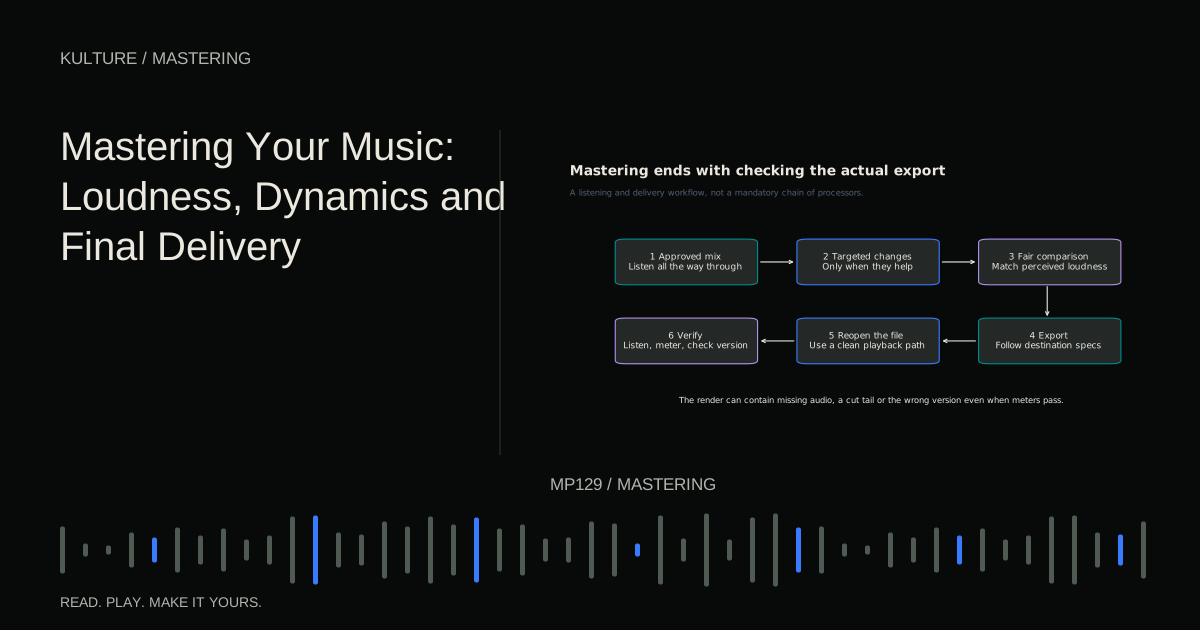
Measure the final render's loudness and true peak, but also listen from beginning to end. LUFS, true peak, and crest factor explains why these readings describe different things.
For practice, make three limiter versions with progressively higher input gain. Level match them and write one sentence about kick attack, bass texture, and vocal clarity in each. Choose the version that best supports the song, even if it is not the loudest. Save the rejected versions as evidence of where the trade off became unhelpful.
TAKE IT INTO YOUR OWN MUSIC
Your next session.
Suppose a house track has a short kick, a sustained bass, and bright hats. At a modest input boost, the limiter catches occasional peaks and the groove remains intact. Another 3 dB makes the waveform denser, but the kick loses its leading edge.
Notes and progress stay in this browser.