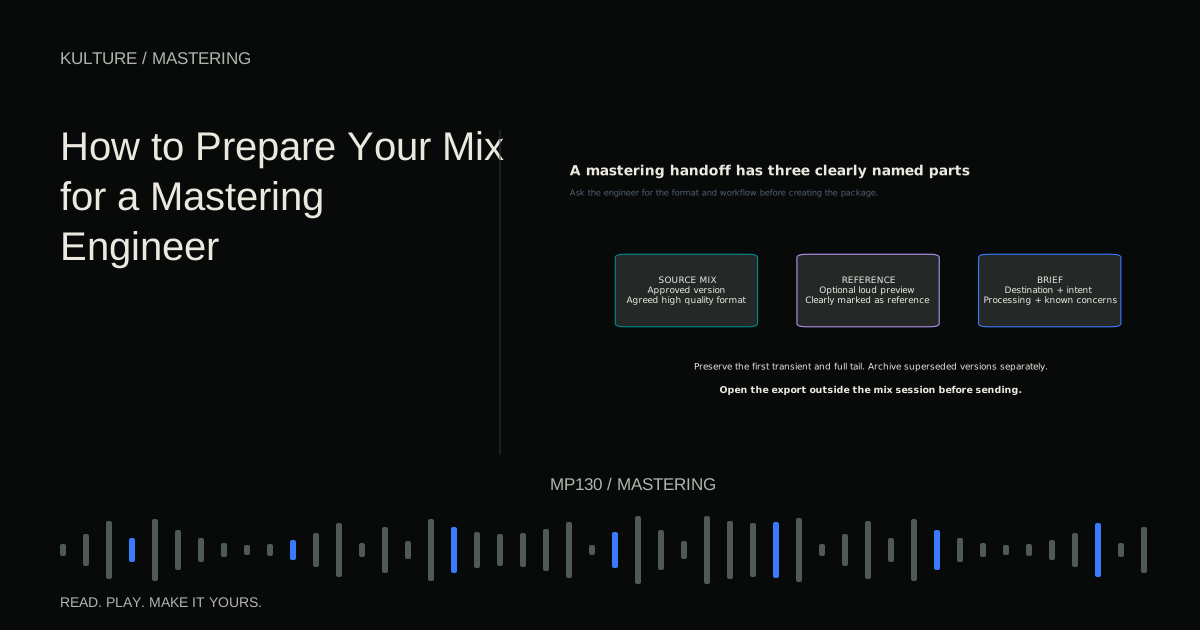
The engineer needs a trustworthy source and a clear brief. A tidy package reduces uncertainty and lets them focus on the music rather than guessing whether a limiter, alternate vocal, or abrupt ending is intentional.
Confirm that this is the approved mix
Play the song from beginning to end. Check that the lead performance is final, edits are clean, effects end naturally, and no temporary reference or guide track is audible. Confirm the version with collaborators before sending it.
Mastering is a poor place to discover that the second verse still contains an old take. If two versions remain under consideration, resolve that choice or clearly ask the engineer whether comparing both is within scope.
Make a dated copy of the session used for the export. Preserve the plugin states and source files. If a revision is needed later, you should be able to produce it without rebuilding the mix from memory.
TRY IT HERE
Make it your session
Turn the steps into a plan you can save.
Ready when you are. Audio starts only when you press Play.
Keep experimenting in the stem splitter LabKeep intentional mix bus processing
Mix bus processing means effects applied to the combined mix. Some processing is part of the sound you mixed into, such as gentle compression, saturation, or broad tonal shaping. Removing it can change balances and movement substantially.
Do not automatically disable everything on the master channel. Instead, identify what each processor does. Was the compressor shaping the groove throughout production? Was a final limiter added only to make a loud preview for a client? Those are different cases.
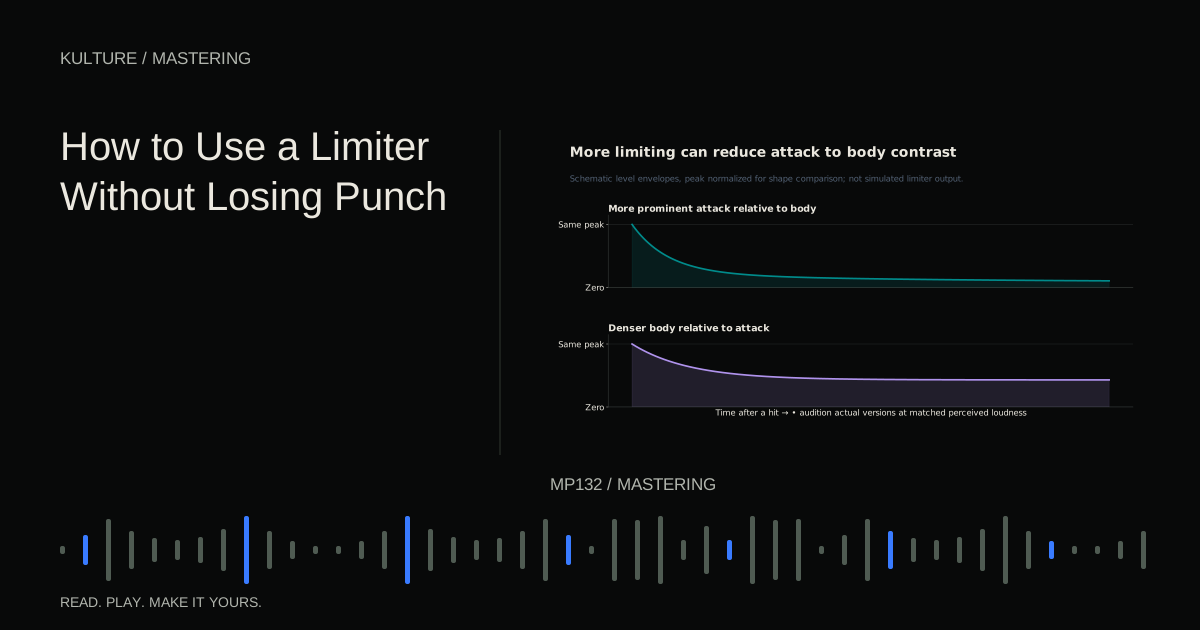
Discuss this with the mastering engineer. A common useful delivery is the intended mix without a temporary loudness limiter, plus the loud preview as a reference. If removing the limiter changes the sound dramatically, say so. Do not quietly send a version that no longer represents the approved mix.
Avoid accidental clipping, not arbitrary quietness
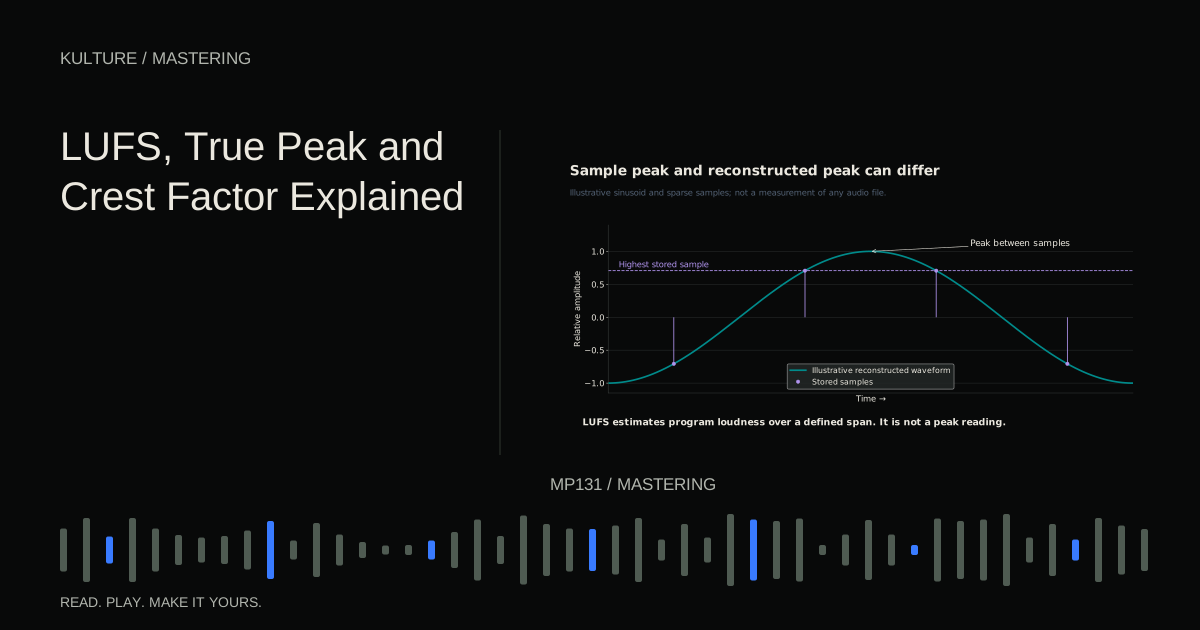
Digital clipping can occur when a fixed point output exceeds its available range, or within processing that does not tolerate the level. Lowering the final fader does not repair distortion already created upstream.
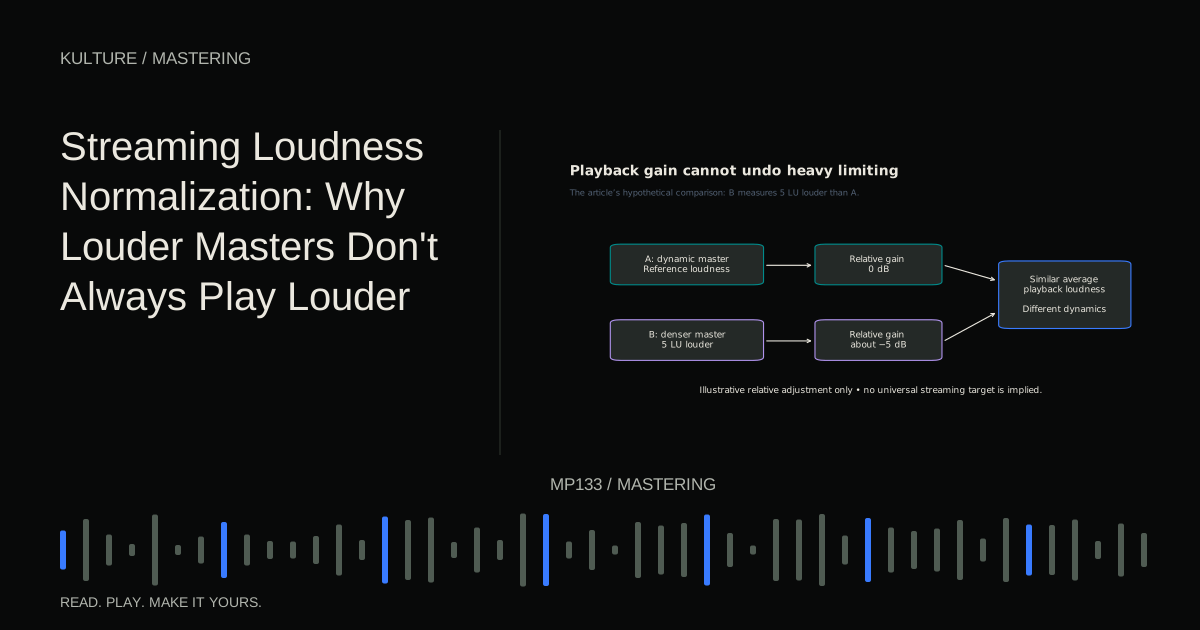
Check track, bus, and export behaviour. If the mix is already clean and below the relevant ceiling, you do not gain quality by chasing an exact peak number. The engineer can adjust level. What matters is that you have not irreversibly damaged the signal and that the delivery follows their request.
Floating point formats can preserve values above 0 dBFS in some workflows, but this is not permission to ignore clipping in plugins, converters, or playback. Send the agreed format and verify it.
For the difference between peak and loudness measurements, see LUFS, true peak, and crest factor.
Choose file settings with the recipient
An uncompressed stereo WAV at the session's sample rate is a common exchange format. The engineer may request 24 bit integer or 32 bit floating point. Follow the actual requirement rather than assuming one format is always best.
Do not upsample simply to make the file look more professional. Raising the sample rate after recording does not recreate missing information. Avoid unnecessary conversions, and leave final format creation to the agreed stage of the workflow.
Coordinate dithering. If you are delivering a floating point intermediate, dither is generally not needed for that export. If reducing to fixed point resolution, ask how the engineer wants it handled. Ableton's rendering documentation illustrates why export settings must be understood in the software being used.
Do not send an MP3 as the only mastering source when an original PCM mix exists. A compressed preview can accompany the source, clearly labelled, but should not replace it.
Preserve the beginning and ending
Include the full first transient and the complete intended reverb or delay tail. Listen to the first few seconds at a comfortable level and inspect the waveform boundary if necessary. A file can look complete while cutting into a soft pickup note.
Do not trim the ending immediately after the last MIDI note. Effects may continue after the instrument stops. Conversely, do not leave several minutes of accidental silence unless requested for a specific purpose.
For an album, explain whether the tracks overlap, segue, or require particular gaps. Provide a sequence reference when transitions are important. Individual song files alone may not communicate the intended flow.
Write a concise mastering note
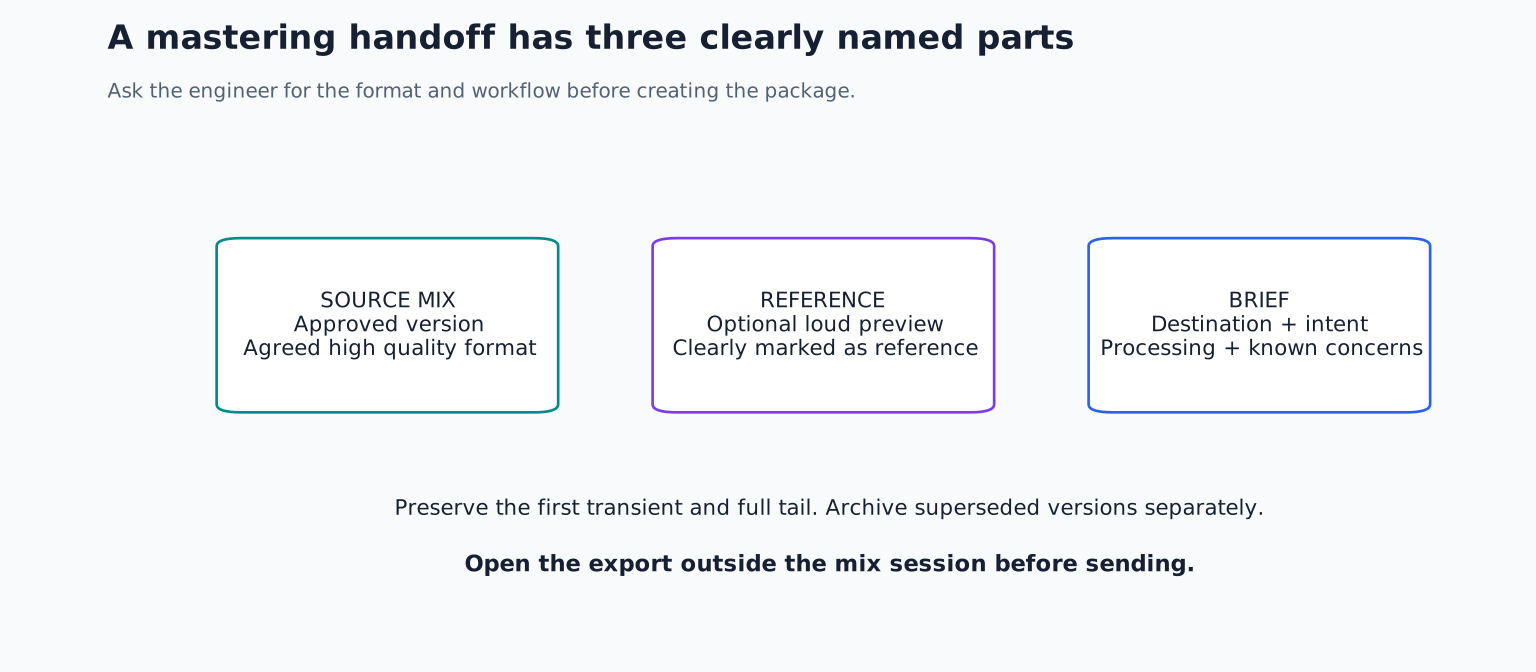
Include the artist and title, mix version, sample rate and bit depth, intended release destinations, approved sequence where relevant, and any known concerns. Mention processing that is musically important.
An example note might read:
“Night Window, mix v07, stereo WAV, 48 kHz/24 bit. The bus compressor is part of the approved sound. The loud preview limiter has been removed; the reference preview is included separately. Please preserve the contrast between the restrained first verse and the final chorus. There is an intentional tape noise tail after the final chord. Streaming release first; no vinyl preparation requested.”
That note gives practical direction without prescribing a complete chain. If you have a reference, identify the exact feature and timestamp rather than asking for a clone of another recording.
Package versions without ambiguity
Use names such as Artist_Title_Mix_v07_48k24.wav and Artist_Title_LoudReference_v07.wav. Avoid names like FINAL_FINAL_REAL.wav. Put superseded versions in a separate archive so they cannot be mistaken for current sources.
If you send instrumental or clean mixes, state whether they should receive matching mastering treatment. Different versions may respond differently to dynamics processing, so “same settings” does not always mean “same perceived result.” Agree on the desired outcome.
The alternate version delivery guide explains how to keep these files aligned and correctly labelled.
Check the package before transfer
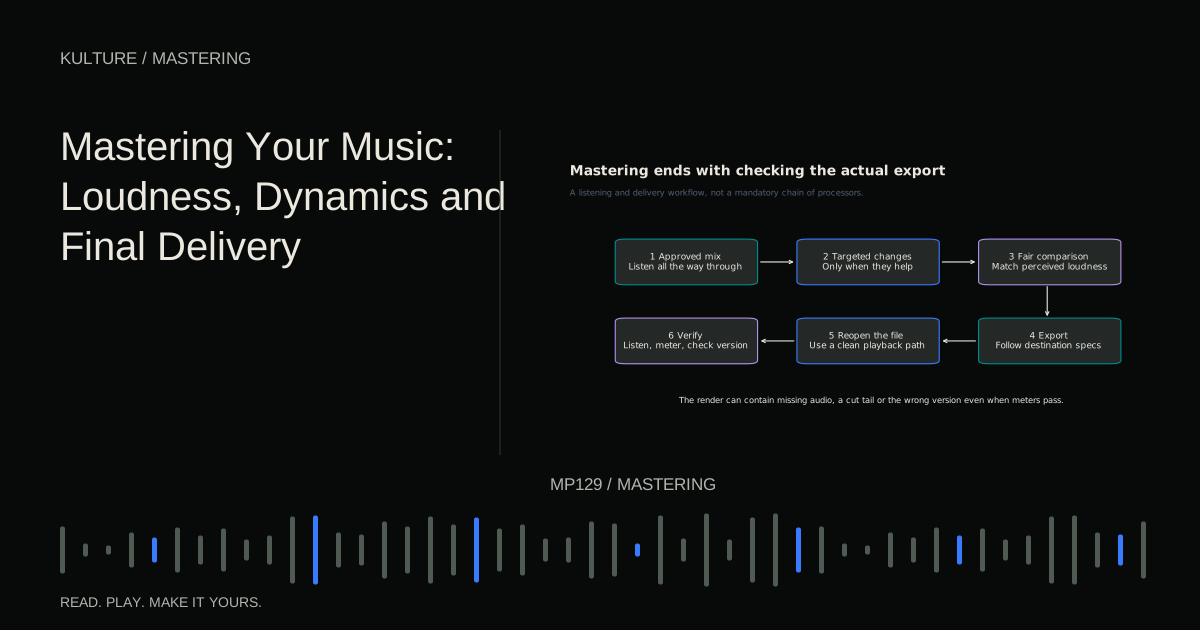
Open the exported file outside the original mix session. Confirm that left and right channels are present, the duration is correct, and the ending survives. Compare it with the in session mix at matched level. If it differs, investigate routing, export range, offline render behaviour, or missing external processing.
If sharing through a cloud service, confirm that the engineer can download the original file rather than only stream a preview. Do not apply additional compression or conversion during transfer. Keep a local copy of exactly what was delivered.
For a final exercise, create a mastering package for one track with the source mix, a labelled reference preview if useful, and a one page note. Ask someone unfamiliar with the project to identify the correct source without explanation. If they cannot, simplify the names and instructions before sending. Continue with the mastering overview to understand the next stage.
TAKE IT INTO YOUR OWN MUSIC
Your next session.
Open the exported file outside the original mix session. Confirm that left and right channels are present, the duration is correct, and the ending survives. Compare it with the in session mix at matched level. If it differs, investigate routing, export range, offline render behaviour, or missing external processing.
Notes and progress stay in this browser.