You need neither as a ritual on every export. Decide what the source format is, what the destination requires, and which stage is responsible for the final conversion.
Separate sample rate from bit depth
Sample rate describes how often a signal is sampled. Common music workflows use rates such as 44.1 kHz or 48 kHz, meaning 44,100 or 48,000 samples per second. Bit depth describes numerical resolution in fixed point PCM storage.
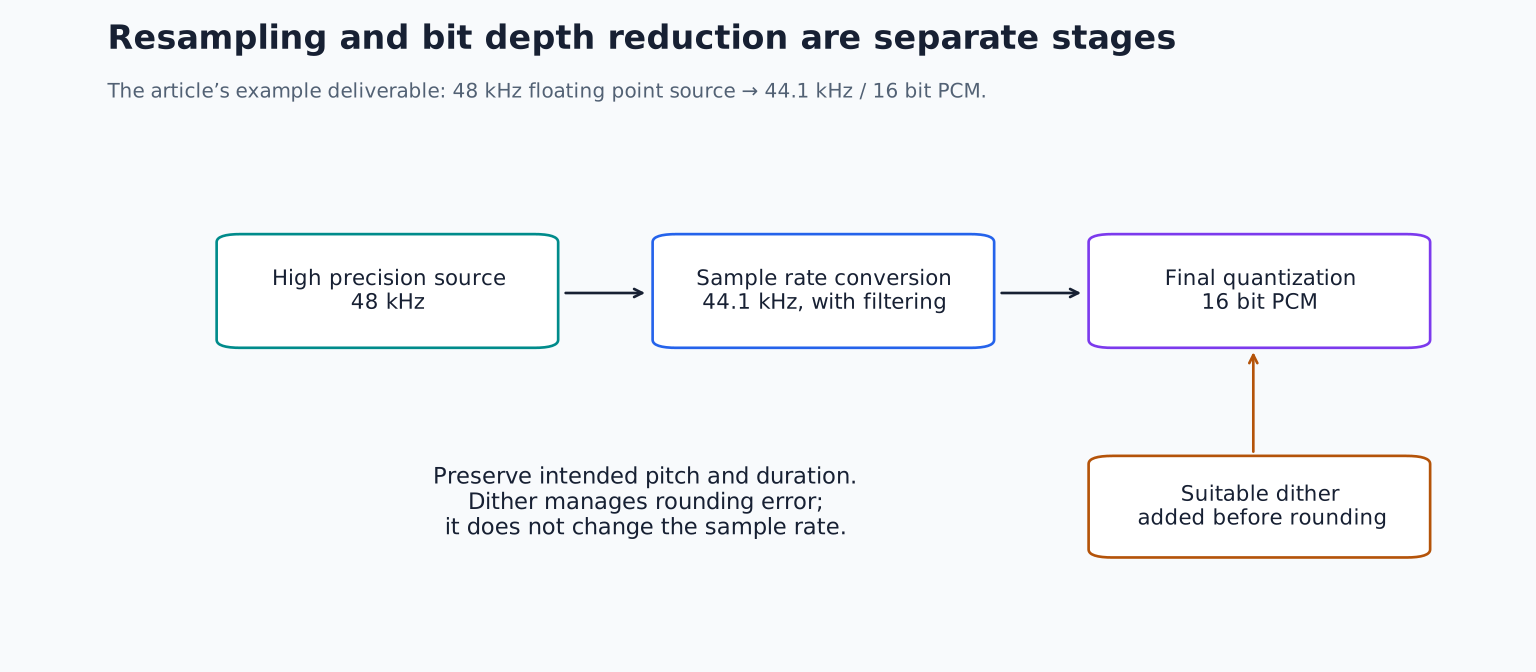
Changing a 48 kHz file to 44.1 kHz is a sample rate conversion. Changing a 24 bit integer file to 16 bit integer is a bit depth reduction. Those operations can happen together during export, but they are not the same operation.
Floating point audio uses a different numerical representation from fixed point integer PCM. A 32 bit float intermediate is useful in many production workflows, but “32 bit” alone does not tell you everything about a file's representation or the software's internal processing.
TRY IT HERE
Make it your session
Turn the steps into a plan you can save.
Ready when you are. Audio starts only when you press Play.
Keep experimenting in the stem splitter LabWhat quantization does
Quantization maps a continuously varying or higher precision value to one of a finite set of available levels. When that rounding error follows the signal, it can create distortion, especially in low level material.
Dither adds carefully chosen low level noise before the final quantization so the error behaves more like noise and less like signal correlated distortion. It does not make a poor recording sharper, restore clipped peaks, or increase the detail that was originally captured.
FabFilter's dithering documentation explains its TPDF dither and noise shaping options. TPDF refers to a triangular probability distribution. You do not need to calculate that distribution to use the tool correctly; you do need to select an appropriate output bit depth and avoid unintended duplicate stages.
When dither belongs in the workflow
For a typical final reduction from a high precision processing path to 16 bit PCM, apply suitable dither at the quantization stage. For a 24 bit fixed point render from higher precision processing, dither can also be used, although the noise and error levels are usually far below ordinary musical detail.
If exporting a floating point intermediate for further processing, a final output dither stage is generally unnecessary. Let the final delivery stage handle its own fixed point conversion.
The practical rule is to coordinate the last quantization rather than repeatedly enabling dither in every plugin and export dialog. “Never dither twice under any circumstances” is too simplistic for every possible processing chain, but unplanned repeated dither adds noise and complicates the workflow. If further processing and another bit depth reduction occur, assess that new quantization stage appropriately.
Ableton's audio fact sheet explains its rendering recommendations. Check the corresponding manual for your DAW because export implementation matters.
Understand noise shaping before selecting the strongest option
Noise shaping redistributes quantization noise across frequency, often moving more of it toward less perceptually sensitive regions. It can reduce perceived noise in a final listening format, but it is not always the best choice for files that will undergo substantial further processing.
For a simple intermediate workflow, avoid aggressive noise shaping unless there is a specific reason. For final delivery, use the tool's documented setting and inspect the result. Do not audition dither by turning the monitoring level dangerously high; the fact that it is difficult to hear at normal level is expected.
A normal musical comparison may reveal no obvious difference. That does not mean dither is broken. Its role concerns low level quantization behaviour, not a dramatic tonal effect.
What proper sample rate conversion does
A sample rate converter reconstructs and resamples the signal for the new rate, including filtering appropriate to the destination. A good conversion preserves the intended pitch and duration while managing frequencies that cannot be represented at the lower rate.
Simply changing a file's sample rate label without resampling is different. It can make the audio play faster or slower and change pitch. If a 48 kHz recording suddenly sounds slow after import, check whether the file or session interpreted its rate incorrectly.
Upsampling does not recover information that was never captured. It may be part of a processing system, but exporting an existing 44.1 kHz mix at a higher rate does not automatically make it higher fidelity.
Three common delivery scenarios
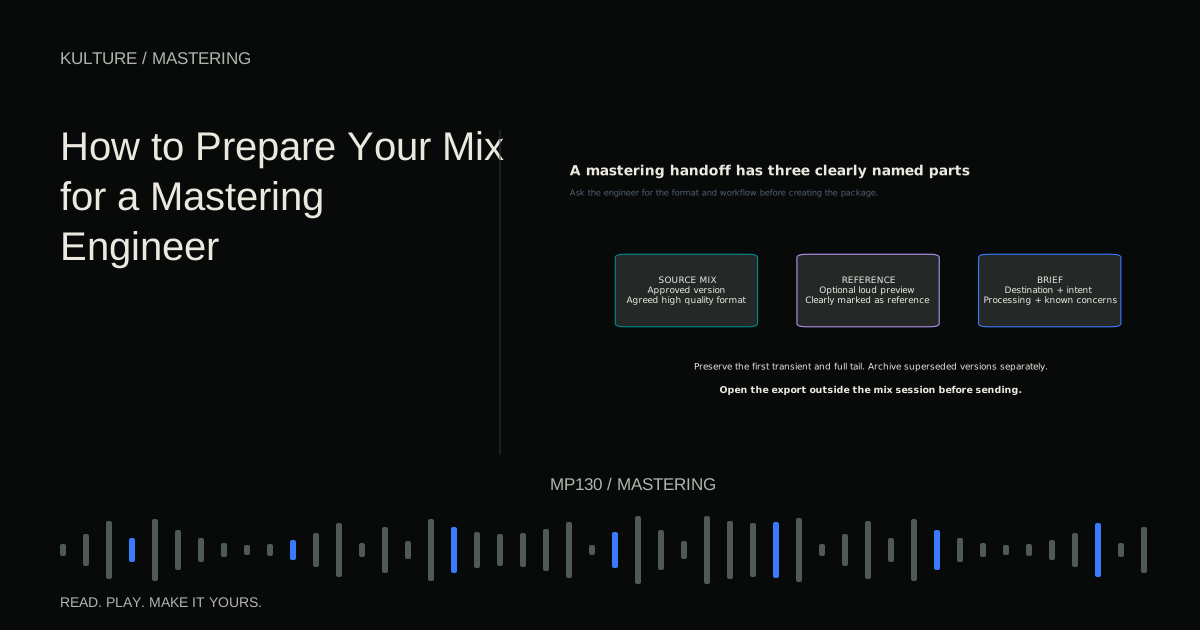
You are sending a mix for mastering. Deliver the native sample rate and the engineer's requested high resolution format. Avoid unnecessary conversion and ask who handles final dither.
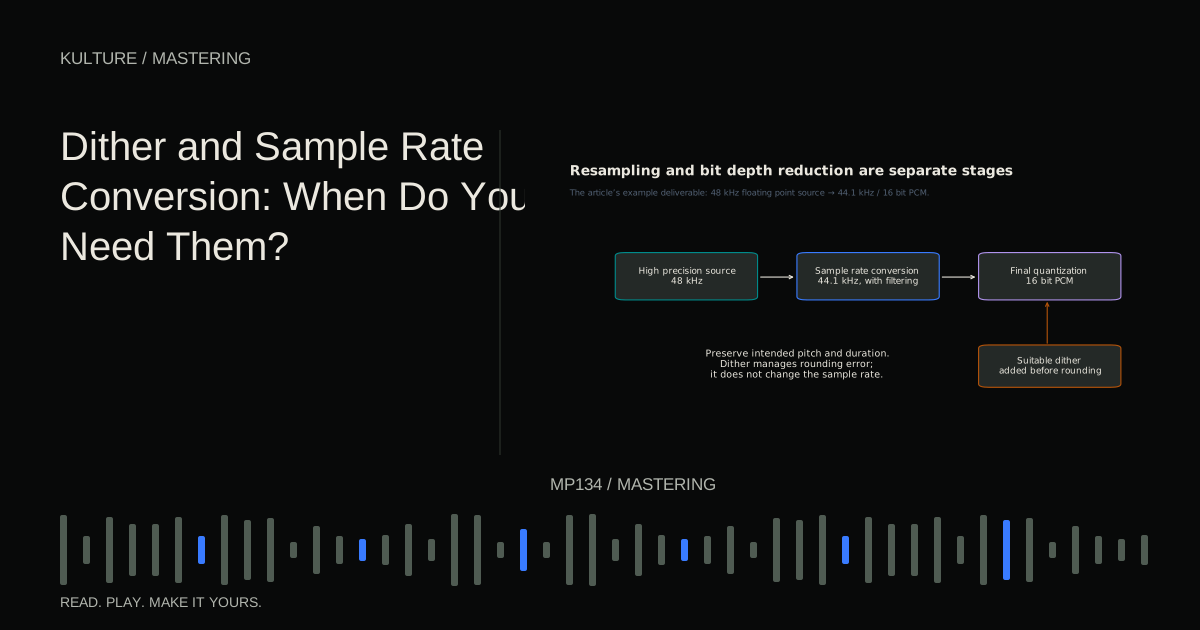
You are making a 16 bit, 44.1 kHz PCM deliverable from a 48 kHz floating point session. Use a high quality sample rate conversion and apply appropriate dither at the final 16 bit quantization. Confirm the export tool's order of operations rather than placing a dither plugin before several later processing stages.
You are making a lossy listening copy. Create it from the high quality source according to the encoder's requirements. Do not repeatedly convert MP3 to AAC to MP3. Each lossy stage can discard more information.
These are workflow examples, not universal distributor specifications. Always check what the recipient actually accepts.
Keep conversion near the end
Avoid bouncing among sample rates without a reason. If the project was created at 48 kHz and the recipient accepts 48 kHz, staying there may be simplest. If another rate is required, make a deliberate final conversion from the best available source.
Do not place gain changes, EQ, or limiting after a final dither stage without understanding that the later processing can require a new output quantization. Dither should correspond to the actual final bit depth reduction, not merely be somewhere near the end of a plugin list.
The premaster preparation guide helps divide responsibility between producer and engineer.
Verify rather than assume
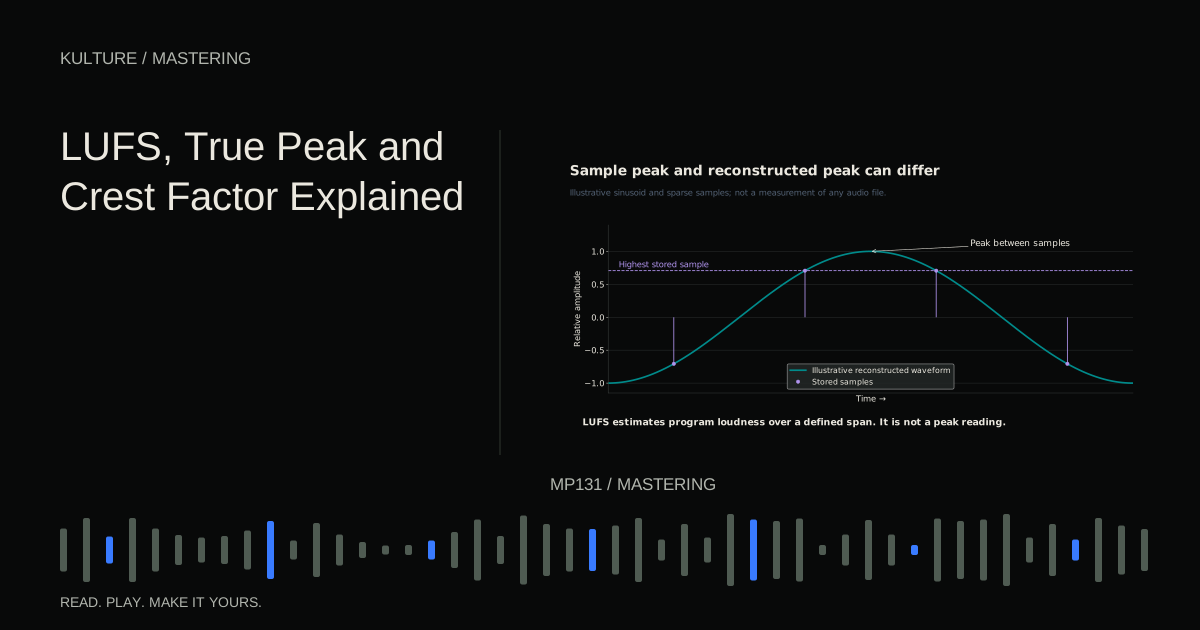
After export, inspect the file's reported sample rate, bit depth, channel count, and duration. Play the beginning and ending, especially a quiet fade. Check true peaks after conversion because processing and resampling can alter them.
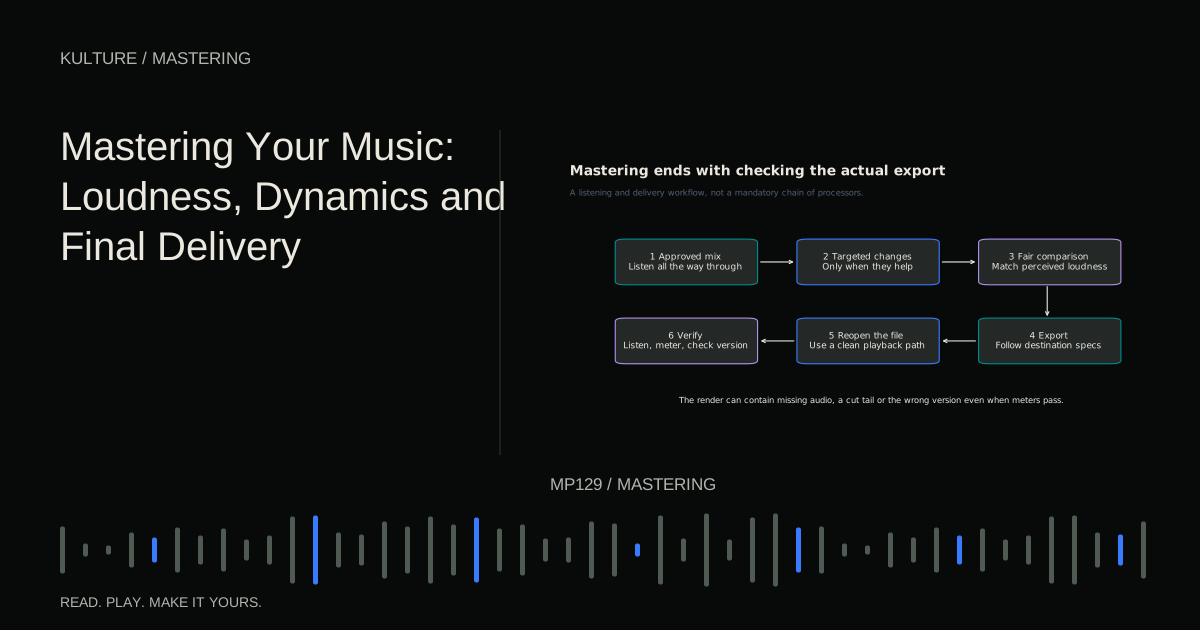
Keep an untouched high resolution source so you can make another required format without converting from a compromised derivative. For practice, export one floating point intermediate and one final fixed point version. Write down where resampling and quantization occur in each. If you cannot identify those stages, simplify the chain before delivery. Return to mastering and final delivery for the broader quality control checklist.
TAKE IT INTO YOUR OWN MUSIC
Your next session.
After export, inspect the file's reported sample rate, bit depth, channel count, and duration. Play the beginning and ending, especially a quiet fade. Check true peaks after conversion because processing and resampling can alter them.
Notes and progress stay in this browser.