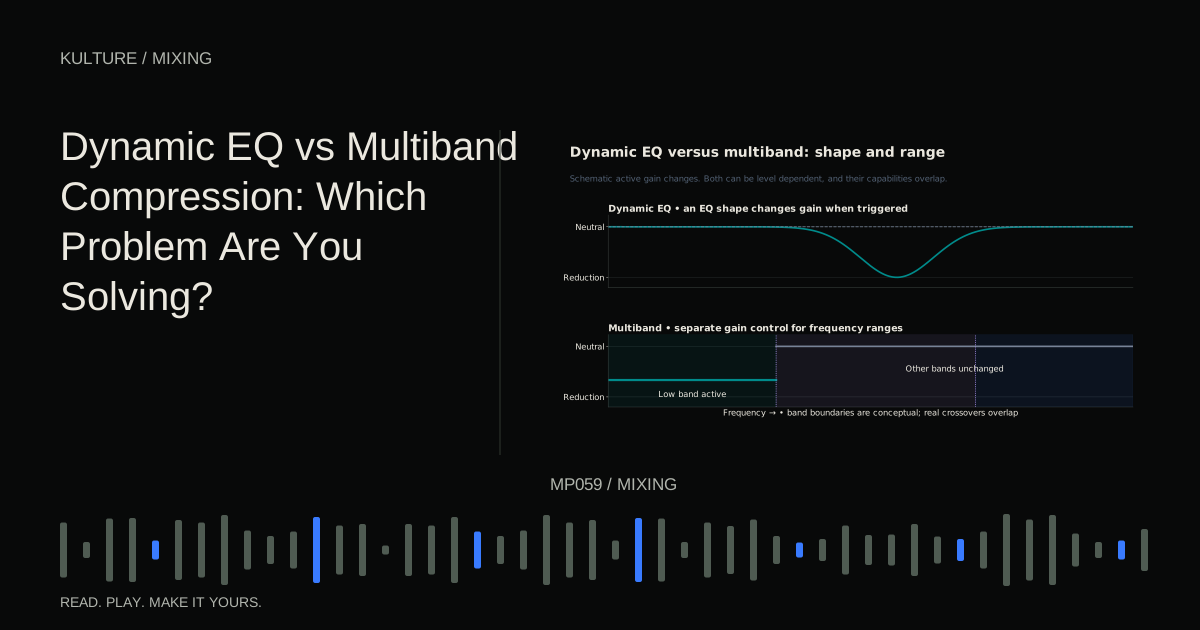
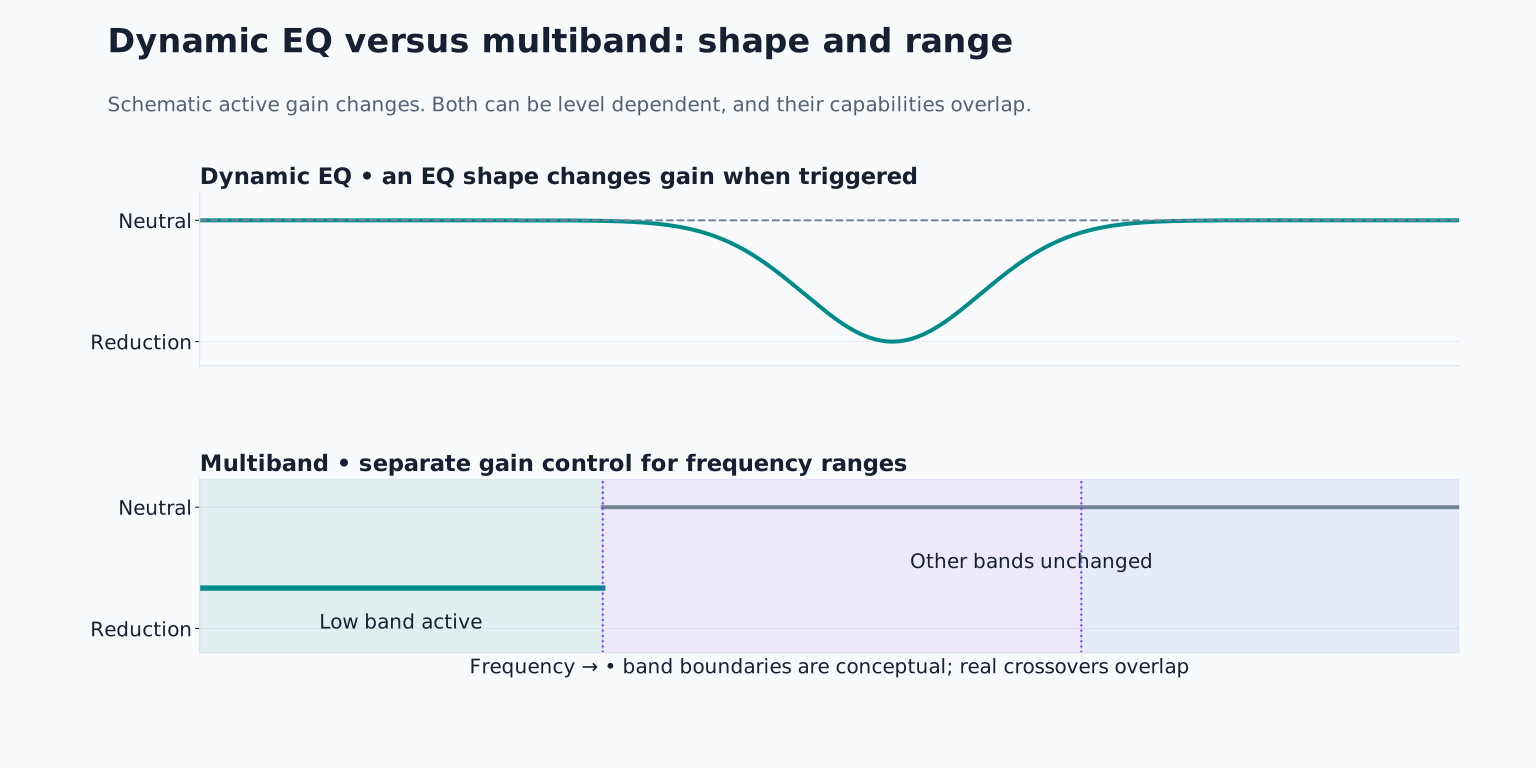
Their capabilities overlap, and modern processors blur the boundary. Choose by the audible problem, the shape of the affected region and the controls you need, rather than assuming one category is always more transparent.
Start with the simpler alternatives
If a sound is consistently too bright, static EQ may be enough. If the entire performance is uneven, ordinary full band compression or volume automation may be more appropriate. If one note is wrong, a local edit can be more precise than a processor listening to the whole song.
Dynamic processing becomes useful when the problem changes with time. A vocal might become sharp only on particular vowels; a bass might produce excessive low energy on a few notes; a synth might become aggressive only when its filter opens.
Write that condition down. “Reduce this region only when it jumps out” gives you a testable target. “Make the mix professional” does not tell you how to set a threshold or judge the result.
TRY IT HERE
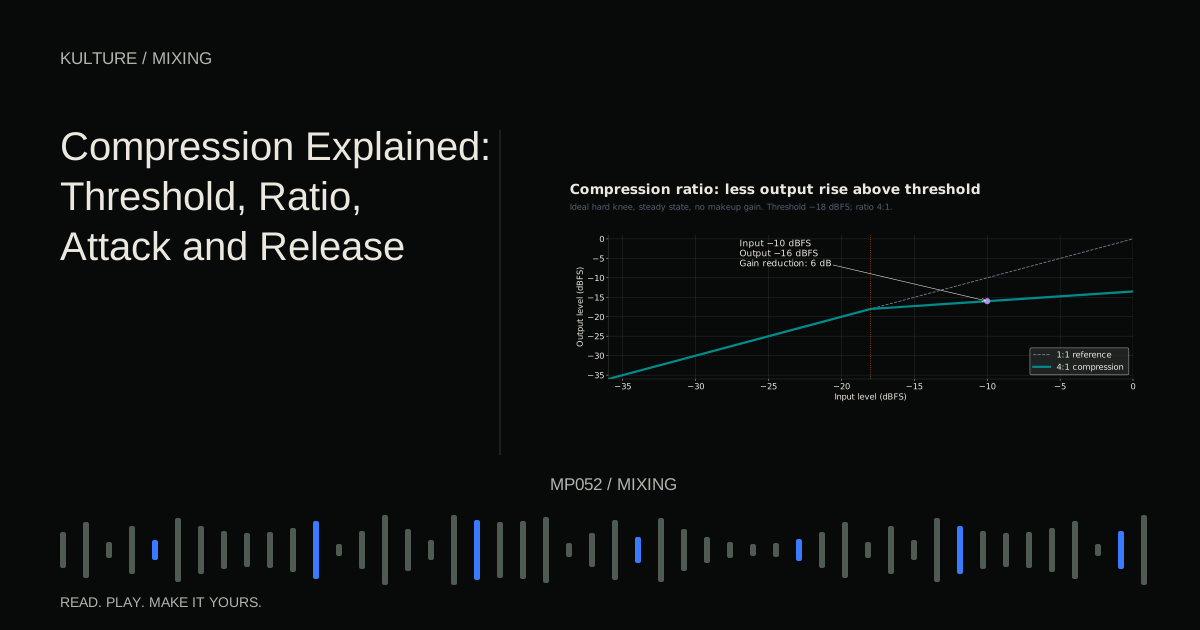
Explore the transfer curve
See how threshold and ratio change a steady input level.
Ready when you are. Audio starts only when you press Play.
Keep experimenting in the synth LabWhat dynamic EQ changes
A dynamic EQ moves the gain of an EQ shape in response to a detector. For example, a bell band can remain neutral during ordinary notes and dip during an excessive resonance. Depending on the tool, shelves and other shapes may also be dynamic.
FabFilter’s dynamic EQ documentation describes this relationship between band gain and signal level. Processor options vary: some expose manual timing and threshold, some use adaptive behaviour, and some allow an external detector source.
The important distinction is between the frequency region being changed and the signal telling it when to change. Those can be related but are not always identical. If the detector is listening to the wrong material, even a well chosen EQ shape will move at the wrong time.
What multiband compression changes
A conventional multiband compressor divides the signal into frequency ranges and applies dynamics processing to those ranges separately. Crossovers define the boundaries between bands. Some modern designs let you create isolated bands without presenting a complete set of splits across the spectrum.
Within a band, controls may include threshold, ratio, attack, release and a maximum range. Ratio determines how the response scales; range can limit the maximum amount of reduction or expansion. FabFilter’s multiband band controls illustrate those distinct jobs.
This is useful when you want the low region of a complex signal to remain steadier without making the upper region follow the same gain movement. It is not a reason to compress every band of every mix.
Exercise one: control a recurring resonance
Use a synth phrase with four notes: C, E flat, G and B flat, each lasting one beat at 100 BPM. Make one note noticeably sharper by automating a small resonant filter rise or using a patch that naturally produces that variation.
First try a static bell cut on the synth. Find the region that reduces the sharp note. Then listen to the other three notes. If they become unnecessarily dull, the static correction is affecting more material than needed.
Change that band to dynamic operation if supported. Keep the static gain neutral and set a modest maximum downward range, such as 2 to 3 dB for this comparison. Adjust threshold so the sharp note triggers reduction while ordinary notes trigger less or none.
Listen for the problem becoming less distracting without the entire phrase losing character. If the band is constantly active, raise threshold or reconsider the detector. If it reacts too late, adjust attack where available. If it stays down into the following note, adjust release or reduce the amount.
Exercise two: steady a broad low region
Use a bass part that alternates short and sustained notes. Add a brighter layer or distortion so the sound contains useful upper detail. The goal is to restrain excessive low sustain while preserving that detail.
Create one multiband region covering the low energy that is actually inconsistent. Do not copy a fixed crossover from another bass. Audition the band briefly if the tool allows it, then return to full band listening.
Start with a moderate ratio and lower threshold until the sustained notes receive some reduction. Adjust timing so the low body becomes steadier without flattening every attack. Keep the upper range unprocessed for the comparison.
Now compare with a dynamic low shelf. You may prefer either result. The exercise demonstrates that workflow, filter shape and timing response can matter more than the product category printed on the interface.
External sidechains create conditional space
An external sidechain lets another track trigger the processing. For example, a kick can tell a dynamic low band on the bass to dip, or a vocal can trigger a small reduction in a competing instrument’s presence region.
The processed track remains the bass or instrument; the sidechain is a control input. Verify that routing before adjusting thresholds. A silent or incorrectly routed detector can make the processor appear broken.
Keep the reduction restrained at first and check whether it improves intelligibility in context. Too much conditional EQ can make the backing track seem to change tone unnaturally every time the vocal enters. Sometimes a simple fader reduction is more convincing.
Listen for side effects, not only problem removal
Any processing can change tone, phase relationships, timing or latency depending on its design and mode. Linear phase operation is not automatically superior; it can involve latency and pre ringing tradeoffs. Minimum phase and other modes have different behaviour. Use the manual for the actual processor rather than treating category names as guarantees.
If the result sounds hollow, reduce the range or widen the focus appropriately. If it chatters, soften the timing or detection. If it removes the sound’s personality, the targeted feature may have been useful rather than excessive.
For practice, save a static EQ version, a dynamic EQ version and a multiband version of one problem passage. Match loudness and choose the simplest successful option. Review EQ fundamentals and compression controls whenever you cannot explain why a band is moving.
TAKE IT INTO YOUR OWN MUSIC
Your next session.
Use a synth phrase with four notes: C, E flat, G and B flat, each lasting one beat at 100 BPM. Make one note noticeably sharper by automating a small resonant filter rise or using a patch that naturally produces that variation.
Notes and progress stay in this browser.