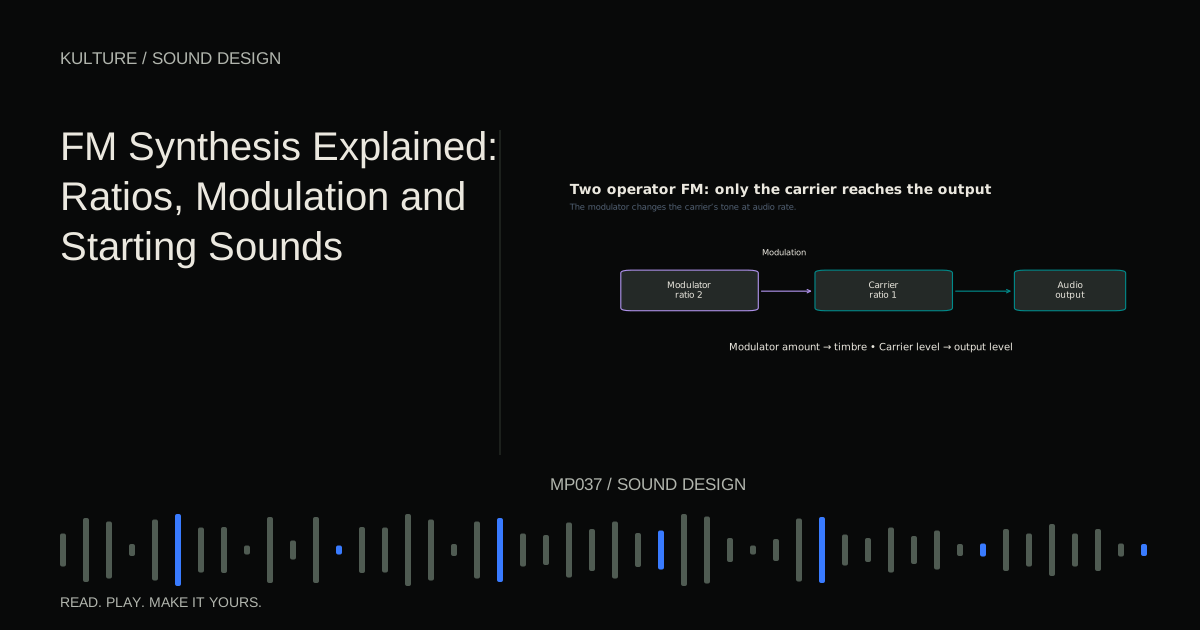
The useful starting questions are: how fast is the modulator running relative to the carrier, how strongly is it modulating, and how does that strength change during the note? Those questions correspond to ratio, amount and envelope.
Many instruments sold as FM synths use phase modulation internally. Their practical controls still commonly use FM terminology, but exact algorithms and amount scales differ. This tutorial therefore describes a two operator listening exercise rather than claiming interchangeable numeric settings across instruments. Native Instruments’ FM introduction provides manufacturer background on the carrier/modulator relationship.
Understand an operator and an algorithm
An operator is usually an oscillator with its own level and envelope controls. An algorithm is a routing arrangement that specifies which operators are audible and which modulate others. A complicated six operator preset may contain several carriers and modulation chains.
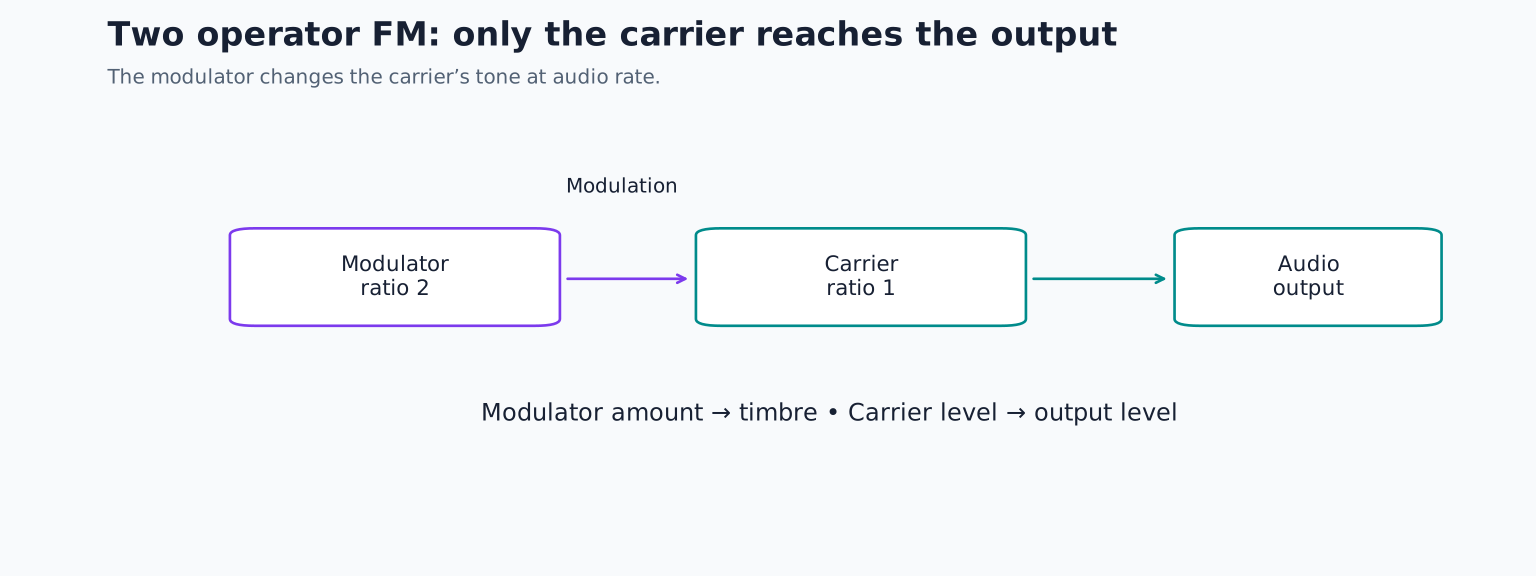
Choose the simplest routing available: one modulator feeds one carrier, and only the carrier reaches the audio output. Use sine waves for both. Disable feedback, effects and additional operators. Begin with the modulator amount at zero and the carrier at a conservative output level.
Play a sustained note. You should hear a simple sine like tone. If you hear two separate pitches, the modulator may also be connected directly to the audio output. That is not necessarily wrong, but it changes this experiment.
TRY IT HERE
Hear two oscillators interact
Change the ratio and modulation amount, then play a note.
Ready when you are. Audio starts only when you press Play.
Keep experimenting in the synth LabRatios keep the relationship tied to the keyboard
In ratio mode, an operator’s frequency follows the played note. A carrier ratio of 1 means the carrier follows the reference pitch. A modulator ratio of 2 means the modulator runs twice as fast as that reference. If you transpose the note, both change while keeping their relationship.
Set the carrier ratio to 1 and the modulator ratio to 1. Raise the modulation amount gradually. Listen for new brightness and a more complex tone. Return to zero before trying carrier 1 with modulator 2, then carrier 1 with modulator 3. Use roughly similar perceived loudness for comparisons because bright patches can appear louder even when their meters do not change much.
Whole number relationships often produce spectra that fit a clear harmonic pitch, while non integer ratios can introduce inharmonic components. Inharmonic means the components do not all align with whole number multiples of one fundamental. This can suggest bells or metal, but a ratio alone does not guarantee a particular instrument imitation.
Try a modulator ratio around 1.41 with the carrier at 1. Keep the modulation modest and compare it with carrier 1 and modulator 1. You are listening for changes in the relationship between the main pitch and the surrounding partials, not deciding that one setting is universally better.
Amount changes more than volume
The modulation amount determines how strongly the modulator alters the carrier. As it increases, energy is redistributed into additional frequency components called sidebands. Their pattern depends on the carrier, modulator and modulation depth.
There is an important practical consequence: turning up an FM operator that acts as a modulator can change tone drastically without behaving like a normal mixer fader. Turning up an audible carrier more directly changes output level. Label those roles mentally before moving a level control.
At high modulation depths, the perceived fundamental can become less obvious, and some notes may sound much more aggressive than others. Reduce modulation before trying to correct everything with EQ. If the sound becomes brittle at high pitches, lower the playing register or use less depth, then compare again.
Give brightness its own envelope
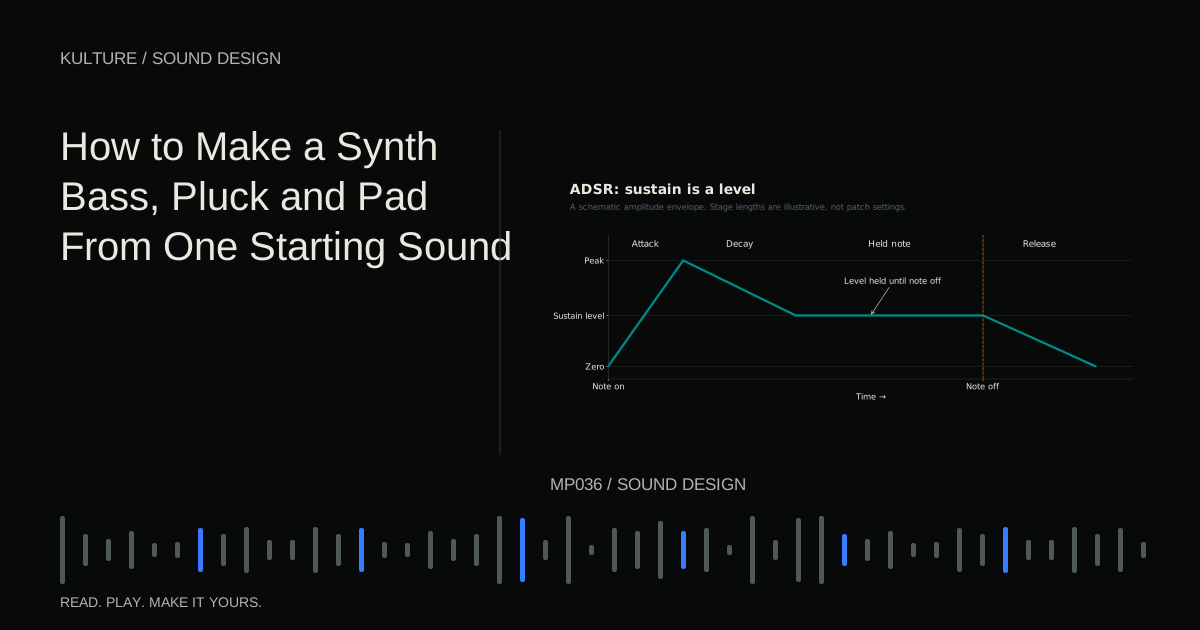
A static FM tone is only the beginning. Set the carrier envelope to a quick attack, a moderate decay, low sustain and a short release. Set the modulator envelope to decay faster than the carrier.
For an illustrative pluck, try a carrier decay near 600 milliseconds and a modulator decay near 120 milliseconds, both with zero sustain. Use a moderate modulation amount and a whole number relationship such as carrier 1 and modulator 2. The intended result is a bright attack that settles into a simpler tail.
If the sound remains bright all the way through, check the modulator sustain level. If it becomes dull immediately, lengthen the modulator decay or increase its amount slightly. If the note ends before the envelope develops, lengthen the MIDI note or adjust release behavior. Instruments differ in how their envelopes respond when a key is released early.
This separation of loudness and brightness is the central practical skill. A low pass filter can also darken a sound, but an FM modulation envelope changes the process generating the spectrum in the first place.
Make a two bar FM phrase
At 90 BPM, program eight evenly spaced notes across two bars: C, G, B flat, G, E flat, G, D and C. Begin in a middle register. Set every note to an eighth note length, leaving a gap before the next quarter note onset.
Save three versions. Version A uses carrier 1 and modulator 1 and a mild modulation amount. Version B uses carrier 1 and modulator 2, with the fast modulator decay described above. Version C uses a non integer ratio and a longer carrier decay. Keep effects off while comparing them.
For each version, ask whether the initial attack, sustained pitch or tail contributes most to its character. Then add velocity control to modulation amount if the instrument allows it. Use alternating velocities, such as 70 and 100 on a 1 to 127 scale. Reduce the routing amount if the stronger notes become a different instrument rather than a stronger articulation.
Feedback and common confusions
Feedback sends an operator’s output back into its own modulation path in supported algorithms. It can add edge or noisy complexity quickly. Introduce it only after you understand the two operator patch, and lower output before exploring large values.
Do not confuse ratio mode with fixed frequency mode. A fixed operator can stay at the same frequency while the keyboard pitch changes, so different notes may have different harmonic relationships. That can be useful for special effects but makes a beginner patch harder to predict.
If you lose the original pitch, return modulation and feedback to zero, verify the carrier tuning, then rebuild one change at a time. For practice, make a soft pluck and a metallic strike from the same routing, changing only ratio and envelopes. Compare these with the filtering approach in making a synth bass, pluck and pad, then explore a different way to change spectra with wavetable synthesis.
TAKE IT INTO YOUR OWN MUSIC
Your next session.
Feedback sends an operator’s output back into its own modulation path in supported algorithms. It can add edge or noisy complexity quickly. Introduce it only after you understand the two operator patch, and lower output before exploring large values.
Notes and progress stay in this browser.