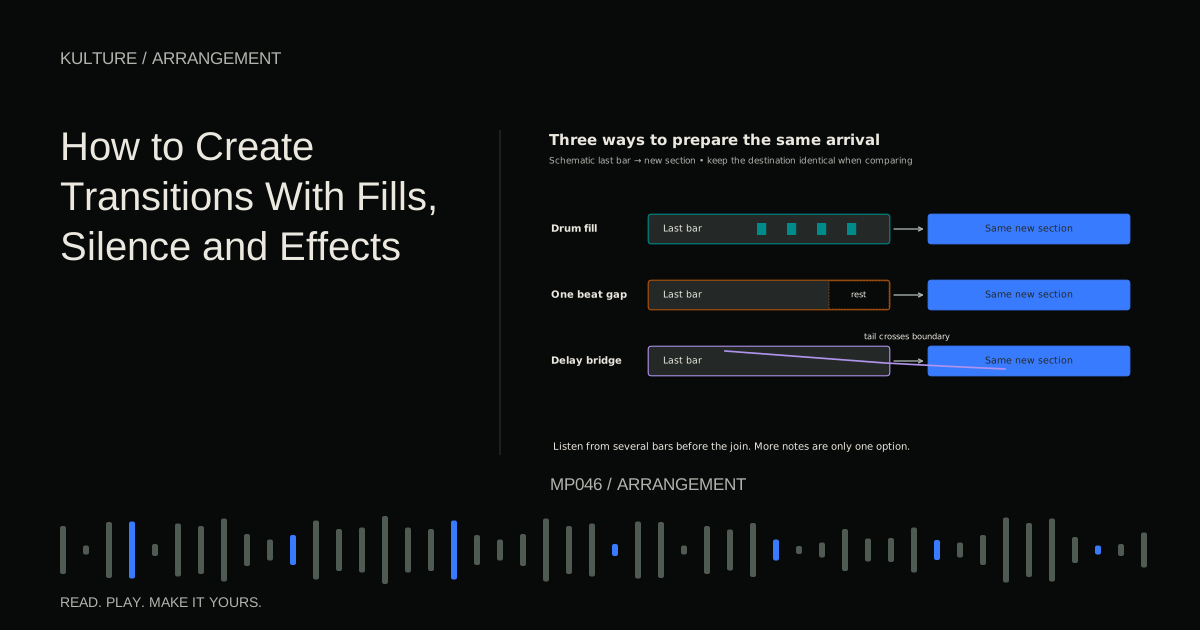
Start by deciding what changes at the boundary. Are you moving from a sparse verse into a chorus, from a beatless breakdown into a groove, or from a loud section into an intimate one? The transition should support that particular change.
Think in three parts
A transition has a departure, a boundary, and an arrival. The departure establishes expectation. The boundary may contain a gap, fill, pickup, or effect. The arrival delivers the new section's defining feature.
Imagine eight bars of drums and bass followed by eight bars with a new lead. If a noisy sweep covers the first two beats of the lead, the transition has hidden its own destination. Shorten the sweep, lower it, or place its loudest point before the arrival.
Ableton's song structure lesson provides a useful introduction to arranging musical blocks. Here, the focus is on the few seconds that connect those blocks.
TRY IT HERE
Sketch the arrangement
Switch parts on and off across eight sections.
Ready when you are. Audio starts only when you press Play.
Keep experimenting in the beat maker LabBuild a transition using only drums
Set a project to 124 beats per minute in 4/4. Put a kick on all four beats and a clap on beats 2 and 4. Use closed hats between beats. Create sixteen bars and place a marker at bar 9, where a bass or lead enters.
First, make a restrained fill in bar 8:
- Beats 1 to 2: preserve the normal groove.
- Beat 3: play one snare.
- Beat 3 and: play a softer snare.
- Beat 4: play a tom, then another tom on 4 and.
- Remove the usual clap on beat 4 so it does not double the tom.
The fill starts late enough that the preceding section remains stable. Its final two hits point toward bar 9. If it sounds hurried, remove the softer snare before changing the tempo.
A fill replaces or reshapes the groove; it need not be added on top of every existing hit. Leaving the original drums untouched beneath a busy fill is a common reason transitions become crowded.
Compare silence with extra notes
Duplicate the arrangement into a second version. Delete the fill. Instead, mute the kick and bass on beat 4 of bar 8. Keep the hat or a short vocal pickup if it helps the listener retain time.
Now compare both versions at similar loudness. The silence may create a stronger entrance because it changes the amount of activity and low frequency weight. You did not need a louder downbeat; you needed contrast before it.
Try three gap lengths: one sixteenth note, one eighth note, and one full beat. Their effects differ. A short gap feels like a breath; a longer one can become a dramatic interruption. If a full beat gap sounds like an editing mistake, retain a recognizable tail or vocal cue across it.
Make a reverse sound that lands accurately
Record or render a single chord you created. Add reverb, render the result, then reverse that audio in your editor. Place the reversed swell so its strongest endpoint meets the intended boundary. Lower it before auditioning because reversed material can build unexpectedly.
For a D minor track, use D, F, A rather than an unrelated chord. The reversed sound then carries harmonic information into the destination. If the next chord is B flat major, try B flat, D, F instead and compare whether it previews the arrival more convincingly.
Trim or fade any click at the beginning. A fade is a short volume change that avoids an abrupt waveform jump. Do not leave a sharp reversed transient competing with the kick unless that impact is intentional.
Use delay as a bridge
Delay repeats a sound after a chosen interval. A delay throw means increasing the amount sent to a delay for a specific word or note, then reducing the send afterward.
Take a short lead note on beat 3 of bar 8. Send that note to a delay timed to eighth notes. Start with low feedback, the amount of output fed back into the delay, and raise it only enough to hear a few repeats. Keep the original lead dry enough to remain clear.
Let the echoes continue across bar 9, but listen for collisions with the new lead. Reduce feedback or filter the echo if it masks the arrival. A transition tail should connect sections, not insist on being the main event after its job is done.
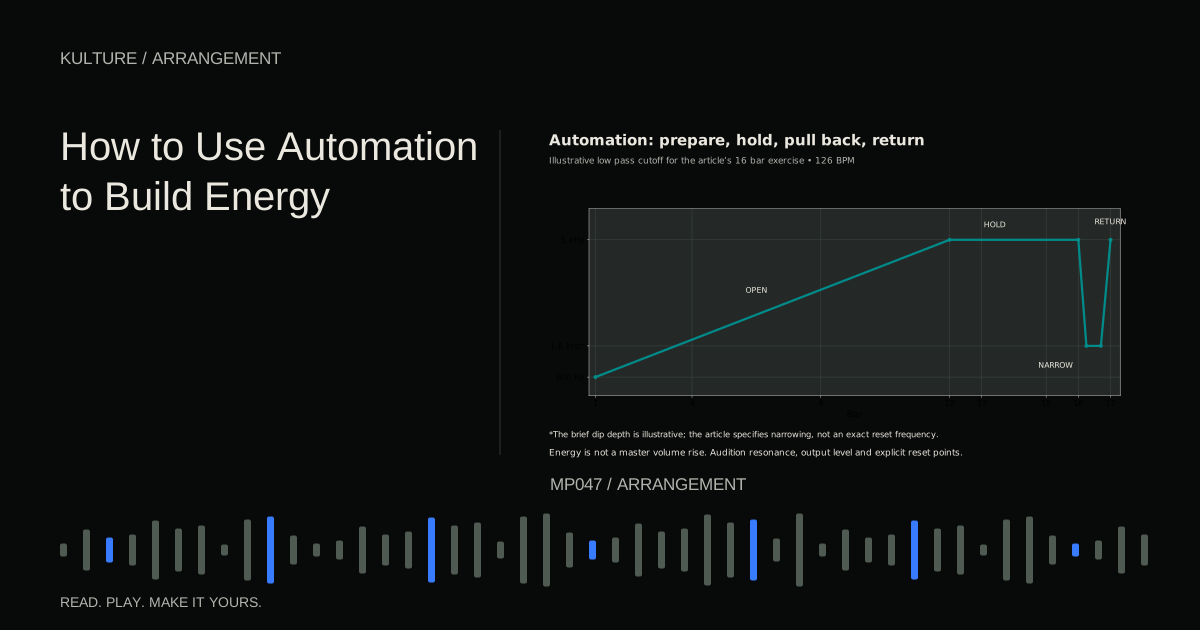
Automation is the recorded or drawn movement of a parameter over time. Ableton's automation manual illustrates the general principle. Whatever your software, add a return point after the throw so later notes do not keep feeding the effect unexpectedly.
Design downward transitions too
A quieter section does not always need a rising effect. Try stopping the drums while a chord sustains, removing the high percussion one bar early, or letting a vocal finish alone. These moves prepare a reduction in intensity.
For a transition from chorus to verse, keep the chorus's final bass note through the boundary but remove the cymbal layer. The held low note supplies continuity while the upper texture clears for the next lyric. If the bass note clashes with the verse chord, shorten it or use a shared note.
Troubleshoot the join in context
The transition is bigger than the chorus. Reduce the effect's brightness and level, shorten its tail, or simplify the fill. The arrival should deliver the promised change.
The downbeat disappears. Check overlapping crash, kick, bass, and reverse transient. Move one effect earlier or remove it. Equalization is useful after the arrangement is sensible.
Every eight bars sounds predictable. Vary the method. Use a fill at one boundary, an overlap at another, and no special effect where a new vocal already announces the section.
The edit clicks. Inspect audio boundaries and add short fades where appropriate. Also check sustained notes and effect tails: cutting a MIDI clip may stop new notes but leave existing sound, depending on the instrument.
A useful practice session
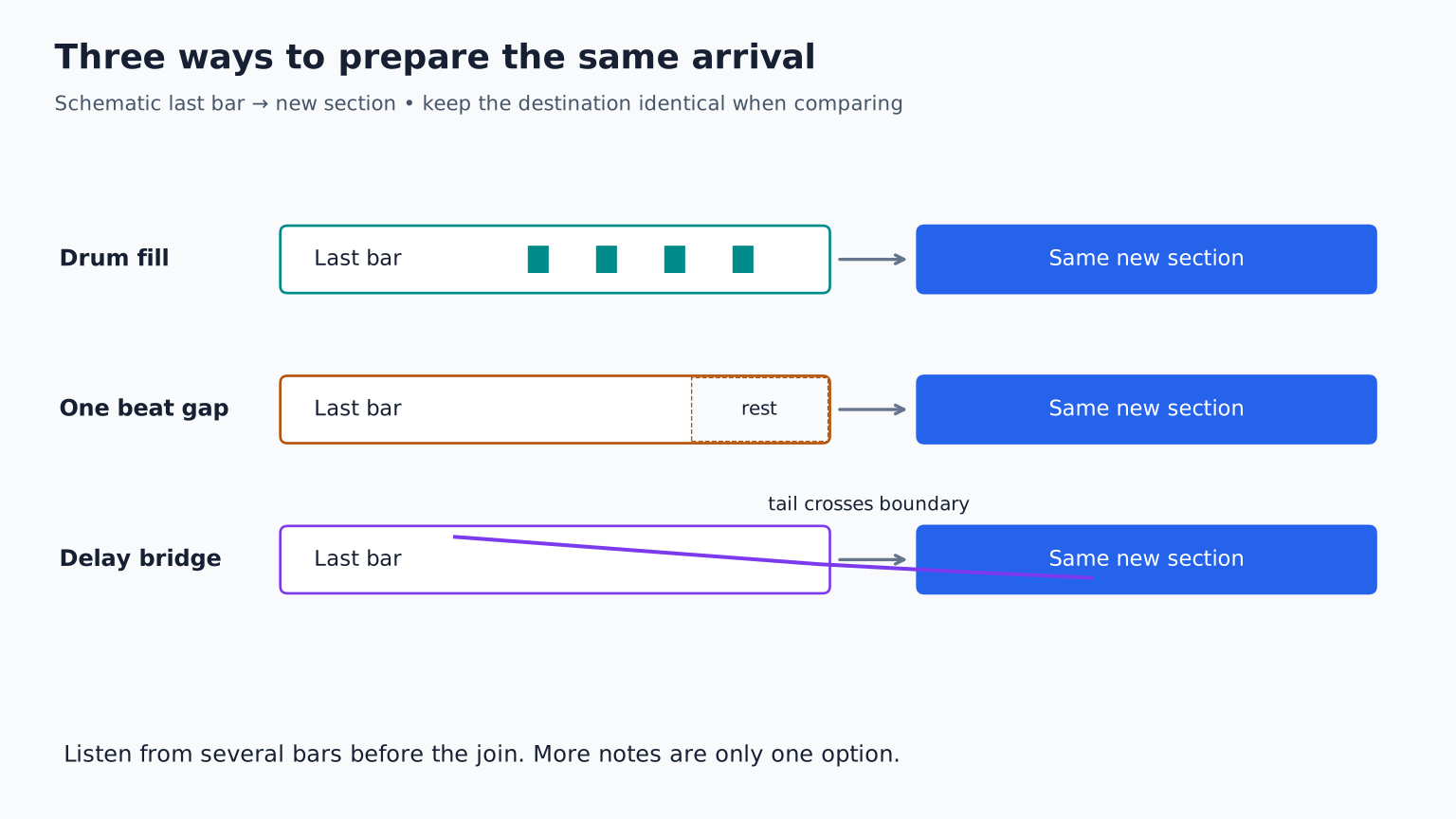
Make three transitions into the same bar 9 arrival: one fill, one silence, and one effect based transition. Do not change the destination. Listen from bar 5 each time and choose the version that best explains the musical change. Save all three as studies, but use only the strongest in the track. Continue with automation for energy when you want movement across an entire section rather than only its boundary.
TAKE IT INTO YOUR OWN MUSIC
Your next session.
Make three transitions into the same bar 9 arrival: one fill, one silence, and one effect based transition. Do not change the destination. Listen from bar 5 each time and choose the version that best explains the musical change. Save all three as studies, but use only the strongest in the track. Continue with automation for energy when you want movement across an entire section rather than only its boundary.
Notes and progress stay in this browser.