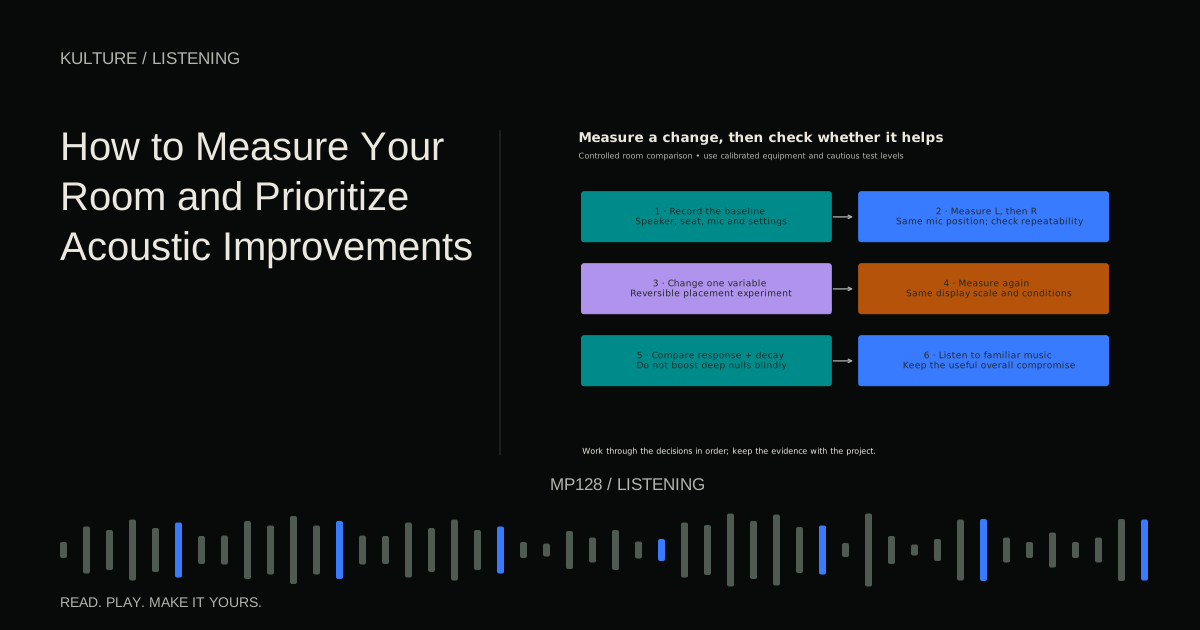
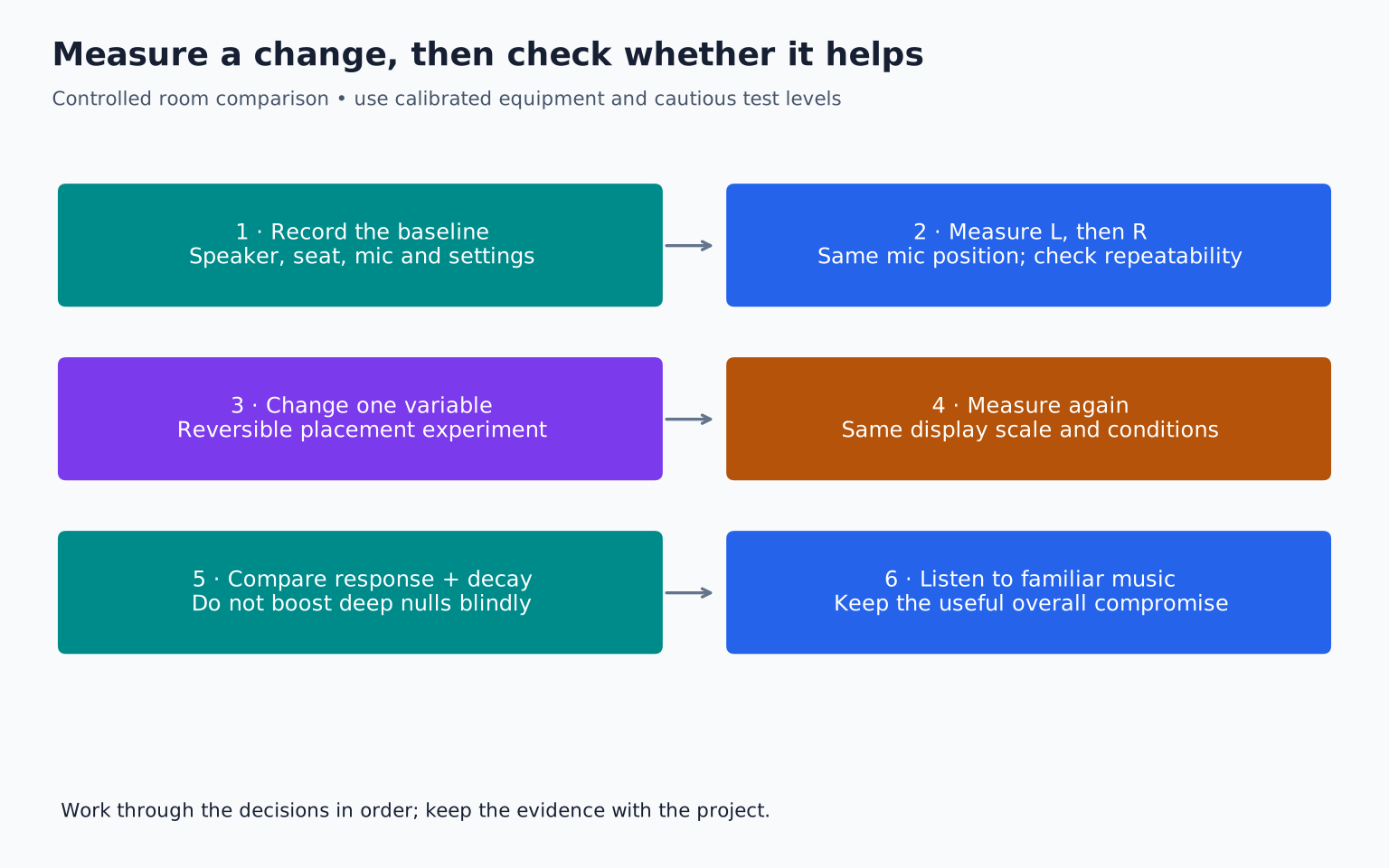
The simplest reliable plan is to document your setup, measure each speaker separately at a repeatable listening position, change one thing, and compare. Listening still matters: measurements explain parts of the experience, but they do not choose the artistic balance of your mix.
What you need
Use room measurement software, a suitable measurement microphone, the microphone's correct calibration file when supplied, and a safe way to play the test signal through your monitors. A calibration file describes the microphone's measured response so the software can compensate for it.
A USB measurement microphone may connect directly to the computer. An analogue measurement microphone generally requires an interface and whatever power its manufacturer specifies. Do not assume every microphone uses the same powering arrangement. Follow the microphone and interface manuals.
A normal vocal microphone can demonstrate large changes, but its intentional frequency shaping and directional behaviour make it a poor substitute for a calibrated measurement microphone when judging fine response details.
Room EQ Wizard's official help index covers setup, calibration, measurement, and graph interpretation. Follow the current instructions for your hardware rather than copying a screenshot with unrelated input settings.
TRY IT HERE
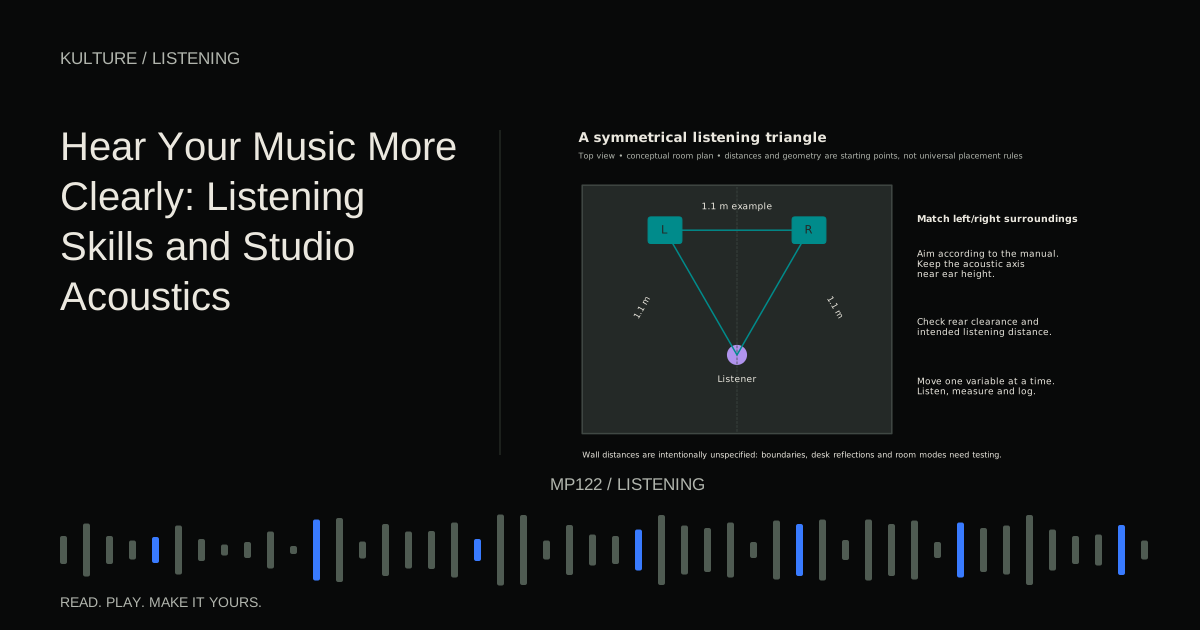
Move the listening position
Explore geometry, not a measurement of your actual room.
Ready when you are. Audio starts only when you press Play.
Keep experimenting in the piano LabPrepare a controlled test
Turn off processing that you do not intend to measure, such as a creative EQ or limiter on the playback path. If you are testing a room correction system, record whether it is enabled and compare corrected and uncorrected conditions separately.
Close doors and windows in the configuration normally used for work. Keep large furniture in place. Turn off avoidable noise sources when safe to do so. Note any persistent fan or traffic noise that could affect the measurement.
Place the microphone where your head normally is, using the orientation required by its calibration file and manufacturer. A file for one orientation is not necessarily interchangeable with another. Use a stand rather than holding the microphone; small movements and body reflections make comparisons less repeatable.
Photograph the microphone and speaker positions. Write the date, channel, seat location, and relevant system settings in the measurement name.
Set level cautiously
Begin with the monitor level low. Check that the software is using the intended input and output before playing a sweep. A sweep is a test signal that moves through frequencies over time. It can be startling if routed unexpectedly.
Follow the software's level checking guidance and the equipment's limits. The goal is a usable signal above background noise, not the loudest possible test. Keep people and pets away from the immediate test area if the sound is uncomfortable, and do not repeatedly run loud sweeps to compensate for a wrong input selection.
The REW measurement instructions explain the measurement controls and checks. If the input clips or the output sounds distressed, stop and correct the setup.
Measure left and right separately
Measure the left speaker alone, then the right alone, without moving the microphone. This reveals asymmetry. A combined measurement can hide the source of a problem because both speakers and their interactions contribute.
Repeat one measurement without changing anything. If the repeat differs substantially, investigate noise, movement, routing, or timing before drawing conclusions. Repeatability is the foundation of a useful comparison.
After single speaker measurements, measure the pair together if that answers a specific question. Keep the files clearly labelled so you do not compare a single speaker with a pair and mistake the difference for an improvement.
Read frequency response with restraint
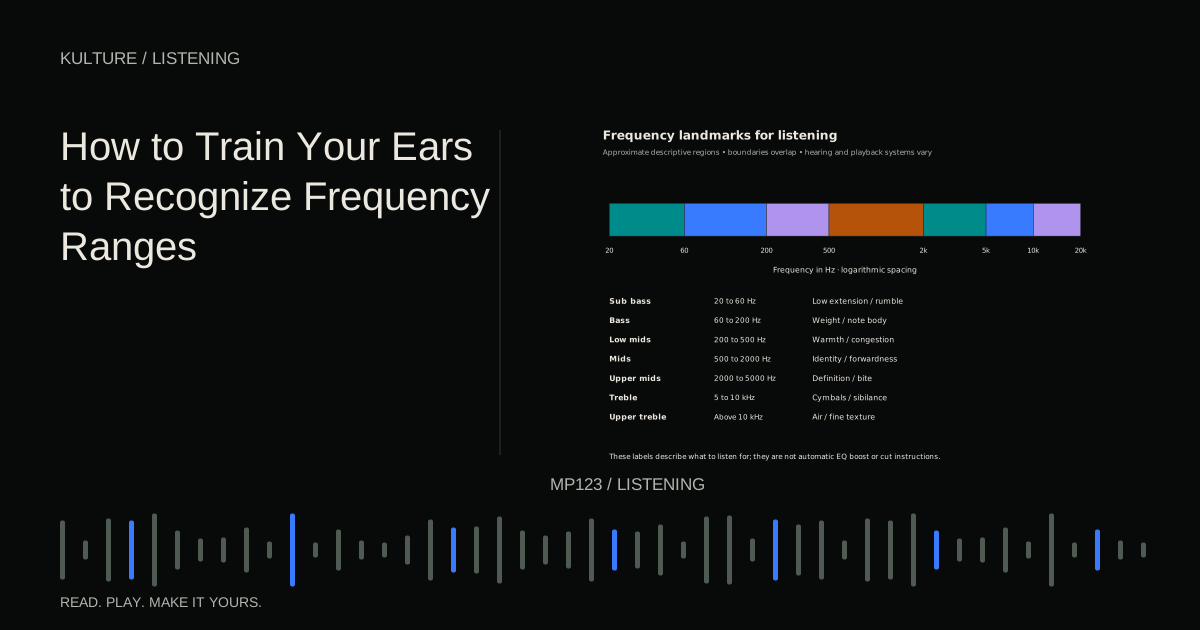
A frequency response graph shows level versus frequency at the measurement position. Peaks indicate stronger output at particular frequencies; dips indicate weaker output. The graph includes the speaker, room, microphone correction, and measurement conditions.
Use consistent display scales and smoothing for comparisons. Smoothing averages fine detail to make broad patterns easier to see. Too much can hide problems; too little can make ordinary narrow variations look alarming.
A deep dip is not an instruction to add an equally large EQ boost. If cancellation is the cause, extra energy may still cancel while reducing headroom. Try geometry changes first. Broad peaks are often more amenable to carefully applied correction than deep nulls, but treatment and placement may still be necessary.
Look at decay as well as level
A frequency can be moderately loud but persist too long. Decay displays, such as waterfalls or spectrograms, show how energy changes after the initial sound. This can explain why a bass note feels smeared even when a simple response graph does not look extreme.
Small room low frequency behaviour should not be reduced to one reverberation time number. Different frequencies can decay differently, and measurement validity depends on the room and method. Read the software's explanations before comparing numbers with targets intended for other spaces.
An improvement should make sense in both the graph and the listening test. A new position that flattens one peak but creates a large neighbouring dip may be a worse overall compromise.
Run an example experiment
Suppose the left speaker shows a broad excess around 90 Hz and your bass line sounds uneven. Save the baseline as Left_A. Move both speakers to a new symmetrical position while keeping the seat fixed, then measure again as Left_B and Right_B.
If the excess decreases and the neighbouring range remains reasonably consistent, listen to the same bass passage at the same level. If it sounds more even, keep that position provisionally. Next test a small seat movement rather than immediately adding treatment.
If the response improves but the low frequency decay remains long, appropriate absorption may be the next priority. If the left and right channels differ greatly, inspect their boundaries and furniture before applying unrelated EQ curves to force a visual match.
Prioritize by impact, cost, and confidence
Make a short table with the problem, evidence, proposed change, and result. Start with the largest repeatable issue that affects your work. Monitor and seat placement costs little and is reversible. Targeted treatment costs more but may address reflections or decay that equalization cannot.
Genelec's acoustics guidance provides context for combining placement and treatment. Do not buy equipment simply because a graph is imperfect; every real room has compromises.
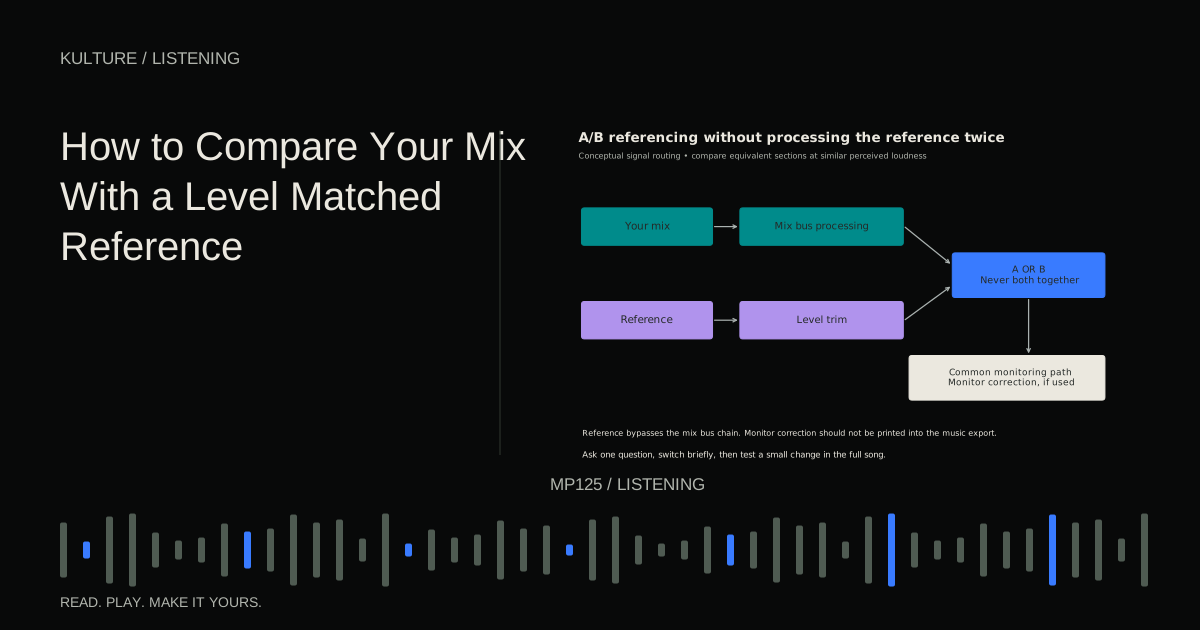
Your exercise is to capture a repeatable baseline, test two small placement changes, and write one sentence explaining which setup you chose and why. Keep the original files. Continue with level matched referencing to check whether the improved room produces more reliable musical decisions.
TAKE IT INTO YOUR OWN MUSIC
Your next session.
Suppose the left speaker shows a broad excess around 90 Hz and your bass line sounds uneven. Save the baseline as Left_A. Move both speakers to a new symmetrical position while keeping the seat fixed, then measure again as Left_B and Right_B.
Notes and progress stay in this browser.