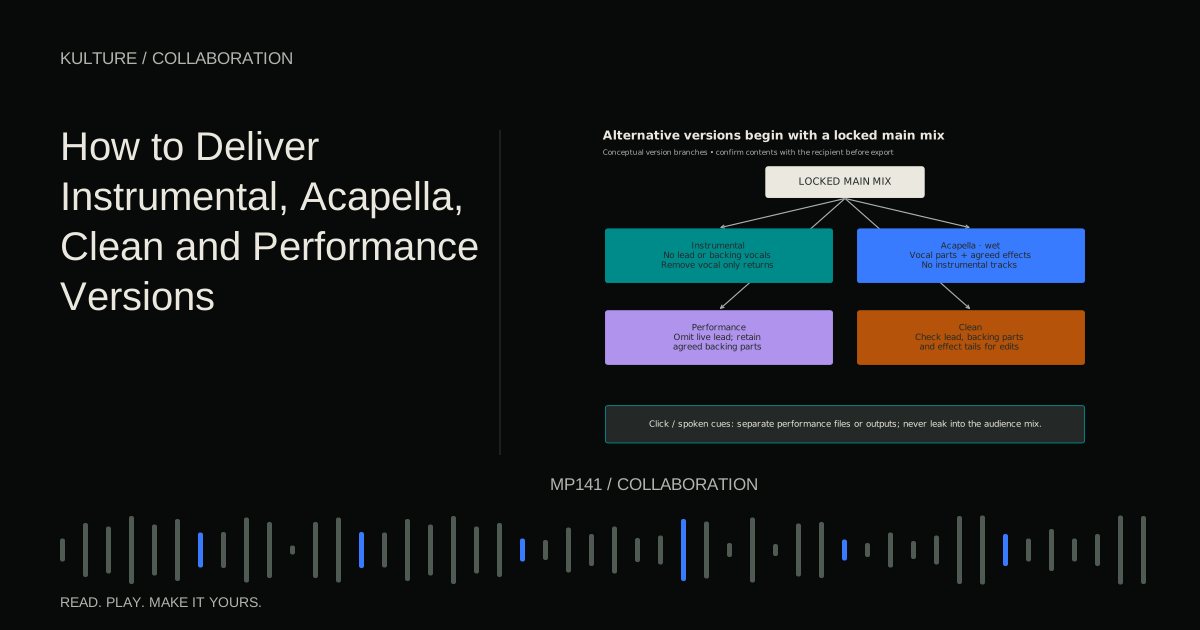
Keep a version checklist so the artist, engineer, distributor, and live team all know which file is intended for which purpose.
Define the versions before making them
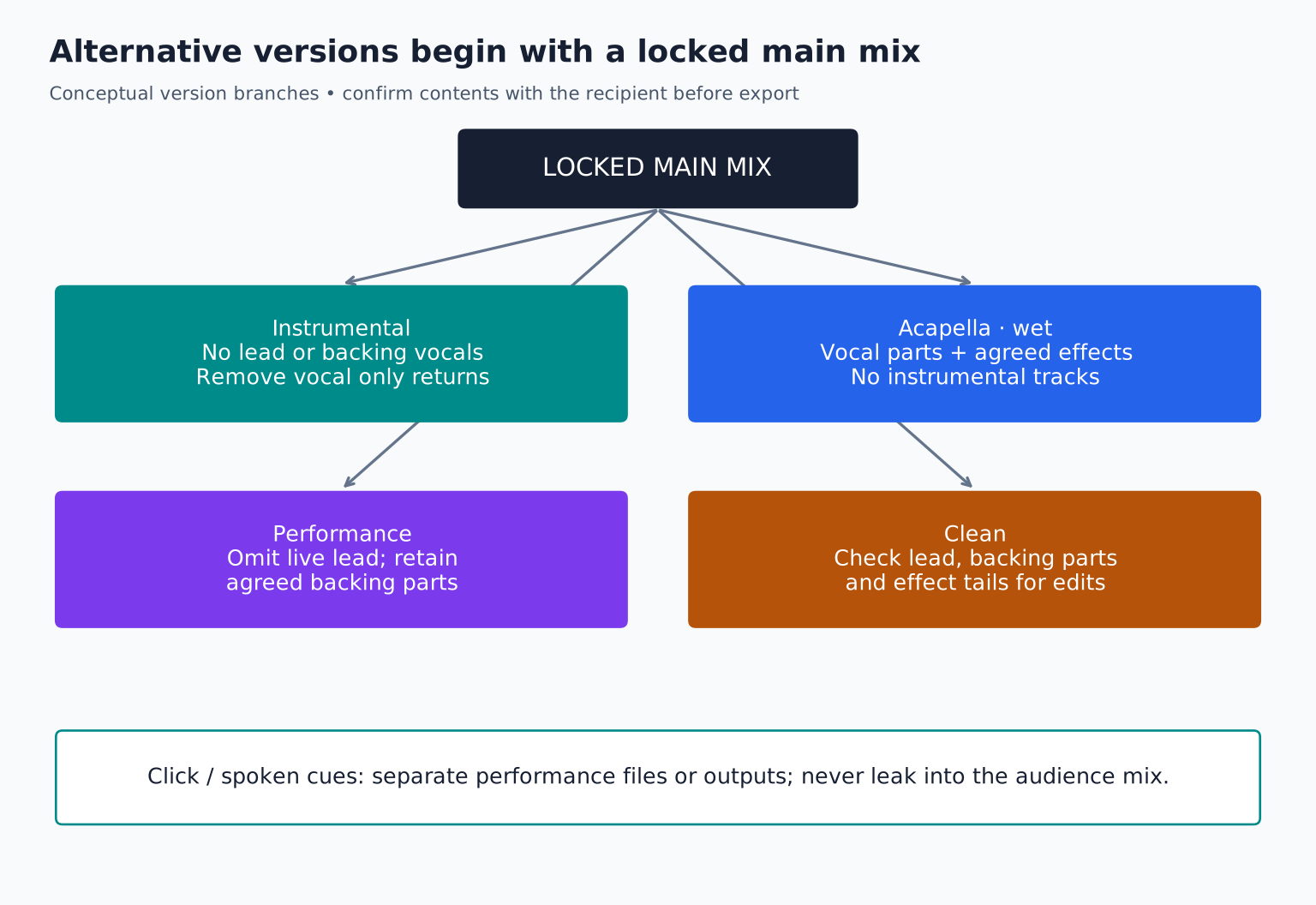
An instrumental usually removes the featured vocal performance, but expectations vary. Should vocal chops, wordless hooks, and background shouts remain? An acapella, often spelled a cappella, isolates the vocal performance, but may include harmonies and vocal effects. A performance mix supports a live act and may retain backing vocals while omitting the lead.
A clean version removes or replaces specified explicit content. The required treatment depends on the recipient and context. A radio edit may also change length or arrangement, which is a separate decision from lyric cleaning.
Write the contents in a small table. Do not rely on a filename to resolve these ambiguities after delivery.
TRY IT HERE
Make it your session
Turn the steps into a plan you can save.
Ready when you are. Audio starts only when you press Play.
Keep experimenting in the stem splitter LabBuild from a locked main mix
Save a new session version based on the approved mix. Preserve the original. Make alternate version changes in a controlled copy rather than modifying the only approved session.
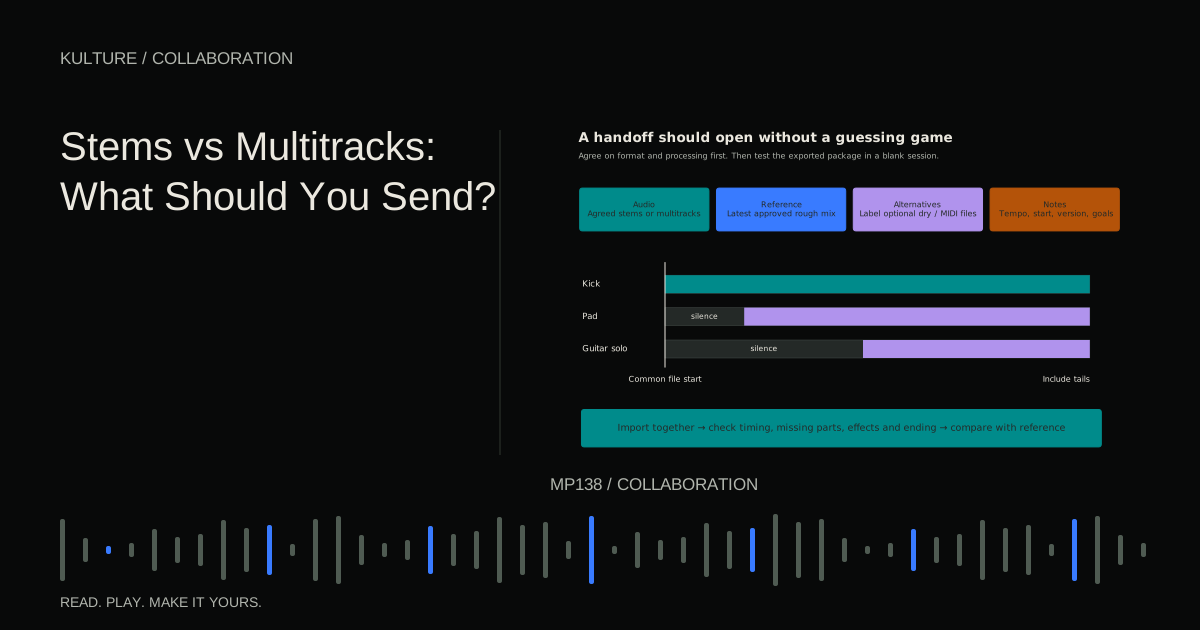
Use consistent start points and keep timing aligned when the versions are intended to sync. If a radio edit changes the arrangement, label it clearly and document the new duration. Do not call it merely “clean” if it also removes a verse.
Check the master chain after muting parts. A compressor or limiter reacts to the combined signal, so removing vocals can change the treatment of the remaining instruments. An alternate version may need level adjustment or separate mastering review to feel consistent.
Make an instrumental that is genuinely usable
Mute the intended lead and supporting vocal tracks, then inspect all effect returns. A delay throw or reverb return may still contain words from the removed vocal. Vocal samples may also be embedded in a drum or instrument bus.
Listen from beginning to end, paying particular attention to transitions and exposed gaps. If the arrangement relies on a vocal pickup to lead into the chorus, the instrumental may feel abrupt. Decide whether that is acceptable for its purpose or whether a separate instrumental arrangement is requested.
Do not use automated vocal separation when the original multitrack session is available. Muting and routing the actual sources generally offers more control. If separation is the only source option, disclose artifacts and rights limitations rather than presenting it as equivalent to an original instrumental.
Decide how much processing belongs in an acapella
For remixing, a recipient may want an edited, tuned vocal without reverb plus a wet reference. For a promotional vocal only version, the approved ambience may be part of the intended listening experience.
Label the distinction: Acapella_DryEdited and Acapella_ApprovedFX are more informative than two files both called Vocal. Include timing information and the common start point so the vocal can be placed correctly against another arrangement.
Check for instrumental spill in recorded vocal microphones. A “vocal only” export can still contain headphone bleed or room sound. Do not promise perfect isolation if the recording itself contains other audio.
Clean lyrics deliberately
Make a list of the words or passages that need treatment. Options include a replacement performance, a silence edit, a reverse effect, or another agreed musical solution. A replacement lyric often sounds more natural, but requires an approved performance and wording.
Check consonants and effect tails around the edit. Muting only the vowel may leave an obvious part of the word. A delay can repeat the original phrase after the main vocal has been cleaned.
Ask the recipient what content standard applies. Do not assume your judgment of explicit material matches a broadcaster, event, or platform's policy. Apple's music style guide provides one platform's metadata and version labelling context; it is not a universal broadcast standard.
Build performance versions around the live plan
Confirm what the artist will perform live. A singer may want harmonies and selected doubles but no full lead. A band may want only electronic layers, percussion, and cues. The right package depends on the stage setup.
Keep click tracks and spoken cues separate from the audience feed. Document output routing and test it with the live system. Do not embed a count in or “chorus in four” cue into a stereo audience mix unless explicitly intended.
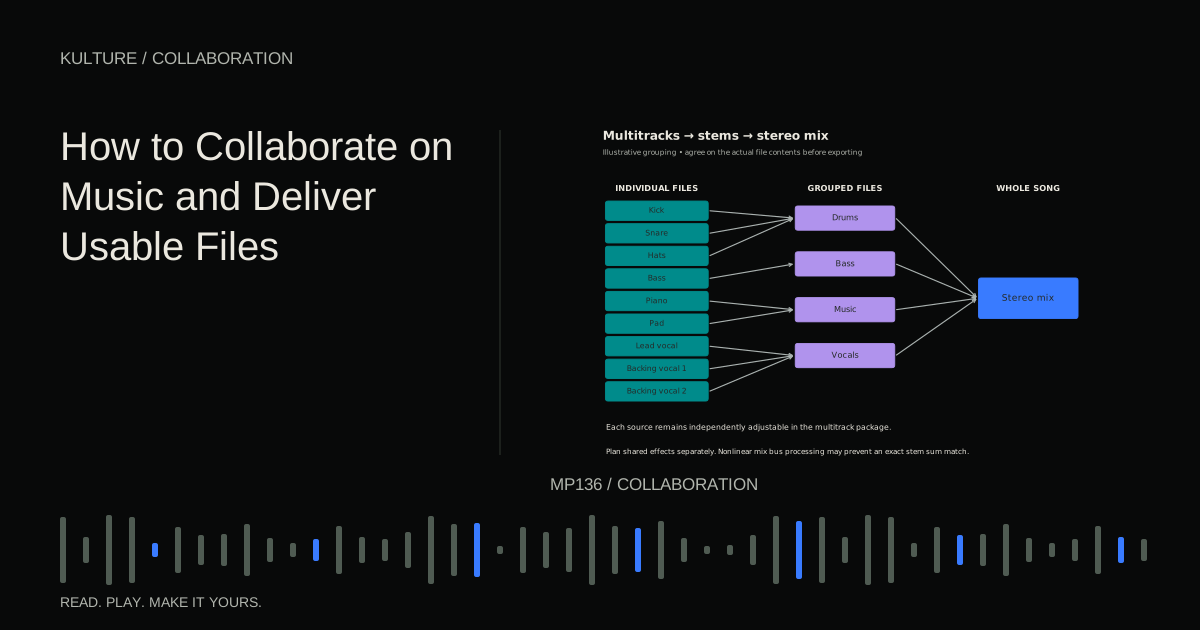
If using stems, choose groups that the live engineer actually needs to control. Too many outputs can complicate a simple show; too few can prevent useful adjustments. The stems guide helps define that grouping.
A practical version matrix
For an original pop single, the agreed matrix might be:
| Version | Lead vocal | Backing vocals | Vocal effects | Click/cues |
|---|---|---|---|---|
| Main | Included | Included | Included | Excluded |
| Instrumental | Excluded | Excluded | Vocal returns excluded | Excluded |
| Acapella wet | Included | Included | Included | Excluded |
| Performance | Excluded | Selected parts | As agreed | Separate files |
| Clean | Approved edits | Checked for explicit content | Checked and edited | Excluded |
This is an example, not a universal convention. Change the matrix to match the actual request before exporting.
Export and identify carefully
Use the agreed file format, sample rate, bit depth, and naming pattern. Avoid independent normalization if it creates unintended level differences. Compare the versions at sensible listening levels, and have the mastering engineer review them if they are part of a mastered release package.
Different released versions can require distinct recording identifiers. Follow IFPI's guidance on when to assign ISRCs and confirm the distributor's handling. Do not assume that every technical file conversion is a new recording, or that materially different versions should all share one identifier.
Finish with a version specific listening pass
Listen to the instrumental specifically for stray vocals. Listen to the acapella for missing harmonies or unwanted instruments. Listen to the clean version while reading the lyric checklist. Listen to the performance package while checking output routing.
Your exercise is to create a version matrix for one song and export two alternatives. Ask another listener to identify their contents without seeing your session. Correct any ambiguity before delivery. Continue with release metadata and distribution when the versions are ready to leave the production workflow.
TAKE IT INTO YOUR OWN MUSIC
Your next session.
For an original pop single, the agreed matrix might be:
Notes and progress stay in this browser.