You may not be able to identify the exact instrument from a finished recording. Layering, processing and other instruments can hide the source. The practical goal is a playable sound that performs the same musical job, with a clear understanding of what remains different.
Choose a reference you can actually hear
Use a short passage where the target sound is relatively exposed. A one second opening can reveal an attack; a held note can reveal modulation and sustain. A dense chorus is a difficult starting point because the apparent synth sound may partly come from guitars, vocals or effects.
Keep the reference available for brief comparisons and set its playback level conservatively. If your patch is much louder, it may seem more exciting without being more accurate. Use an authorized copy or stream for listening; importing or distributing someone else’s audio involves separate rights considerations.
Write five observations before touching a synth. For example: short and plucky, hollow middle, slightly bright attack, narrow dry centre, and one obvious echo. These describe an original hypothetical target, not a claim about any commercial recording.
TRY IT HERE
Shape one sound
Compare the attack, tail and filter on the same note.
Ready when you are. Audio starts only when you press Play.
Keep experimenting in the synth LabMatch the note and register
Find the target’s approximate pitch on a keyboard. Start with a sine or simple piano sound if a complex patch makes pitch hard to hear. Try the same note in neighbouring octaves. The wrong register changes the apparent brightness and weight so much that filter adjustments can become misleading.
If the reference contains a slide, separate the starting pitch, destination and slide duration. A glide between two played notes is different from a pitch envelope that repeats the same downward motion on every note.
Program the rhythm as closely as you can before judging tone. A perfect patch with incorrect note lengths may sound less similar than a rough patch with the correct articulation. Note releases and silences are part of sound design.
Decide what kind of source is plausible
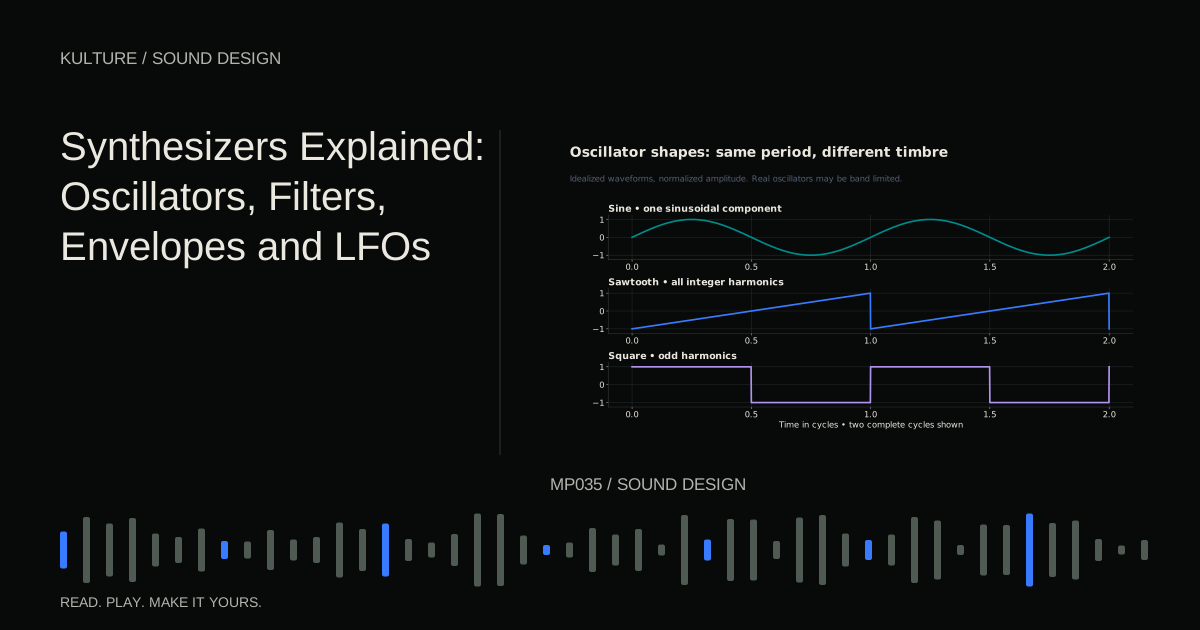
Listen for broad clues. A smooth tone suggests a simple spectrum; a buzzy tone suggests stronger harmonics; a hollow tone may be compatible with a square like source. Metallic, bell like changes may suggest FM or another method producing inharmonic components. These are hypotheses, not reliable forensic identifications.
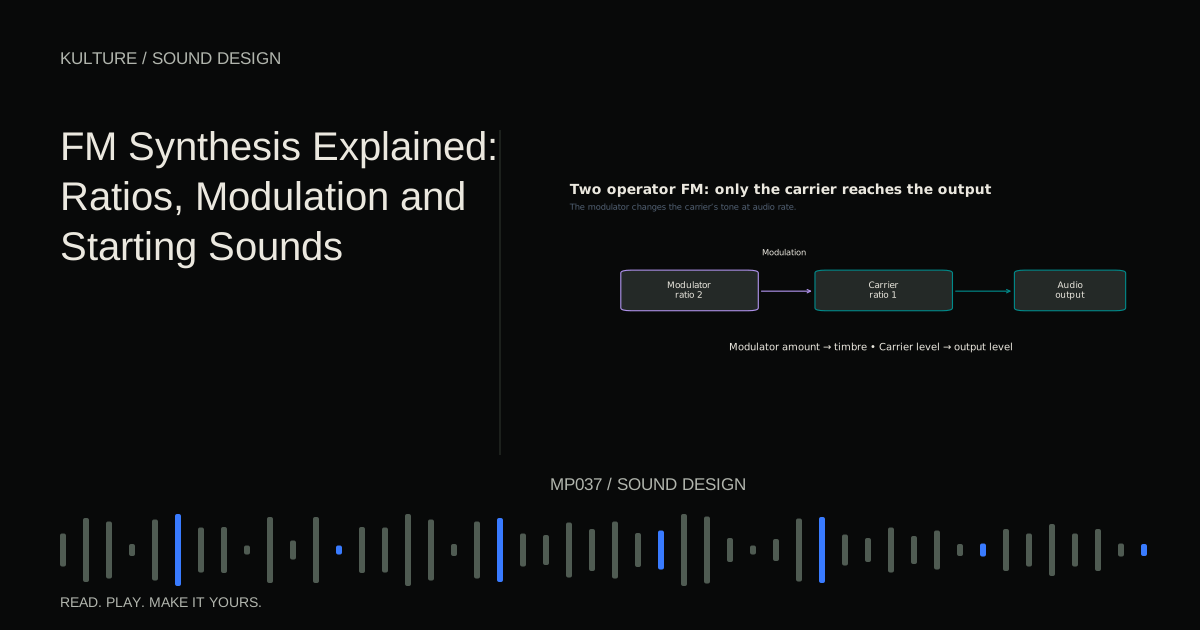
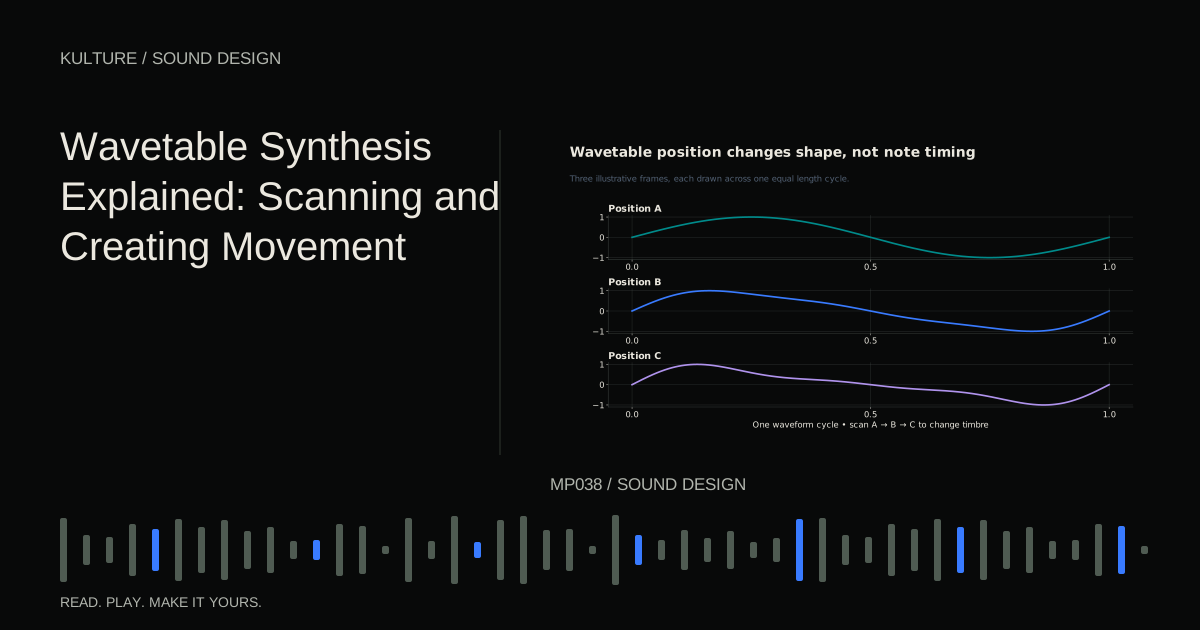
Choose the simplest engine that can plausibly create the main character. Begin with subtractive synthesis for a filtered, harmonically regular tone. Try FM for a bright strike that settles into a pure tail. Try wavetable movement when the tone appears to morph in a way a simple filter does not easily match.
Ableton’s Learning Synths is useful for hearing source and modulation relationships. For more structured alternatives, compare FM synthesis and wavetable synthesis.
Rebuild the envelope before adding effects
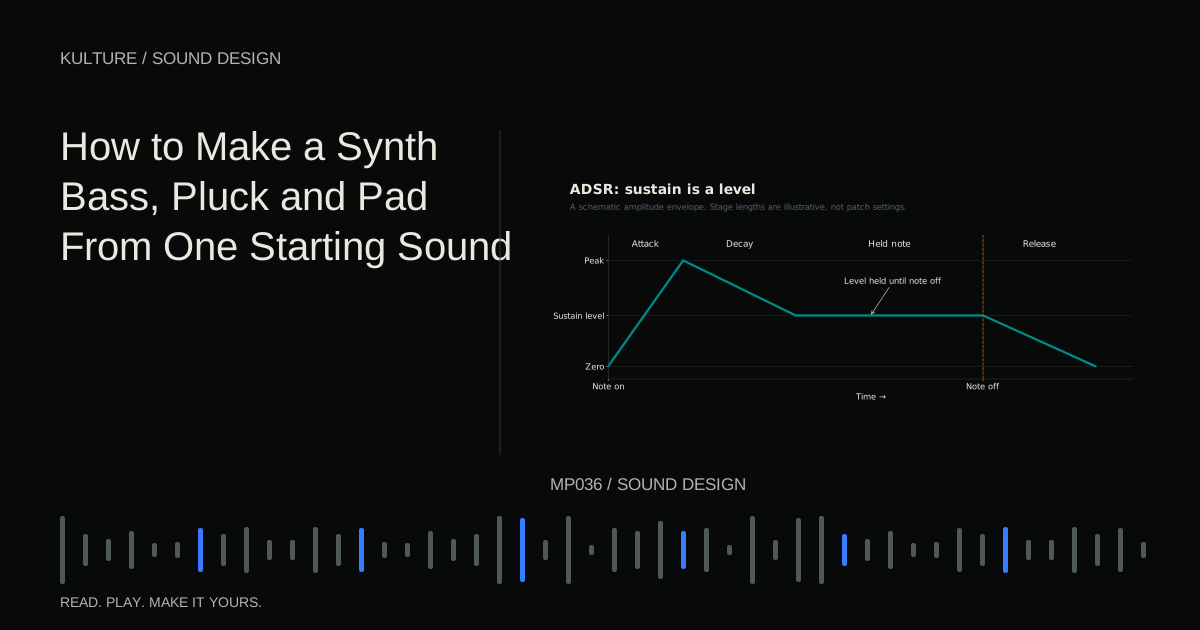
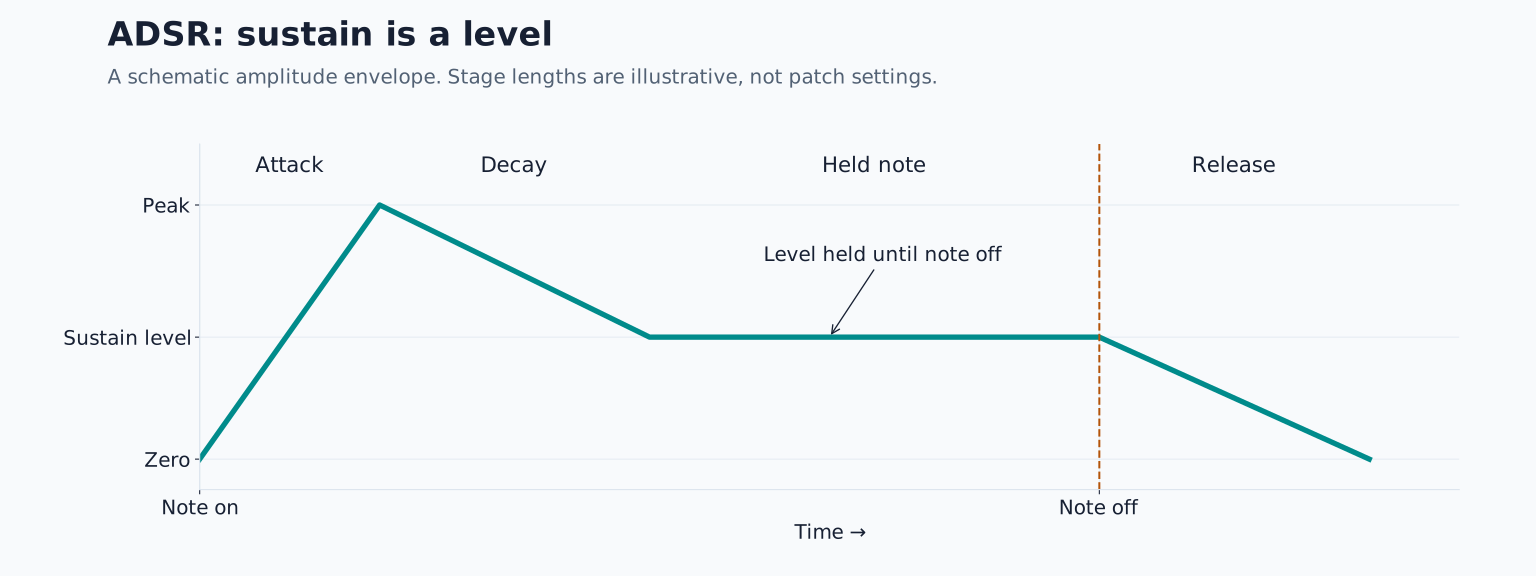
For the hypothetical hollow pluck, begin with a square like oscillator in the correct register. Disable reverb, delay, chorus and unison. Set amplitude attack short, decay around 300 milliseconds, sustain zero and release short enough to preserve the gaps.
Compare only the beginning and ending. Is your patch too blunt, too clicky or too long? Change one relevant envelope control. Do not compensate for a slow attack by adding treble; that creates a brighter slow attack rather than the desired fast one.
Then compare brightness over time. If the reference begins bright and darkens, close the filter at rest and use a positive filter envelope. Start with a filter decay shorter than the amplitude decay. The exact values matter less than the relationship between those two trajectories.
Use longer MIDI notes temporarily to distinguish envelope decay from note release. If your sound dies away while held, decay and sustain are controlling it. If it only fades when the note ends, release is the important control.
Separate the dry sound from its surroundings
Listen after the source stops. Distinct repeats suggest delay; a diffuse tail suggests reverb; a shifting or doubled sustain may involve chorus or unison. Several processes can coexist, so identify the clearest one first.
For the hypothetical single echo, add a tempo synchronized delay at a quarter note interval and low feedback. At 120 BPM a quarter note is 500 milliseconds. If the echo falls between the beats, test an eighth note or dotted eighth interval instead. Use the rhythm of the repeats as evidence rather than choosing a favourite preset.
Keep the dry part audible and compare tail level separately. Excessive effects can make a wrong source seem superficially similar while hiding the articulation. A successful recreation should usually remain recognizable with the effects temporarily muted.
Investigate movement on held notes
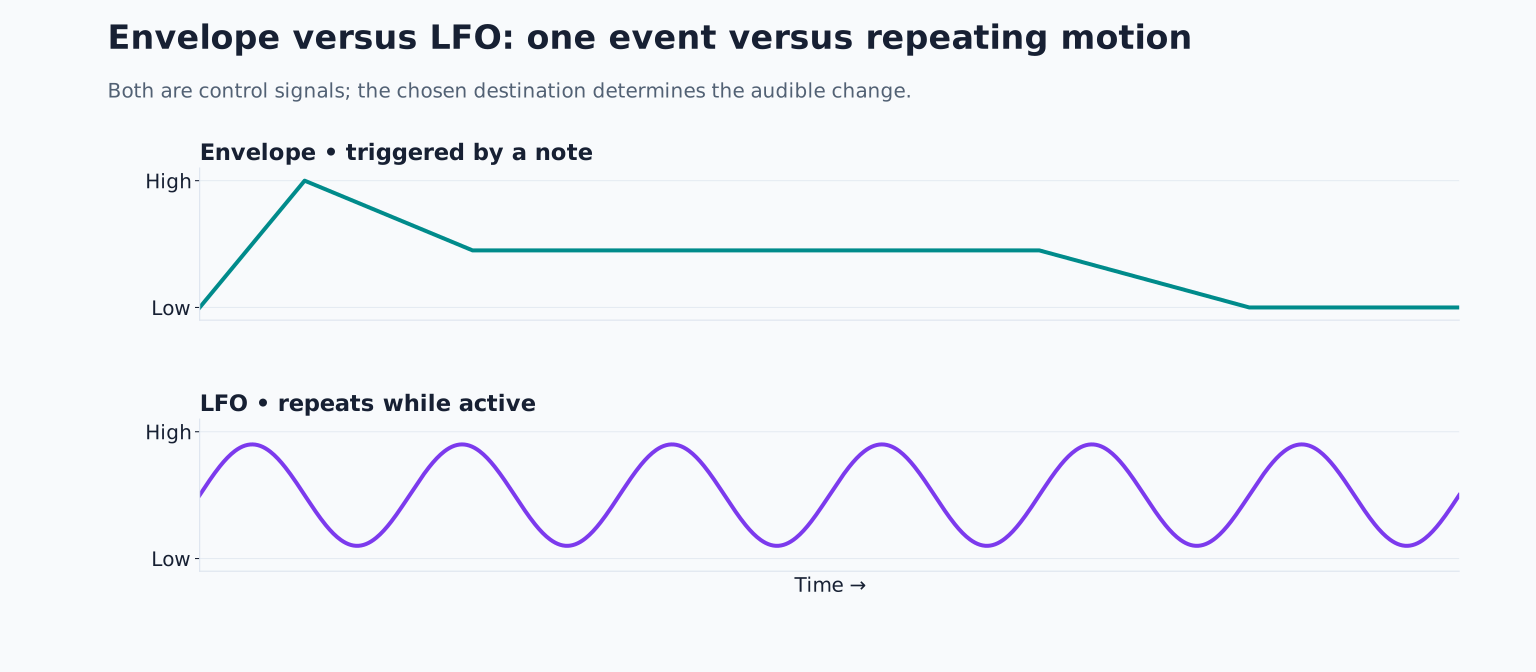
Hold one note for several seconds. If the target has repeated changes in brightness, try an LFO routed to cutoff. If the pitch gently wavers, try shallow pitch modulation. If the entire sound drifts across the stereo field, investigate panning or stereo effects.
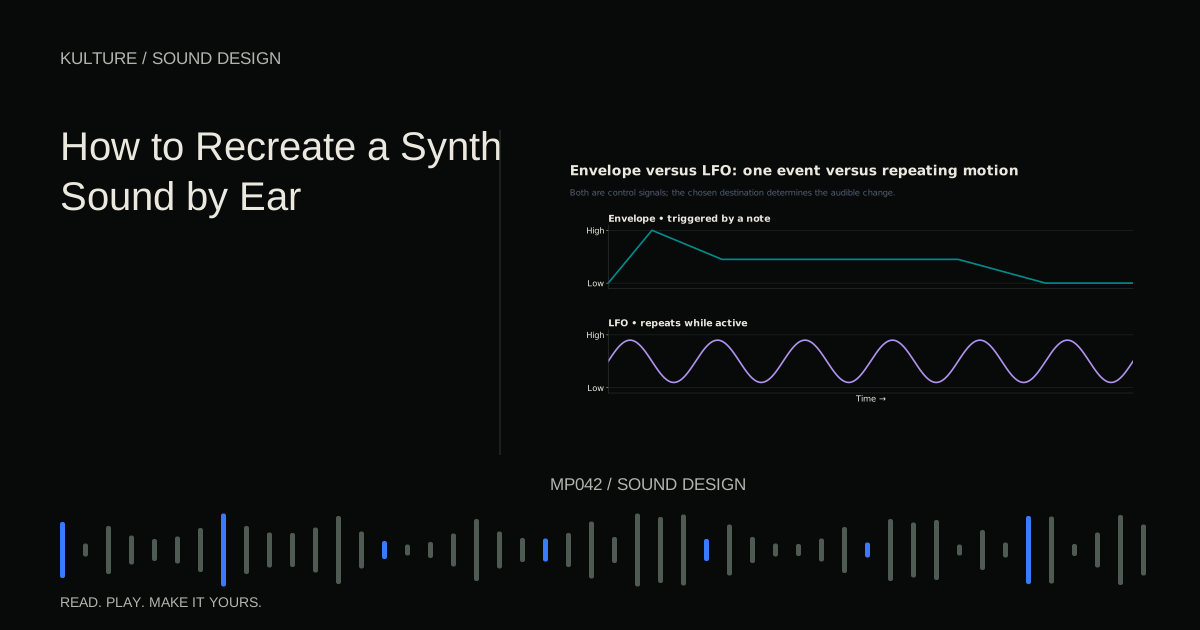
Do not use one modulation source to solve every difference. A slow amplitude pulse, a fast vibrato and a one time filter sweep are three different behaviours. Write down which repeats and which restarts on every note.
For a sound that changes between notes unpredictably, compare free running modulation with note retriggered modulation. Also check whether the original performance’s velocity is changing the sound. Expression can masquerade as a different preset.
Make comparisons that lead to decisions
Alternate short reference and patch passages. Choose one question for each pass: attack length, brightness, body, movement or space. Write a small adjustment, make it, then compare again. Constantly changing five controls prevents you from learning which one mattered.
Save checkpoints with descriptive names such as “shorter attack” or “less filter sweep.” If a later version is worse, you can return without reconstructing earlier settings. Stop when the patch serves your arrangement and remaining differences are unimportant or unidentifiable.
For a final exercise, ask someone to describe your patch without seeing the reference, or write your own description after a break. Compare that description with your original five observations. Then recreate a second sound with a different envelope, keeping the same oscillator. The skill you are building is translating listening into decisions, not guessing a brand name.
TAKE IT INTO YOUR OWN MUSIC
Your next session.
Alternate short reference and patch passages. Choose one question for each pass: attack length, brightness, body, movement or space. Write a small adjustment, make it, then compare again. Constantly changing five controls prevents you from learning which one mattered.
Notes and progress stay in this browser.