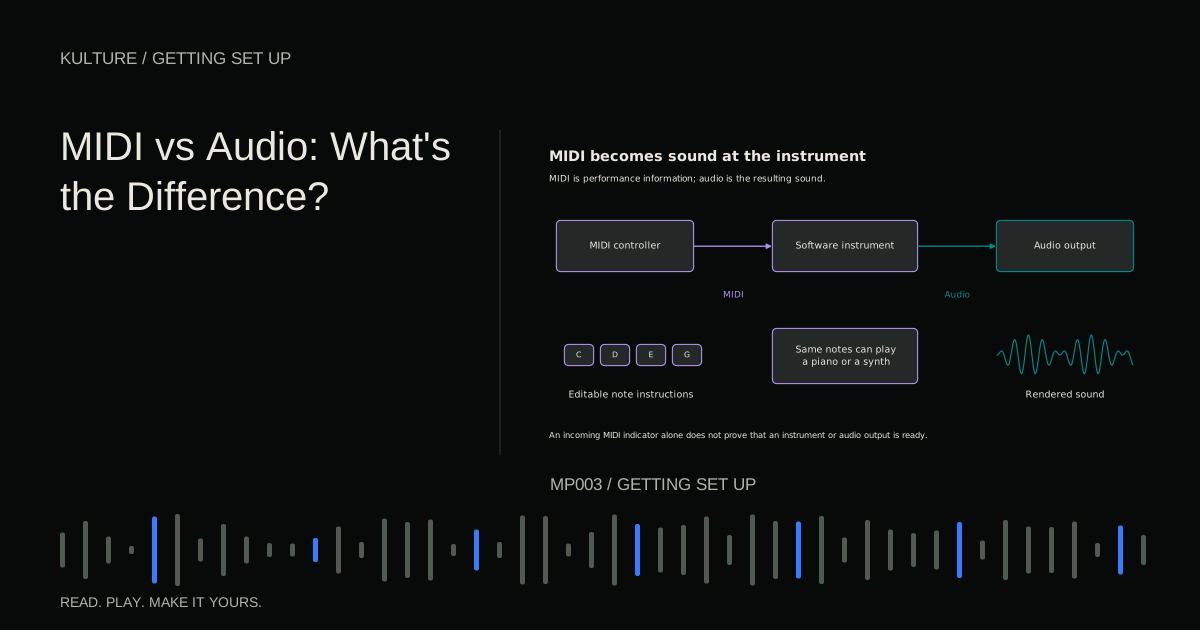
Think of audio as a recording of a pianist and MIDI as a detailed set of performance directions for a player piano. The directions can produce different results when sent to a different instrument. The recording preserves the instrument and performance that were captured.
What each format remembers
An audio recording represents a changing signal as digital samples. Here, “samples” means measurements taken over time, not only the drum hits or loops producers also call samples. Its sound includes the source, the performance, and whatever was captured or printed into the recording path.
A conventional MIDI note event identifies a pitch and a note on velocity. Separate information indicates when the note ends. Other messages can communicate sustain pedal movement, pitch bend, program changes, and many other controls. The instrument decides how to respond. The MIDI Association explains MIDI's role as communication rather than audio.
This leads to a useful practical distinction:
| Task | MIDI approach | Audio approach |
|---|---|---|
| Correct one note | Move its pitch in the note editor | Use audio pitch editing or record again |
| Replace a piano with a synth | Change the receiving instrument | Replace or transform the recording |
| Preserve an exact plugin sound | Also save or render the instrument's output | Save the resulting audio |
| Capture a singer's delivery | Not a direct capture of the voice | Record through a microphone |
Neither is inherently more professional. Most productions use both.
TRY IT HERE
Follow the signal
Put the stages in order, then check the route.
Ready when you are. Audio starts only when you press Play.
Keep experimenting in the sample pads LabFollow one note through the system
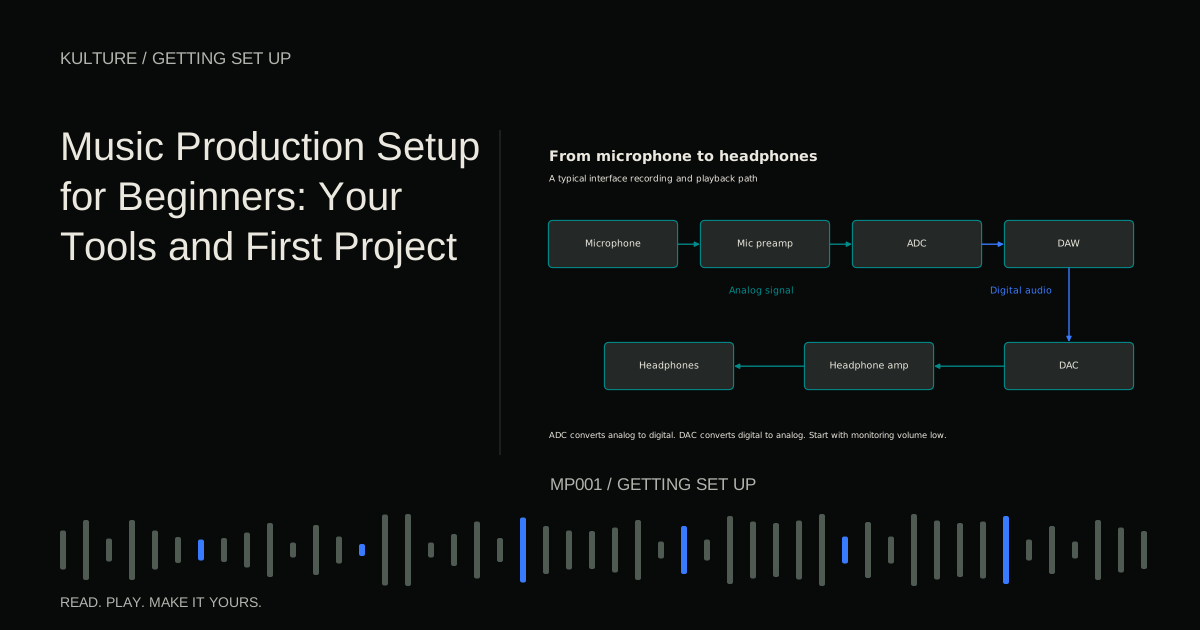
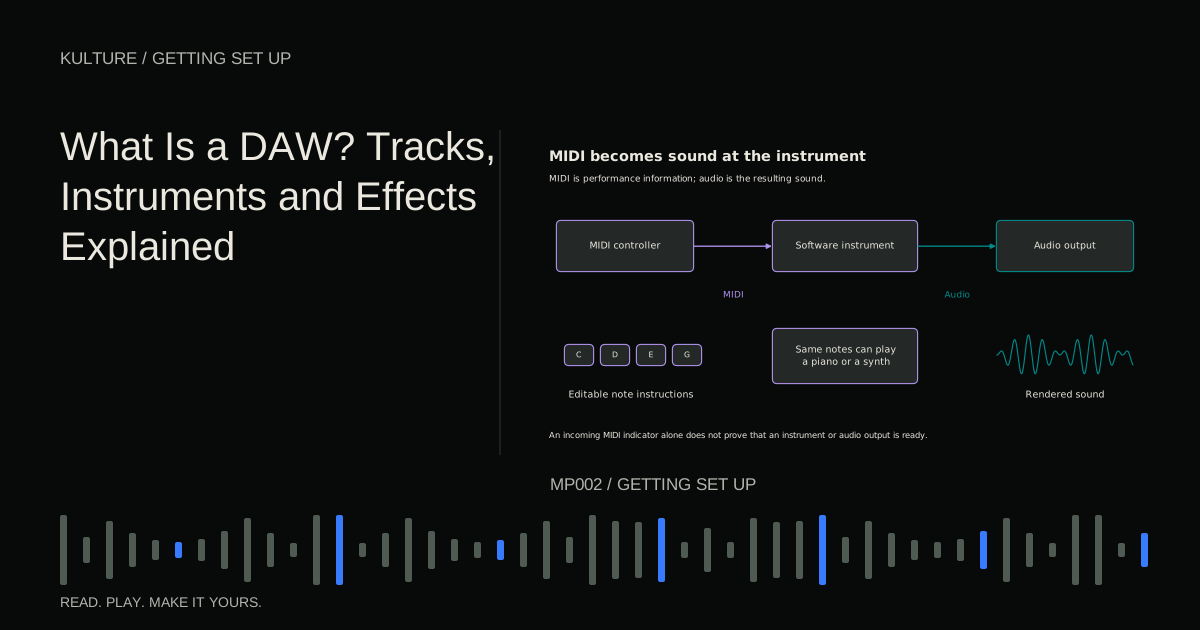
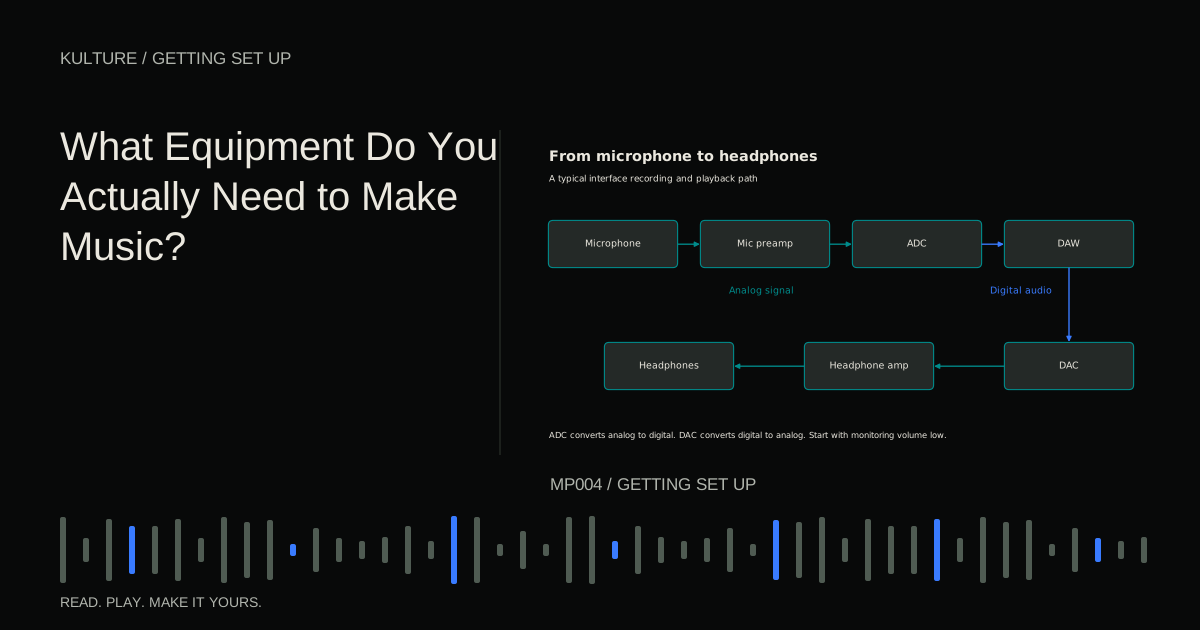
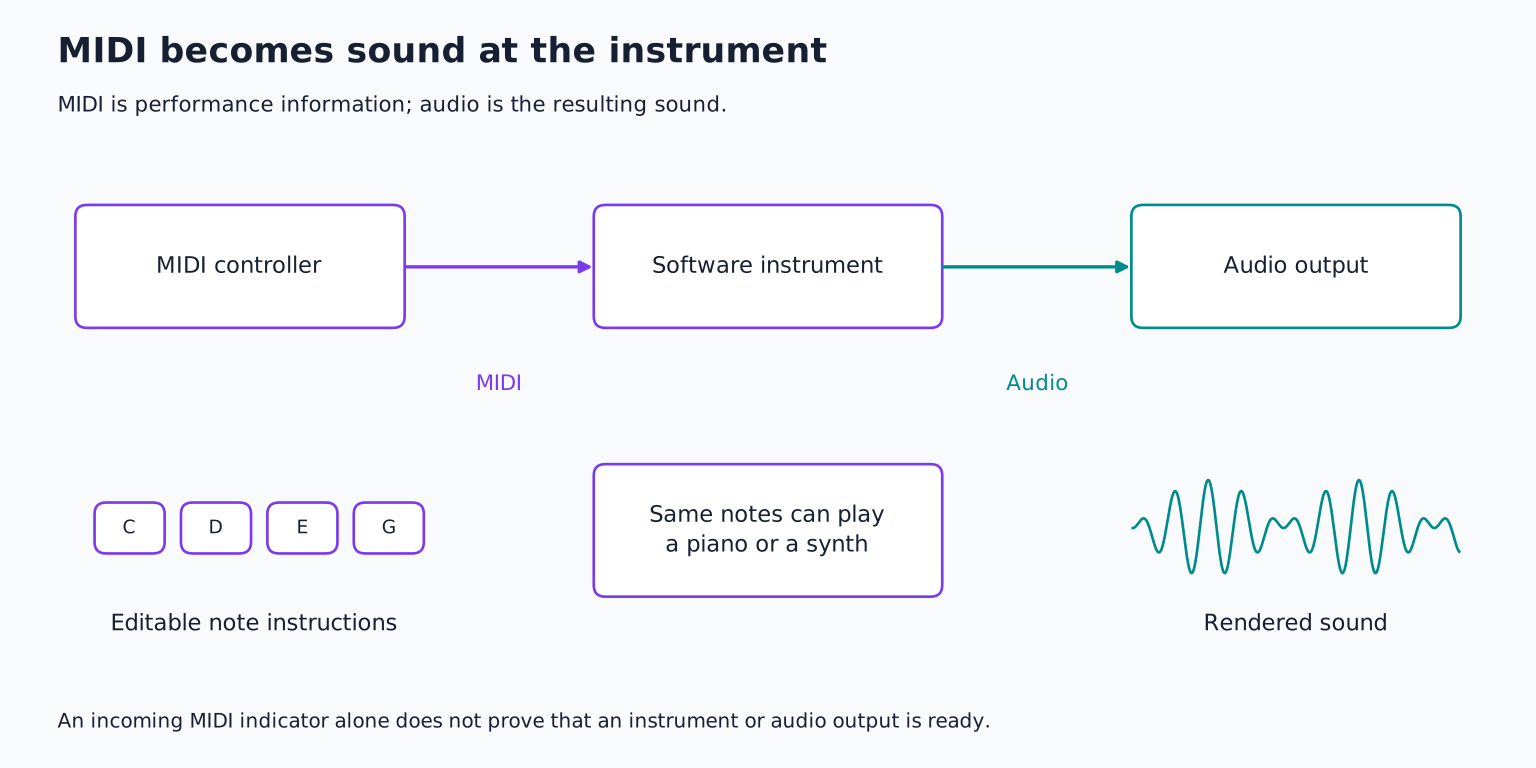
Suppose you press a key on a USB MIDI keyboard. The controller sends note information to the computer. Your DAW directs that information to a software piano. The piano generates audio, which passes through the track, main output, audio device, and headphones.
The USB cable did not necessarily carry a recording of a piano. Many controllers contain no internal sound generator at all. Their keys, pads, knobs, and pedals are controls for something else.
Some keyboards do contain sound engines. Others also function as USB audio devices. A USB connector alone does not tell you which capabilities are present. Check the device manual for MIDI, audio, and power separately.
If your DAW shows incoming MIDI activity but the speakers remain silent, the missing link may be a loaded instrument, its MIDI input assignment, or the audio output. Increasing the microphone gain cannot fix an unassigned software instrument. Follow the MIDI keyboard troubleshooting guide to isolate those stages.
Try the difference without a keyboard
Create an instrument track and load a simple piano sound. Draw four quarter notes: C, D, E, and G. Put one note on each beat of a 4/4 bar. Choose a middle register that sounds comfortable; octave numbers vary between DAWs.
Play the bar. Now change the instrument preset to a bass or a pluck while leaving the note clip untouched. The rhythm and pitches remain, but the sound changes. You are listening to the same MIDI instructions through a different sound generator.
Return to the piano and export or render that bar as audio. Import the resulting file onto an audio track, then mute the instrument track. You should hear the rendered piano performance. Change the original MIDI notes while the audio track plays. The audio does not update automatically because it is a separate rendering of the earlier state.
This is why a producer may keep MIDI while composing, then print audio to preserve a sound for editing, collaboration, or future recovery.
Velocity is not simply recorded loudness
In conventional MIDI, note on velocity describes the strike value sent with a note. An instrument can map it to volume, brightness, sample selection, or several changes at once.
Try playing the same piano note with low and high velocity. A well designed sampled instrument may sound softer and darker at the lower value, not merely quieter. A synthesizer preset might ignore velocity entirely. If changing velocity seems to do nothing, inspect the instrument rather than assuming the MIDI is broken.
Audio clip gain, by contrast, changes the level of an existing audio signal. It does not automatically make a hard piano strike become a genuinely soft strike. Lowering the volume preserves the recorded timbre unless another level sensitive processor reacts differently afterward.
MIDI editing has boundaries
A note editor makes pitch and timing changes convenient, but it does not guarantee a natural performance. Moving every note to an exact grid can remove intentional rhythmic relationships. Extending every note may create overlapping voices or unexpected legato behavior in a synthesizer.
Sustain pedal data can keep notes sounding after their visible blocks end. A monophonic instrument plays one voice at a time, so a second note may replace or glide from the first. A drum instrument maps different notes to different sounds; moving a kick note upward might trigger a snare rather than a higher pitched kick.
When a MIDI passage sounds wrong, inspect note lengths, overlaps, controller data, and the receiving preset. The notes are only part of the performance instructions.
Audio editing has different strengths
Audio gives you direct access to the rendered sound. You can cut the end of a drum hit, reverse a vocal fragment, fade between takes, or move a breath independently of the words around it.
Time stretching changes audio duration; pitch shifting changes pitch. Depending on the algorithm and material, large changes can introduce artifacts such as softened attacks, metallic textures, or an unnatural vocal quality. Sometimes those artifacts are a creative choice. Sometimes a new recording is cleaner.
A useful rule is to choose the representation that exposes the decision you need to make. If you are still choosing chord notes, MIDI is convenient. If you are shaping the exact attack and tail of a recorded texture, audio may be more direct.
Exporting MIDI does not export your mix
A Standard MIDI File can preserve compatible note and control information, but it does not package every software instrument, preset, effect, and routing choice from your DAW. A collaborator may hear a different result when they open it. Ableton's MIDI file documentation distinguishes MIDI export from audio rendering and application specific saved clips.
For a collaborator who wants to change the notes, send MIDI with a reference audio bounce and a description of the intended instrument. For someone who only needs to hear the song, send audio. For someone who must reconstruct the sound exactly, discuss compatible project files, plugin versions, and printed tracks.
Do not assume audio to MIDI conversion reverses the process perfectly. Detecting notes in a simple monophonic recording is a different problem from separating several overlapping instruments. Treat conversion as a starting interpretation that may need correction.
Your next experiment
Make an eight bar MIDI bassline and render it to audio. Keep both, clearly labeled. Change one MIDI note, then separately cut and reverse a small section of the audio copy. Compare which kinds of editing feel immediate in each format.
Finish by explaining the two files in one sentence each: “This contains instructions for a bass instrument” and “This contains the sound of the bass instrument.” That distinction will help with controller purchases, troubleshooting, and choosing the equipment you actually need.
TAKE IT INTO YOUR OWN MUSIC
Your next session.
Create an instrument track and load a simple piano sound. Draw four quarter notes: C, D, E, and G. Put one note on each beat of a 4/4 bar. Choose a middle register that sounds comfortable; octave numbers vary between DAWs.
Notes and progress stay in this browser.