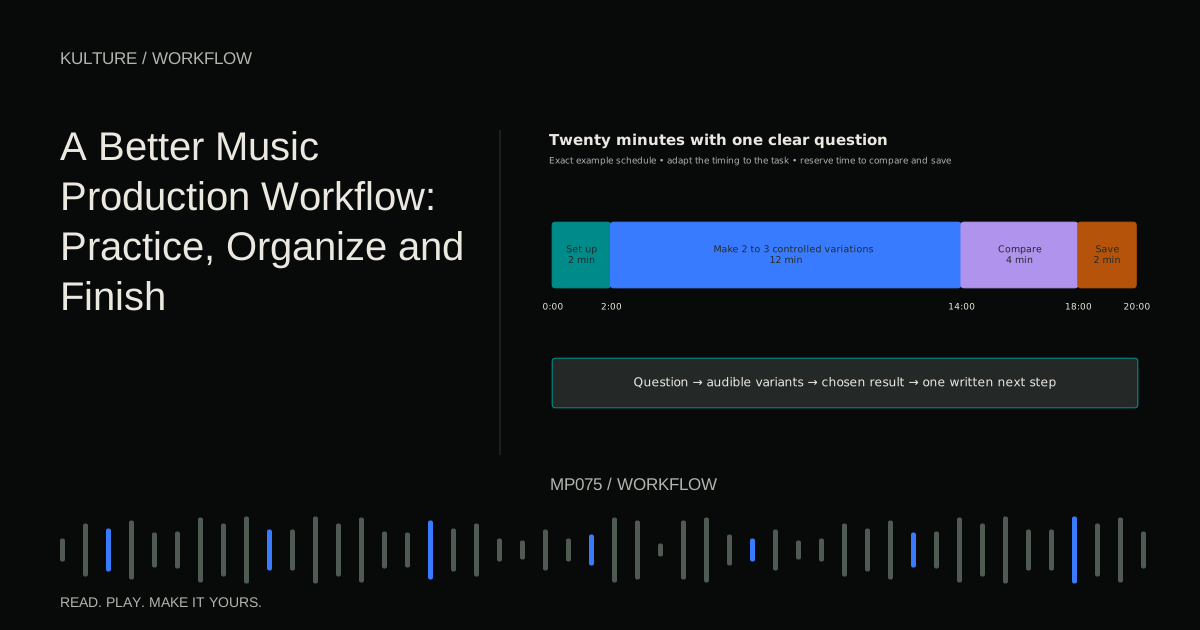
The most useful distinction is between making music, practicing a skill, and maintaining your tools. All three matter, but they produce different outcomes. An evening organizing samples may be worthwhile; it is not the same as writing a song. A sound design exercise may teach you something without needing to become a release.
Give each session a visible outcome
Before opening the DAW, write one sentence: “Today I will arrange the existing loop through its first return,” or “Today I will learn how release time changes this bass.” Avoid goals such as “work on music” or “get better at mixing.” They are too broad to tell you whether the session succeeded.
A clear outcome does not eliminate surprise. If an unexpected melody appears, record it. Then decide whether it belongs to the current task or should be saved for another session. Capturing a useful detour is different from abandoning the original task without noticing.
Ableton's Making Music collection is organized around creative roadblocks rather than only software operation. That is a helpful perspective: workflow problems are often musical decisions, not missing plugins.
TRY IT HERE
Make it your session
Turn the steps into a plan you can save.
Ready when you are. Audio starts only when you press Play.
Keep experimenting in the beat maker LabUse a lightweight starting template
A template can contain labelled audio and instrument tracks, a basic drum instrument, one keyboard sound, a simple bass, and a shared reverb. Keep it small enough that it does not decide the genre before you write anything.
Include routing you genuinely reuse, but avoid loading a heavy mastering chain or dozens of instruments by default. A template that takes minutes to open or encourages the same arrangement every time is creating friction rather than removing it.
Before recording, confirm the input, output, monitoring path, tempo if needed, and project location. Save immediately with a working title and date. These small actions prevent the creative session from turning into a search for an unnamed file later.
Separate capture from evaluation
During capture, record several short ideas without polishing each one. A melody can be hummed into a microphone. A rhythm can be tapped on one drum sound. A chord progression can use a plain piano.
Set a short capture window, perhaps fifteen minutes, then listen back. Choose the idea with the clearest identity, not necessarily the most technically impressive performance. Ask what makes it memorable: a contour, rhythm, lyric, chord change, or sound gesture.
Write that identity in the project notes. For example, “Descending three note hook answered by a rising bass pickup.” This becomes a decision anchor when later additions compete for attention.
Develop a minimum complete musical statement
Build enough material to reveal how the idea works with rhythm, bass, and harmony. Do not add every possible layer. If the hook is rhythmic, keep the supporting harmony simple. If the chord movement is the main attraction, avoid a lead that constantly talks over it.
For a concrete exercise, make eight bars at 110 BPM with A minor for four bars and F major for four. Use a three note E, G, A hook in the first half and C, E, F in the second. Add bass roots and a basic kick/snare pattern. Then stop adding instruments.
At this point, ask whether the eight bars have a recognizable beginning and response. If they do not, change the musical material before searching for a more expensive sound. A different preset may inspire a new idea, but it cannot guarantee a clearer phrase.
Move into an arrangement early
Once the core relationship works, create a rough full timeline. Make an introduction, first statement, contrast, return, and ending. The exact bar counts can change; the important thing is to hear how the idea survives outside its loop.
For the example above, try 8 bars of introduction, 16 of full groove, 8 of contrast, 16 of return, and 8 of exit. You now have 56 bars, about two minutes at 110 BPM. Add markers and remove parts to create audible roles.
Do not wait until every sound is final. A complete rough arrangement exposes pacing problems and shows which sounds need expressive variation. The eight bar arrangement lesson gives a more detailed procedure.
Use separate passes for separate questions
A musical pass asks whether the song communicates: melody, harmony, structure, and focus. An editing pass checks note lengths, timing, audio boundaries, and unwanted overlaps. A balance pass checks relative level and space. A technical pass checks missing media, overload, export range, and playback.
These passes can overlap, but naming them prevents a tiny edit from derailing a major arrangement decision. If you notice a click during a structure pass, mark it and continue unless it prevents listening. Repair it in the editing pass.
Similarly, if a mixing problem is really two busy parts competing, return to arrangement. Workflow should help you identify the right kind of decision, not force every problem into a plugin.
Practice outside the song when necessary
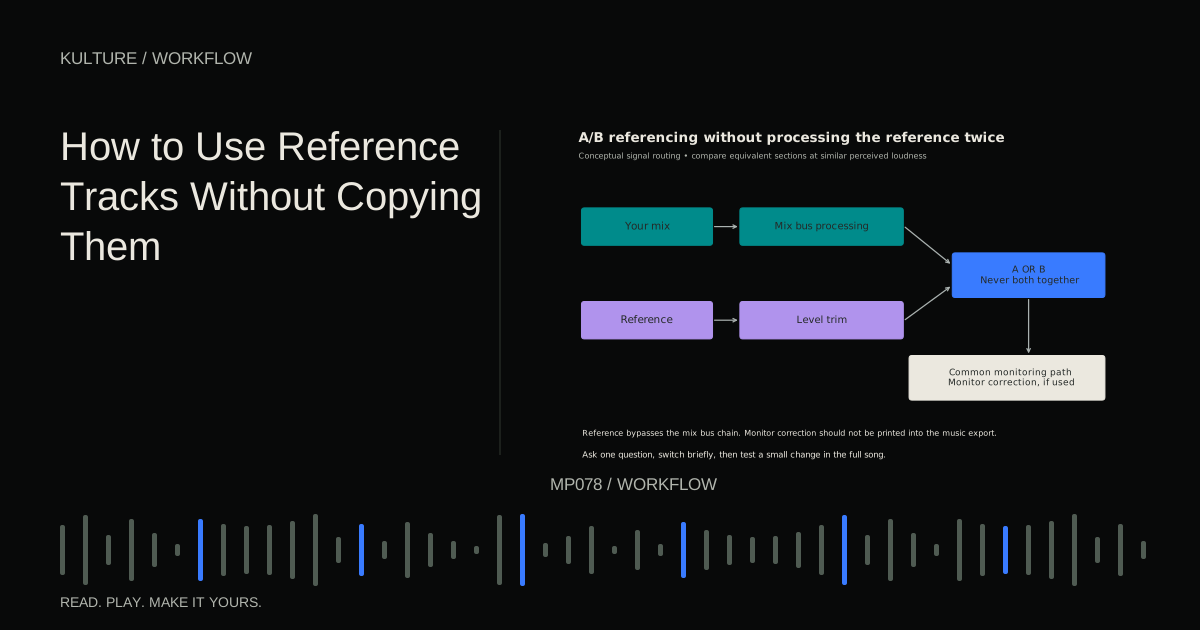
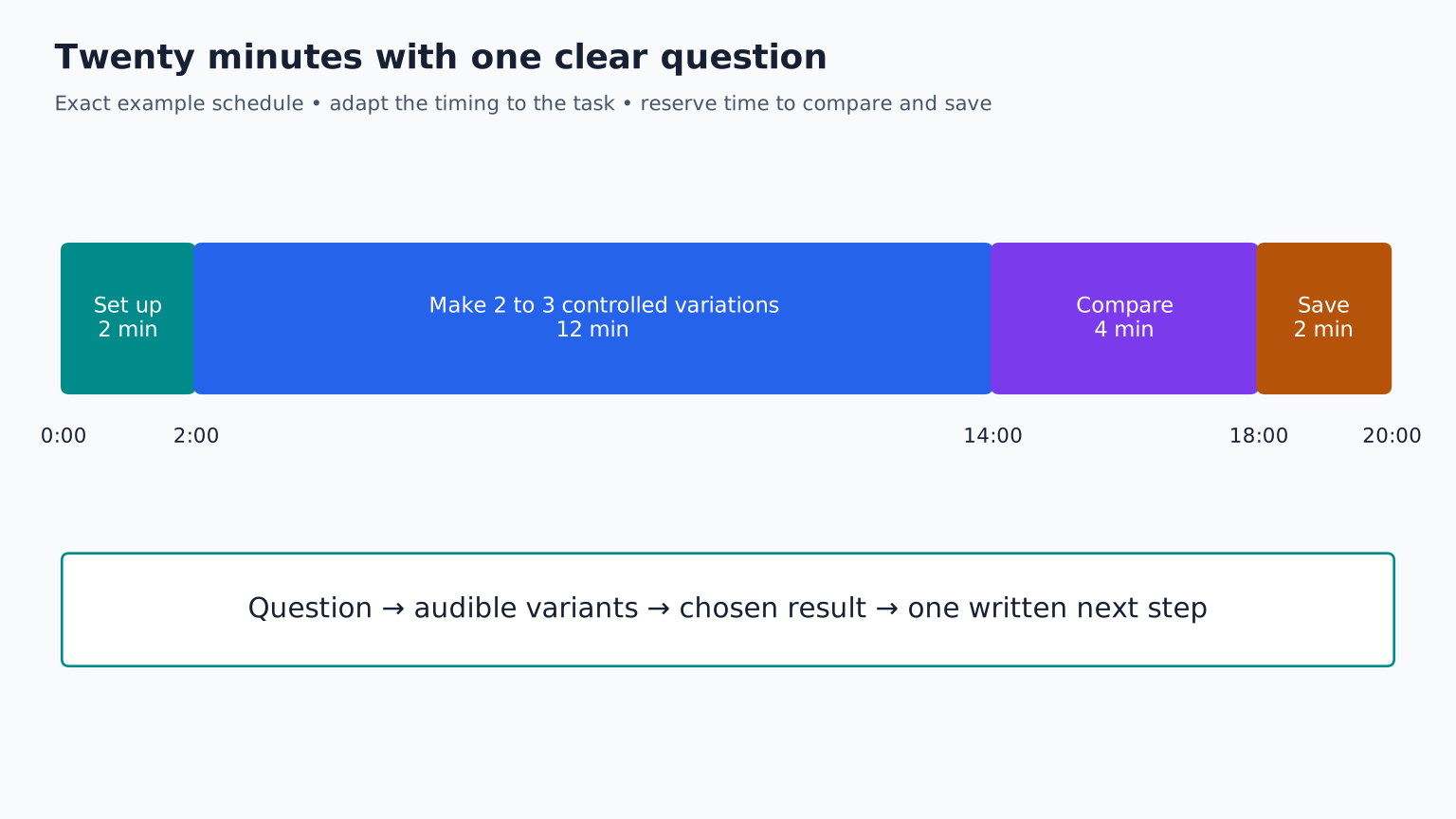
If you repeatedly struggle with a skill, make a small study. For bass note length, create three versions of the same pattern: short, medium, and overlapping. For chord voicing, compare root position chords with smoother inversions. For compression, compare one source with and without processing at similar loudness.
Keep the exercise separate from a nearly finished track. Learning a new tool inside the final mix can trigger endless unrelated changes. Once the lesson is clear, apply only what the song needs.
Berklee's practice planning resource supports goal oriented practice. In production, the equivalent is a narrow question with an audible result, not a long session measured only by time spent.
Maintain files at predictable checkpoints
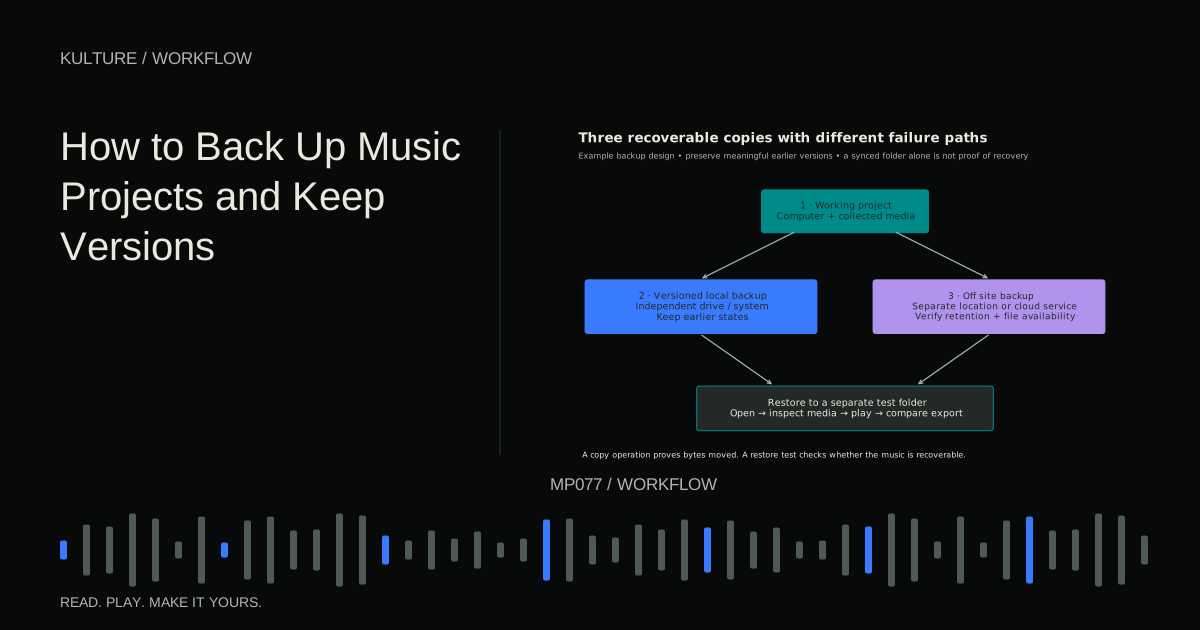
At the end of a session, save a meaningful version, ensure new recordings and samples are included in the project, and make a listening export when the arrangement changes materially. Write one next action: “Shorten the breakdown by four bars,” not “continue.”
Keep a simple project status list: idea, developing, arranged, revising, complete, or archived. The labels are for finding the next useful action, not grading your worth as a musician.
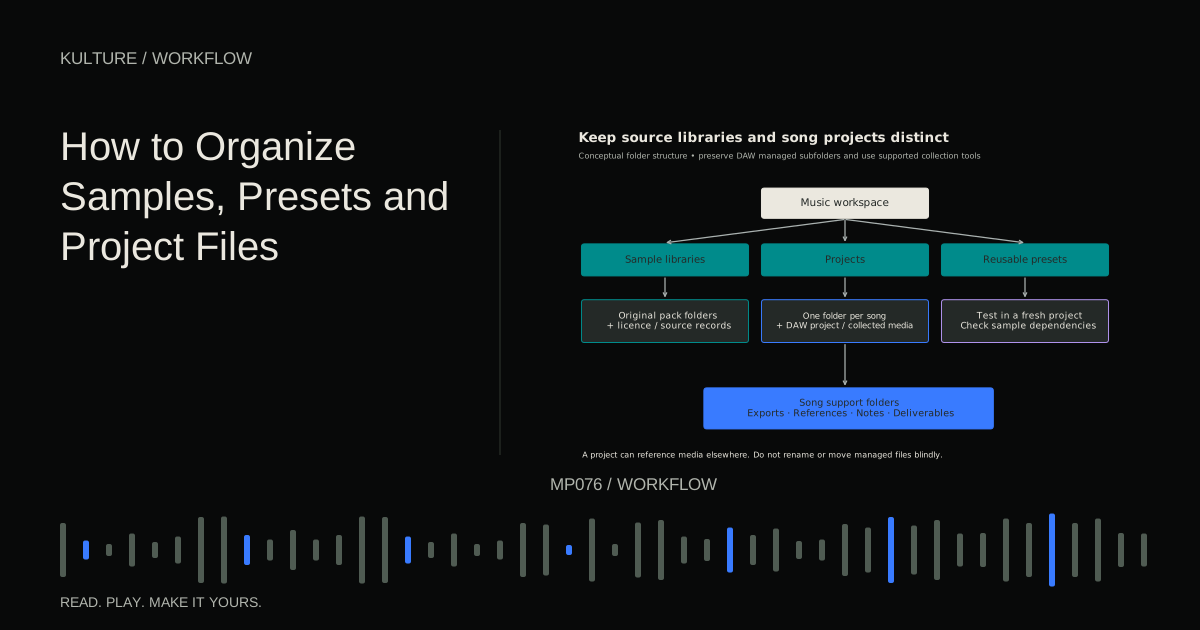
A project can be archived because its strongest idea belongs elsewhere. Preserve the useful source and a short note explaining why you stopped. Archiving intentionally is different from losing a project in a folder of unnamed sessions.
Build a realistic week
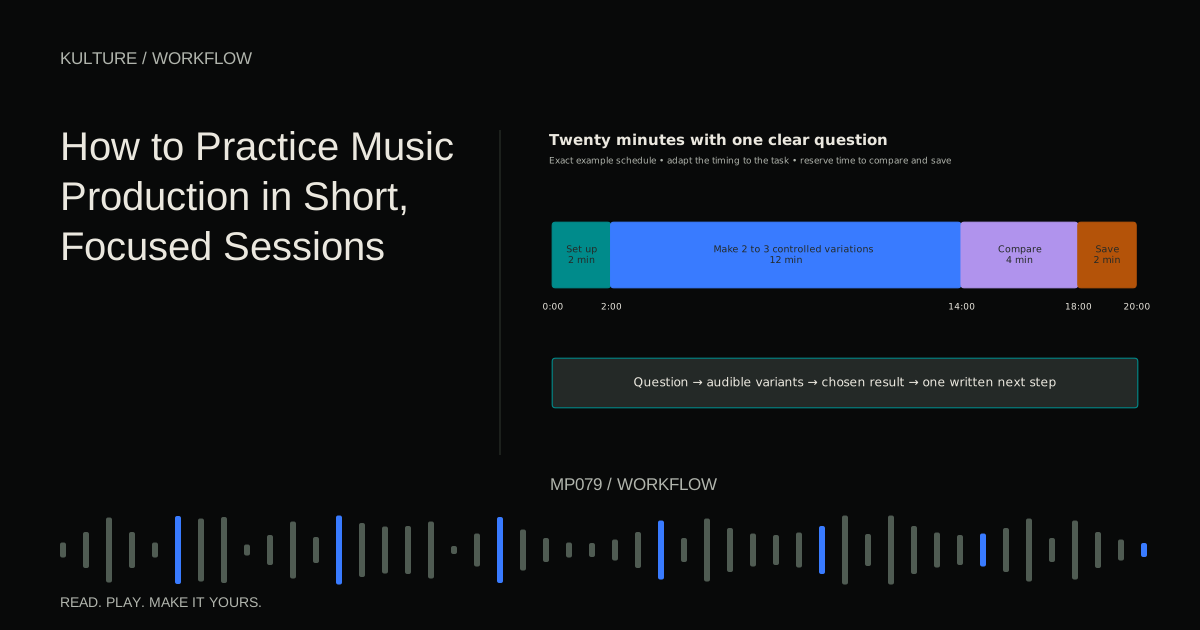
A modest schedule might include one short skill exercise, one writing session, one arrangement session, and one review. The sessions do not need equal lengths. If you have only twenty minutes, finish a small decision instead of starting a task that requires uninterrupted recording time.
For example, Monday compares three bass rhythms; Wednesday writes an eight bar idea using the best lesson; Friday arranges it; Sunday listens to an export and identifies two revisions. The cycle creates both learning and finished work.
Do not interpret this as a productivity quota. Some pieces need extended exploration. The useful question is whether you know what you are exploring and how you will recognize a result.
Finish versions and preserve learning
Define completion for the current purpose. A demo needs a clear song and usable playback; a release requires additional technical and rights checks. When a version meets its purpose, export it and record one lesson learned.
If revisions become endless, compare the latest change against a saved checkpoint. Keep it only if it improves a specific musical or technical issue. Finishing a track when you keep changing it gives a stopping framework.
For your next three sessions, write the outcome before beginning and the result afterward. Note where time disappeared: browsing, routing, uncertainty, or genuinely useful exploration. Change one source of friction, not your entire process. A good workflow is the smallest repeatable system that helps you make the music you intend.
TAKE IT INTO YOUR OWN MUSIC
Your next session.
If you repeatedly struggle with a skill, make a small study. For bass note length, create three versions of the same pattern: short, medium, and overlapping. For chord voicing, compare root position chords with smoother inversions. For compression, compare one source with and without processing at similar loudness.
Notes and progress stay in this browser.