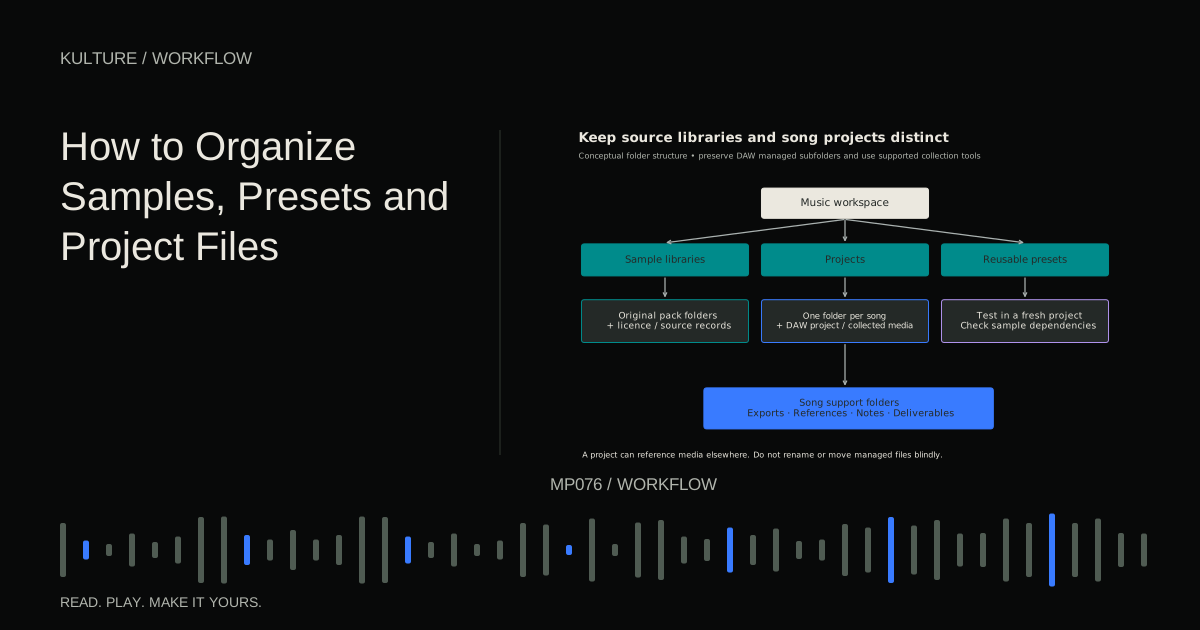
Start by understanding that a DAW project file often stores instructions and references to media, not every sound inside one self contained document. Moving or renaming samples outside the DAW can therefore make a project lose them. Use the application's supported collection and relocation tools when preparing an archive or moving a working project.
Separate libraries from projects
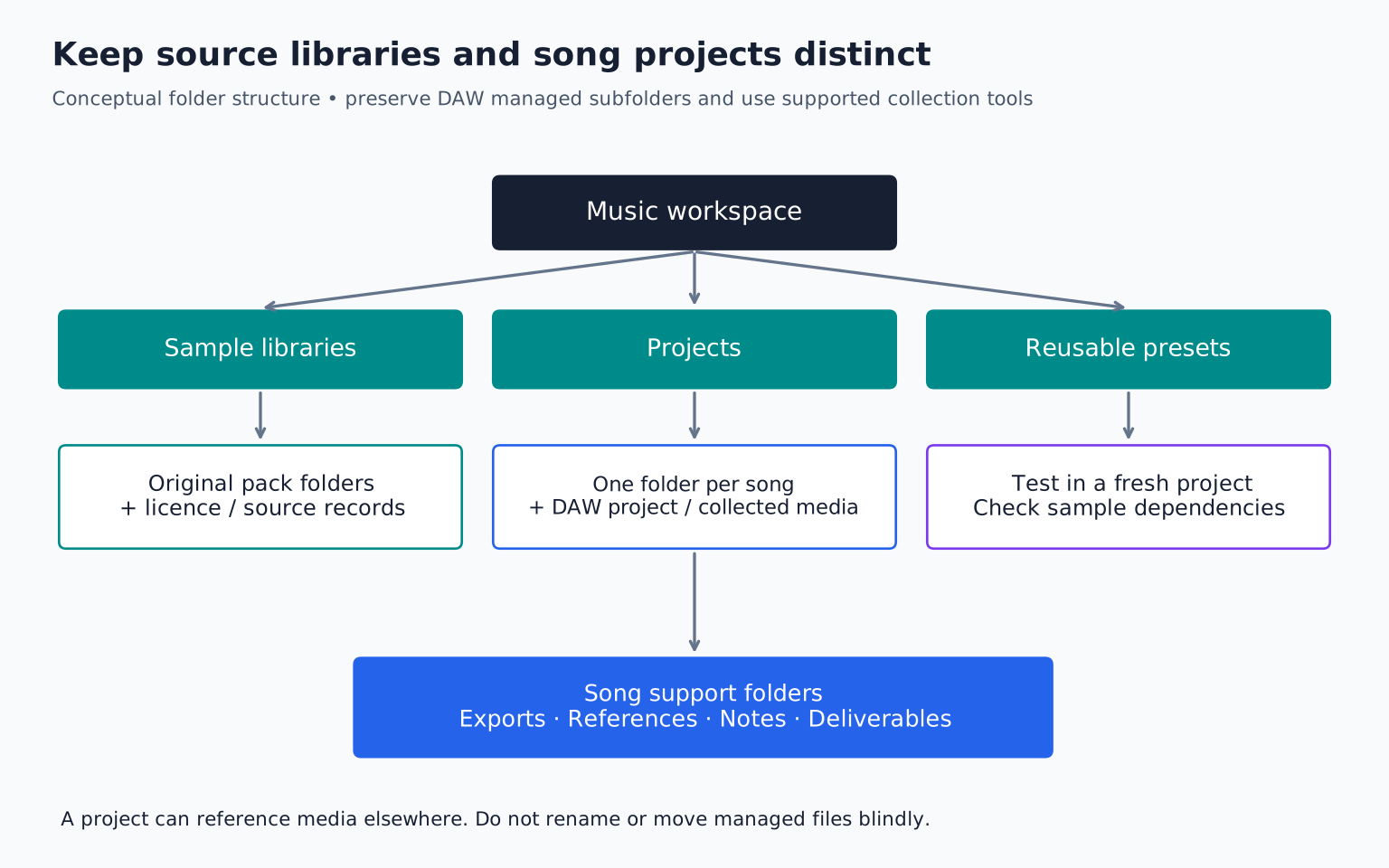
A sample library is a collection of reusable source material. A project is the set of files needed for a particular piece. Keep those concepts distinct even if they live on the same drive.
A simple top level might contain Projects, Sample Libraries, User Presets, Exports, and Documents. Inside Projects, give each song its own folder. Inside Sample Libraries, keep commercial packs in their original named folders where practical, along with license information.
Do not merge thousands of files into one folder called Drums and then rename everything. That can lose provenance, create filename collisions, and make updates or missing file repair harder. Use browser tags or a small curated favorites collection to make discovery faster without dismantling the original libraries.
Ableton's file management guidance explains why audio references and collection matter. The same general concern applies across DAWs, although exact commands differ.
TRY IT HERE
Make it your session
Turn the steps into a plan you can save.
Ready when you are. Audio starts only when you press Play.
Keep experimenting in the beat maker LabBuild a project folder that tells a story
For a song called Glass Station, use a folder named Glass Station. Within it, keep the DAW's normal project structure and add clearly named supporting folders only where appropriate: Exports, References, Notes, and Deliverables.
Do not manually rearrange folders that the DAW manages unless its documentation supports that move. Some applications expect recordings, analysis files, or project information in particular locations.
Use version names that communicate a meaningful state, such as GlassStation_v03_arranged and GlassStation_v04_vocal edit. A version number is easier to sort than a growing chain of “final” labels. Keep the title stable so related files stay together in searches.
For exports, include purpose: GlassStation_v04_listening.wav or GlassStation_v04_instrumental.wav. If delivering to someone else, agree on naming and format rather than assuming your private shorthand is obvious.
Curate a small working palette
Create a favorites collection with a manageable set of kicks, snares, hats, bass patches, and chord instruments you actually use. The collection can be tags, shortcuts, or copied files, depending on your software. Check whether the method preserves source references safely.
Choose sounds for function: short kick, long low kick, dry snare, bright clap, soft shaker, rounded bass. Functional labels are often more useful than dozens of mood adjectives.
For example, if you spend ten minutes searching for a short closed hat every session, audition a handful once and mark three reliable choices. You can still explore new sounds deliberately, but routine decisions no longer need to restart from zero.
Ableton's User Library documentation distinguishes user created presets, clips, defaults, and templates from song projects. Use your DAW's equivalent reusable content area for material intended to appear in many songs.
Name your own samples with useful facts
For self created files, a name such as BrushMetal_Short_03.wav tells you source, character, and variation. A tonal loop might include key and tempo, such as Keys_Am_92BPM_04.wav, but only if you have verified those facts.
Do not label an uncertain sample “C” merely because a pitch detector briefly displayed C during its transient. A drum or complex recording may not have one stable pitch. Use a descriptive name when musical metadata is ambiguous.
Keep original recordings unchanged and create edited versions separately. If a processed sample later proves too short or noisy, you can return to the source. Record enough provenance to know whether it was self recorded, licensed, or supplied by a collaborator.
Save presets with their dependencies in mind
A synth preset may depend only on the instrument's internal settings, while a sampler preset may reference external audio. An effect rack can depend on third party plugins that another computer lacks.
When saving a reusable instrument, test it in a fresh project. Does it load the correct sample? Does it require a particular library? Does it sound the same without hidden routing from the original session?
Name presets by role and notable behavior: SoftPluck_ShortRelease or Bass_MonoGlide. Add a note if a modulation wheel, sustain pedal, or macro is essential. A beautifully named preset that silently depends on missing media is not a reliable tool.
Keep rights information attached to sources
Store receipts, license text, and source links with purchased packs or in a clearly linked document. A folder called Royalty Free is not proof of the actual license. Different packs can have different restrictions on redistribution, isolated samples, or content identification systems.
If a collaborator sends a vocal, save the agreed usage context with the project. Do not assume receiving a file gives unrestricted permission to reuse it in unrelated tracks. For detail, see sample pack licenses.
This documentation helps future you answer practical questions without searching old messages while preparing a release.
Reorganize safely in stages
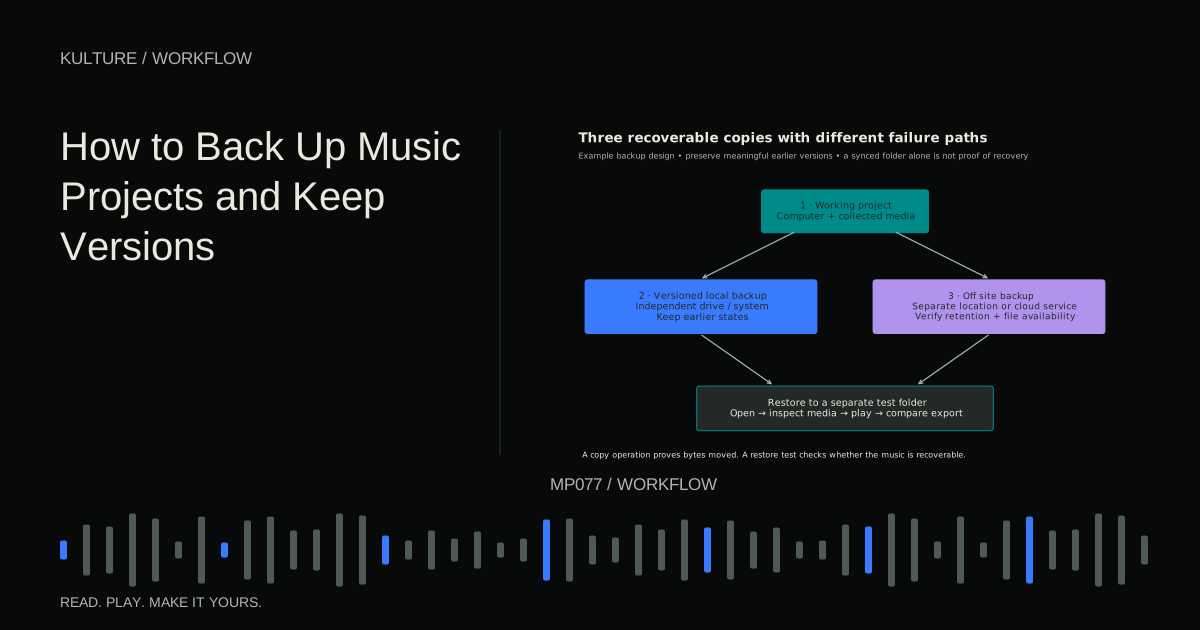
Before a large cleanup, make a verified backup. Start with one inactive project or a small sample category. Move it using supported tools, reopen the project, and confirm playback before applying the method broadly.
Avoid deleting apparent duplicates solely because their names match. They may contain different edits or recordings. Compare file size, duration, and content, and preserve anything whose role is unclear until you can verify it.
Do not clean unused media from a project without understanding whether other versions in that folder still use it. A file unused by the current session can be essential to an earlier arrangement.
A thirty minute organization exercise
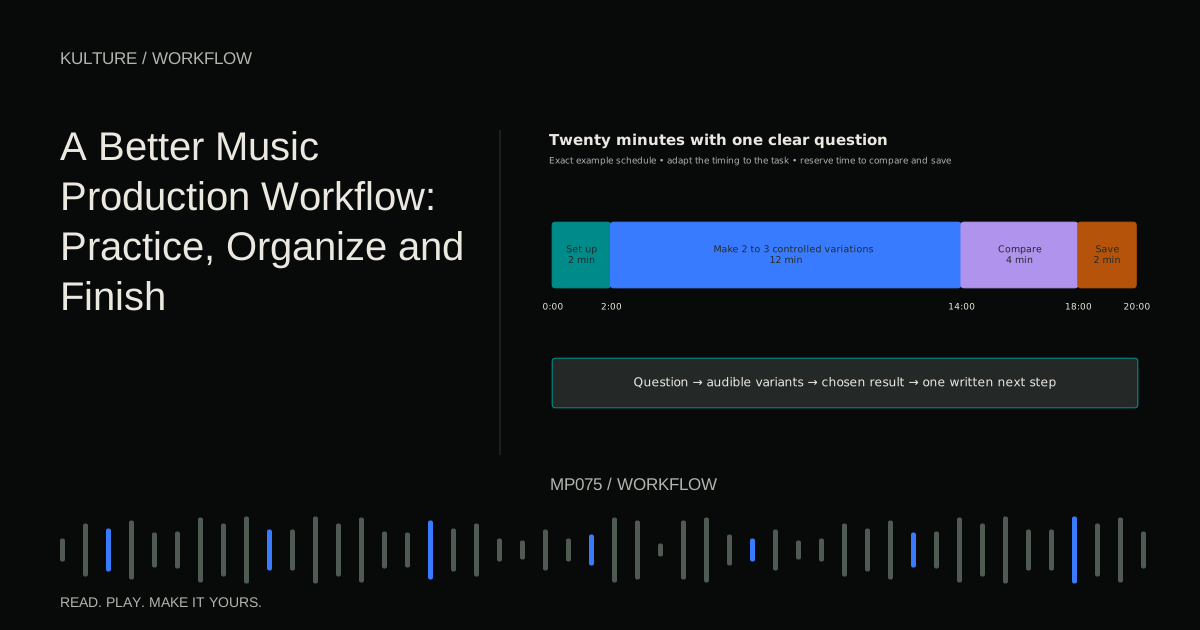
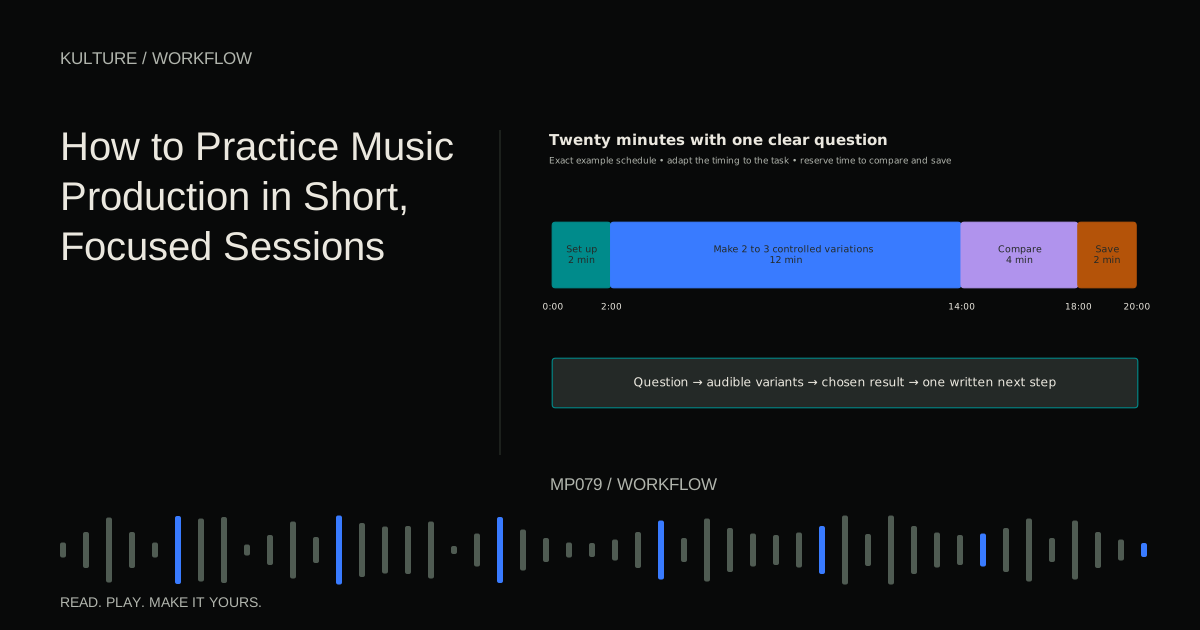
Choose one active project. Give it a clear folder and version name, collect its required media through the DAW, save a listening export, and write its next action. Then reopen it from the intended location and verify that every part plays.
Next, mark ten useful sounds as favorites without reorganizing the entire library. Stop there. A small system you maintain is better than a grand classification project that delays making music. Continue with backups and versions to protect what you have organized, and a production workflow to make maintenance predictable.
TAKE IT INTO YOUR OWN MUSIC
Your next session.
Choose one active project. Give it a clear folder and version name, collect its required media through the DAW, save a listening export, and write its next action. Then reopen it from the intended location and verify that every part plays.
Notes and progress stay in this browser.