A learning track, a demo for a singer, and a release master have different finish lines. Name yours first. This article focuses on completing a coherent production draft or finished mix, not pretending that every rough idea is ready for distribution.
Diagnose why you keep changing it
There are several different problems hidden inside “I can't finish.” Perhaps the song lacks a clear focal idea. Perhaps the arrangement ends nowhere. Perhaps you cannot tell whether a brighter snare is actually better. Or perhaps the track already works and every new reference sends you in another direction.
Write the current blocker as an observable statement. “The second half repeats the first without development” is actionable. “It doesn't sound professional” is too broad to guide a useful edit.
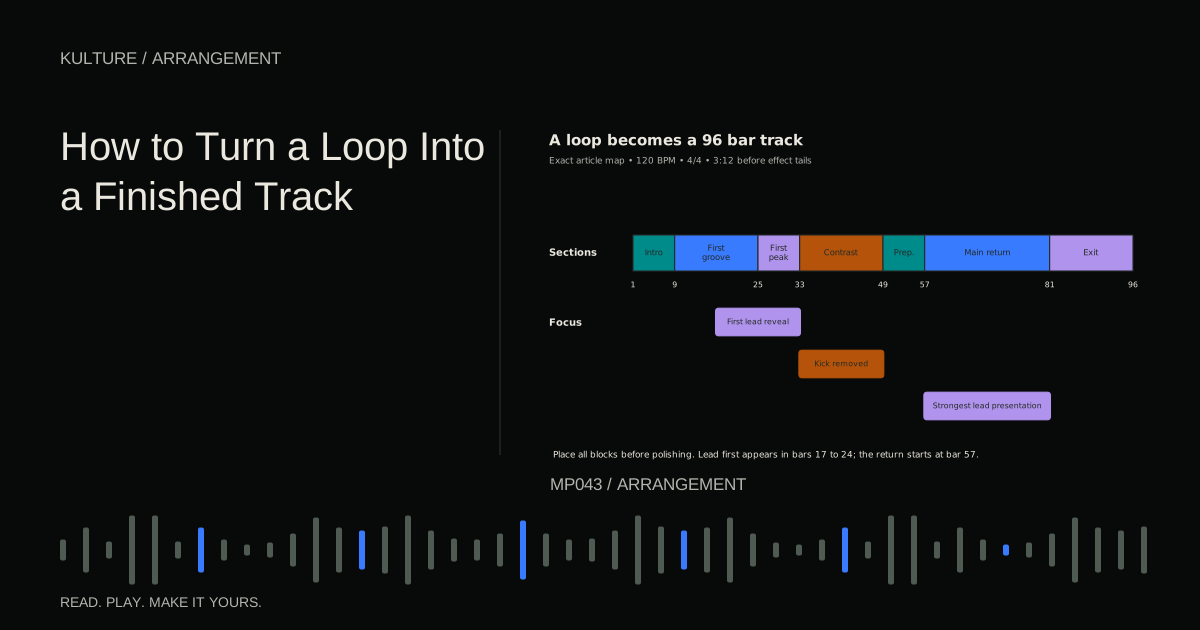
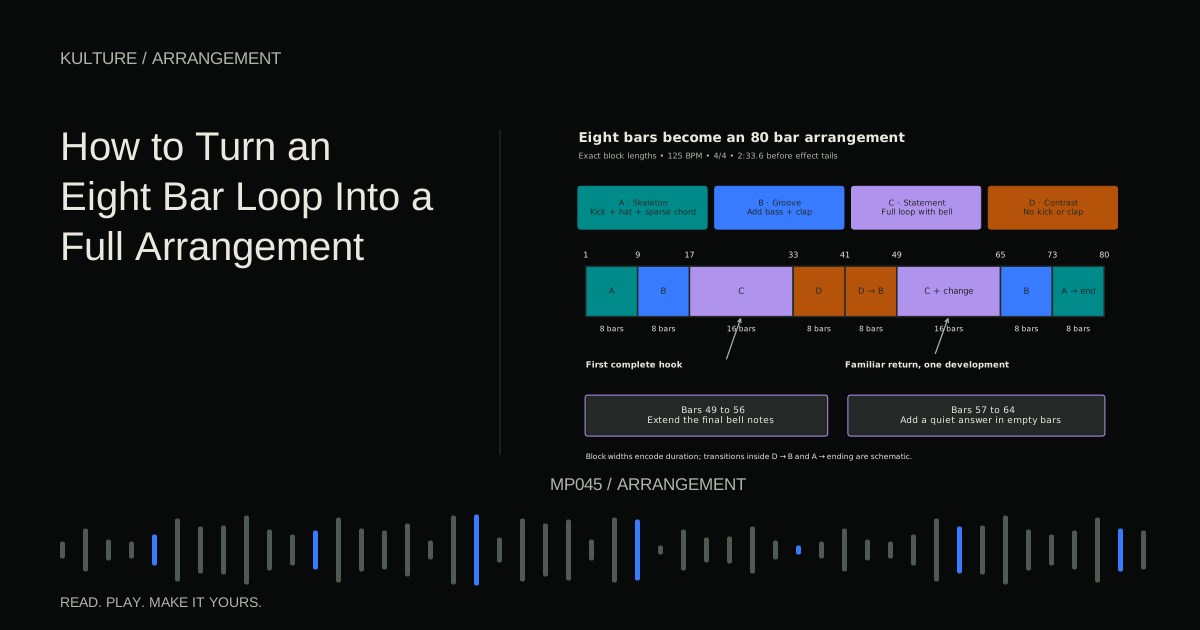
If there is no beginning to end arrangement, make that first. Turning a loop into a finished track provides a complete path. Finishing cannot be solved only by changing sounds inside an eight bar loop.
TRY IT HERE
Sketch the arrangement
Switch parts on and off across eight sections.
Ready when you are. Audio starts only when you press Play.
Keep experimenting in the beat maker LabDefine a version specific finish line
Write a short acceptance list. For an instrumental demo, it might be:
- The track has an intentional beginning, middle, and ending.
- The main idea is identifiable on the first full listen.
- Each section has a clear role and the transitions are audible.
- No missing samples, accidental clicks, unintended overload, or cut off ending remain.
- A full listening export plays correctly outside the DAW.
Do not add “as good as my favorite record in every way.” That asks one project to resolve every skill gap you currently have. Instead, choose one learning objective, such as making a second drop meaningfully different.
Make a protected checkpoint
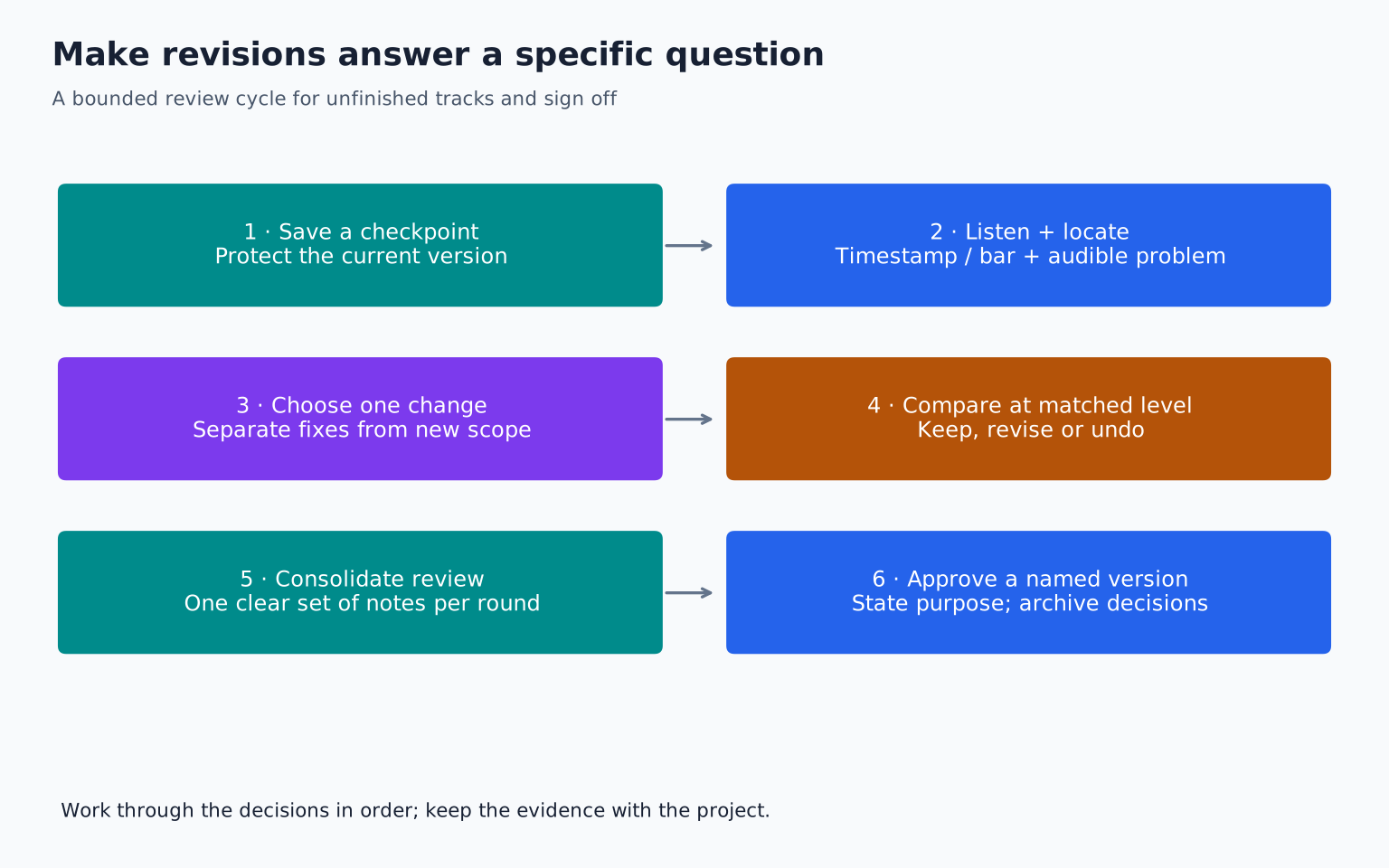
Save a dated version before the next round of changes. Export a reference mix of it. A file such as NightWindow_v07_arranged makes its status clearer than final_final_newest.
Keep the project and its needed audio together using your DAW's supported collection or consolidation process. Ableton's guide to saving projects shows why a session file and a complete project folder are not always the same thing. Use the equivalent process in your software.
This checkpoint changes the emotional cost of decisions. You can remove a layer or shorten a section without fearing that you have destroyed the only good version. The point is reversibility, not collecting hundreds of indistinguishable files.
Listen once and take evidence based notes
Play the export without editing. Write timestamps and describe what happens: “0:46 bass masks the lead's first note,” “1:22 feels like an extra repeat,” or “2:10 ending stops before the pad resolves.”
Classify each note:
Repair: an unintended fault, such as a click or missing note.
Musical decision: a question of focus, pacing, or emotion.
Alternative: a different valid direction, such as replacing the piano with a synth.
Repair faults. Test important musical decisions. Save alternatives for a separate version unless they solve a stated problem. An alternative is not automatically an improvement merely because it feels new.
Run controlled revisions
Suppose the second chorus feels weak. Propose one explanation: the first chorus already contains the highest melody and densest instrumentation. Test a single change, such as withholding the upper harmony until the second chorus.
Export the revised passage with several bars of lead in. Compare old and new at similar playback loudness. Ask whether the second chorus now feels like development. If it does, keep the change. If it merely sounds unfamiliar, return to the checkpoint.
Do not replace the drums, bass, vocal effect, and chord voicing simultaneously and then try to identify what helped. Large uncontrolled edits make evaluation difficult and invite another round of uncertainty.
Use a stopping rule that refers to the music
A productive stopping rule is: “When the acceptance list is met and another full listen reveals no high priority problem, this version is complete.” That is different from “I will never touch this again.”
You can also set a bounded work session: one arrangement pass, one technical pass, and one export check. The time boundary keeps you from browsing presets indefinitely, but the musical checklist still determines whether a serious problem remains.
If the deadline arrives while a known fault is unresolved, label the export honestly as a draft. Finishing a version is useful; mislabelling it as release ready is not.
Ask for feedback that can lead to a decision
Send a trusted listener the intended purpose and one or two questions: “Does the return at 1:40 feel earned?” or “Can you follow the lead when the chords enter?” Avoid asking for every possible criticism at once.
If two listeners disagree, identify whether they want different artistic outcomes. One may prefer a sparse track and another a dense one. Their preferences do not necessarily reveal a technical defect. You remain responsible for choosing the track's direction.
Giving and using feedback explains how to turn comments into testable changes without surrendering the song to a vote.
Recognize diminishing returns
If you have spent an hour comparing two almost identical hi hats while the arrangement remains effective either way, choose one and move on. The time may be better spent beginning another track that practices a known weakness.
Conversely, a small looking edit can matter greatly if it exposes the lyric or repairs the downbeat. Judge the impact on listening, not the apparent size of the change on screen.
A useful final question is: “Would I notice this issue if I did not know where to look?” If the answer is no, place it below clear musical problems. This is prioritization, not permission to ignore everything subtle.
Close the project properly
Export the intended full range, including effect tails when appropriate. Listen to the beginning, major boundaries, and ending, then play the complete file at least once. Confirm the filename, format, and destination. Keep a brief note of the final version and any deliberately deferred ideas.
For your next session, take one unfinished track and make a five item acceptance list. Complete only the changes needed to satisfy it. Export, listen, and declare the version complete when the evidence supports it. Then start a new piece rather than reopening the same decisions by habit. Build this into a repeatable production workflow.
TAKE IT INTO YOUR OWN MUSIC
Your next session.
Export the intended full range, including effect tails when appropriate. Listen to the beginning, major boundaries, and ending, then play the complete file at least once. Confirm the filename, format, and destination. Keep a brief note of the final version and any deliberately deferred ideas.
Notes and progress stay in this browser.