The most common mistakes are using a slide feature the plugin does not support, failing to meet an overlap condition, or ending the note before the pitch reaches its destination.
Learn the instrument's transition rule
Monophonic means one note at a time. Legato describes connected playing, usually with one note beginning before the previous one ends. Glide or portamento describes the pitch transition. These concepts often appear together, but one does not automatically imply the others.
Some instruments glide on every new note. Others glide only for overlapping notes. Some retrigger the amplitude envelope during the transition; others continue the existing envelope. The labels are not fully standardized across products.
Ableton's instrument reference documents differing glide implementations in its instruments. Use the relevant section for the actual device rather than treating a tutorial for another synth as a universal recipe.
TRY IT HERE
Give the bass some space
Tap steps to add rests. Change the register or slide.
Ready when you are. Audio starts only when you press Play.
Keep experimenting in the synth LabMake a two note test
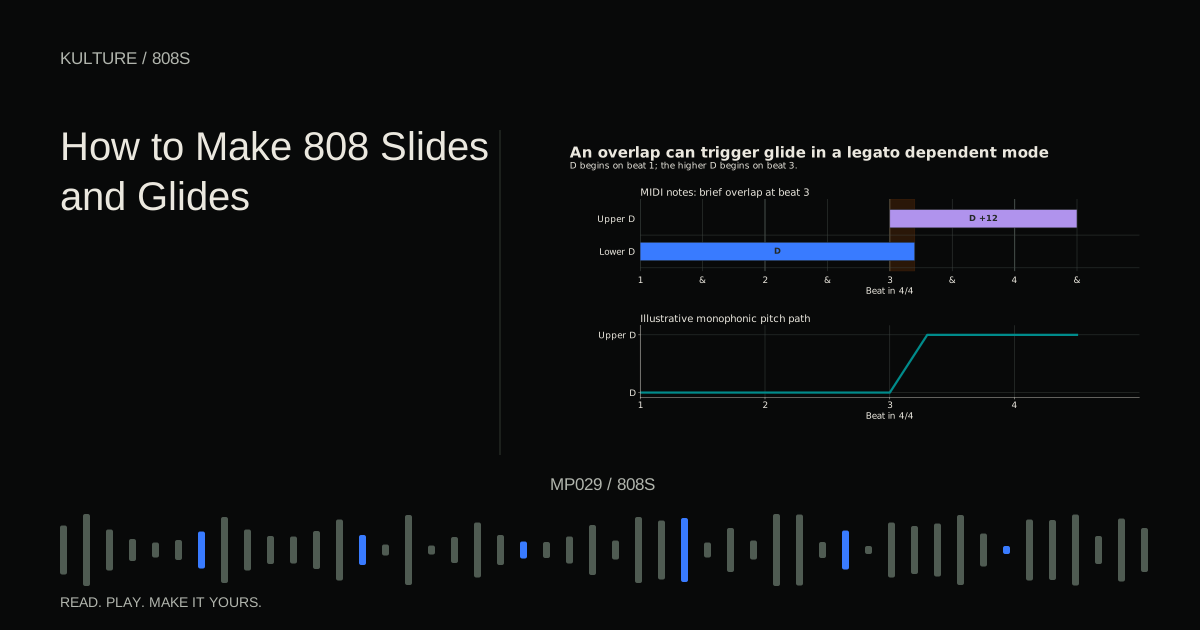
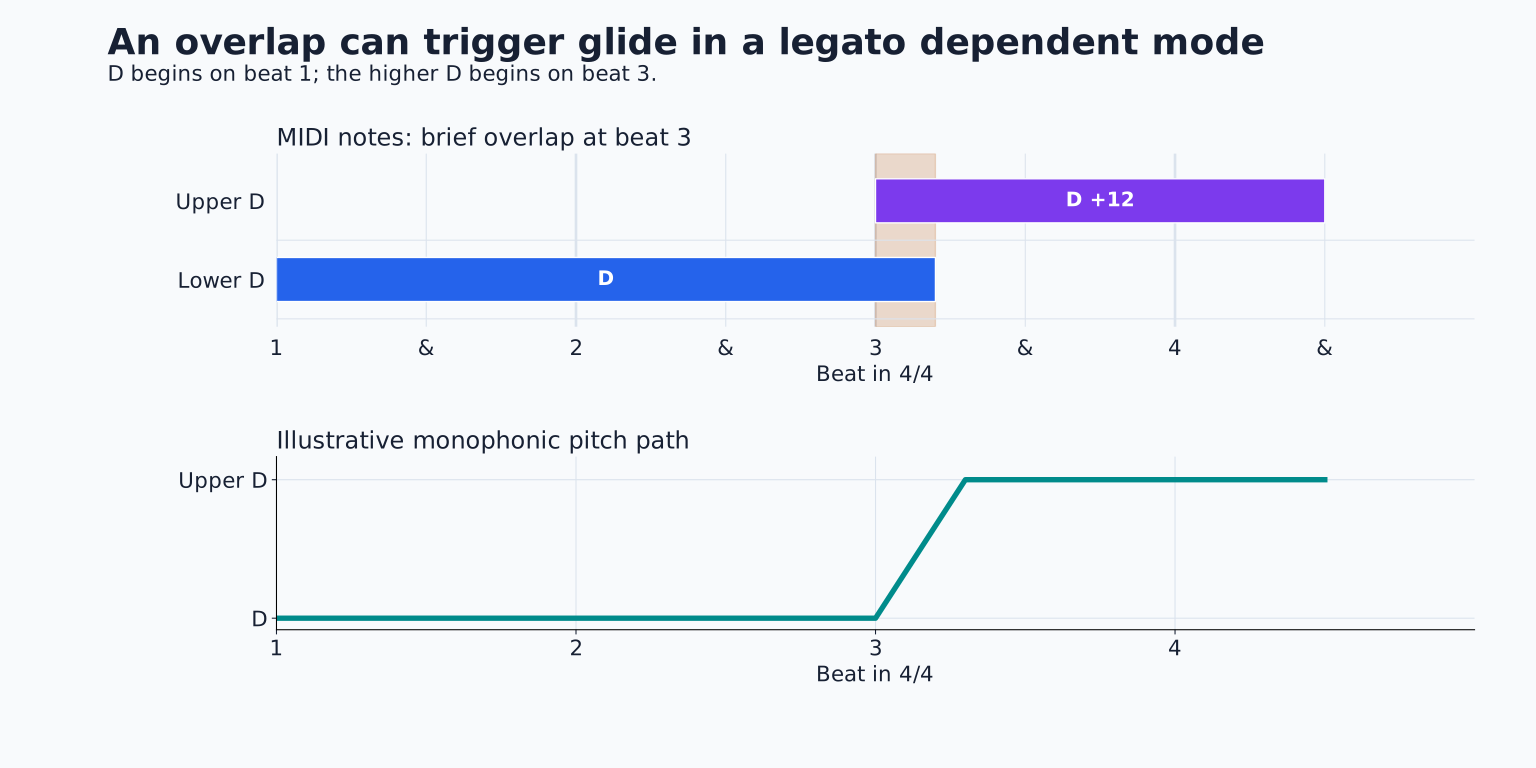
Load a correctly tuned 808 and create a two bar clip at 120 BPM. Put D on beat 1 and the D one octave above on beat 3. Hold the lower D until slightly after beat 3 so the notes overlap.
Enable the instrument's appropriate glide mode. Start with a clearly audible transition, perhaps around 150 milliseconds if the control uses time. This is a diagnostic starting value, not a musical standard.
Listen for one pitch moving smoothly upward rather than two notes sounding together. If you hear a chord, the instrument may be polyphonic or the chosen mode may allow multiple voices. If you hear two separate attacks with no bend, check whether glide is enabled and whether overlap is required.
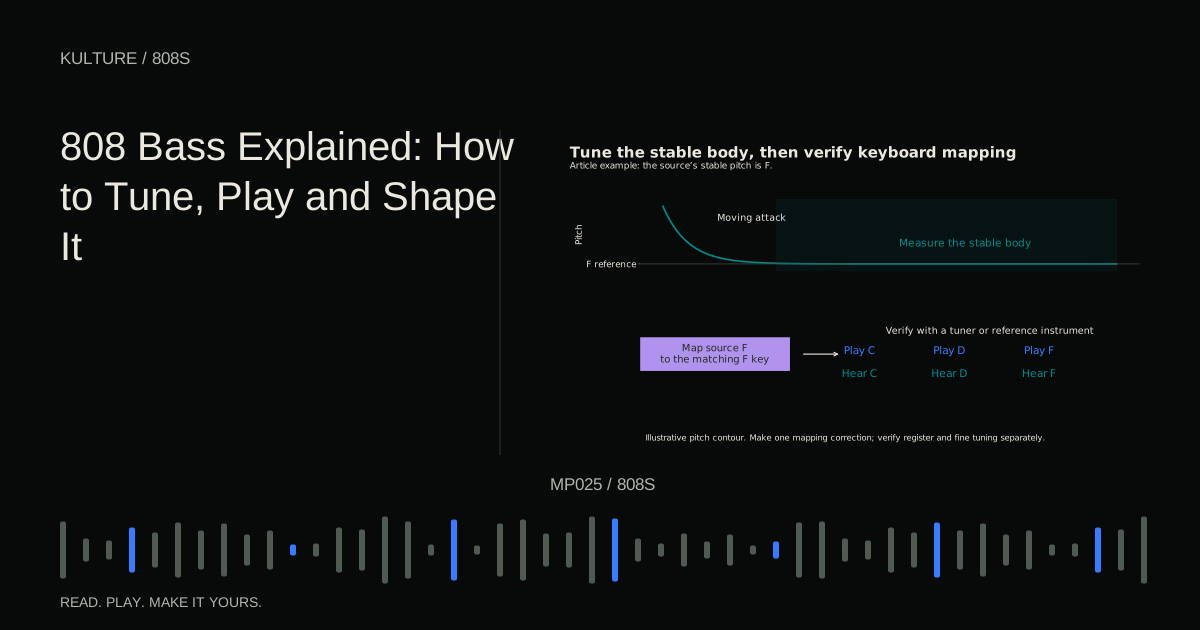
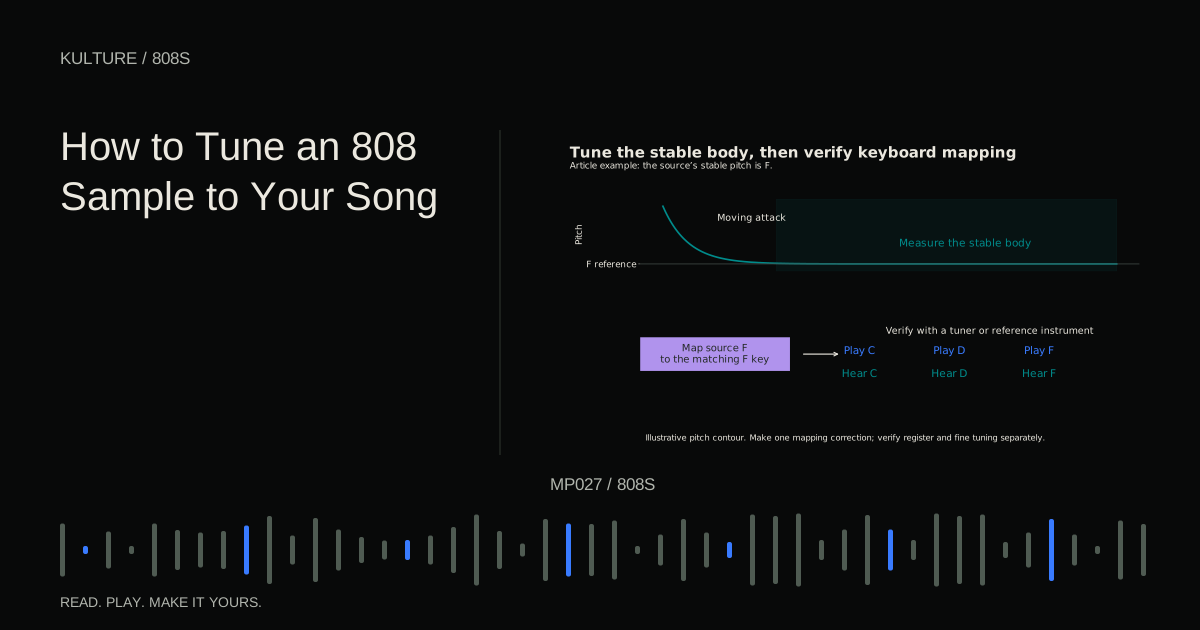
For tuning preparation, use How to Tune an 808 Sample.
Compare overlapping and separated notes
Shorten the first note so it ends before the second begins. If the glide disappears, your instrument is using a legato dependent transition. If it remains, the mode likely glides on non overlapping notes too.
Now restore the overlap and shorten the second note. If it ends before the slide time elapses, you may hear only a partial rise. Lengthen it enough to hear the destination, then shorten the glide until it fits the intended gesture.
This small test tells you more than changing several controls at once. Write down the behavior: whether overlap is needed, whether the envelope retriggers, and whether the source sample lasts long enough for the transition.
Constant time and constant rate feel different
A constant time glide takes approximately the same duration for a small interval and a large one. A constant rate glide takes longer to travel a larger pitch distance. Instruments may describe these modes differently.
Test D to E, then D to the next D an octave above, using the same setting. If the octave takes much longer, you are hearing a rate based or interval dependent behavior. If both finish together, it is closer to constant time.
This matters when copying a slide into another part of a melody. A setting that suits a two semitone approach may be too slow for an octave leap. Judge the arrival relative to the beat, not only the knob value.
FL Studio slide notes are a specific feature
FL Studio's piano roll slide notes work with supported native instruments; they are not a generic command that every VST instrument understands. The official piano roll manual explains their overlap requirement and how the slide event's length controls the transition.
For a supported instrument, place a normal sustained note first, then a slide note at the destination pitch while the normal note is still sounding. The slide event does not serve as an ordinary independent sound trigger. Keep both events in the appropriate matching color group when using color based slide control.
If a third party plugin ignores the slide event, use that plugin's own glide system or supported pitch automation. Do not keep adding special notes and assume the audio engine is broken.
Pitch bend is another route
Pitch bend changes pitch relative to the sounding note. Its range is configured in semitones, often separately in the instrument and the MIDI or host controls. A full upward bend produces an octave only when the relevant range is set to twelve semitones.
For a simple exercise, hold D and draw a bend from neutral to the amount that produces E, then return to neutral before the next phrase. Verify the actual pitch with a reference instrument. If the bend lands too far or not far enough, check the range rather than moving the MIDI note blindly.
Ordinary MIDI pitch bend often affects all notes on the channel. With a monophonic bassline that may be fine, but layered or polyphonic parts can move unexpectedly. Per note expression systems can behave differently and require compatible instruments.
Always reset the bend at the intended point. A forgotten offset can make every later note sound out of tune even though its piano roll position is correct.
Place the slide musically
A slide can lead into a strong note, answer a vocal phrase or mark a turnaround. Start with one at the end of a four bar pattern. If it lands on the next chord's root, decide whether the target should be reached exactly on the downbeat or slightly before it.
For example, over a final C chord leading into D minor, a C to D slide can connect the bass roots. A higher octave D slide within a D minor bar creates a different effect: register movement without changing the pitch class of the destination.
Do not assume every slide should be dramatic. A short two semitone movement can sound more integrated than a repeated two octave swoop. The right size depends on the track's rhythm and available space.
Check envelope and sample limits
A glide cannot keep a sample sounding after its audio has ended unless looping or another sustain method is available. If a long slide fades halfway through, inspect the source duration and amplitude envelope.
Likewise, a very short attack transient may retrigger at the destination and make the slide sound like two kicks. Try the instrument's legato envelope behavior if available, or choose a smoother bass source. Be careful not to remove the initial attack needed at the start of the phrase.
If the sound clicks during the transition, check voice stealing, abrupt envelope changes and hard sample boundaries. The pitch curve itself may not be the cause. Why Your 808 Clicks, Overlaps or Cuts Off provides a symptom based check.
Practice three expressive versions
Use the same D to upper D transition three ways: a quick pickup, a medium slide that clearly reaches the target, and a slow rise that deliberately remains in motion. Compare them over the same drums.
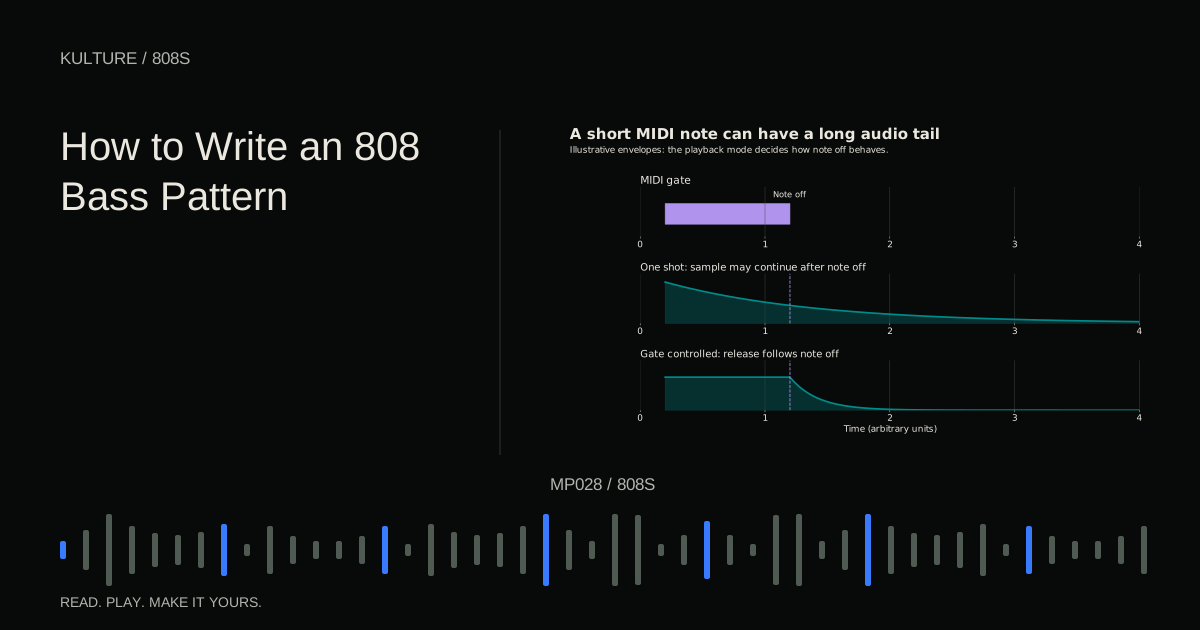
Choose one version and place it only at the end of an eight bar phrase. Then listen with the lead present. Keep the slide if it improves the phrase's direction; remove it if it merely competes for attention. Continue with How to Write an 808 Bass Pattern to integrate the effect into a complete part.
TAKE IT INTO YOUR OWN MUSIC
Your next session.
Use the same D to upper D transition three ways: a quick pickup, a medium slide that clearly reaches the target, and a slow rise that deliberately remains in motion. Compare them over the same drums.
Notes and progress stay in this browser.