These categories describe how audio is used, not a strict technical boundary. A short phrase can become a one shot accent, and a single sustained sound can be edited into a loop. The important question is how much of the source's timing and musical content you want to keep.
What a one shot gives you
A one shot lets you decide each trigger's timing, velocity, and sometimes pitch or duration. You can program a completely new rhythm from a small set of sounds.
For example, load a kick on one pad, a snare on another, and a closed hi hat on a third. At 100 BPM in 4/4, place the kick on beats 1 and 3, the snare on 2 and 4, and hats on eighth notes. Then change one kick position and the hat velocities. You have changed the groove without altering the samples themselves.
The tradeoff is that you must create the relationships between hits. A collection of individually impressive sounds can still feel disconnected if their tails, room character, and rhythm do not work together.
TRY IT HERE
Rebuild the phrase
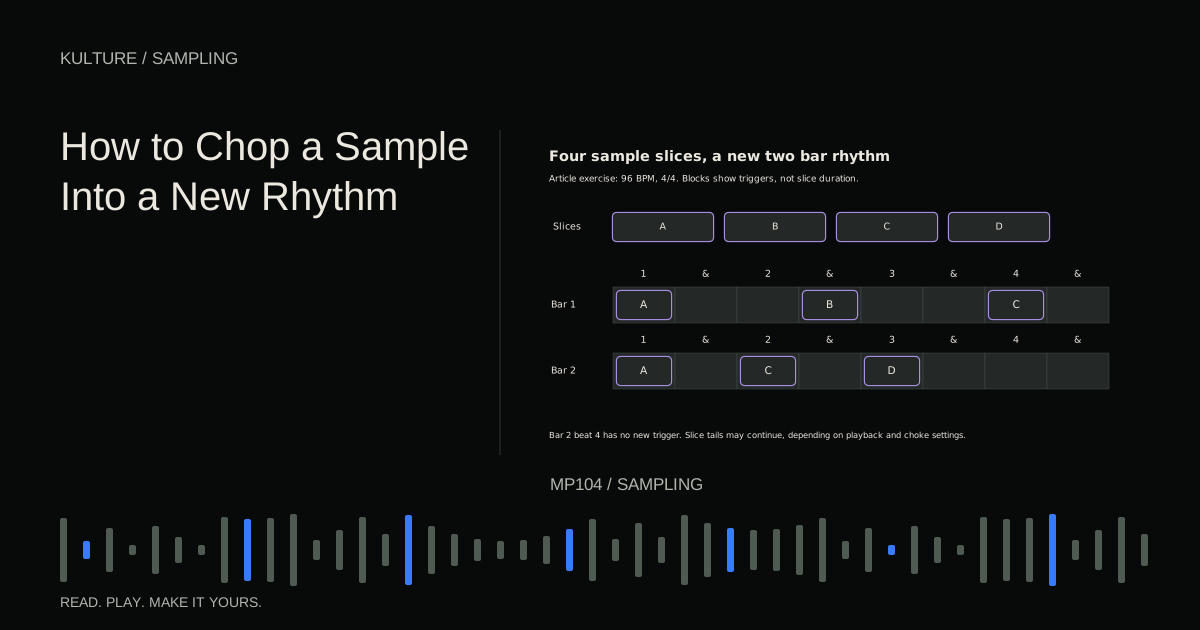
Reorder four slices of an original melody and play them back.
Ready when you are. Audio starts only when you press Play.
Keep experimenting in the sample pads LabWhat a loop gives you
A loop contains relationships already performed or programmed: timing differences, accents, ghost notes, ambience, and often processing. A ghost note is a quieter supporting hit between the main accents.
That built in feel can make a track develop quickly. The same feature also limits flexibility. If a loop includes kick, snare, and cymbals in one file, turning down only the snare is not as simple as moving a separate snare fader.
Choose a loop whose musical role is clear. Is it the main beat, a quiet percussion layer, or a texture that appears only in the chorus? A loop that sounds exciting alone may be too busy when your own drums and vocals enter.
Match tempo by counting the phrase
Check the loop's stated tempo and bar length, then verify them by listening. Filenames and automatic detection can be wrong, especially when a phrase begins before the downbeat or has a sparse rhythm.
Count the beats and place the true beginning correctly. A two bar 4/4 loop contains eight quarter note beats. If your software interprets it as four beats, the apparent tempo may be doubled or halved.
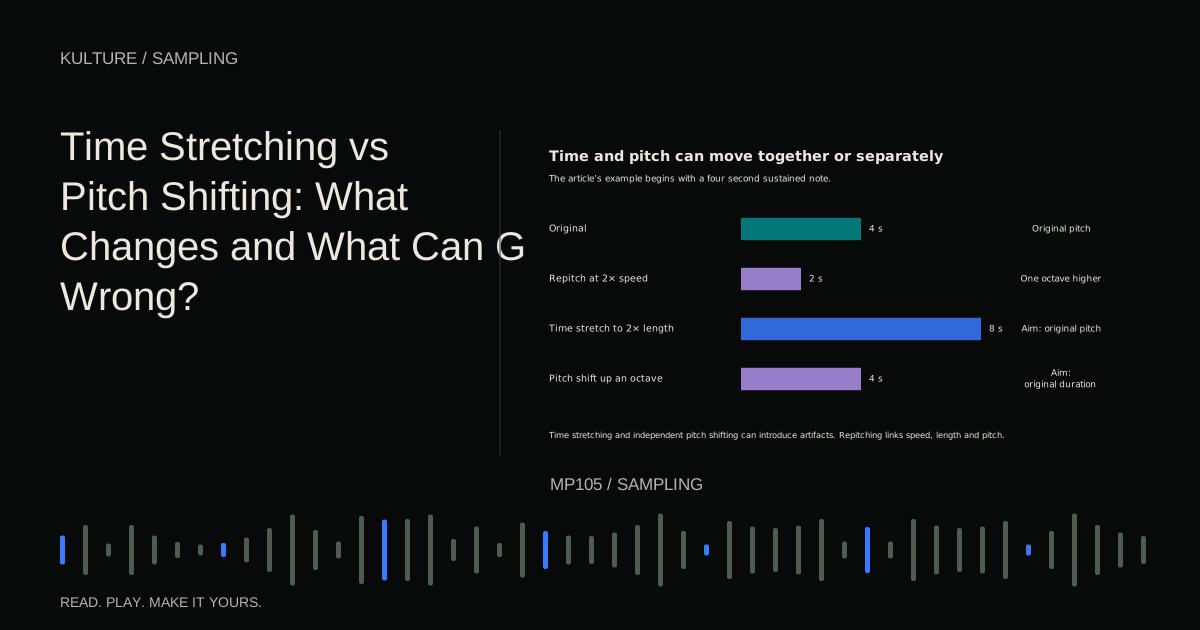
Use time stretching when you want a different duration without the normal playback speed pitch change. Different algorithms suit different material. Ableton's audio warping manual explains source specific modes; other DAWs provide comparable choices under different names.
Tonal samples also need musical checking
A kick with no clear sustained pitch may not need tuning to the song. A long bass sample, chord loop, or melodic phrase usually deserves a pitch check. Do not treat all audio as equally tonal.
For a one note sample, identify its root pitch and set the sampler mapping correctly. For a chord loop, a single key label may not tell you the entire progression. Listen to its chords against your song before transposing.
A loop in A minor can contain notes or chords that do not fit every A minor song. Shared key labels do not guarantee shared harmony, register, or mood. If the combination feels wrong, change the arrangement or choose another source instead of assuming the software must be malfunctioning.
Playback mode can make a one shot confusing
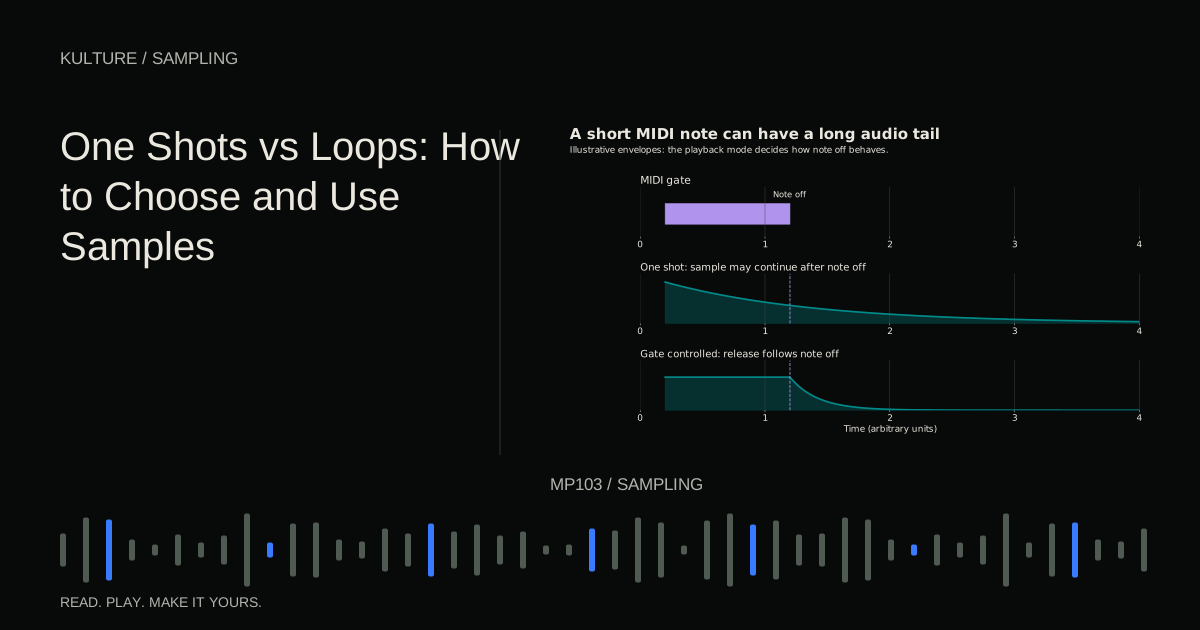
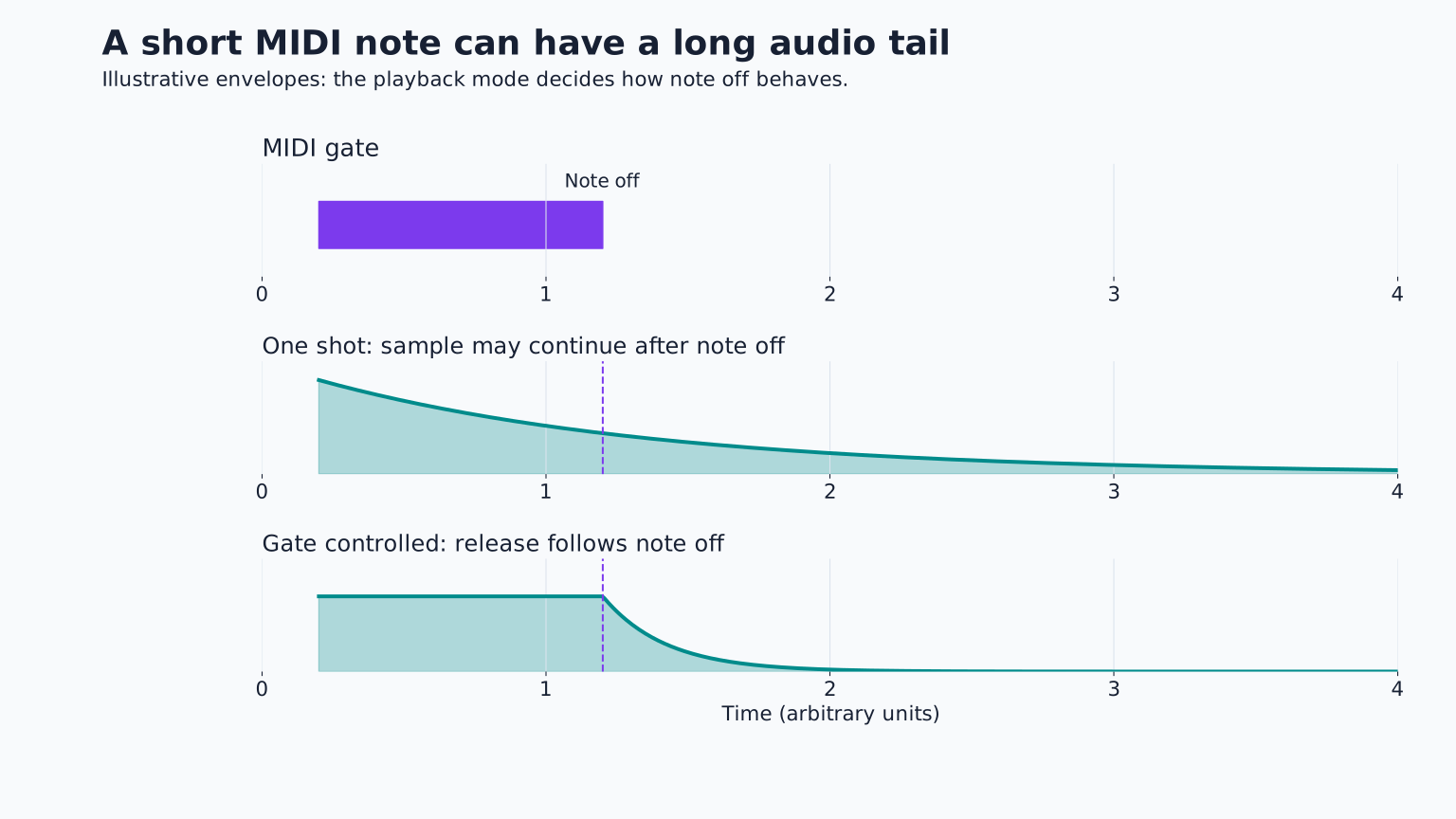
In trigger style playback, a short MIDI note may play the entire sample. In gate style playback, note length and the amplitude envelope can control when the sound releases. Different samplers name these modes differently.
If a cymbal cuts off, check note length, envelope release, voice limits, and choke groups before editing the source file. A choke group allows one sound to stop another, useful for open and closed hi hats but potentially confusing if assigned accidentally.
If repeated sounds pile up, shorten their tails or limit overlap deliberately. A long one shot triggered every sixteenth note can create a dense wash even if each individual hit sounds clean. Native Instruments' sampling and mapping guide illustrates the relationship between samples, mapping, and playback settings.
Combine loops and one shots without doubling everything
Start with the loop alone and identify what it lacks. Perhaps the kick needs more definition or the backbeat needs a different texture. Add a one shot only for that job.
Line up the intended musical attack, then listen for flamming and low frequency cancellation. A one shot kick layered over a loop's kick may interact differently on different hits because the loop contains varying dynamics and timing. Do not assume a single visual alignment solves the whole phrase.
Try filtering or reducing the loop's low end if your new kick is intended to take over, but check that you are not removing useful body from other sounds. Sometimes a percussion only loop is a better source than a full beat you must dismantle.
Create variation with musical intent
A one shot pattern can vary through note timing, velocity, rests, and alternate samples. A loop can vary through selective slices, muted beats, reordered phrases, or changes in arrangement.
For a four bar section, leave bars 1 to 2 stable, remove a percussion layer in bar 3, and create a short ending change in bar 4. This gives the listener a recognizable pattern and a reason to expect the next section.
Avoid changing everything at once. A loop loses its identity if every hit is rearranged and every bar uses different processing. If transformation is the goal, make that deliberate and preserve a simpler version for comparison.
Check rights and portability
Keep the source and licence with the project. A sample pack may permit use in finished music while restricting redistribution of isolated files or use in another sample library. Read the actual terms; the word “free” does not answer those questions.
For Canadian background, CIPO's copyright basics explains that musical works and sound recordings are protected categories. This is general education, not individualized legal advice. See sample pack licences before distributing a project containing third party source audio.
Collect the used samples into the project with your DAW's supported method. A project that plays only while an external download folder remains in place is not safely portable.
A practical comparison exercise
Create one four bar beat entirely from three one shots. Then create a second version using one licensed or self recorded loop plus a single supporting one shot. Keep the tempo and approximate energy similar.
Compare how quickly each reaches a convincing groove, how easy it is to change, and which better supports your melody. Neither method needs to win universally. Continue with sample chopping when you want the loop's character with more control over its internal rhythm.
TAKE IT INTO YOUR OWN MUSIC
Your next session.
Create one four bar beat entirely from three one shots. Then create a second version using one licensed or self recorded loop plus a single supporting one shot. Keep the tempo and approximate energy similar.
Notes and progress stay in this browser.