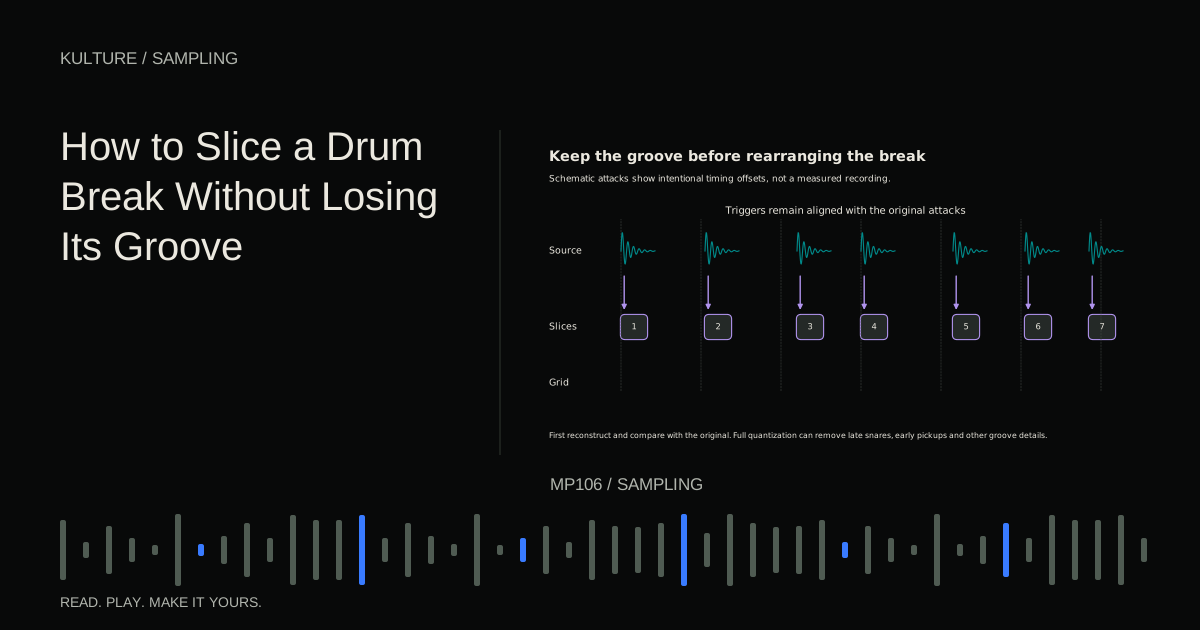
A drum break is an exposed or relatively exposed drum passage. It may include kick, snare, hi hats, ghost notes, cymbal decay, and room sound in one recording. Those elements overlap, so a slice is not always an isolated drum hit.
Use a source you can work with
Choose your own drum recording or a licensed break whose terms permit the intended use. Keep its source information with the project. Changing the rhythm does not automatically resolve rights in someone else's recording; consult sample licences before release or redistribution.
Start with a short, clearly phrased break rather than a dense passage full of crashes. A two bar groove with a stable pulse makes it easier to hear what slicing changes.
Save an untouched copy on a muted reference track. You will compare against it repeatedly. Without a reference, it is easy to mistake a cleaner looking MIDI pattern for an improved groove.
TRY IT HERE
Rebuild the phrase
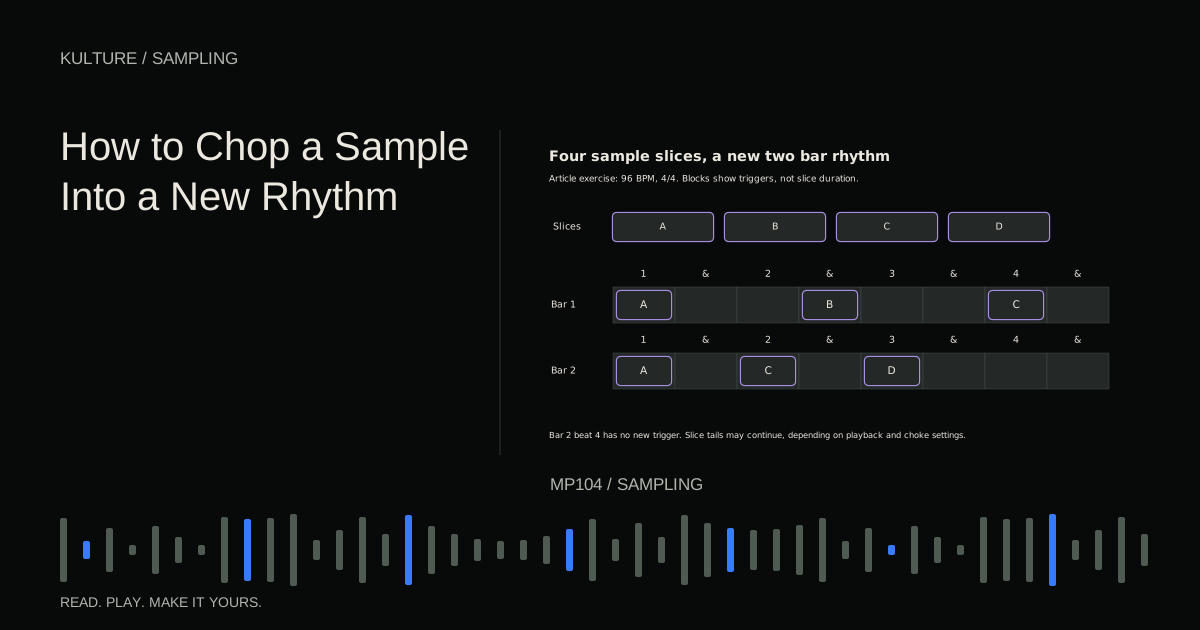
Reorder four slices of an original melody and play them back.
Ready when you are. Audio starts only when you press Play.
Keep experimenting in the sample pads LabFind the true musical start and length
Listen and count the beats before setting boundaries. A pickup note may occur before the first downbeat, and the largest first waveform peak may be a snare rather than beat 1.
Mark the start of the intended loop and count through its full phrase. Set the end according to the musical length, preserving any relevant tail separately if needed. Confirm with a metronome at the source tempo, but do not assume every hit should align exactly with it.
If the drummer naturally speeds up or slows down, decide whether to retain that motion or adapt the whole passage to a project tempo. That is a separate decision from slicing the individual events.
Let automatic detection propose, then inspect
Transient detection finds sudden changes that may indicate attacks. It can miss quiet ghost notes, detect a cymbal fluctuation as a new hit, or place a marker slightly after a soft onset.
Audition each slice and correct its start. Preserve the attack rather than cutting directly at its highest peak. If a slice contains two closely related events that work well together, you do not have to split them merely because the detector suggests it.
Ableton's slicing reference describes slicing by detected or chosen divisions. The underlying principle is portable: automatic boundaries are editable decisions, not a final musical verdict.
Preserve original trigger positions first
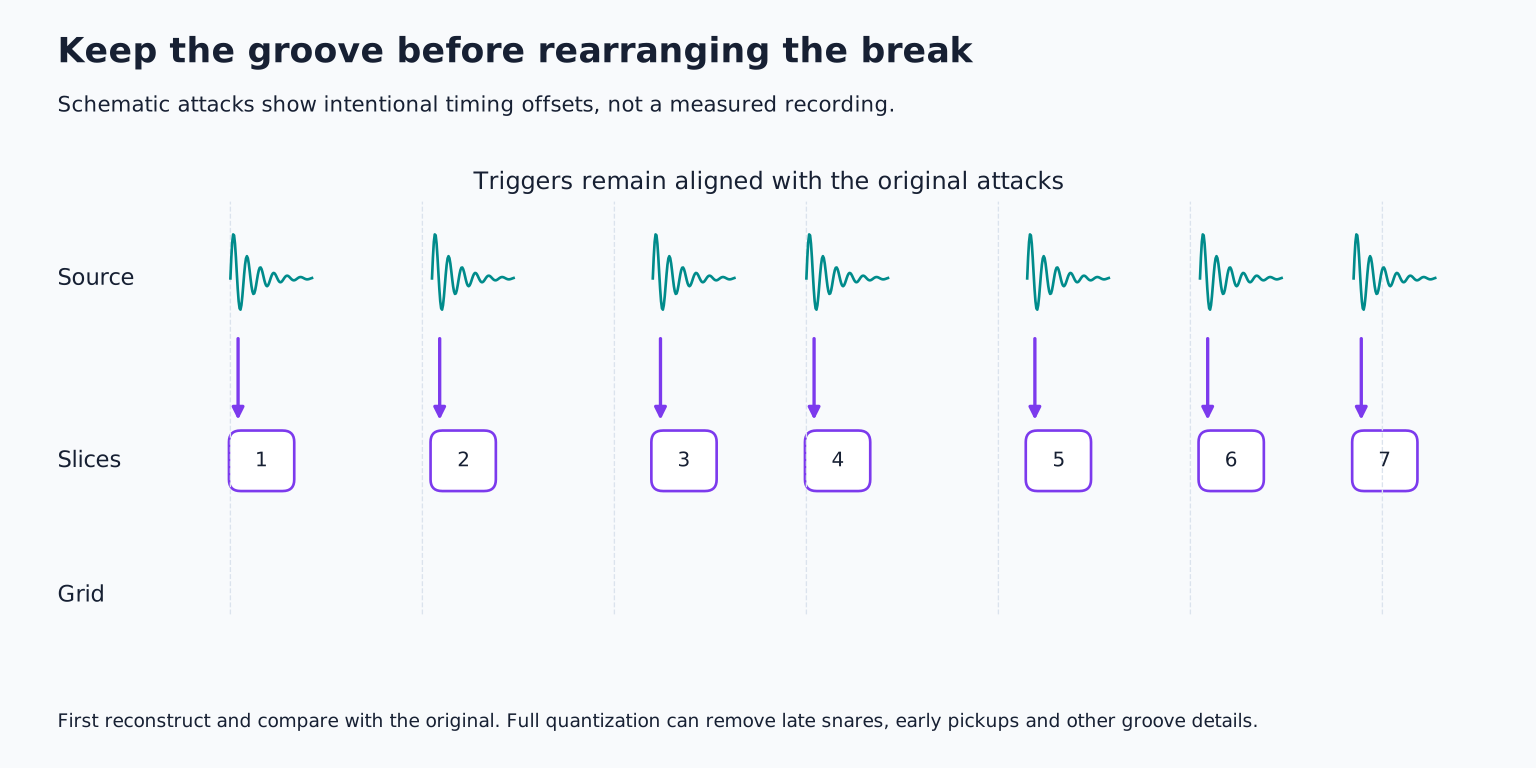
Reconstruct the break using the slices at their original attack times. Before rearranging anything, compare that version with the original audio. They should feel substantially alike, allowing for any deliberate envelope or overlap changes.
Do not press full quantize at this stage. Quantization moves notes toward a timing grid, which can erase the small relationships that made the original groove attractive. A snare slightly behind the beat may be central to the feel, while a quiet pickup may lean forward.
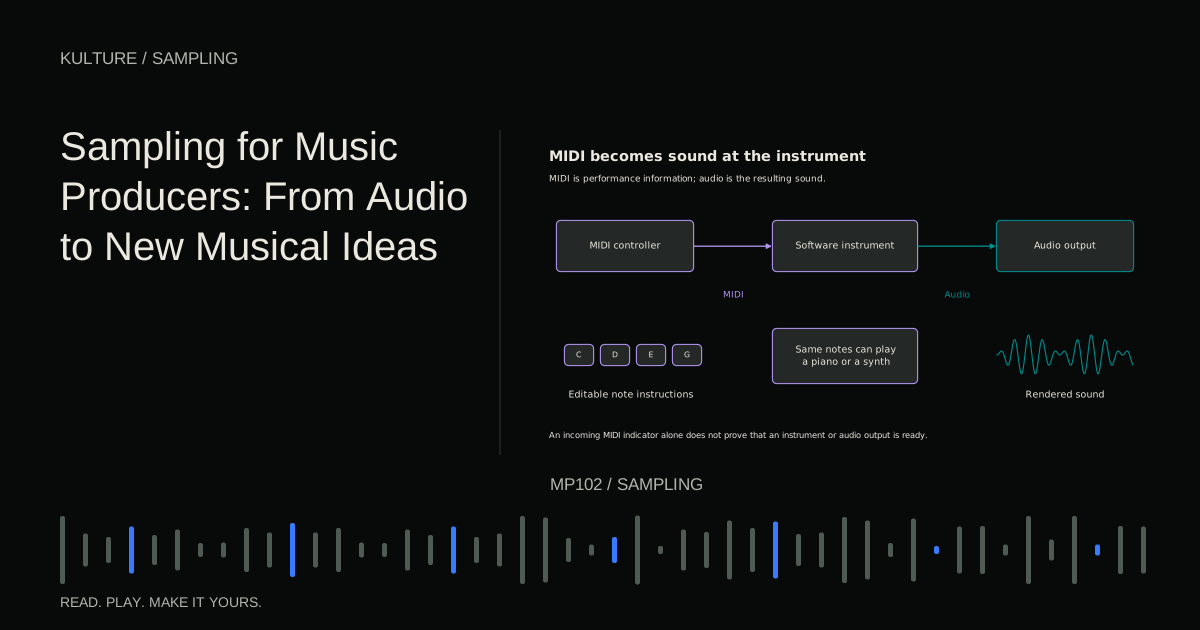
If your slicing tool creates MIDI at the original positions, inspect it rather than assuming those positions are wrong because they do not all sit on grid lines. The visual irregularity may be the performance.
Keep ghost notes and accents distinct
Ghost notes are quieter supporting hits, often on the snare, that connect main accents. Their level relationship matters as much as their timing. If you normalize every slice independently, a quiet ghost note may become as loud as the backbeat.
Retain the source levels initially. If the sampler applies velocity to volume, make sure the generated MIDI does not unintentionally flatten or exaggerate dynamics. Compare the full pattern by ear.
You can adjust an unusually weak or strong event later, but make that a musical choice. The goal is not an equal height row of waveforms.
Choose overlap behaviour carefully
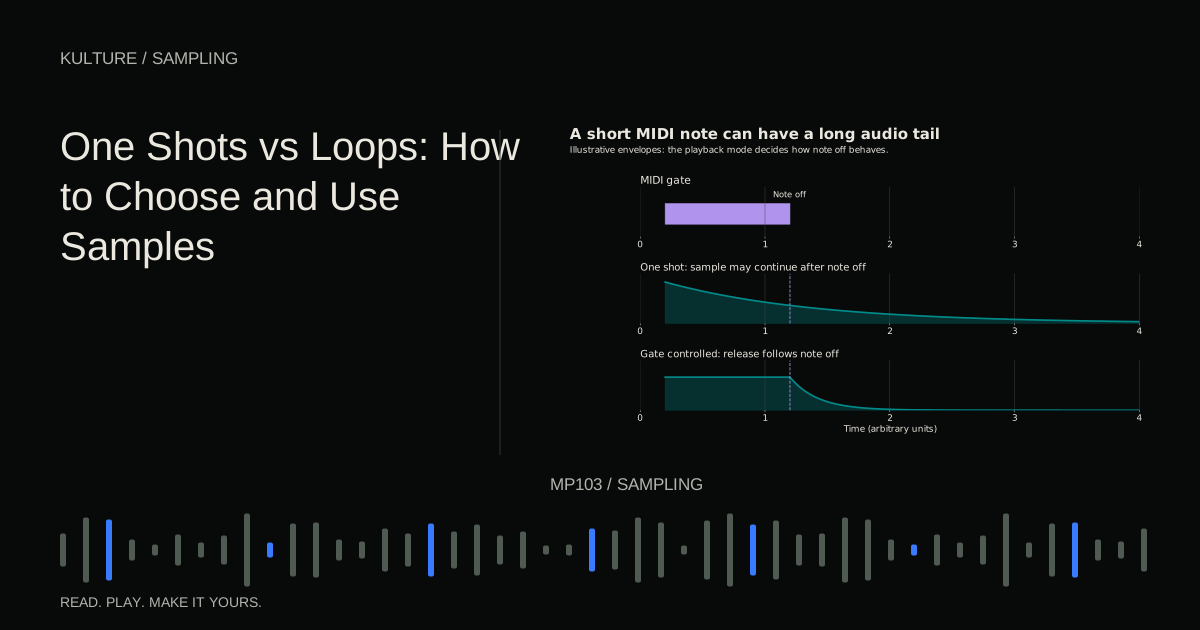
A slice beginning on a snare may contain the tail of the preceding hi hat or room decay. If every new slice instantly chokes the previous one, the break can become unnaturally dry or chopped. If all slices overlap freely, those embedded tails can build up.
Start with playback that reconstructs the original sensibly, then adjust release and overlap. A short fade at the end can prevent a click, but too long a fade may soften the next event or create a level swell.
For complex breaks, slicing fewer, larger musical chunks can preserve the sound better than isolating every visible transient. General sample chopping explains the tradeoff between detailed control and phrase continuity.
Change tempo without flattening the feel
When moving a sliced pattern to a new tempo, preserve each event's relative position within the musical phrase. A MIDI pattern can scale with the tempo while retaining its off grid relationships, depending on how it was created and edited.
At a slower tempo, gaps may appear because the slices' audio durations remain unchanged. You can allow more tail, add controlled ambience, stretch selected slices, or choose a smaller tempo change. At a faster tempo, tails may overlap more and require shorter releases.
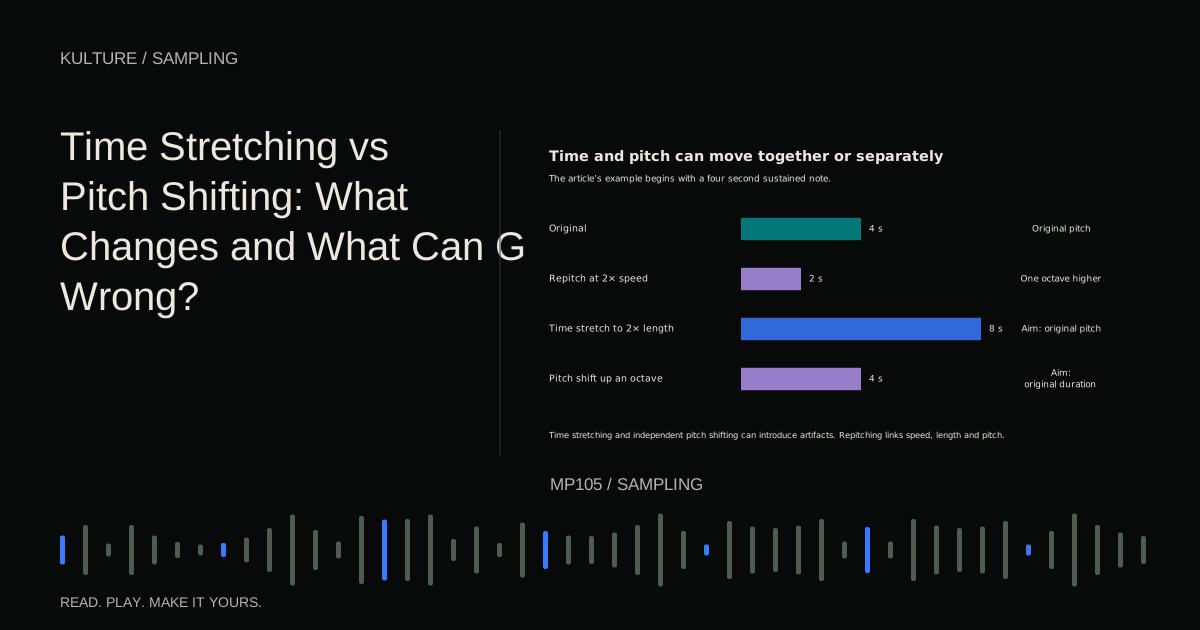
Time stretching the entire break is another option, but it may affect transients and cymbals. Ableton's warping guide explains why algorithm choice matters. Compare whole loop stretching with slicing rather than declaring one method always superior.
Make one deliberate variation
Once the original reconstruction works, duplicate the pattern. Change only the final half bar: repeat a short snare fragment, remove a kick, or substitute a tom slice. Keep the first part stable so the variation has a clear relationship to the groove.
Listen to the transition back into the main pattern. A fill that sounds exciting alone may land awkwardly if its tail masks the next downbeat. Leave a small rest where it improves the return.
Avoid layering new drum hits over every existing hit as a default. If you add a kick for weight, check its timing and phase interaction with the kick already in the break. One additional sound can change the groove's perceived placement.
Compare at matched loudness
The sliced version may seem more exciting simply because overlapping slices or normalization made it louder. Match the approximate playback level and compare the same section repeatedly.
Listen for the backbeat's placement, the motion of quiet notes, cymbal continuity, and the room's sense of space. If the reconstruction loses something, return to boundary placement, envelope settings, and original timing before adding effects.
For practice, create three versions of a two bar break: untouched audio, sliced at original timing, and sliced with one final bar variation. Keep the second as close as possible to the first. The exercise succeeds when the third feels like an intentional continuation of the same drummer's groove, not a different pattern accidentally created by software defaults.
TAKE IT INTO YOUR OWN MUSIC
Your next session.
The sliced version may seem more exciting simply because overlapping slices or normalization made it louder. Match the approximate playback level and compare the same section repeatedly.
Notes and progress stay in this browser.