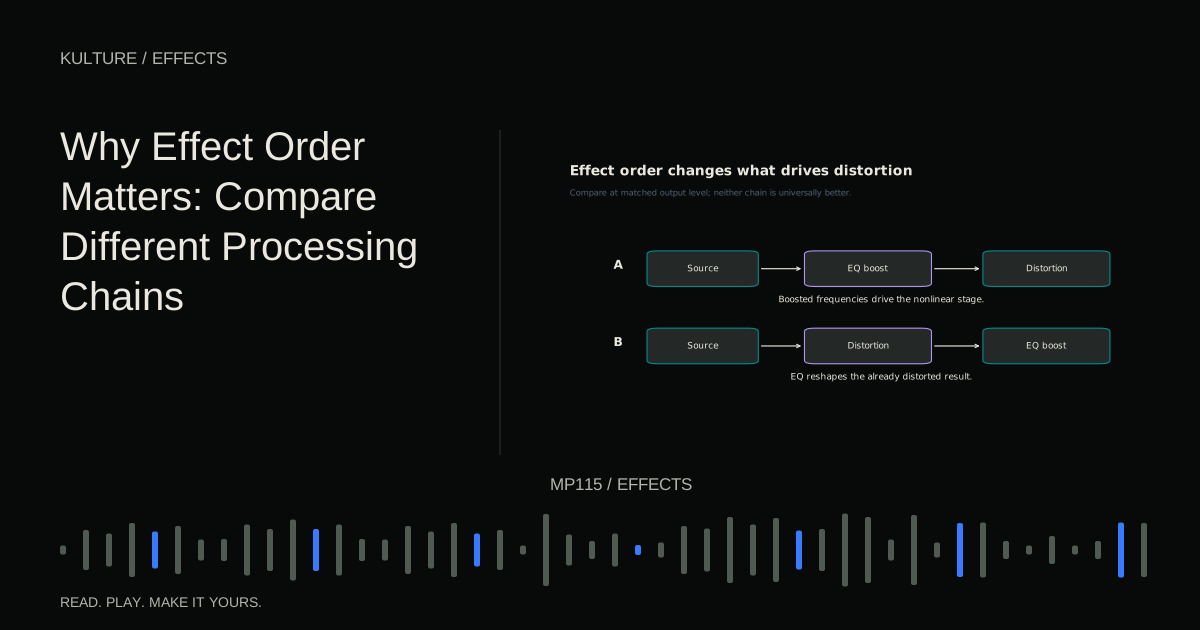
There is no single correct chain for every instrument. Compare orders using the same source, similar settings and matched output level, then keep the version that serves your musical goal.
Build a comparison you can trust
Create a short pluck phrase at 110 BPM using C, E flat, G and B flat as quarter notes, followed by a bar of silence. Use a simple synth with its built in effects disabled.
Duplicate the track for A and B versions, but play only one at a time. Keep the MIDI, instrument and starting levels identical. Put the same two processors on both tracks in opposite orders. Adjust final output only as needed to make their loudness comparable.
Do not change the processors’ creative settings immediately after swapping order. First hear what the order alone does. Then, if one version is promising, refine it as a separate decision.
Save the experiment outside your main mix or in a new session version. This lets you explore without losing a working chain.
TRY IT HERE
Add harmonics
Compare clean and driven versions of the same sound.
Ready when you are. Audio starts only when you press Play.
Keep experimenting in the synth LabEQ before distortion versus EQ after distortion
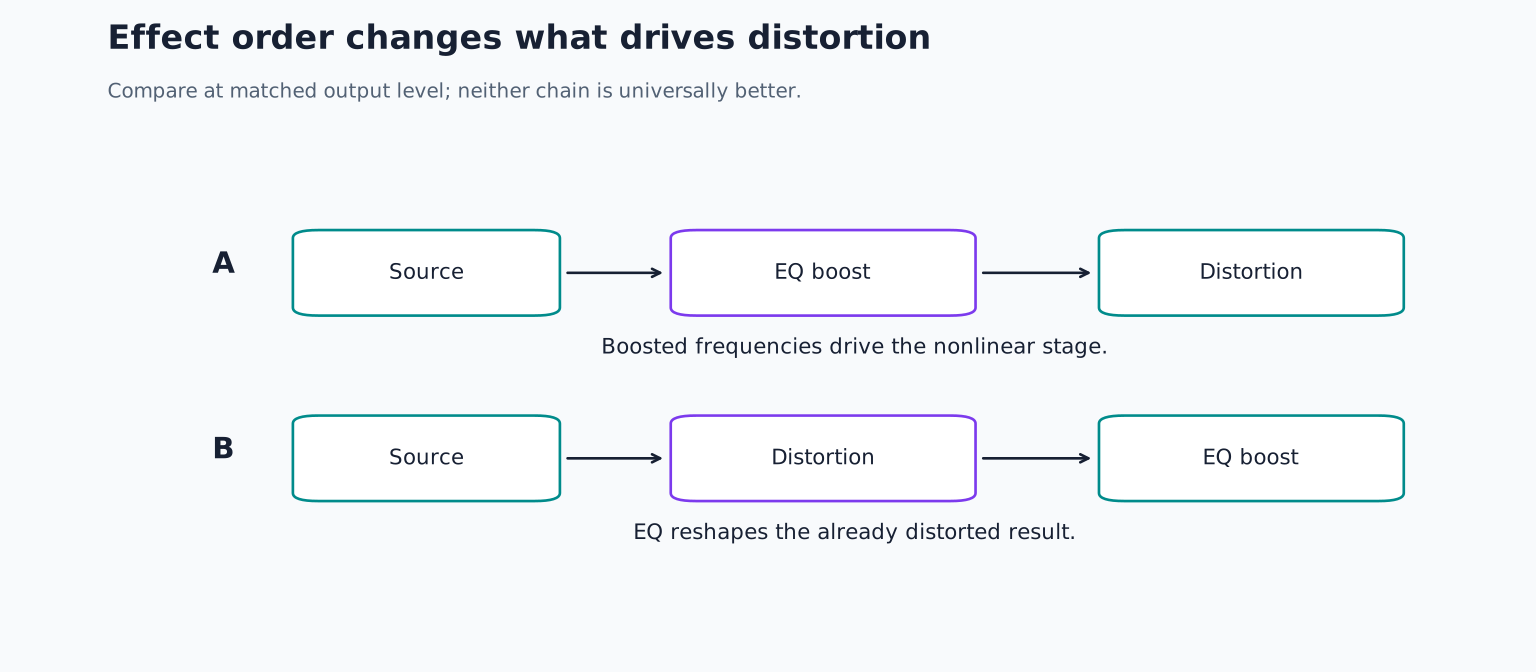
Use a broad EQ boost in an audible middle or upper region and a moderate distortion setting. On track A, place EQ first. On track B, place distortion first.
In A, the boosted region enters the nonlinear processor more strongly, which can change the generated harmonics and interaction with other frequencies. In B, the distortion receives the original balance, and EQ reshapes its already distorted output.
Listen to the attack and chord like density, not only brightness. The two versions can have similar high frequency levels yet different roughness or emphasis. FabFilter’s distortion band controls illustrate how drive and input material shape a nonlinear stage.
Now replace the boost with a low frequency reduction. Compare whether reducing low energy before distortion leaves more room for the upper character, versus removing low energy afterward. Neither order is inherently cleaner; the point is to hear what enters the distortion.
Compression before EQ versus EQ before compression
On a new pair of versions, use a source with alternating strong and weak notes. Place EQ before a compressor in A and after it in B. Use a broad boost in a region containing substantial source energy.
When EQ comes first, it can change what the compressor’s detector hears and therefore how much reduction occurs. When EQ comes after, it shapes the compressed result without changing that earlier detector input in the same way.
If a compressor has a separate detector filter or external sidechain, those options can further change the relationship. Do not assume the audible EQ curve is always the detector’s curve. Compression controls explains the distinction between audio processing and detection.
Watch the reduction meter while listening. If one chain compresses much more, that is useful evidence, but the preferred result still depends on whether the phrase feels more controlled or less expressive.
Distortion before delay versus distortion after delay
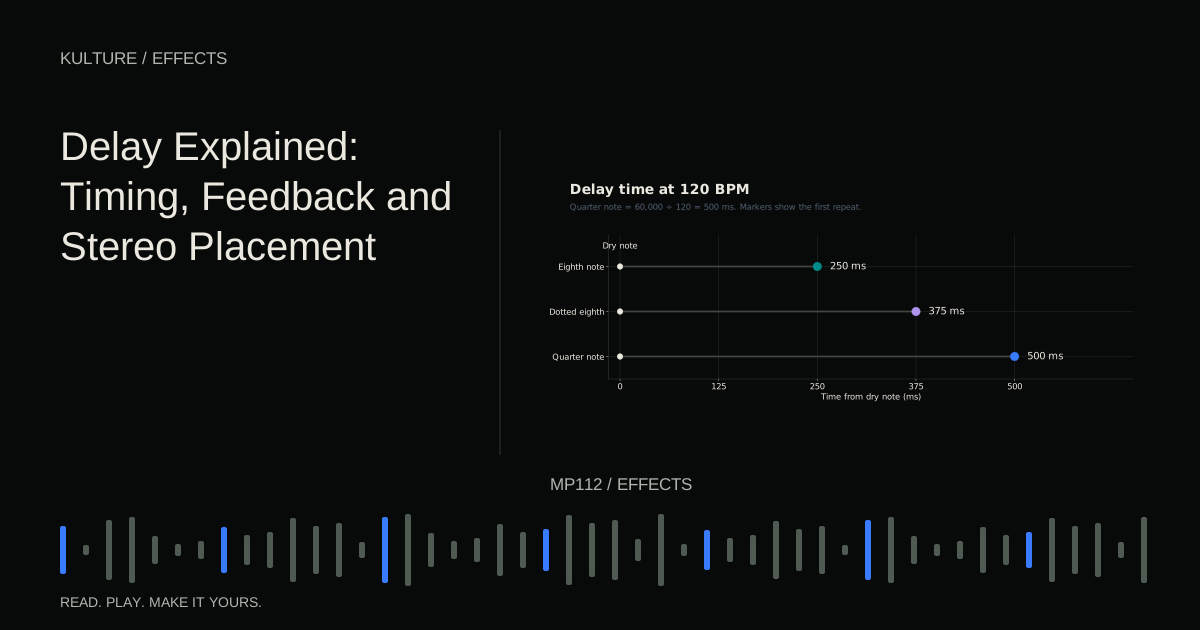
Set a delay to an eighth note interval with a few audible repeats. Put distortion before delay in A and after it in B. Keep feedback restrained.
In A, the delay repeats a distorted source. In B, the distortion receives a combination of the current source and delayed events. When they overlap, the nonlinear stage can respond differently and create additional interaction.
Listen to the empty bar after the phrase. Do the repeats retain a consistent texture, or does their distortion character change as they become quieter? Input dependent distortion can make later repeats cleaner when it follows the delay.
Some delay plugins include distortion inside their feedback path, which creates another result: repetitions can be processed again on successive passes. That is not equivalent to a single distortion insert after the entire delay. FabFilter’s delay effects documentation shows how internal processing can be part of a delay’s design.
Compression before reverb versus compression after reverb
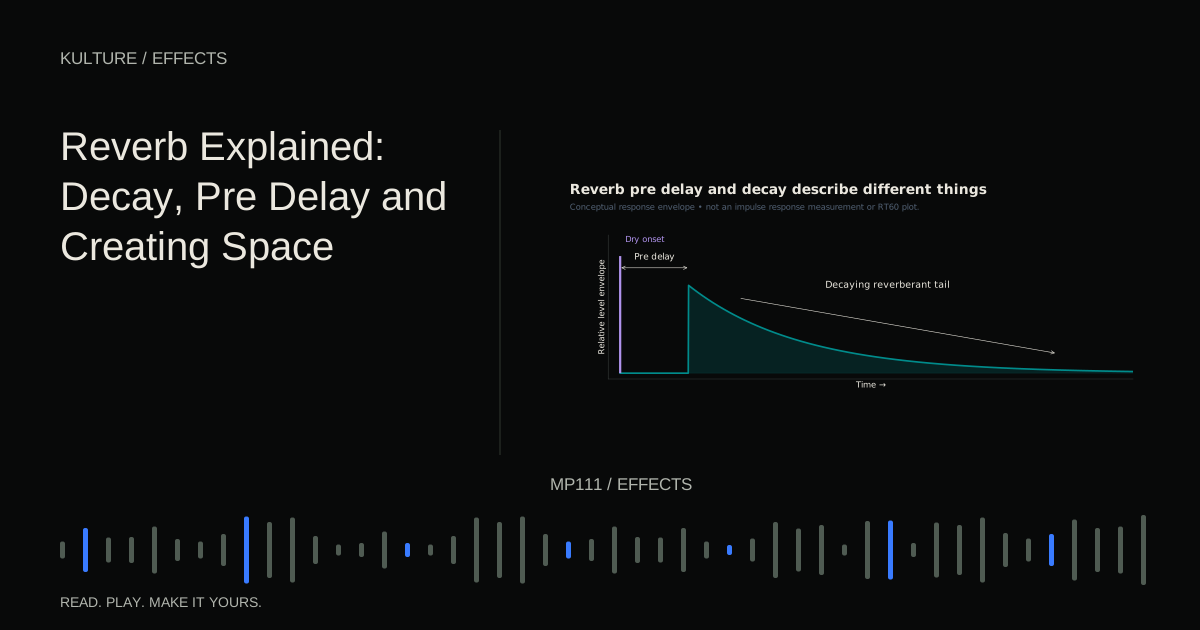
Use a reverb with a clearly audible tail. In A, compress the dry source before reverb. In B, compress the combined dry and reverberant signal afterward.
A controls the level pattern entering the space. B can reduce the tail while a strong dry hit occurs and let it recover afterward, depending on threshold and timing. This may create a pumping or blooming impression.
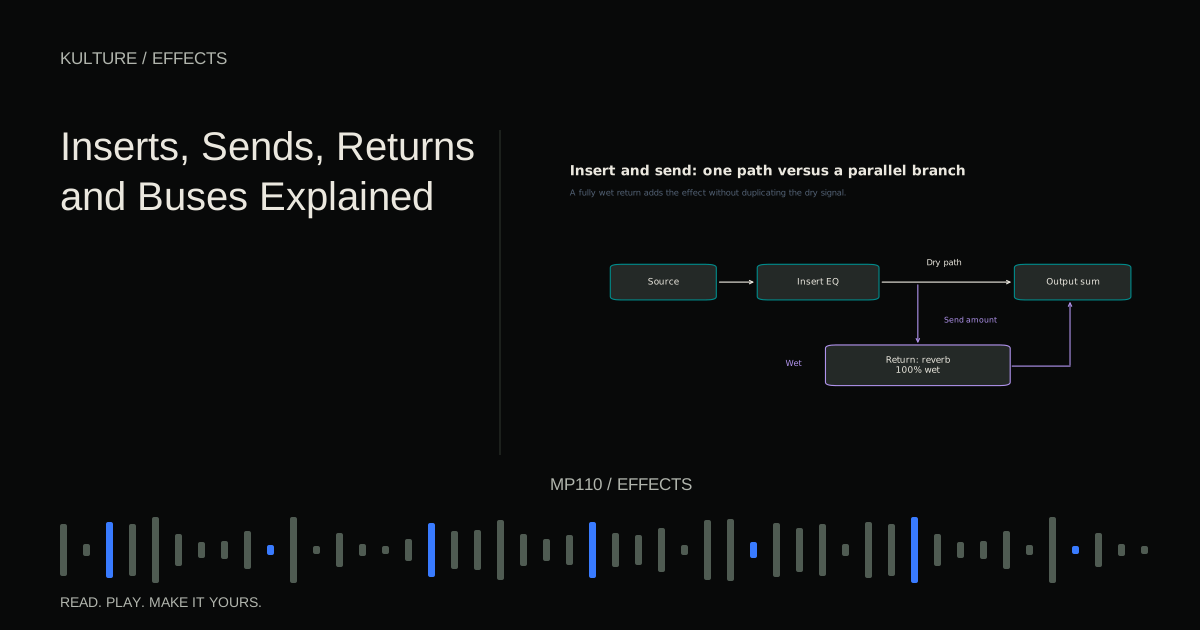
If your reverb is on a separate return, compressing that return affects only the wet path. Feeding the dry source into the return compressor’s sidechain is yet another configuration. It can duck the reverb while the source plays without compressing the dry track itself.
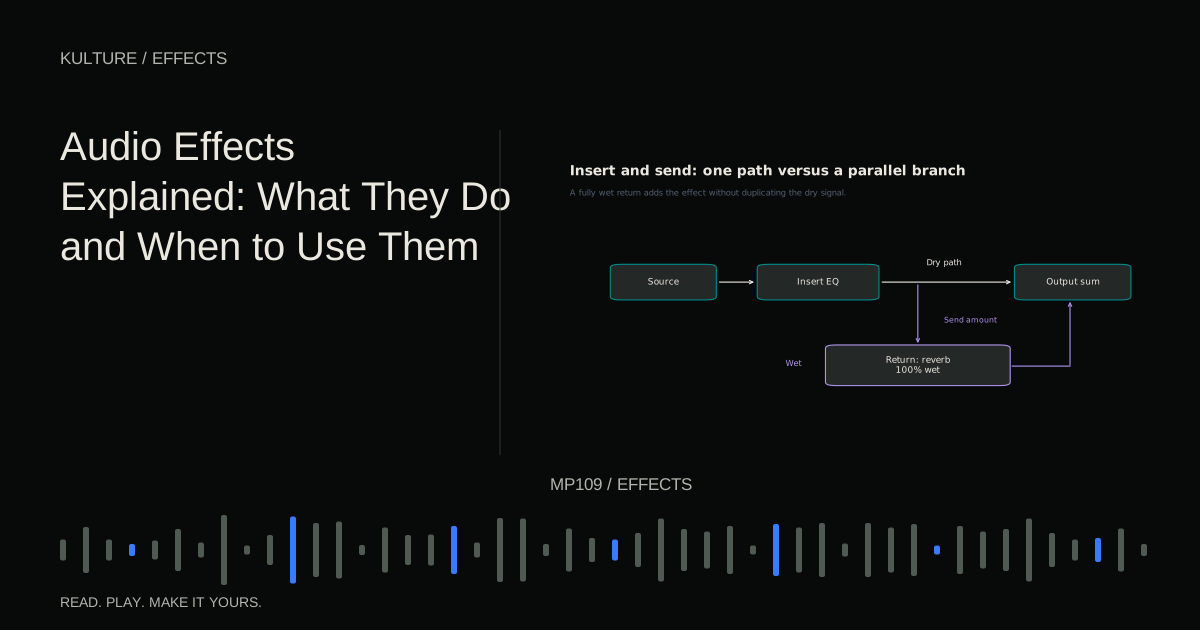
These examples show why routing matters as much as visible plugin order. Review inserts, sends, returns and buses before assuming two sessions with similar plugin lists have the same signal path.
EQ around reverb solves different tonal problems
EQ before a reverb changes the frequency balance exciting the reverb. EQ after shapes the completed wet output. With a simple linear, time invariant reverb and EQ in a straightforward serial path, these operations can commute mathematically, producing the same result under ideal conditions.
Real plugins may include modulation, nonlinear stages, level dependent behaviour or parallel dry paths, so practical results can differ. This is an important exception to the slogan that order always changes everything.
Use a fully wet return for a clean comparison and keep the surrounding routing identical. If the results sound the same, that is a valid finding. Do not invent a difference because a tutorial promised one.
Know when to stop rearranging
A chain becomes difficult to manage when every stage compensates for the previous one. If you boost brightness, distort heavily, cut brightness, compress and then boost again, pause and ask whether a simpler source or lower drive would work.
Name each processor’s job. “Control uneven notes,” “add a rough edge,” and “place the sound behind the lead” are clear. If two stages perform the same job without a useful distinction, bypass one and compare.
For practice, save two order comparisons and write one sentence about the audible difference in each. Choose the version that works in the full arrangement, then remove any stage that no longer has a purpose. Continue with the audio effects overview whenever you need to connect a desired change to the right family of tools.
TAKE IT INTO YOUR OWN MUSIC
Your next session.
A chain becomes difficult to manage when every stage compensates for the previous one. If you boost brightness, distort heavily, cut brightness, compress and then boost again, pause and ask whether a simpler source or lower drive would work.
Notes and progress stay in this browser.