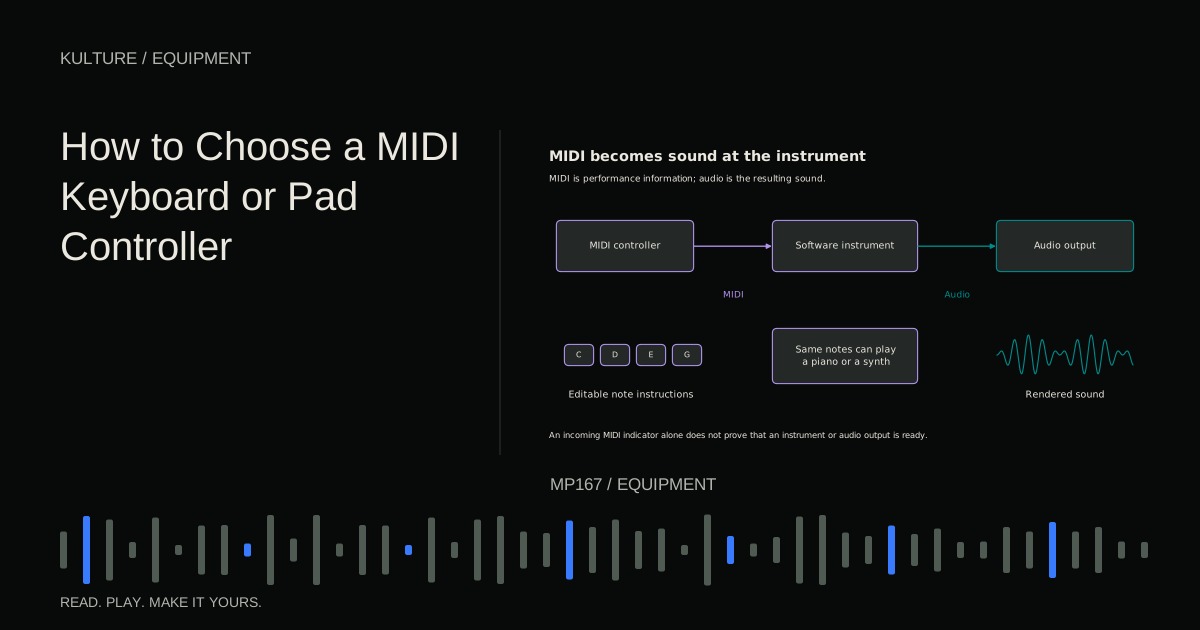
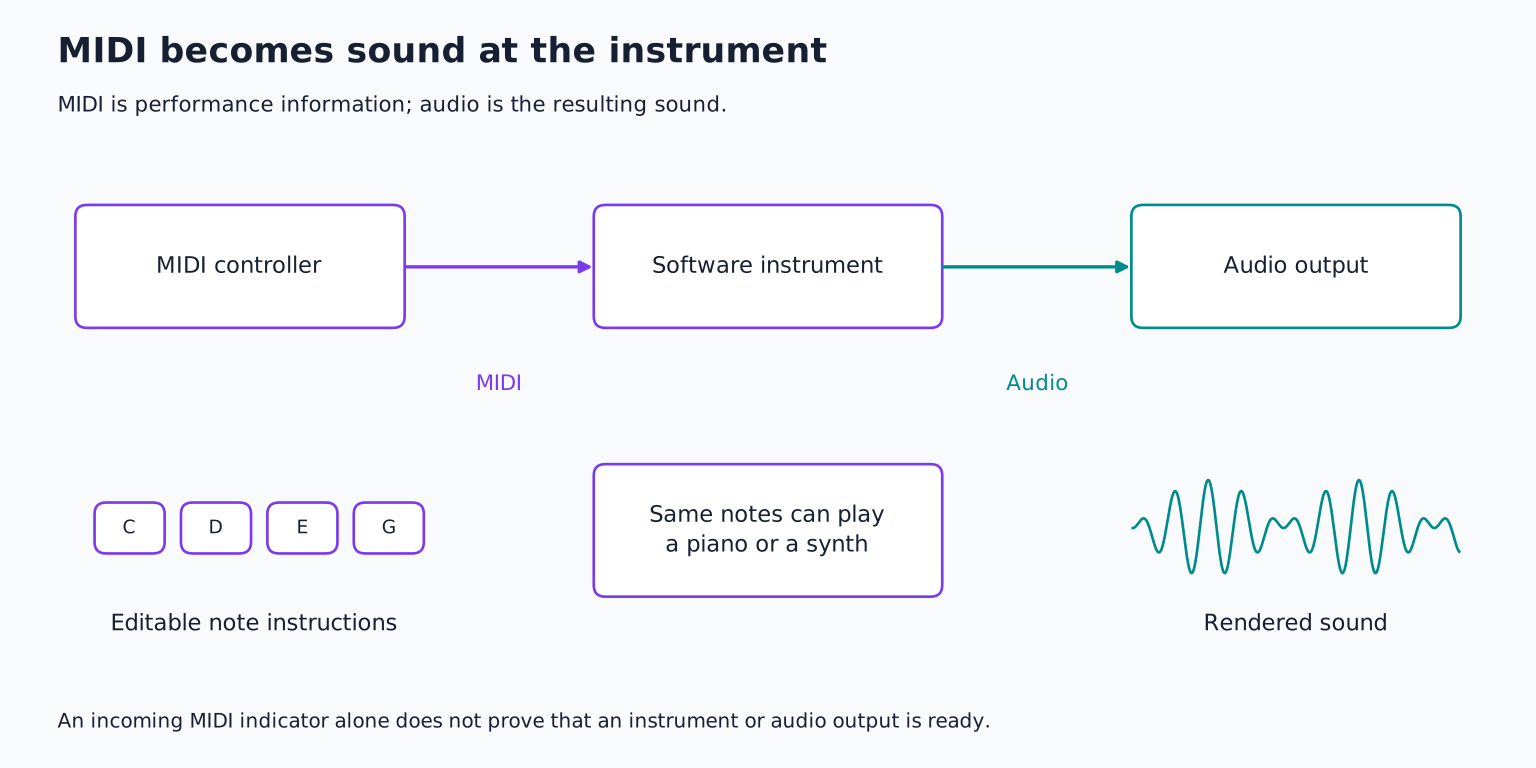
Most MIDI controllers do not generate audio. They send instructions to a software instrument or hardware sound module. A synthesizer or digital piano may also act as a controller while producing its own sound, but those are separate capabilities. If you need an instrument that works without a computer, verify that it has an internal sound engine and suitable audio outputs.
Start with your actual playing task
Write down three things you expect to do each week. For example: play basslines, enter two handed chords, and tap drum patterns. Then identify which task currently feels awkward with a mouse.
A compact keyboard may be enough for monophonic bass and melody. Two handed piano parts benefit from more range. Pads may be the main priority for a drummer who wants to enter rhythms physically. A grid designed for launching clips can also play notes, but its layout and feedback may favor a different kind of interaction.
Do not assume a controller will solve a theory problem. If you do not know which notes form a chord, more keys will not supply that understanding. It can make experimentation more immediate, which is valuable, but learning and hardware remain different investments.
Novation's MIDI explanation describes the kinds of performance information controllers can send.
TRY IT HERE
Make it your session
Turn the steps into a plan you can save.
Ready when you are. Audio starts only when you press Play.
Keep experimenting in the sample pads LabDecide how much keyboard range you need
Common keyboard sizes include 25, 37, 49, 61, and 88 keys, with other configurations available. The number determines how much range you can reach without changing octave settings.
A 25 key unit is portable and often sufficient for basslines, but two handed voicings can require frequent octave switching. Around 49 or 61 keys can make broader chord playing easier while fitting more desks than an 88 key instrument. An 88 key controller is useful for piano range playing, but its physical size and action matter as much as the count.
Measure the usable desk area, including space for the mouse, computer keyboard, cables, and your arms. A controller that fits only when you move everything else may discourage regular practice.
Try playing the actual phrase you want to record. If the melody and left hand part repeatedly fall outside the available range, that is stronger evidence than a general claim that every producer needs a particular size.
Test the action, not just the description
Key action describes the physical resistance and return behavior. Synth action keys are generally lighter; weighted or hammer action designs aim toward a piano like feel; semi weighted describes a broad middle category rather than one standardized experience.
A pianist may prefer resistance for dynamic control. A producer playing fast synth lines may prefer a lighter action. Neither is inherently more professional. Mini keys save space but change the hand spacing compared with full size keys.
Test slow quiet notes, repeated notes, a chord, and a quick passage. Notice whether you can control soft strikes consistently and whether the keys return comfortably. Mechanical noise also matters if a microphone is recording nearby.
Velocity sensitive keys send different strike values. The receiving instrument decides how those values affect sound. A good feeling velocity curve can make expressive playing easier; adjustable curves help match the controller to your touch and the instrument.
Understand aftertouch and expressive control
Aftertouch responds to pressure after the initial strike. Channel aftertouch commonly affects the active notes on a MIDI channel together. Polyphonic aftertouch can describe pressure separately for individual notes, when the controller and instrument support it.
MIDI Polyphonic Expression, or MPE, supports per note expressive control using a defined MIDI approach. It is related to expressive playing but is not simply another name for every form of aftertouch. The MIDI Association's MPE announcement identifies the standard's role.
These features matter if your instruments respond musically to them. If you mainly enter short drum hits, a sophisticated expressive keybed may offer less immediate benefit than responsive pads. Test the complete chain rather than buying a specification the receiving software ignores.
Judge pads with your own rhythm
Play a simple pattern: kick on beats 1 and 3, snare on 2 and 4, and hats on eighth notes. Try very soft hits, repeated strikes, and two pads at once.
Look for predictable triggering. Pads that require uncomfortable force can make gentle playing difficult; overly sensitive settings can create accidental doubles. Adjustable sensitivity and velocity curves may help, but the basic physical response should feel usable.
Pad size and spacing affect finger drumming technique. Backlighting can show clip states or note layouts, but colored pads do not automatically mean full integration with every DAW. Some controllers provide different capabilities in generic MIDI mode and in a supported script or control surface mode.
Novation's controller overview illustrates the distinction between triggering notes and controlling software parameters. Use the specific model's manual to verify the features you need.
Check connections and standalone behavior
USB can carry MIDI and power, but a USB powered controller may still need a computer or USB host to communicate. Plugging two ordinary USB devices directly together does not necessarily create a working MIDI connection.
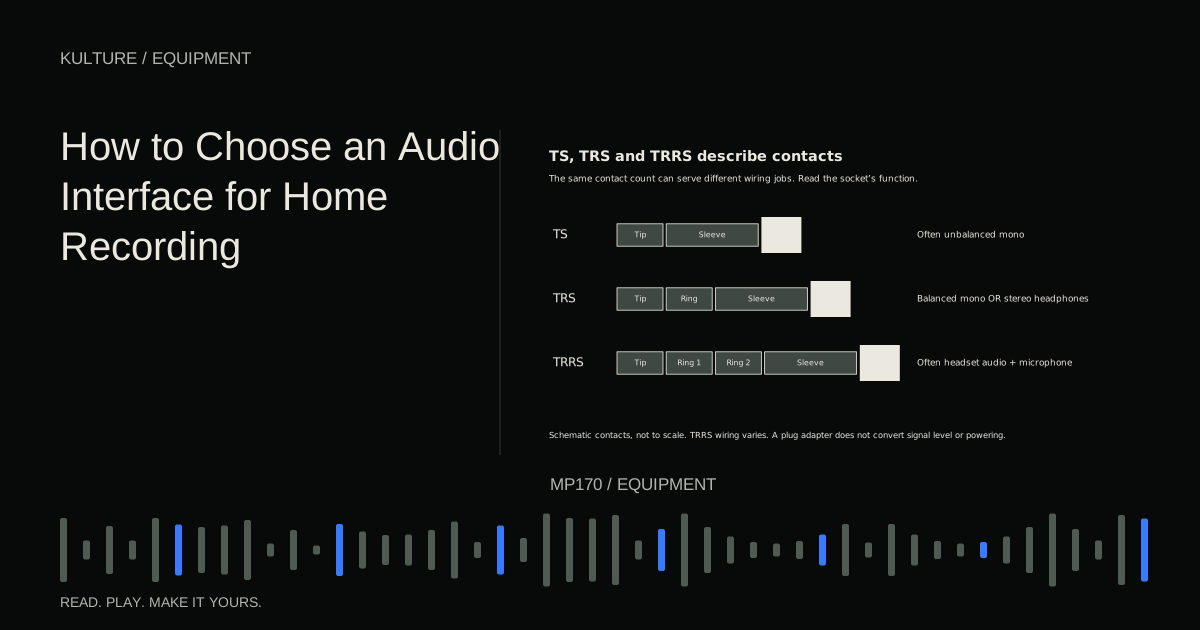
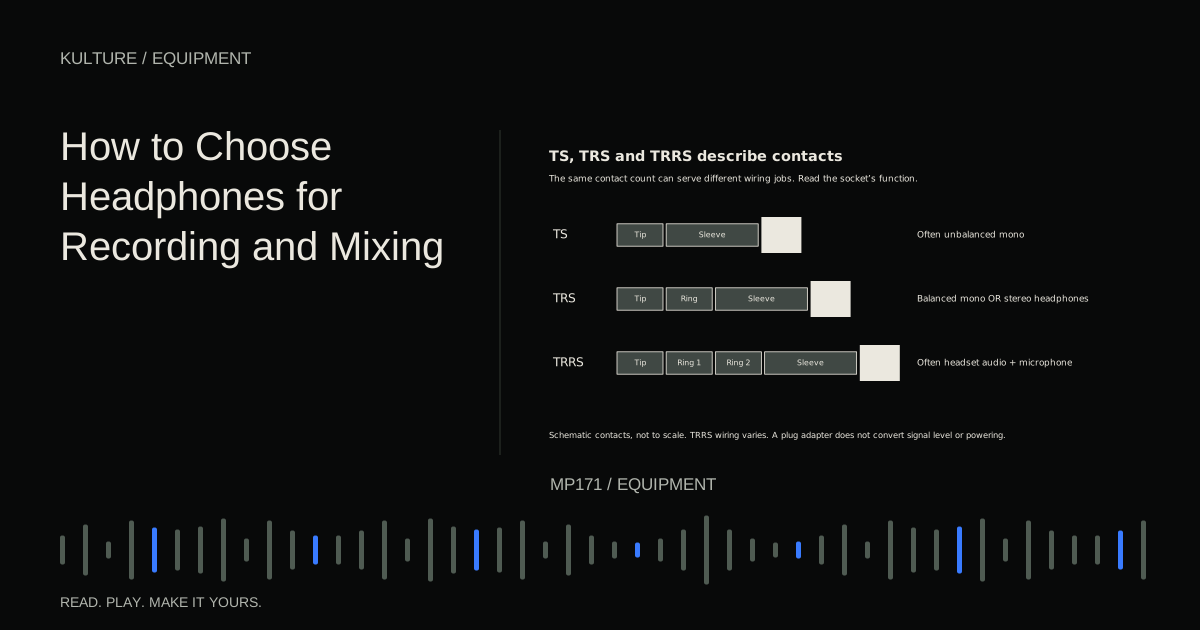
If you want to control a hardware synthesizer without a computer, check for compatible MIDI output, power requirements, and standalone operation. Five pin DIN MIDI and small TRS MIDI connections are physical alternatives; TRS MIDI adapters have wiring types that must match the equipment.
A sustain pedal socket is useful for keyboard playing, but confirm pedal compatibility and polarity behavior. Expression pedal inputs, MIDI outputs, and additional pedal sockets are not universal features.
A USB C connector does not by itself tell you whether the device carries audio, supports a particular data rate, or works with your tablet. Read the model's compatibility information for the actual host and operating system.
Treat DAW integration as a compatibility question
Ask exactly what the controller can do in your DAW: transport control, track selection, mixer control, device parameters, clip launching, or display feedback. A marketing phrase such as “works with all DAWs” may mean basic MIDI notes, not identical deep integration everywhere.
Check whether integration requires a script, driver, editor, or specific software version. Confirm that those components support your computer. If you use more than one DAW, compare the functions available in each rather than assuming they transfer automatically.
Knobs can be conventional potentiometers or endless encoders, and their behavior affects how values update when switching tracks or presets. Faders without motors do not physically follow software values. These are workflow differences worth trying before purchase.
Include the less glamorous costs
Budget for a pedal, stand, suitable cable, power supply if required, and enough physical space. Check the return policy so you can evaluate the action with your own instruments where permitted.
Bundled software can be useful, but verify the exact edition and license. A collection of trial instruments should not outweigh poor playing feel or missing connections. You are buying a control surface you will touch repeatedly, not only a list of downloadable extras.
Your decision exercise is to compare two controllers using the same piano preset, drum kit, and five minute performance. Record the results at the same settings, then note which made soft notes, repeated hits, and navigation easier. Choose based on those observations. After setup, use the MIDI troubleshooting guide to verify the signal path, and the stock sound project lesson to put the controller to work immediately.
TAKE IT INTO YOUR OWN MUSIC
Your next session.
Budget for a pedal, stand, suitable cable, power supply if required, and enough physical space. Check the return policy so you can evaluate the action with your own instruments where permitted.
Notes and progress stay in this browser.