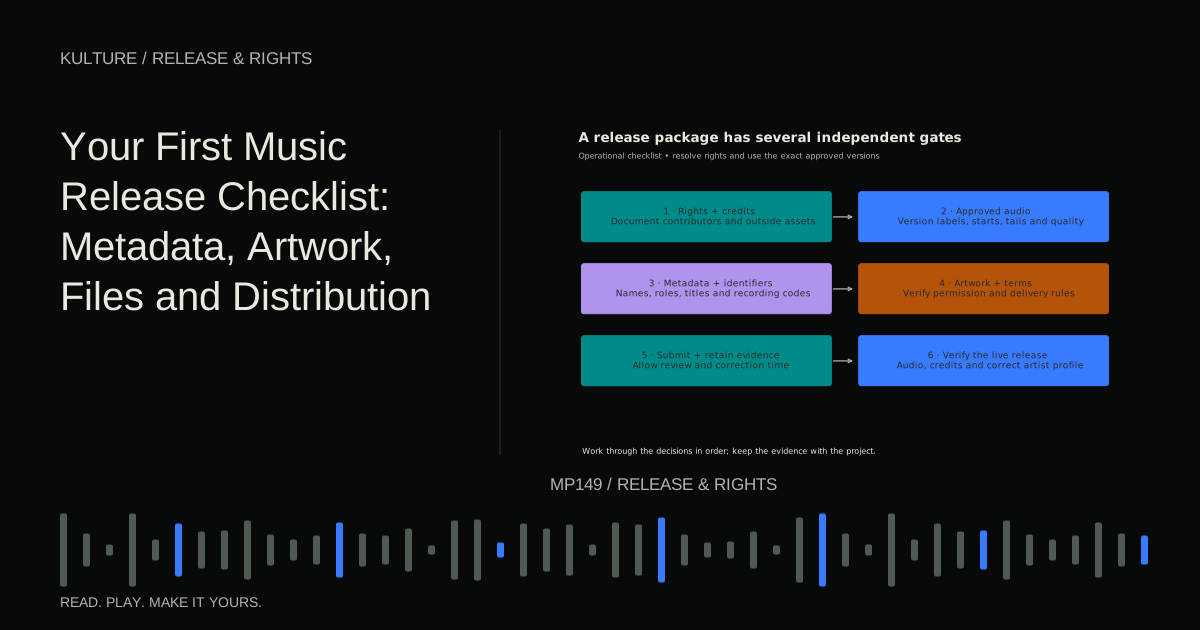
This checklist is practical and Canada focused. It is not personal legal advice. Distributor rules, store specifications, and rights arrangements vary, so verify the current requirements for the service you choose.
1. Confirm that the release is authorized
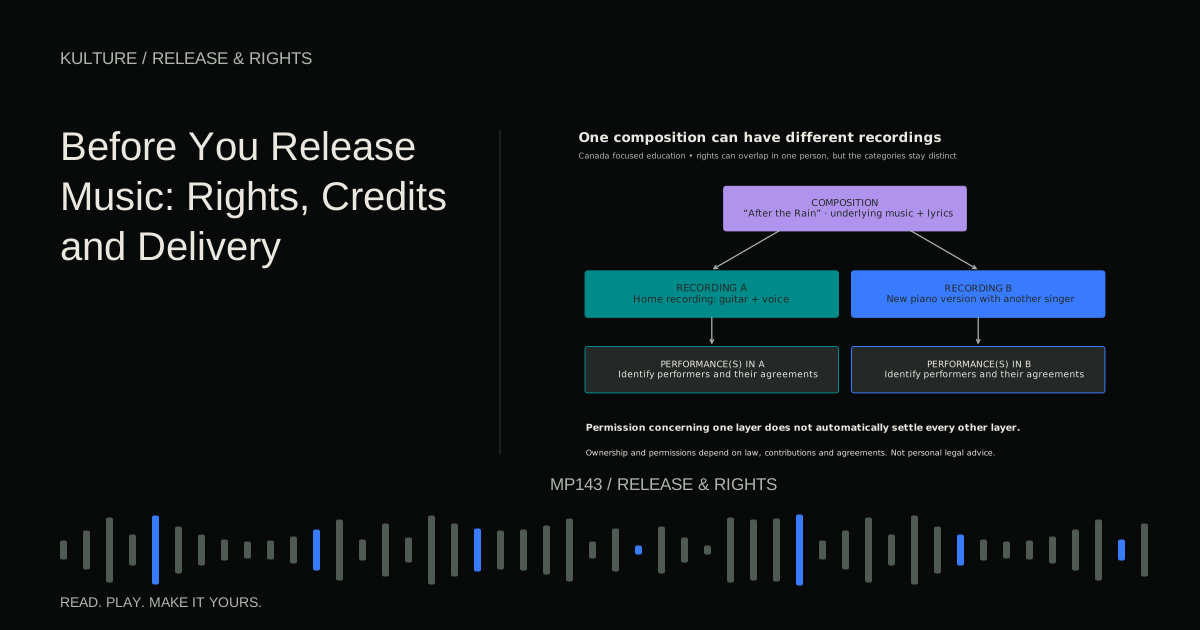
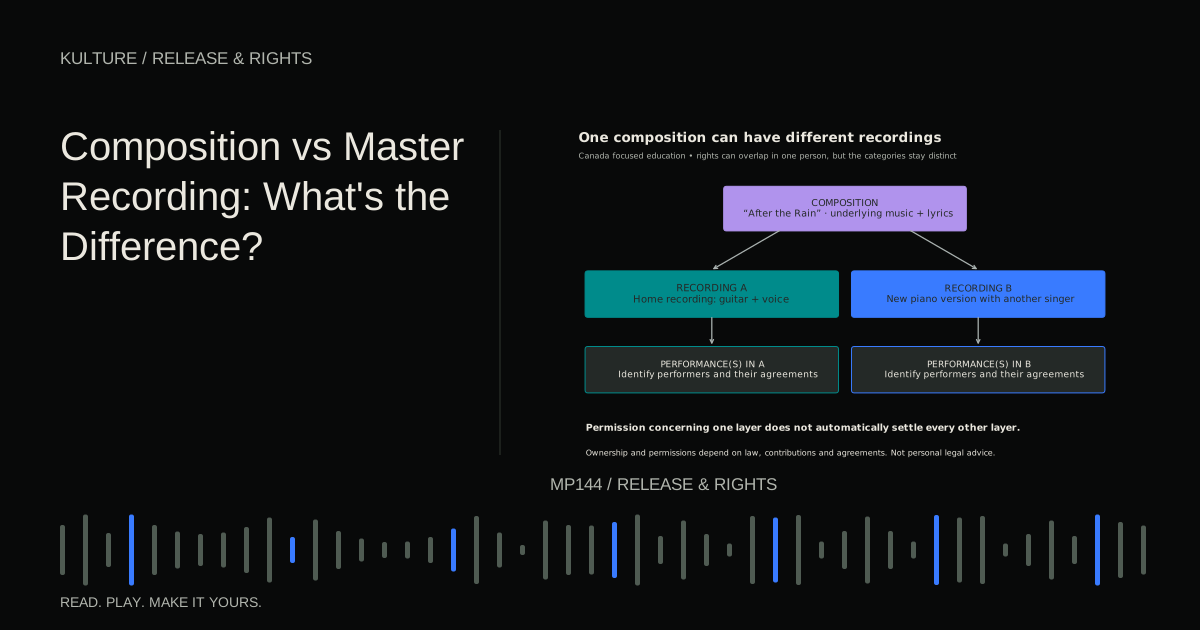
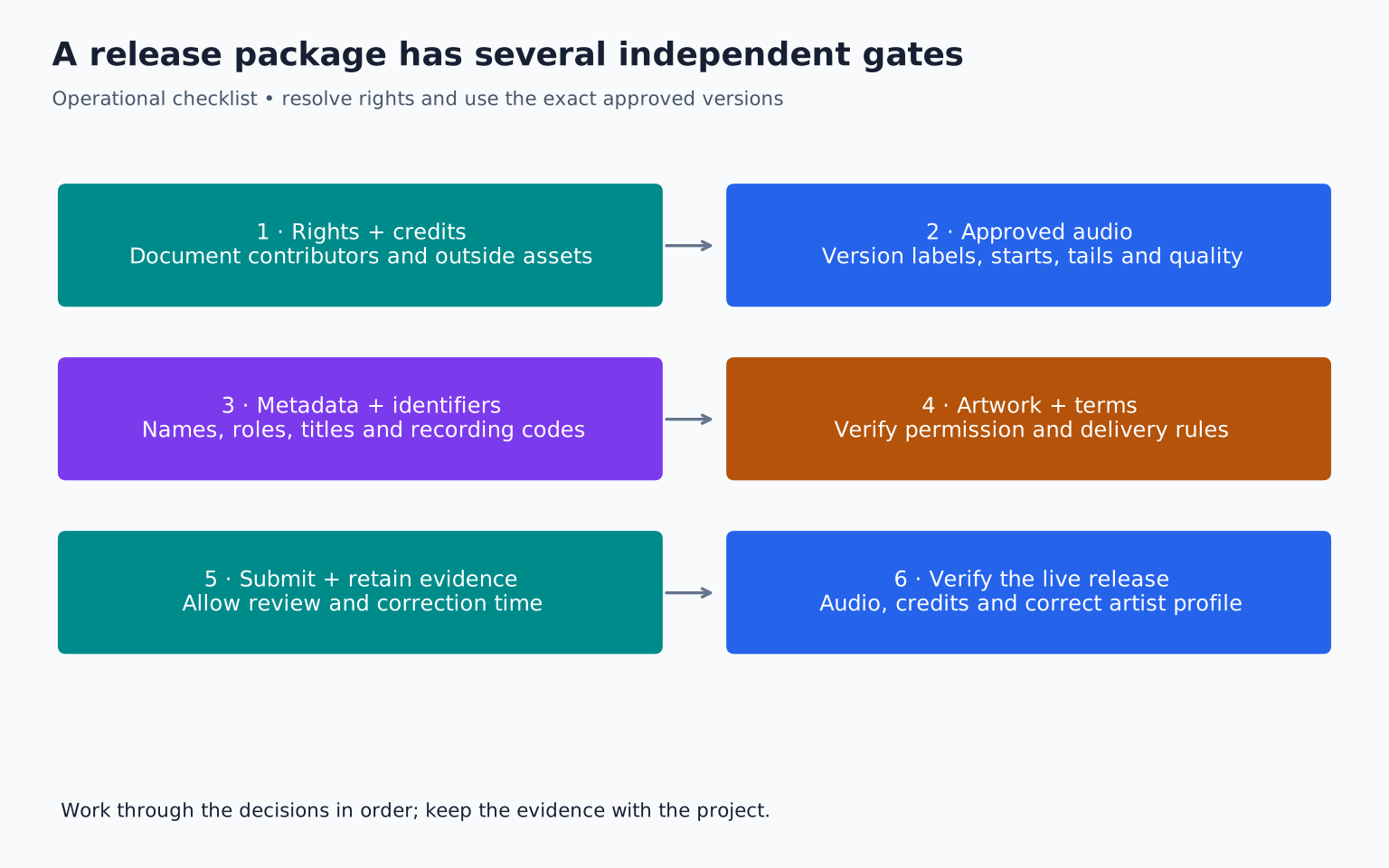
List the composition writers, recording owners or controllers, performers, and any third party material. Confirm the agreements and permissions needed for the intended release.
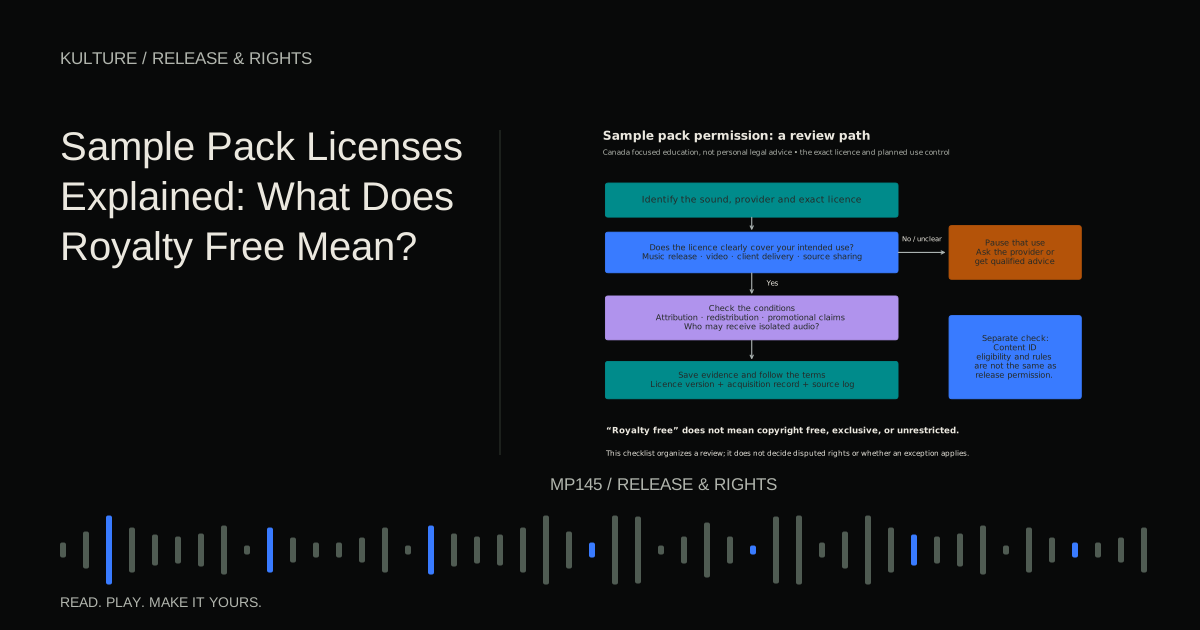
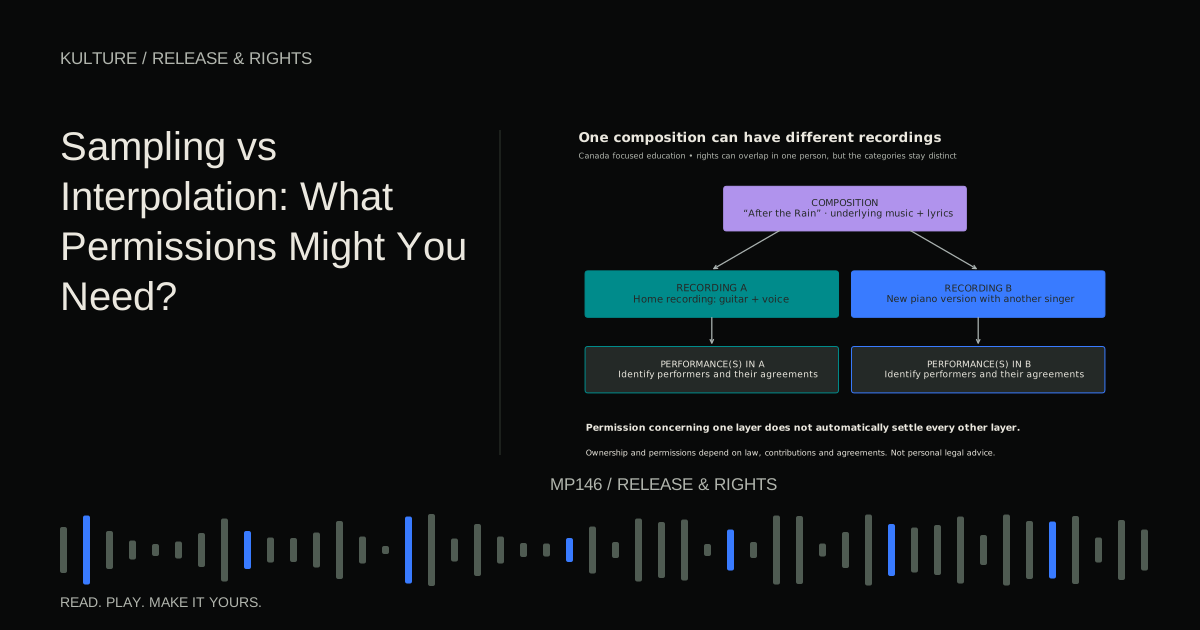
Check samples, licensed beats, guest performances, and artwork. A royalty free licence may permit the music use while imposing other conditions. Do not treat an unresolved sample as something the distributor will automatically clear for you.
Use the release rights overview and credits and splits before making ownership warranties in an upload form. If a material dispute remains, resolve it before submission.
TRY IT HERE
Make it your session
Turn the steps into a plan you can save.
Ready when you are. Audio starts only when you press Play.
Keep experimenting in the stem splitter Lab2. Lock the actual audio versions
Identify the approved main master and any clean, instrumental, or other versions. Listen to each exported file independently. Check the opening, ending, stereo channels, edits, unwanted noise, and any count ins or cues.
Confirm the file format, sample rate, and bit depth against the distributor's current requirements. Do not assume a universal loudness target. Keep the high quality source master so future formats can be created without converting from an MP3 or another lossy copy.
Name files unambiguously, such as Artist_Title_Main_Master_v03.wav and Artist_Title_Clean_Master_v03.wav. Place superseded files in an archive outside the upload folder.
3. Build a metadata sheet
Metadata is the descriptive and administrative information attached to the release. Prepare it before opening the distributor form so you can review it calmly.
Include the release title, track title, version description, primary and featured artists, writers, producer and engineering credits where supported, language, explicit status, release date, track order, and relevant copyright information. Add the exact audio filename beside each track.
Confirm names with the contributors. A professional name and a legal name may serve different fields. Do not expose private administrative information in public credits unless required and authorized.
Apple's official music style guide gives one platform's rules for names, titles, versions, explicit labels, and artwork. Your distributor may apply additional validation, so check both.
4. Handle recording identifiers correctly
An ISRC identifies a specific recording. A release level product identifier, such as a UPC or EAN supplied through the distribution workflow, identifies the release product. These are not interchangeable with a musical work identifier.
Check whether the recording already has an ISRC before assigning another. The same recording can appear on more than one release, while materially different versions may need different identifiers under the applicable rules.
IFPI's ISRC FAQ explains the system. An identifier does not prove ownership or clear rights. Keep the code with the exact recording version and metadata so it is not accidentally attached to another file.
If the distributor assigns codes, record them after assignment. Do not invent a plausible looking code to fill a required field.
5. Prepare artwork that you can actually use
Use an approved high resolution image in the distributor's accepted format and dimensions. Check it at thumbnail size as well as full size: small text may become unreadable, and an awkward crop may obscure the subject.
Confirm the rights to the photograph, illustration, typography, logos, and other elements. A designer's invoice does not necessarily clear every stock image or recognizable third party element embedded in the design.
Keep the artwork source and permission evidence in the release archive. Ensure the visible artist and title, if included, match the metadata. Avoid adding promotional claims or platform logos that conflict with the destination's rules.
6. Choose distribution terms deliberately
Compare the actual service terms: fees, revenue deductions, renewal requirements, payout conditions, support, removal procedures, and optional services. Do not select solely on an advertised headline price without checking the commitment.
Read the rights warranties and any optional content identification enrollment. Ordinary distribution and automated copyright matching are different services. YouTube's Content ID eligibility guidance shows why nonexclusive source material may require special attention.
Check what happens if you cancel the subscription or change distributors. Save the agreement and release records so future transfers are not dependent on memory.
7. Leave time for review and correction
Choose a release date with enough lead time for the distributor's stated processing period, store review, corrections, and any promotional plans. There is no reliable universal promise that every release will be live within a particular number of days.
Do not announce a date as certain while a rights question or final master is unresolved. If advance pitching or pre release tools matter, check their current eligibility and deadlines before scheduling.
Track the submission status. “Uploaded” may mean only that files were received; it does not necessarily mean every store has accepted the release or mapped it to the correct artist profile.
8. Verify artist profile mapping
Provide verified existing artist links or identifiers where the distributor requests them. If you have a common artist name, another profile with the same name may belong to someone else.
Check primary and featured roles carefully. A collaborator should not be assigned a role merely because it makes the release look more prominent. Use the agreed credits and the platform's definitions.
After submission, review any previews or metadata confirmations. Correct mistakes through the distributor's supported process rather than submitting duplicate releases in an attempt to fix them.
9. Keep a compact release archive
Your archive should include approved audio, artwork, metadata, identifiers, agreements or licence evidence, submission confirmation, and a note of the distributor account used. Keep backups in more than one appropriate location.
Do not store account passwords in the release notes. Keep access credentials in a secure password manager or the relevant account system.
A simple status sheet can list each task as ready, waiting, or blocked. For example, audio may be ready while artwork permission is waiting. That is more useful than calling the whole release “almost done.”
10. Check the live result
When the release appears, verify the artist page, title, version, artwork, credits, explicit label, and audio. Listen to the beginning and ending and confirm that the correct version is available.
If something is wrong, document the exact issue and use the distributor's correction process. Do not assume deleting and reuploading is harmless; it can affect identifiers, links, timing, and other release details.
Your exercise is to create a release folder and metadata sheet for one song, then run this checklist without submitting anything. Every missing field becomes a clear next action. Once the package is complete and authorized, upload the exact approved files and retain the confirmation so the release can be verified afterward.
TAKE IT INTO YOUR OWN MUSIC
Your next session.
When the release appears, verify the artist page, title, version, artwork, credits, explicit label, and audio. Listen to the beginning and ending and confirm that the correct version is available.
Notes and progress stay in this browser.