Work on a copy of the selected performance and keep the raw recording. Listen with the backing track before deciding what needs repair. A detail that is obvious in solo may be inaudible in the song, while a small noise in an exposed introduction may deserve careful attention.
Identify what you hear
A breath is usually a short rush of air before or after a phrase. It can communicate urgency, intimacy, or physical effort. A mouth click is a brief, sharp sound from the mouth rather than the intended consonant. A plosive is a low frequency burst caused by air striking the mic. Background noise may be steady fan hiss, electrical hum, traffic, or a changing room sound.
These categories can overlap. A t sound may resemble a click in a waveform but be essential to understanding the word. An inhalation may include both useful expression and an intrusive lip noise. Listen repeatedly at a sensible level and with enough context to identify the event.
If the noise occurs at every edit boundary, it may be an editing discontinuity instead. Check fades and crossfades before processing the voice itself.
TRY IT HERE
Make it your session
Turn the steps into a plan you can save.
Ready when you are. Audio starts only when you press Play.
Keep experimenting in the sample pads LabStart with clip gain and local edits
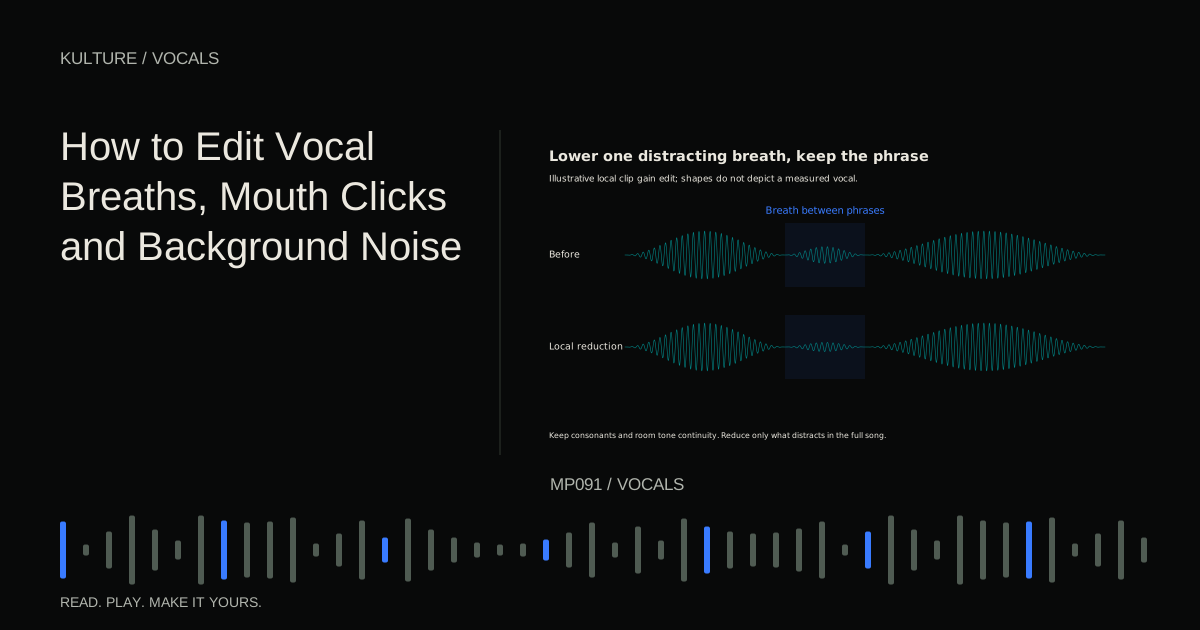
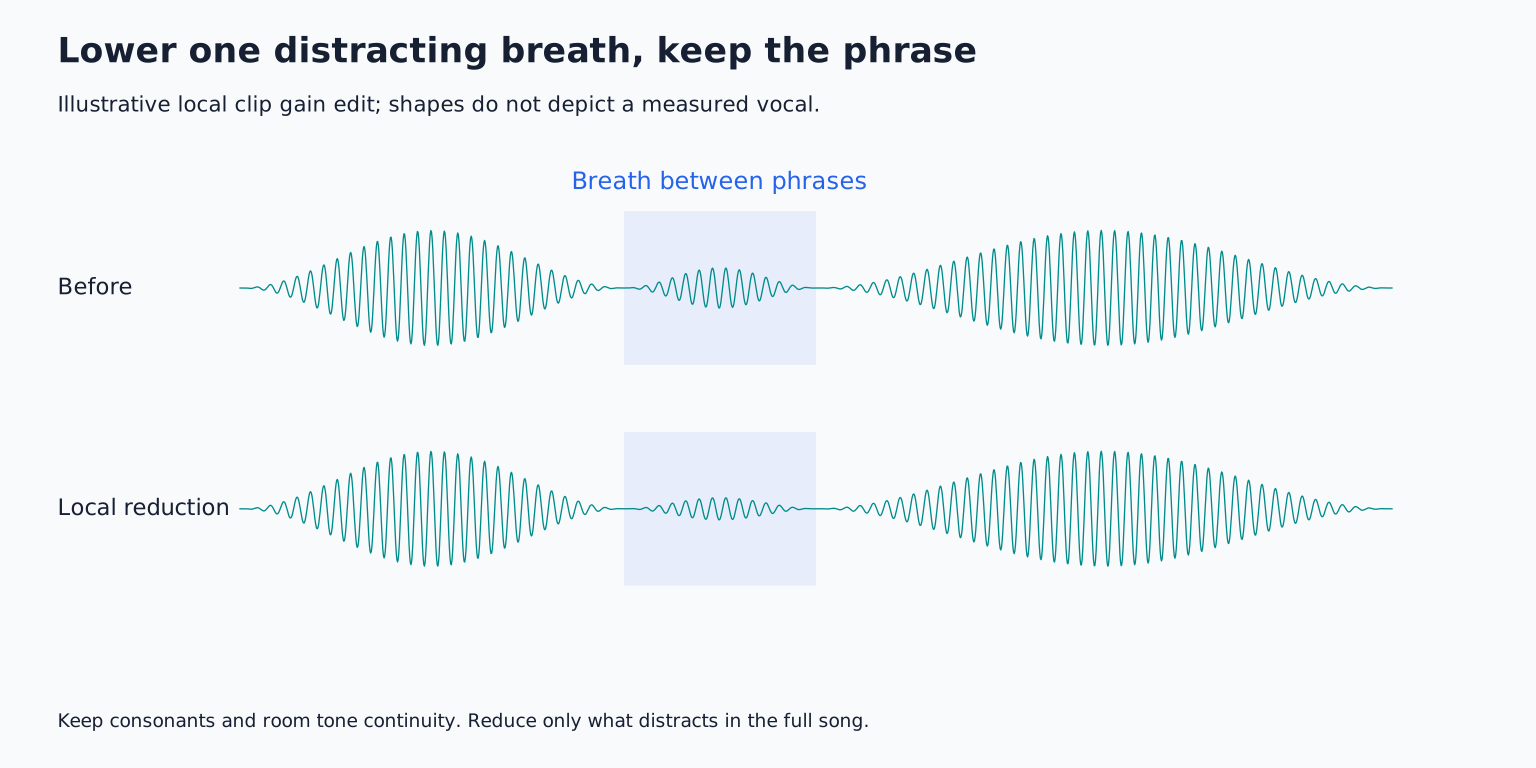
Clip gain changes the level of a selected audio region before later processing in many DAW workflows. It is useful because you can lower one event without changing the entire vocal.
For an overly loud breath between two phrases, split or select the breath region, lower it by a modest amount, and add appropriate fades. Try a 3 dB reduction first as an example, then judge in context. Some breaths need less; others may need more. The aim is a natural transition into the next word, not a uniform breath meter reading.
Leave a little surrounding audio so the edit does not abruptly switch the room tone. If a breath leads into the first consonant, preserve that consonant. Cutting too tightly can make the singer sound as if a word begins halfway through.
Do not remove every breath automatically
Listen to the phrase with the breath removed, then with it reduced. If the no breath version feels rushed or artificial, keep some breath. A vocal is a human performance, and inhalations often signal the length and intensity of the coming line.
Supporting doubles may need less breath than the lead because several inhalations stacked together can become distracting. That is an arrangement decision. You can retain the lead breath while reducing redundant ones in the supporting tracks.
Specialized breath processors can identify and suppress inhalations, but their detection still needs review. iZotope's Breath Control documentation illustrates the distinction between reducing detected breaths and removing them more completely. Do not assume an automatic selection understands the lyric's emotional pacing.
Repair isolated clicks without damaging consonants
Zoom into the click and determine whether it sits in a gap, on a vowel, or inside a consonant. In a gap, a tiny local reduction or a replacement with nearby compatible room tone may be enough. Add fades so the repair does not create its own click.
A click inside a sustained vowel is harder because deleting it can interrupt the waveform and pitch continuity. A dedicated de click or spectral repair tool may reconstruct the short event more transparently. Spectral tools show time and frequency together, allowing more selective repair than a broad level cut.
Use the smallest affected region and compare before and after. If the result dulls every consonant or gives the voice a smeared texture, reduce the processing. A repaired click that is less distracting is preferable to an entire vocal that sounds damaged by cleanup.
For several clicks in one word, an alternate take may be the cleanest solution. Do not spend an hour repairing a syllable when another good performance is already available.
Handle plosives locally
A plosive often appears as a large low frequency wave around a p or b. Lowering the whole word may remove too much useful voice. A local high pass filter, spectral repair, or carefully automated low frequency reduction can target the thump more selectively.
Keep the intended consonant. A high pass filter removes frequencies below its cutoff gradually according to its slope; choosing an unnecessarily high cutoff can thin the vowel as well as the plosive. Test the minimum intervention that makes the word sit naturally.
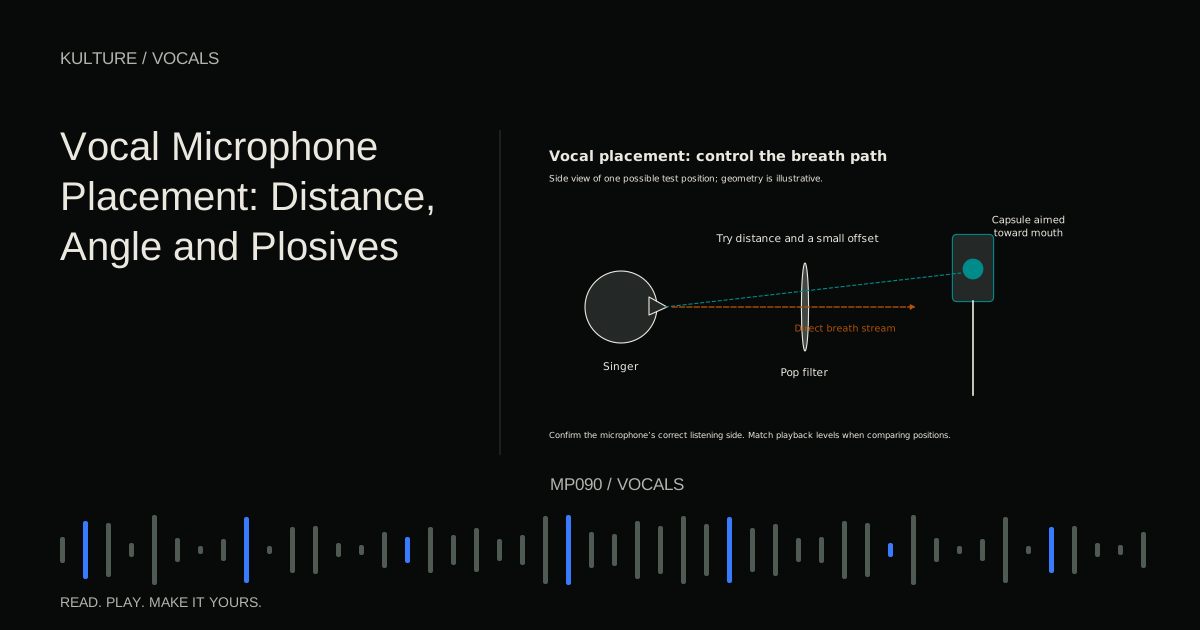
If many words contain severe plosives, improve microphone placement and record again if possible. Editing should not become a substitute for a pop filter and workable angle when another take is available.
A gate cannot remove noise underneath speech
A noise gate reduces or closes the signal when it falls below a chosen level. It can quiet gaps, but when the vocal opens the gate, background noise comes through with it. A poorly set gate can chop off soft words, breaths, and phrase endings.
An expander reduces quieter material more gently rather than switching it off abruptly. It can be less obvious, but still needs careful attack, release, and threshold choices. Listen to the quietest syllables, not only the loud chorus.
For a home vocal, manual gap editing may be faster and more predictable than a complicated gate. Retain enough natural room sound to avoid a distracting on off background, especially in exposed passages.
Use noise reduction conservatively
Some noise reduction tools learn a profile from a section containing only unwanted background sound. Others estimate noise continuously. Either can help with steady noise, but strong reduction may produce watery, chirping, or metallic artifacts.
Start with a small amount and compare in the mix. If a processor offers an output containing only the removed material, listen to it: recognizable words or musical tone there suggest you are removing part of the performance.
Changing traffic, chair squeaks, and overlapping speech are harder than a steady fan. A good alternate take or local repair may be more transparent. iZotope's vocal preparation checklist discusses separating repair tasks before mixing; the important principle is to identify the fault rather than stack cleanup blindly.
Check after compression and effects
Compression can make quiet breaths and residual room sound more apparent relative to loud words. Reverb and delay can repeat or extend a click that seemed small in the dry track. After initial cleanup, audition the vocal through the intended processing chain.
Do not respond by erasing all quiet detail. Reduce the specific events that become distracting and revisit the compressor or effect balance if the entire background is exaggerated. Sometimes the mix settings are creating the problem.
For practice, choose a thirty second vocal containing one loud breath, one click, and a noisy pause. Make three local repairs and compare the result with the original in the song. Keep a short note of what each edit solved. Then move to building a vocal processing chain, where a cleaner source makes every later decision easier.
TAKE IT INTO YOUR OWN MUSIC
Your next session.
Compression can make quiet breaths and residual room sound more apparent relative to loud words. Reverb and delay can repeat or extend a click that seemed small in the dry track. After initial cleanup, audition the vocal through the intended processing chain.
Notes and progress stay in this browser.