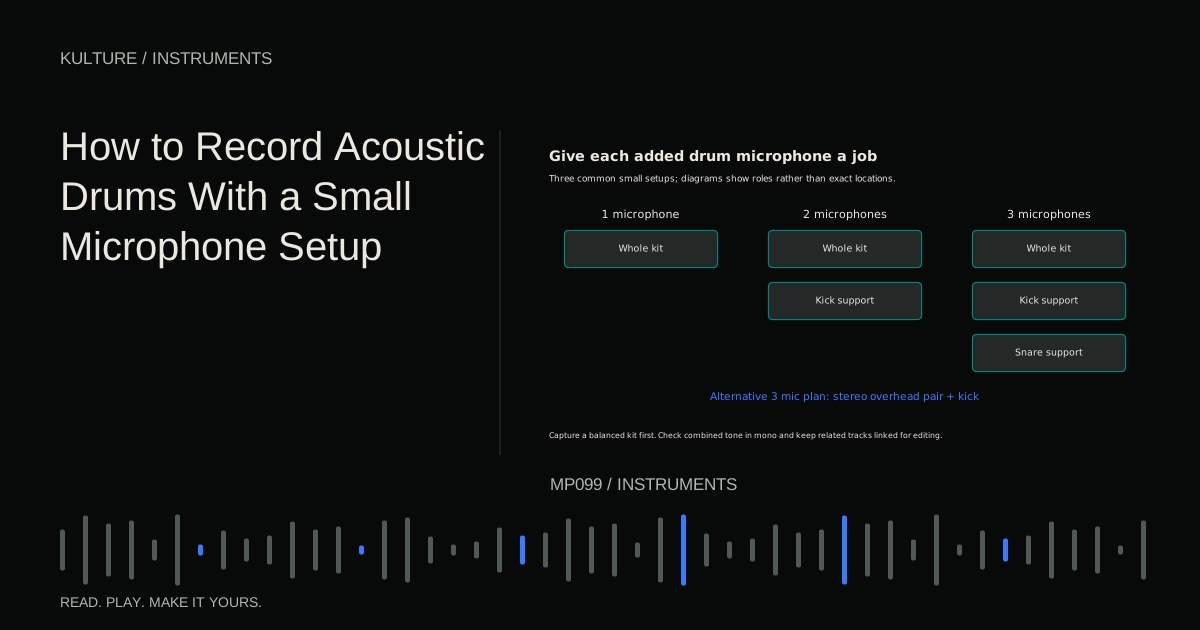
The drummer's balance matters enormously. If cymbals are much louder than the shells in the room, a minimal recording will usually preserve that imbalance. Microphone placement and playing dynamics are therefore part of the same task.
Prepare the kit before placing microphones
Tune the drums for the song and listen for rattles, squeaks, and unwanted resonances. Damping can shorten a ring, but too much may remove the character you wanted. Change one thing at a time and listen from where the microphones will be.
Ask the drummer to play the actual groove, including normal cymbal intensity and accents. A soundcheck made entirely of isolated hits does not reveal how the kit balances during the performance.
Check that stands and cables remain outside stick paths, pedal movement, and walking routes. Use stable supports. Do not place a heavy microphone over the player on an insecure boom. Keep monitoring comfortable and use appropriate hearing protection for loud acoustic environments; recording technique is not a reason to expose yourself unnecessarily. The World Health Organization’s safe listening guidance recommends hearing protection in noisy environments, limiting exposure, and taking quiet breaks.
TRY IT HERE
Make it your session
Turn the steps into a plan you can save.
Ready when you are. Audio starts only when you press Play.
Keep experimenting in the sample pads LabOne microphone: find the whole kit
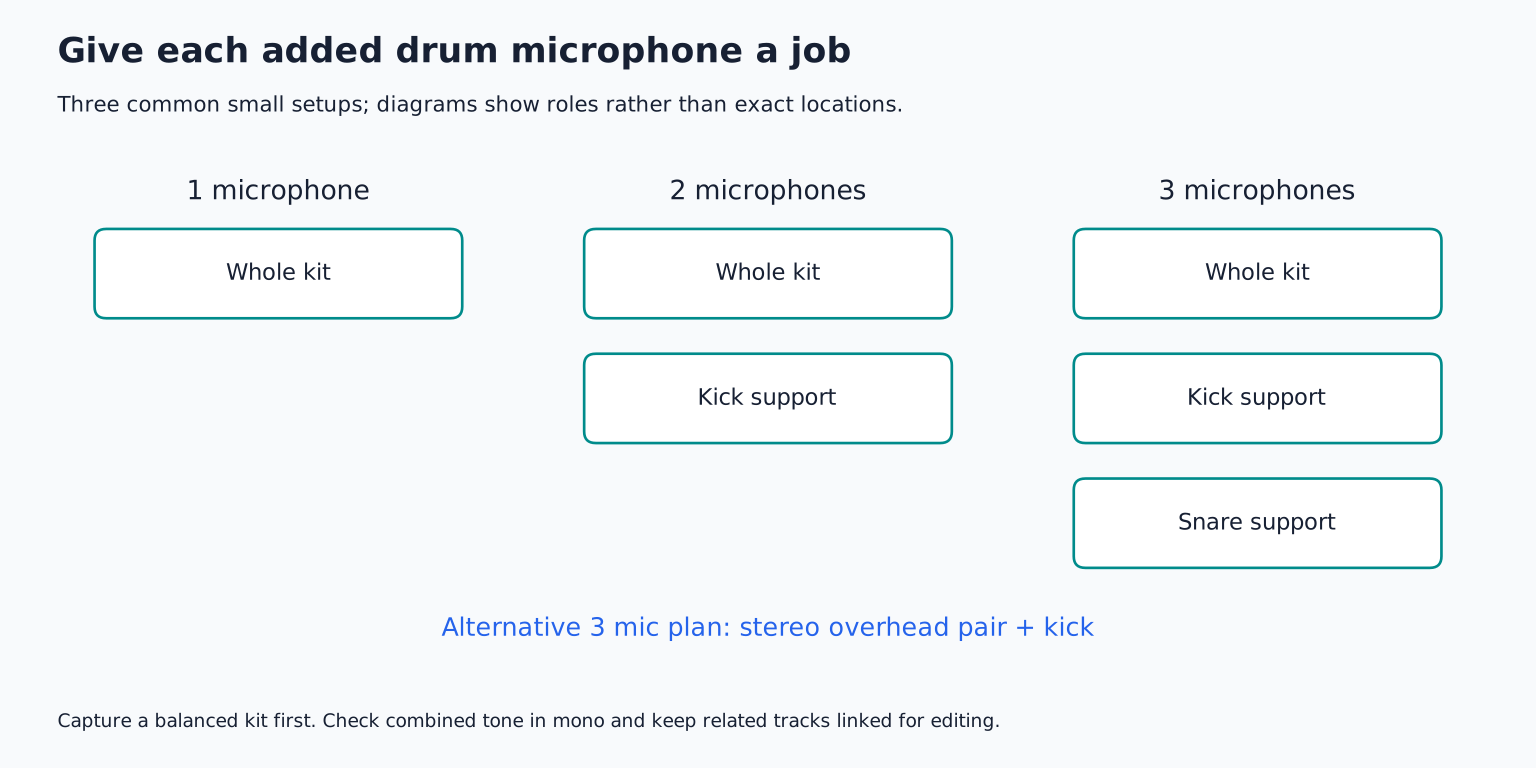
Start with one suitable microphone where it hears a useful combination of kick, snare, toms, and cymbals. A position in front of the kit or above and somewhat in front can work, depending on the room and desired perspective.
Record a short groove, then move the mic rather than immediately equalizing. If cymbals dominate, try a lower or more forward position that changes their relative contribution. If the snare overwhelms everything, change aim or distance. If the room sounds harsh, a closer perspective may help, but it will also change balance across the kit.
Do not judge from beside the drums alone. Listen to the recorded signal because a microphone's pattern and position differ from your ears. Shure's microphone choice and placement article emphasizes this placement led approach.
Two microphones: add the missing job
If the whole kit mic has a good snare and cymbal balance but lacks kick definition, add a kick microphone. This often gives more useful control than adding a second general mic simply to create stereo.
Place the kick mic according to the drum and microphone's suitability. Outside the resonant head captures a different balance from a position inside a port. Do not force a mic through an opening or place it where it can contact a moving head. DPA's kick drum guide discusses the tonal difference between placement options.
Bring the kick mic up under the whole kit recording. Listen for added weight or attack without making the combined kick hollow. Compare polarity and small position changes, remembering that polarity reversal is only one diagnostic option, not complete time alignment.
Three microphones: choose stereo or snare control
One route is a stereo overhead pair plus a kick mic. Another is a mono whole kit mic, kick mic, and close snare mic. Choose according to what the arrangement needs.
Stereo overheads can make tom movement and cymbal space more apparent. A close snare mic gives more control over backbeat presence. If the song is dense and centred, the mono kit plus kick and snare may be entirely sufficient.
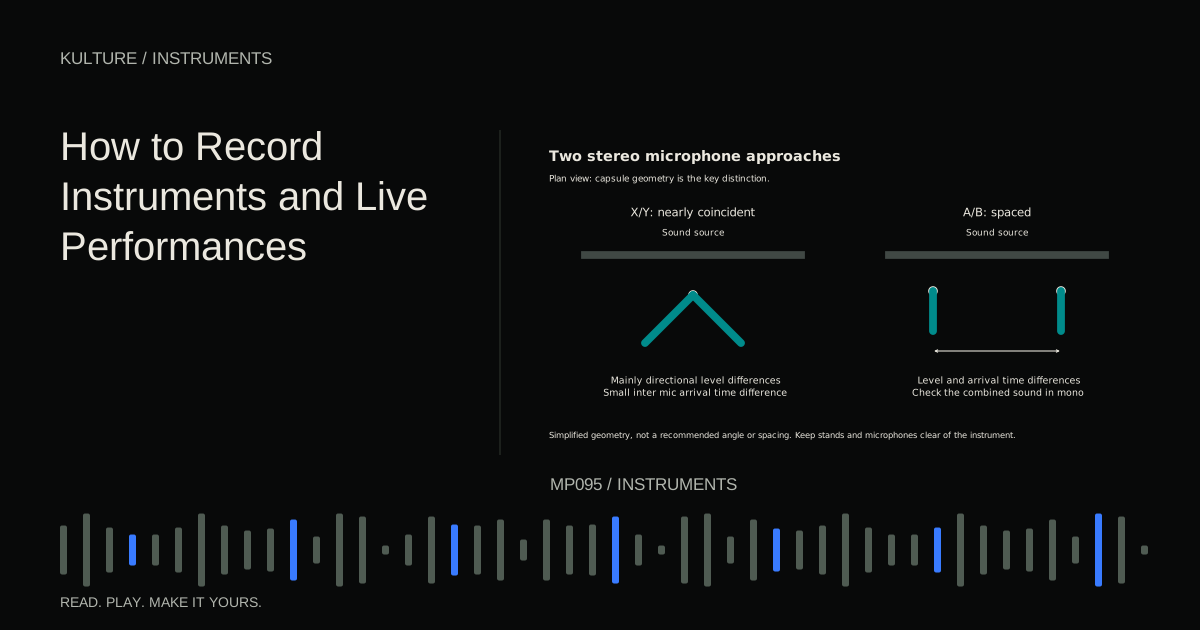
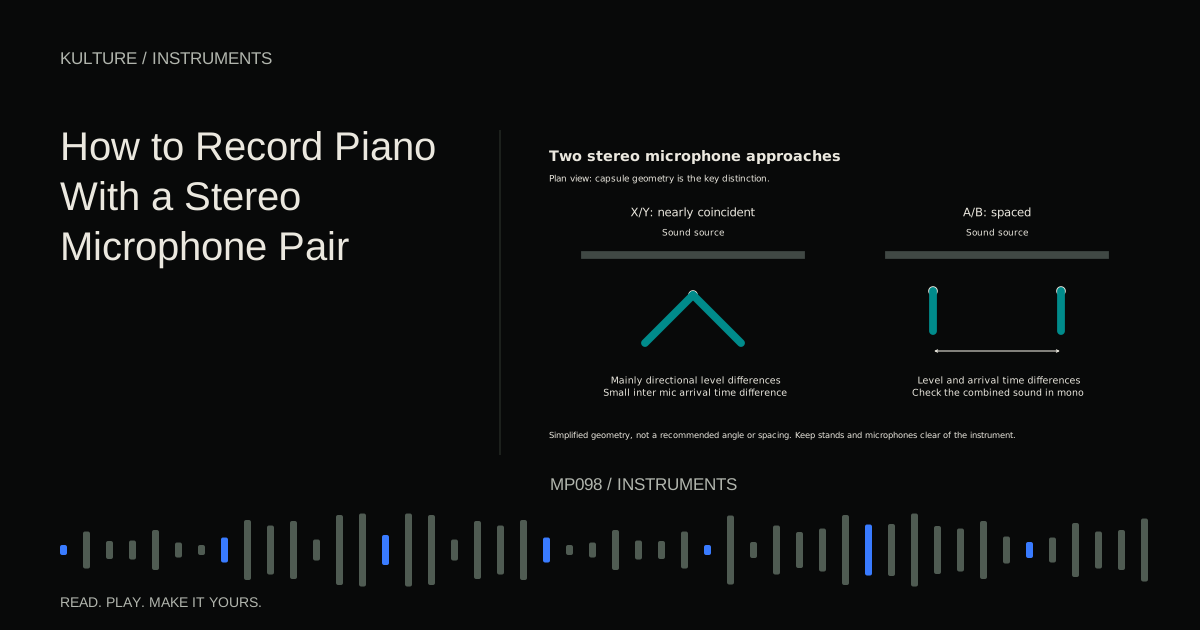
When using overheads, think of them as microphones for the kit rather than only cymbals. Move them until the snare and toms have a coherent place in the image. A coincident pair is a manageable stereo starting point because its capsules are close together; a spaced pair needs more careful attention to arrival time differences.
Preserve the snare's centre
For a spaced pair, checking the microphones' distances from the snare can be a useful starting technique for keeping its arrival times similar. It is not a guarantee that the entire kit is phase aligned: kick, toms, and cymbals occupy other positions.
Use a safe measuring method with the drummer stopped. Then listen in stereo and mono. If the snare shifts dramatically to one side or loses body when summed, revisit positioning and channel balance.
Avoid making every mic visually symmetrical just for appearance. The kit and room may not be symmetrical. The aim is a coherent sound and useful stereo image, not a photographically perfect arrangement.
Set gain for real accents
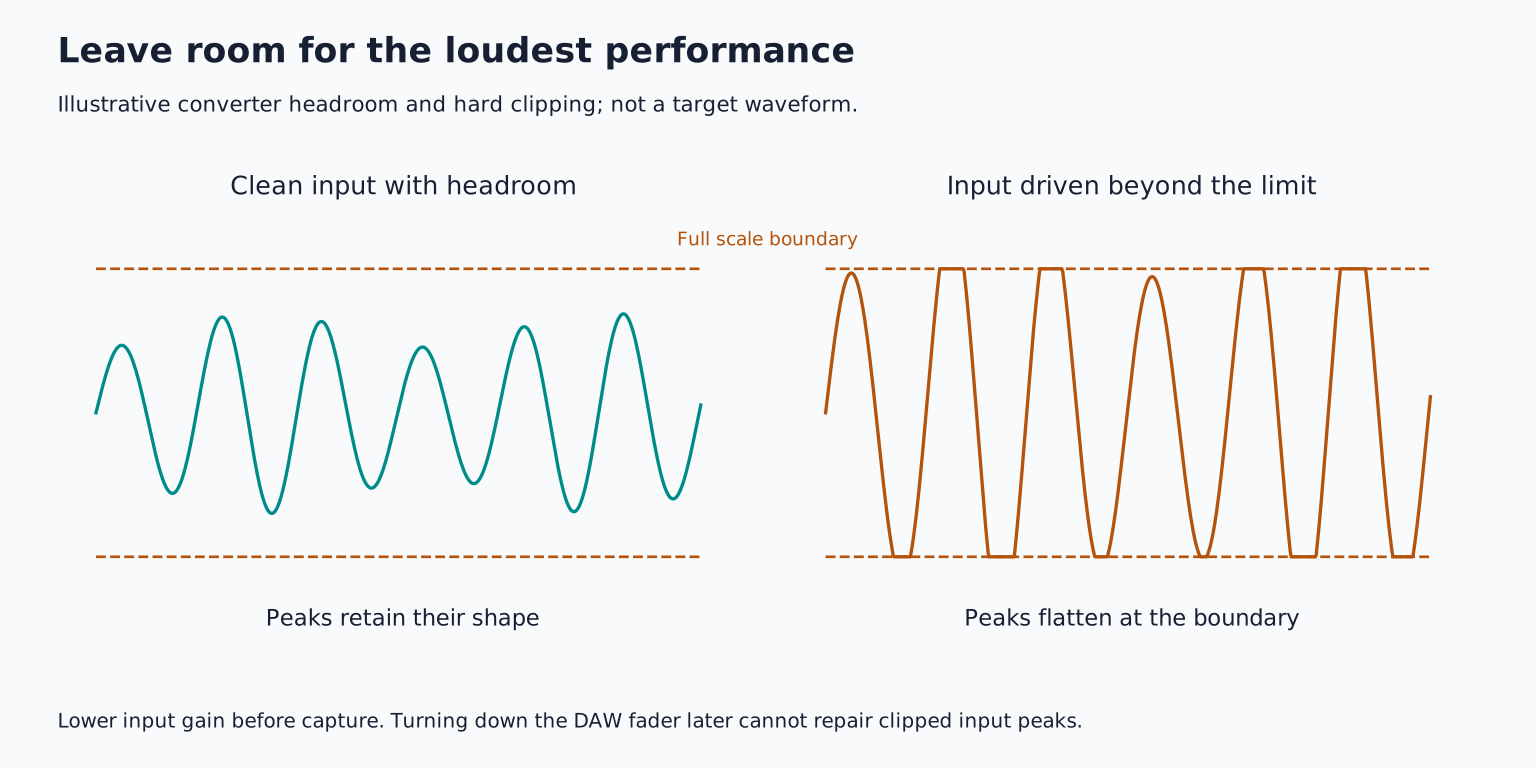
Drums produce sharp transients, meaning short high level attacks. Set each input while the drummer plays their strongest realistic accents. Leave sufficient headroom for an enthusiastic take.
Check the microphone's maximum level capability and any pad options. A condenser's electronics or the preamp can overload even when the DAW fader is low. Moving the mic or using an appropriate pad may help, depending on where overload occurs.
Follow manufacturer specific phantom power requirements. Ordinary moving coil dynamics generally do not need it, many condensers do, and ribbons require particular checks. Keep power off and monitoring muted during connection changes. Recording gain covers the full signal path logic.
Record a groove that exposes problems
Use a sixteen bar test: four bars of the main groove, four with stronger accents, four with a tom fill, and four returning to the groove. Let cymbals decay before stopping.
Listen to all microphones together first. Then solo briefly to identify a problem's source. If the whole kit mic is already balanced, avoid overemphasizing close microphones until the result loses its natural perspective.
Check whether a loud cymbal is masking the snare because of performance balance, placement, or both. Ask for a specific change, such as lighter cymbal hits with the same snare intensity, instead of simply telling the drummer to play quieter everywhere.
Edit the kit as one performance
Group related drum tracks for timing edits and comping. Cutting only the snare mic while leaving the same hit in overheads unchanged can create a flam or tonal shift. A flam is a closely spaced pair of attacks heard as a staggered hit.
Keep cymbal tails in mind when replacing a section. The previous crash may continue through the boundary even if the kick and snare align neatly. Use appropriate crossfades and audition the full kit across the edit.
Do not automatically quantize every hit. The groove may depend on small timing differences. If a repair is necessary, move the corresponding multi mic event together and preserve the original version.
Learn from a limited setup
For your exercise, record the same groove with one whole kit microphone, then add a kick mic and compare. Use only level and panning initially. Write down what the second mic genuinely adds.
If it adds little, improve the first position instead of expanding the setup. If it adds useful control, keep the blend modest and check mono. Continue with recording a band live when the drum setup must coexist with guitar, bass, and vocals in the same room.
TAKE IT INTO YOUR OWN MUSIC
Your next session.
For your exercise, record the same groove with one whole kit microphone, then add a kick mic and compare. Use only level and panning initially. Write down what the second mic genuinely adds.
Notes and progress stay in this browser.