“Tiring” is a listening impression, not a precise frequency measurement. If playback is uncomfortable, lower the level and stop the comparison. Do not keep increasing volume or repeatedly auditioning an aggressive sweep to prove where the problem is.
Separate the mix from the playback condition
Listen briefly to a familiar reference at a comparable, comfortable level. If everything sounds unusually sharp on the same system, consider whether the playback device or your listening state is affecting the judgment. Take a break before making permanent tonal changes.
Compare the problem on another familiar system if available. You are looking for a repeatable feature, such as one snare hit or bright vowel that remains objectionable. A broad difference between headphones and speakers does not automatically mean the mix needs a large correction.
Write down when the issue appears. A chorus that becomes abrasive only when a distorted synth enters points toward a different solution from a vocal that has sharp consonants throughout the song.
TRY IT HERE
Find the frequency
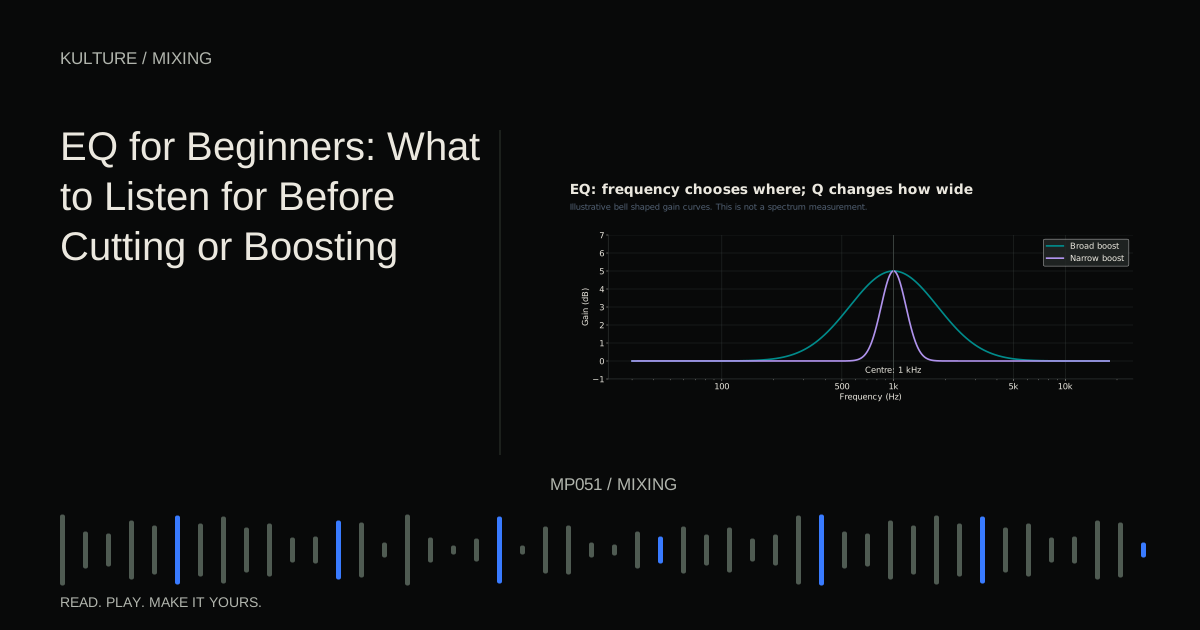
Move a bell filter through a harmonic tone and compare bypass.
Ready when you are. Audio starts only when you press Play.
Keep experimenting in the synth LabFind the source with a mute test
While the full mix plays, briefly mute likely contributors: hats, cymbals, distorted guitars, bright synth layers, vocal effects and the main vocal. Do this one at a time. If muting a track removes the problem, lower that track before reaching for EQ.
A snare can be the right tone at the wrong level. A shaker can be pleasant alone but relentless when it runs through every section. A bright reverb can extend the harshness of several sources at once.
If no single mute solves it, reduce a related group. Several moderate bright layers may create excessive cumulative energy. Decide which one should provide sparkle and let the others be more restrained.
Build a simple diagnostic comparison
Create a four bar loop with drums, chords and a lead. Add a bright noise based hat playing eighth notes. Start it quietly, then raise it until it dominates. Notice how the lead may seem smaller even though its level has not changed.
Return the hat to a balanced level. Now lengthen its decay. The sustained high frequency energy can make the loop feel more crowded without a large change in peak level. Shorten the decay again and compare.
This exercise separates loudness and duration from tone. If your real hat has the same problem, lowering it or shortening it may preserve more useful detail than a deep high shelf cut.
Next add a distorted layer briefly. Bypass its distortion at matched loudness. If the harshness appears mainly with the distortion, reduce drive or change the source feeding it before applying corrective EQ afterward.
Decide whether the problem is constant or intermittent
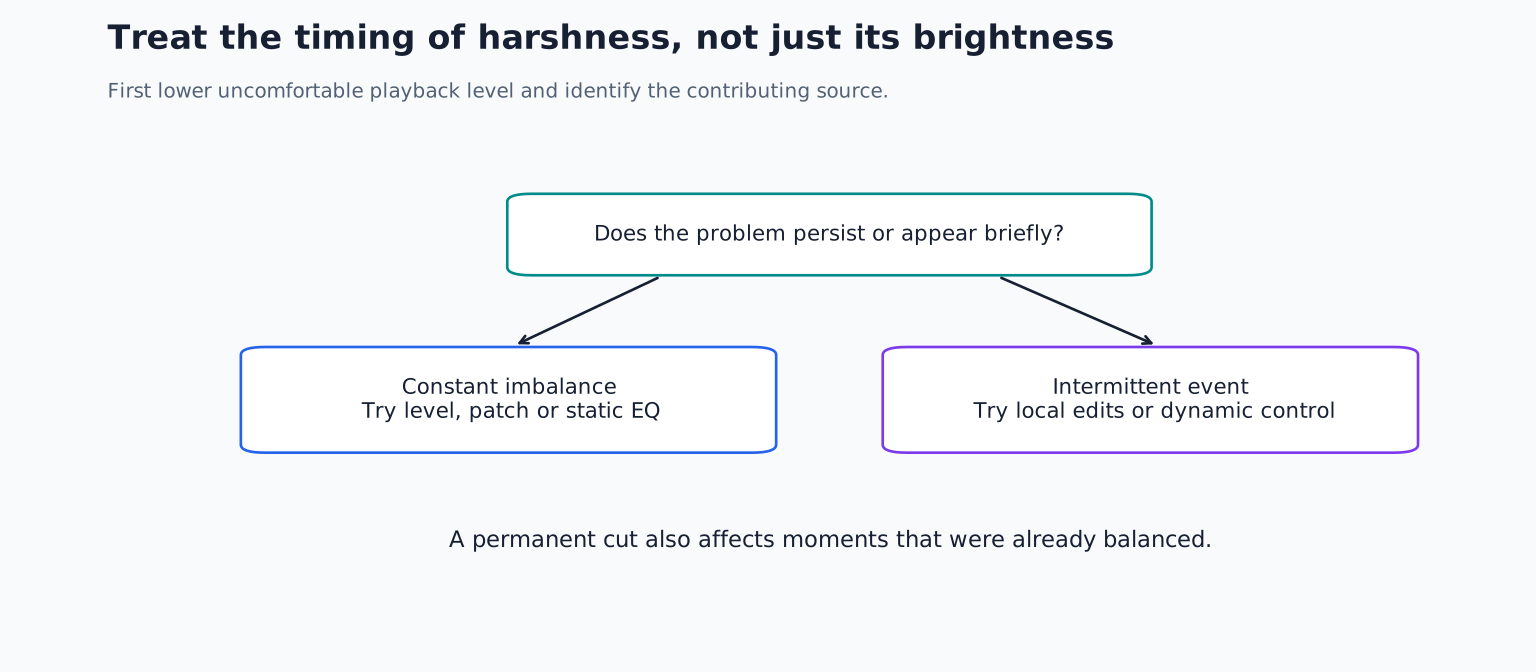
A consistently over bright sound may benefit from a gentle shelf, a low pass filter or a different patch. A specific ringing region may need a modest bell reduction. Listen in context and use the smallest change that solves the identified problem.
An occasional sharp note or consonant may be better handled with automation, clip gain, a de esser or dynamic EQ. A permanent cut removes energy even during moments that were already balanced.
Sibilance is the concentrated noise in consonants such as S and SH. A de esser detects and reduces those events. Depending on the design, it can reduce a frequency region or the broader signal. iZotope’s vocal processing overview describes different de essing approaches; their behaviour is not interchangeable.
Set up a careful de essing pass
Loop a phrase containing both a strong sibilant and an ordinary vowel. Use the de esser’s audition or detector listen feature if available to understand what it is responding to. You should not be primarily targeting the entire vocal’s body.
Lower the threshold until the sharp consonant is controlled, then check the rest of the phrase. If the vocal develops a lisp or loses clarity, reduce the amount or narrow the detection focus as your tool permits.
Do not copy a fixed detection frequency from another singer. Microphone, voice, performance and processing all affect where the troublesome energy lies. Also check whether a later EQ boost or distortion stage brings the sharpness back.
For a synth with occasional resonant peaks, a dynamic EQ may be more intuitive than a vocal focused de esser. See dynamic EQ versus multiband compression to choose by the type of problem.
Check the processing chain for added aggression
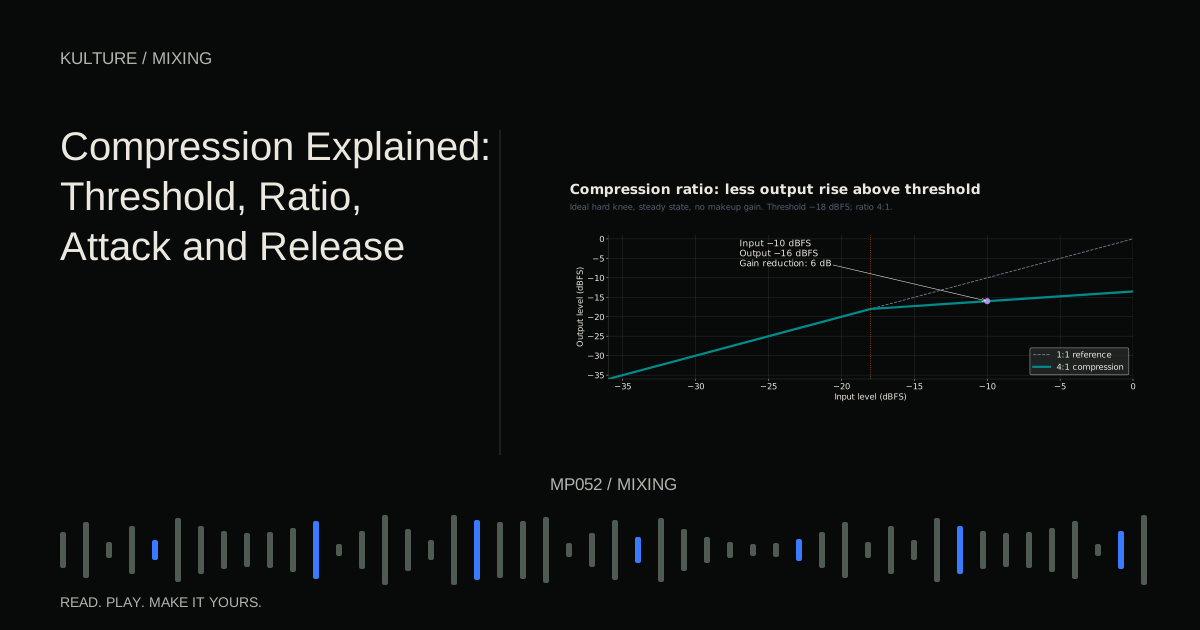
Compression can make bright tails and breaths more prominent after makeup gain. Clipping or limiting can change transients and generate additional harmonics. Saturation can add useful presence, but too much can produce a hard edge.
Bypass one processor at a time and compensate for large level differences. If bypassing a limiter makes the track quieter and smoother, you need a level matched comparison before deciding whether the limiter itself is the problem.
Check input and output levels around nonlinear effects. Lowering a track fader after distortion does not change how hard the distortion was driven. To reduce that character, lower the input or drive control earlier in the chain.
Effect order matters because a bright boost before distortion can create a different result from the same boost afterward.
Keep useful brightness
After correction, check whether the lead still speaks, cymbals still feel alive and the mix retains its intended energy. Harshness and brightness are not synonyms. A dark mix can still contain a narrow abrasive resonance, while a bright mix can feel balanced.
Compare a short corrected passage with the original at similar loudness. Then play the full section so you hear whether the treatment becomes too heavy over time. Remove any extra bands that no longer have a clear purpose.
For practice, solve one harsh passage three ways: a fader change, a shorter envelope or note, and a targeted tonal adjustment. Choose the version that preserves the most musical character. Continue with EQ fundamentals if you need a clearer method for selecting the region to change.
TAKE IT INTO YOUR OWN MUSIC
Your next session.
After correction, check whether the lead still speaks, cymbals still feel alive and the mix retains its intended energy. Harshness and brightness are not synonyms. A dark mix can still contain a narrow abrasive resonance, while a bright mix can feel balanced.
Notes and progress stay in this browser.