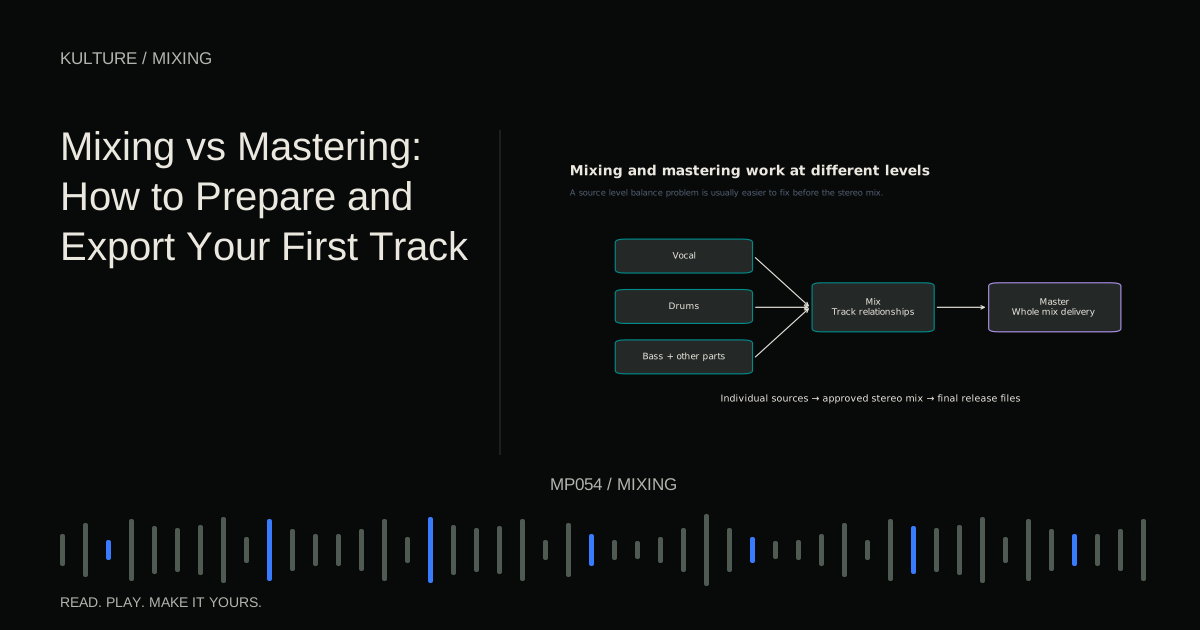
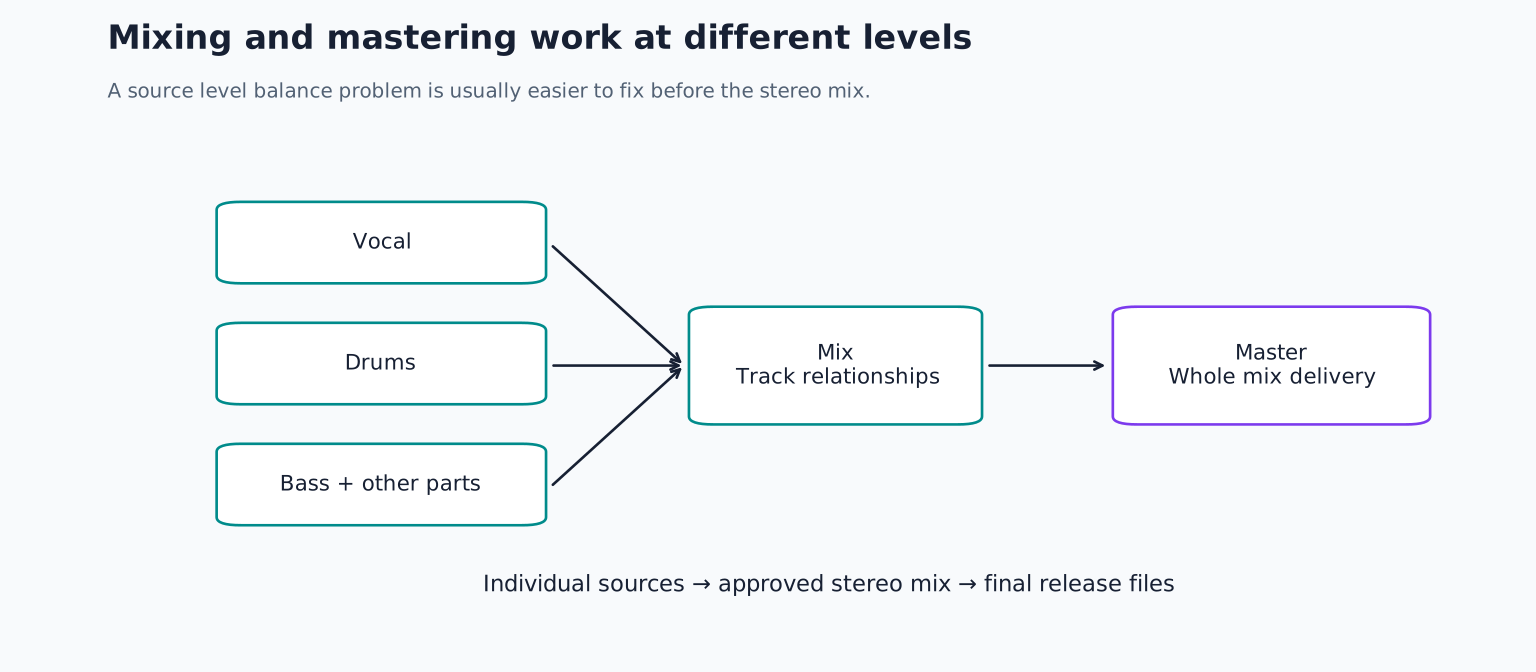
A master cannot freely turn down one buried chord or repair every vocal balance without affecting other material. If you can fix a problem cleanly in the mix, do it there. iZotope’s mixing and mastering comparison gives manufacturer context for the distinction.
Decide what you are exporting
A listening copy, a mix for a mastering engineer and a final distribution master are different deliverables. Ask the recipient for their required format, sample rate, bit depth and naming convention before assuming one export fits everything.
For a mastering handoff, a high quality uncompressed stereo file at the project’s native sample rate is a sensible starting approach unless the engineer requests otherwise. Common options include 24 bit PCM WAV or 32 bit floating point WAV, but support and preferences vary.
For a final release, follow the destination’s current specifications. Do not treat a remembered loudness target or codec setting as a universal requirement. A file suitable for review in a messaging app may not be the correct source for distribution.
TRY IT HERE
Start with the faders
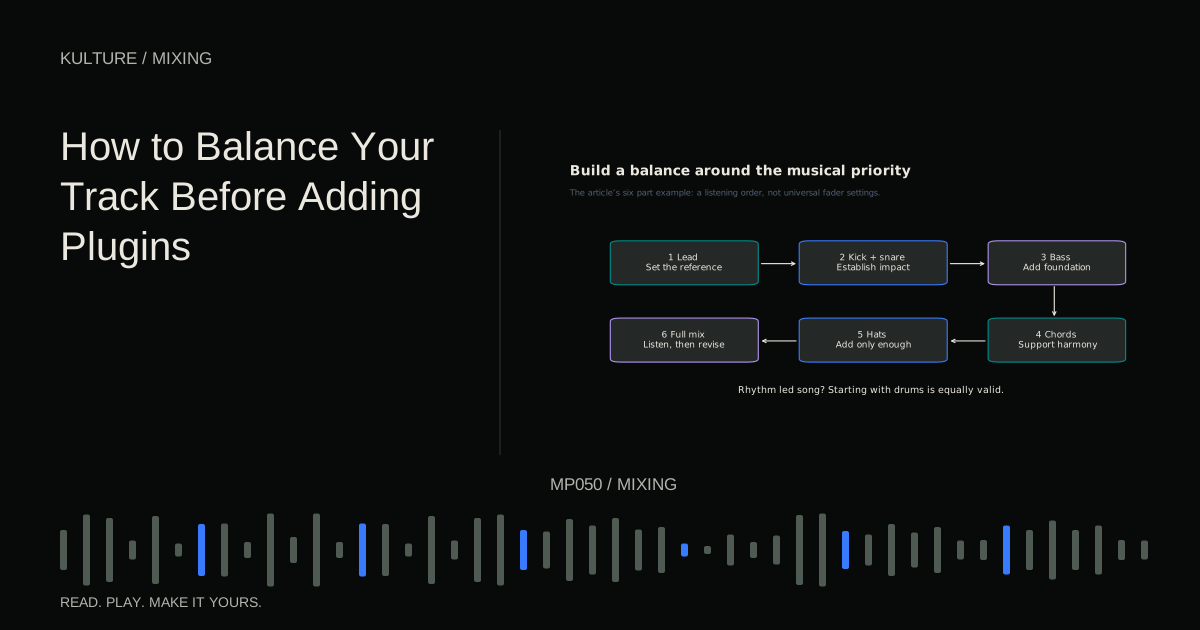
Balance an original drum, bass and chord loop.
Ready when you are. Audio starts only when you press Play.
Keep experimenting in the synth LabFinish the musical checks first
Play the whole song without stopping. Check the opening, transitions, quiet sections and final decay. Write time stamped notes for missing sounds, abrupt edits, unexpected level changes and excessive tails.
Then inspect the session for accidental solos, muted tracks, disabled automation and missing samples. An export captures the session’s current state, including mistakes that a familiar loop may conceal.
Listen in mono and stereo. You do not need the same spatial impression in both, but the essential melody, vocal and low foundation should remain understandable. If mono causes major losses, return to mono compatibility troubleshooting before exporting a final mix.
Leave headroom without chasing a magic peak
Headroom is the margin between the signal’s peaks and a system’s limit. A mastering mix should avoid unintended clipping and leave practical room for processing. There is no need to force every mix to peak at exactly the same number if the recipient has not requested it.
If your mix peaks close to full scale, reduce its level cleanly. However, lowering the final output cannot repair distortion already created by a clipped recording or an overloaded earlier processor. Check the signal path where the damage occurs.
Keep intentional mix bus processing if it is part of the sound, but tell the mastering engineer what is active. If a loudness only limiter is not essential, consider providing a version without it and a reference showing the intended feel, subject to the engineer’s requested workflow. Do not remove all processing automatically and assume the result represents the same mix.
Understand sample rate and bit depth
Sample rate describes how many audio samples are stored per second. Bit depth in PCM audio describes the available amplitude resolution. Increasing either setting at export does not recreate detail that the project never contained.
Keeping the native sample rate avoids an unnecessary conversion unless the destination requires another rate. If conversion is needed, use the DAW’s appropriate high quality export process rather than repeatedly converting through several applications.
Dither is a small noise signal used when reducing to an integer bit depth to make quantization error less correlated with the audio. Apply it at the appropriate final bit depth reduction, following the mastering or delivery workflow. Do not add multiple dither stages by habit, and do not confuse dither with noise reduction.
If these choices feel unfamiliar, ask the recipient for a precise specification and preserve a high resolution source version. That is more reliable than guessing from a generic preset.
Set the export range deliberately
Choose a start that includes the intended opening and an end that includes the complete tail. A reverb or delay may continue after the last visible MIDI or audio region. Listen to the end at a normal level rather than trimming solely by the appearance of the waveform.
Avoid accidental extra bars of silence unless requested. Conversely, do not trim so tightly that an initial transient or final ambience is cut off. When exporting several versions, use consistent start times if they must align later.
DAWs offer different controls for selecting the render source and range. For example, Ableton’s export documentation explains selecting tracks, start and length in its export workflow. Use the current manual for your DAW rather than assuming another program’s labels apply.
A reproducible export check
Save a session version named clearly, then export the complete stereo mix to an uncompressed file using the chosen specification. Give the file a useful name such as Artist_Title_Mix_03.wav instead of “finalfinal2.” Keep revision information outside the artistic title when the delivery system needs clean metadata.
Import the rendered file into an empty session or play it in a separate audio player. Listen from beginning to end. Confirm the duration, channel count, opening, ending and that the expected automation is present.
If comparing the render with the session, ensure they do not play simultaneously and that neither path passes through extra processing. A second traversal of the master effects can make an otherwise correct export sound wrong.
Check for clipping and obvious technical errors with suitable meters, but do not rely on meters alone. A silent missing instrument can pass a peak check perfectly.
What to send with a mastering mix
Provide the requested audio file, the song title, version, relevant tempo if useful and a brief description of the intended result. Include reference tracks only in a form you are allowed to share, and explain what you like about their balance or energy rather than asking for an exact clone.
Mention intentional distortion, abrupt endings or other choices that might otherwise look like mistakes. If revisions are requested, keep the old export and use a new version name so everyone knows which file is current.
For practice, export one full mix and audit it outside the session with a written checklist. Correct any problems and export again. Return to the beginner mixing guide if the issues involve individual parts; mastering preparation begins with a mix that already communicates the song.
TAKE IT INTO YOUR OWN MUSIC
Your next session.
Provide the requested audio file, the song title, version, relevant tempo if useful and a brief description of the intended result. Include reference tracks only in a form you are allowed to share, and explain what you like about their balance or energy rather than asking for an exact clone.
Notes and progress stay in this browser.