A static mix uses mostly fixed levels and positions. It is a starting point, not a ban on automation or creative effects. iZotope’s static mix guide describes this stage as a way to identify balance problems before detailed processing. The exercise below gives you a practical sequence to try in your own project.
Start with a question, not a target number
Ask what the listener should follow. In a vocal song it may be the lyric; in a dance track it may be the groove; in an instrumental passage it may be a melody or evolving texture. That answer determines which parts support and which parts lead.
There is no universal fader position for a kick or vocal. A fader’s reading depends on the source level, instrument output, clip gain and earlier processing. Two tracks with identical fader positions can have very different loudness.
Keep monitoring comfortable and avoid repeatedly turning it up to make the track exciting. If the output meter clips, lower the relevant sources or their common level path. Leave enough headroom that adding parts does not immediately push the output into clipping.
TRY IT HERE
Start with the faders
Balance an original drum, bass and chord loop.
Ready when you are. Audio starts only when you press Play.
Keep experimenting in the synth LabOrganize a six part example
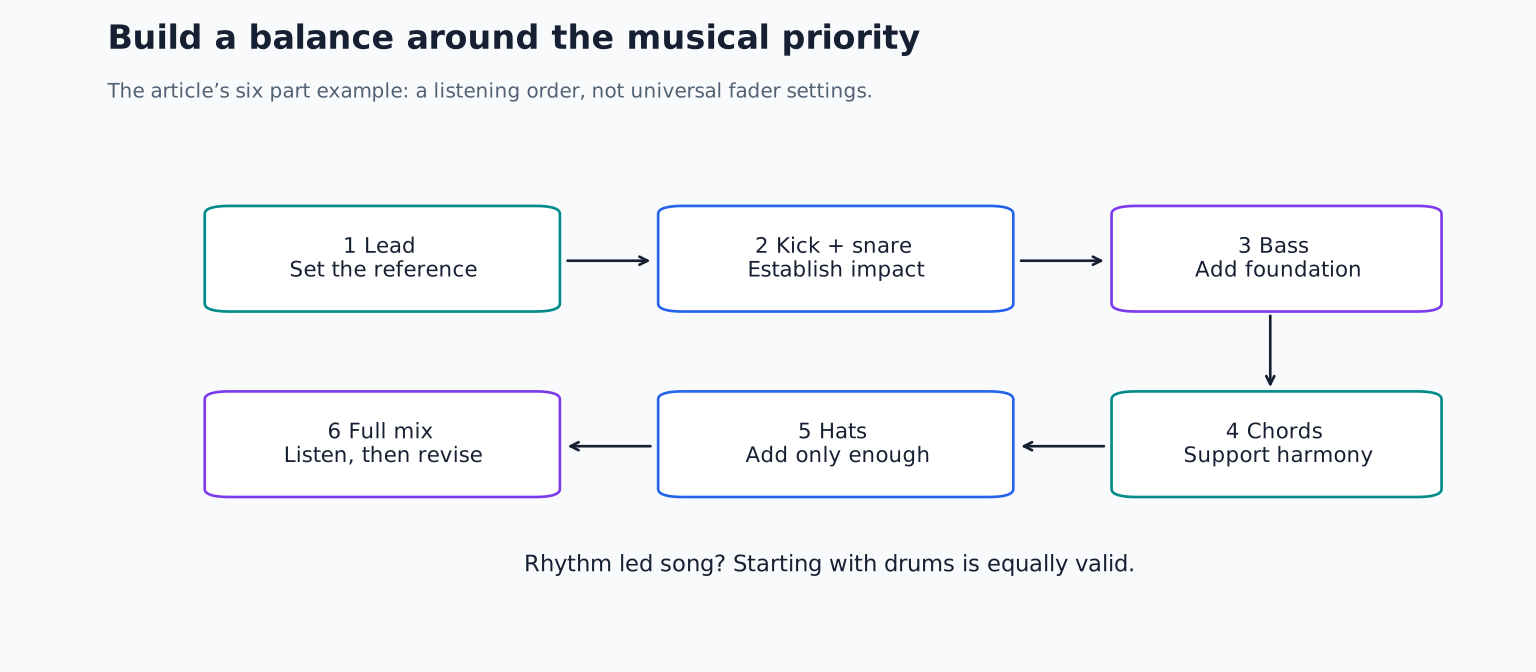
Use kick, snare, hats, bass, chords and a lead. Select an eight bar section where all six are active. Name them and check that no hidden duplicate tracks are also playing. Save the session before making changes.
Keep sound design effects that are part of the patch, but disable optional mix processing for the first comparison. For example, a synth’s rhythmic delay may be part of the written phrase, while a compressor added because every track “needs one” may be unnecessary.
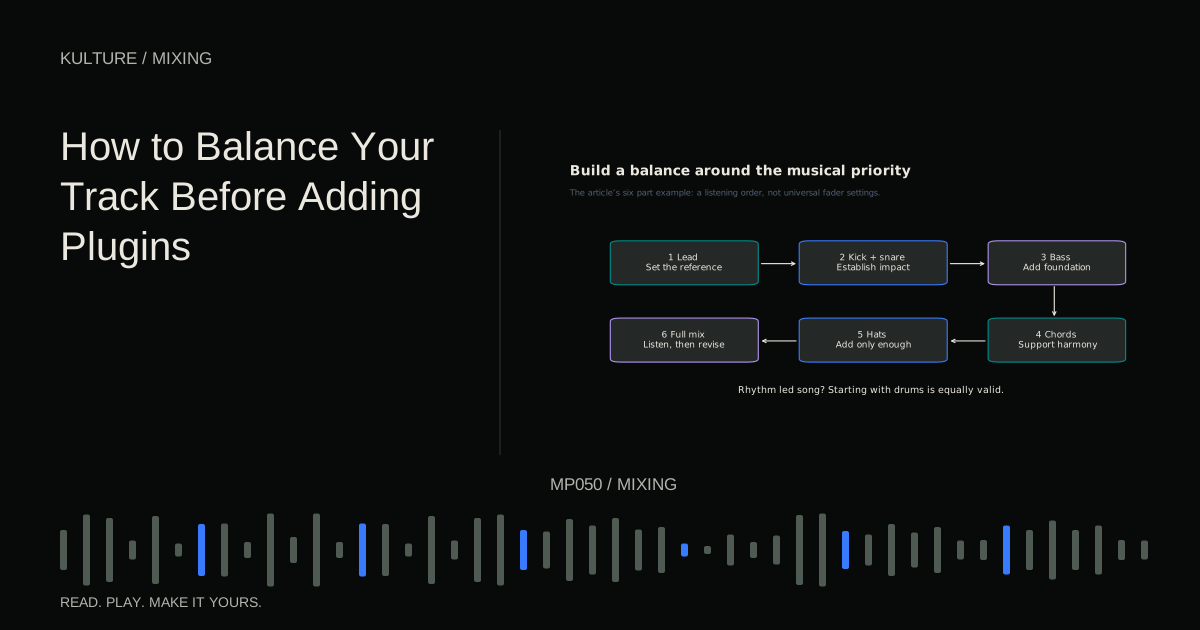
Turn the supporting tracks down. Begin with the lead at a comfortable level, then introduce kick and snare. If the project is strongly rhythm led, beginning with drums is equally valid. The point is to establish a reference relationship, not follow a mandatory order.
Raise each part until it has a job
Bring in bass gradually. Stop when the low foundation is clear, then try lowering it a little. Does the groove still work? If yes, the lower setting may leave more space for the kick and chords.
Add the chords next. They should explain the harmony without automatically overtaking the lead. If they need to be uncomfortably loud to be heard, inspect their register and rhythm. A chord part playing exactly where the lead is busiest may need different notes or timing rather than more level.
Add hats last for this exercise. Hats can create the impression of energy quickly, but too much level can make the rest feel small. Lower them until the groove loses some detail, then bring them back only as far as necessary.
Listen to a full loop without touching a control. Name the loudest apparent element and the least clear important element. Those may not be the tracks with the highest and lowest peak meters, because peak level and perceived loudness are different observations.
Use muting as a diagnostic tool
If the lead is unclear, mute the chords. If clarity returns, you have identified a relationship worth changing. Try lowering the chords, shortening their notes or moving their voicing. If muting the chords changes nothing, investigate another source instead.
Mute one track at a time rather than soloing every track for long periods. Soloing is useful for finding clicks and understanding a sound, but the balance decision must happen with the competing parts present.
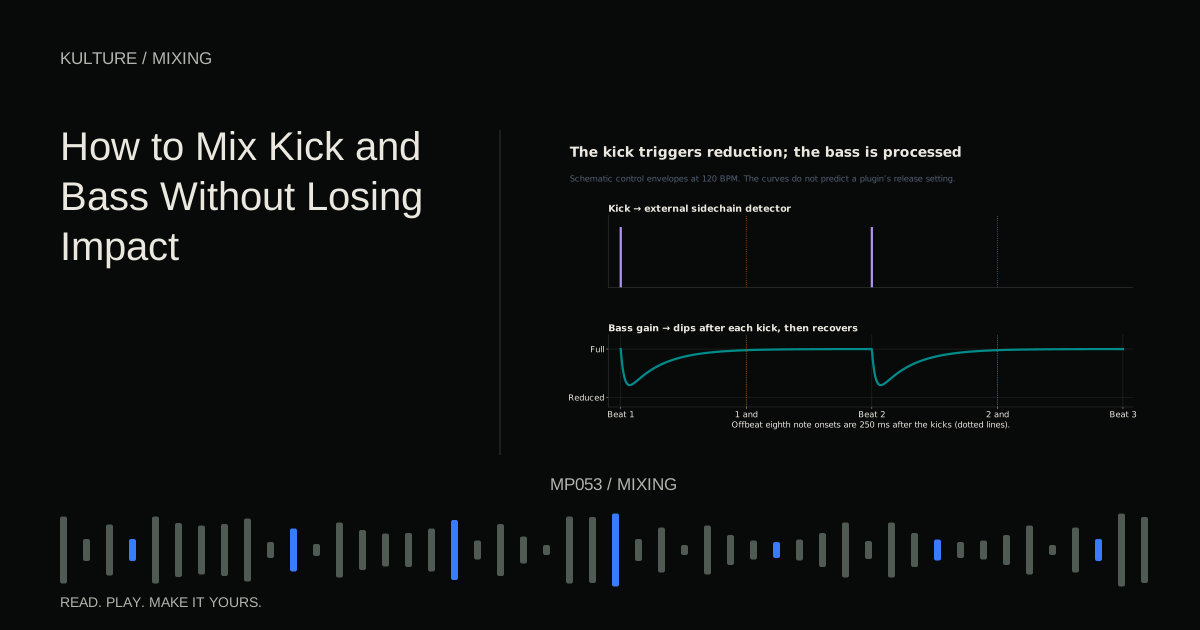
For the bass and kick, listen to them together, then reintroduce the rest of the arrangement. A beautifully separated low end pair can still feel wrong when the lead and chords change the perceived weight of the song.
A simple written note can keep the process focused: “The chord tail hides the next bass note,” or “The snare fill covers the lead entrance.” These descriptions point toward different solutions.
Panning can create room without adding level
Try moving a supporting percussion part slightly left and another complementary part right. Listen for a clearer conversation between them. Avoid putting every supporting instrument hard to one side simply because the centre feels crowded.
For stereo instruments, learn whether the pan control balances existing left and right channels or actually moves their combined image. The result can differ from panning a mono source. If a stereo piano loses important notes when moved, its control may be attenuating one side of the recording.
Check a mono sum before committing to a balance. In mono, left right separation disappears, so frequency and timing overlap become more obvious. You do not need identical spaciousness in mono, but the important musical information should survive. Continue with mono troubleshooting if an essential part weakens dramatically.
Check the quiet section before declaring success
A fixed balance that works in a dense chorus may leave the lead too loud in a sparse verse. That is a reason to use automation, not proof that the static balance failed. The static pass gave you a useful baseline.
Play the verse, chorus and transition in sequence. Mark the places where a part needs a local change. For example, lower a sustained chord only during the lead’s entrance, or raise one quiet bass note that otherwise disappears.
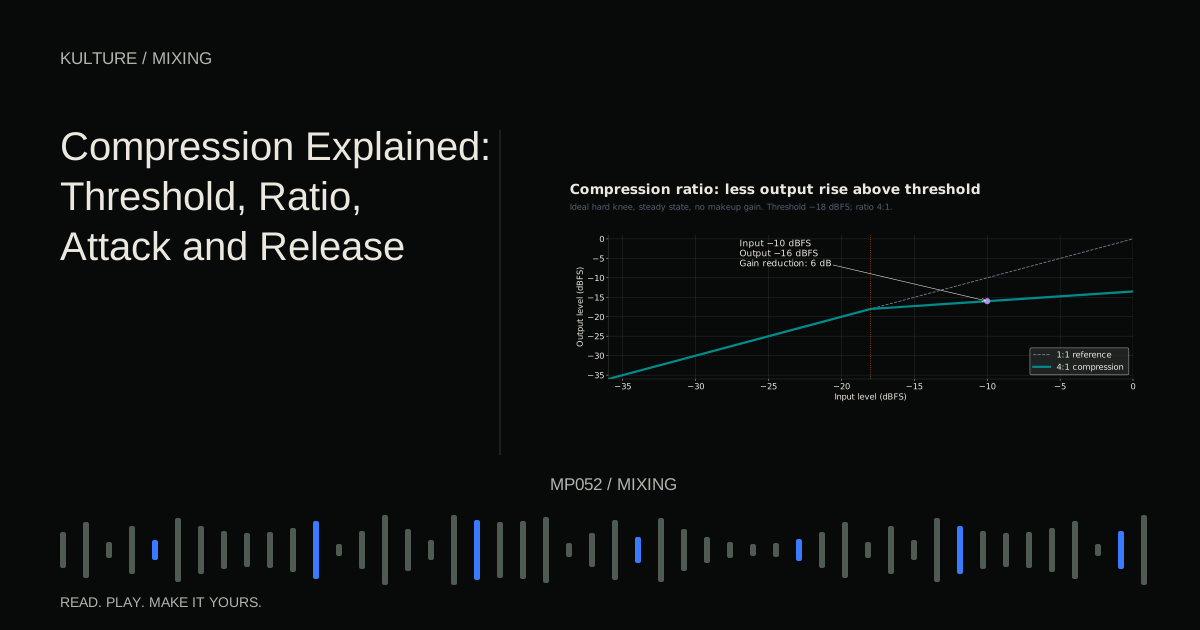
Avoid solving a two second problem with a permanent six decibel boost. Local edits keep the rest of the track intact. If a source is inconsistent throughout, later compression may be useful, but first understand the scale of the variation.
Know when a plugin is justified
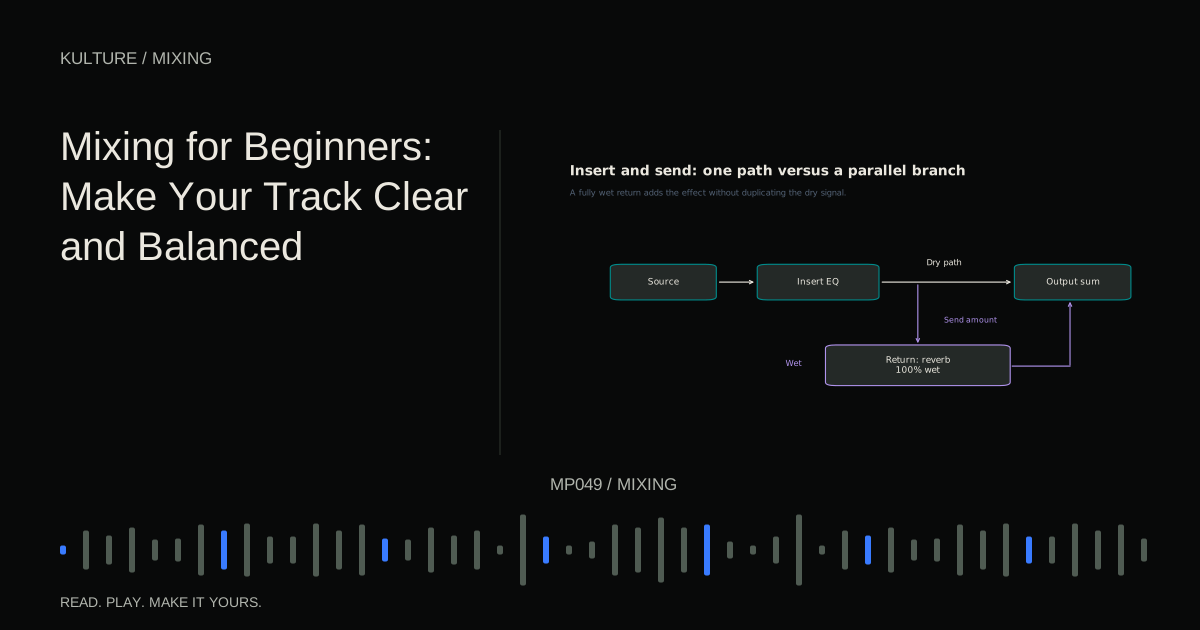
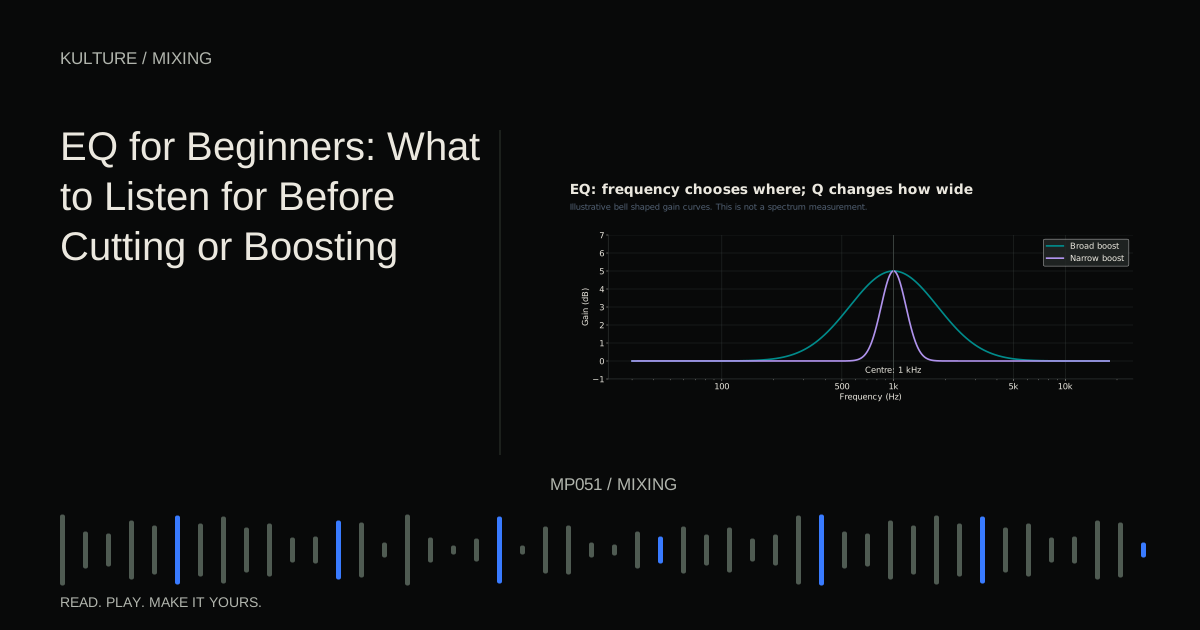
After the fader pass, ask what remains. A continuously boxy tone may need EQ. Uneven peaks may need compression. A dry lead may need space. A clash caused by overlapping notes may still need arrangement work.
Choose the processor from the problem statement. If you cannot describe what improvement you expect, leave it bypassed until you can. The beginner mixing guide connects these decisions to the next stages.
For practice, save a faders only version and export a short listening comparison before adding processors. After your processed version is ready, compare them at similar loudness. Identify three specific improvements. If the only obvious difference is volume, return to the simpler balance and make more deliberate changes.
TAKE IT INTO YOUR OWN MUSIC
Your next session.
Use kick, snare, hats, bass, chords and a lead. Select an eight bar section where all six are active. Name them and check that no hidden duplicate tracks are also playing. Save the session before making changes.
Notes and progress stay in this browser.